How to Schedule a Meeting in Calendly
Click New Event Type.. Click Create.. Enter the event details.
Steps
1
Click New Event Type.
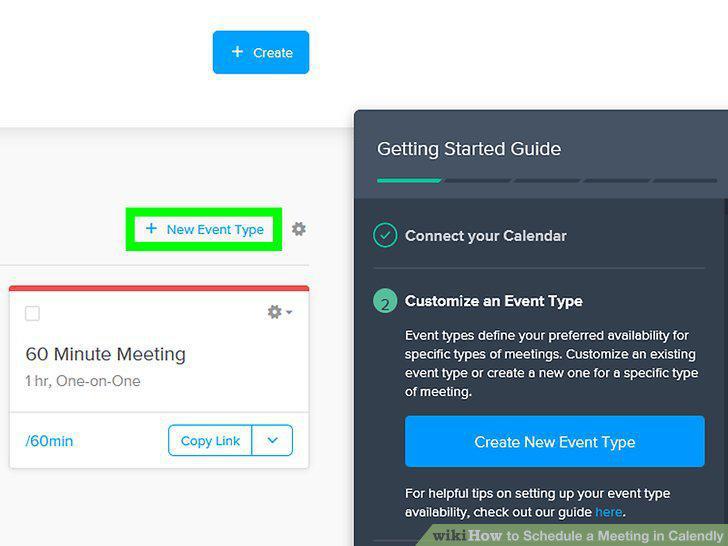
Click New Event Type.
2
Click Create.
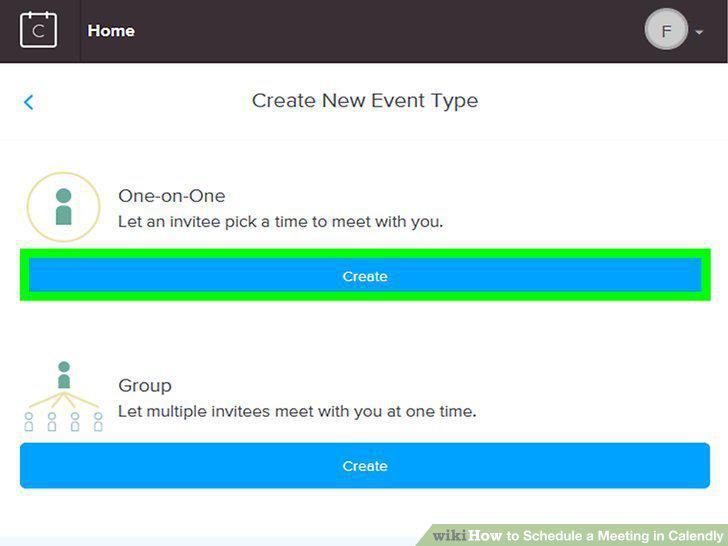
Click Create.
3
Enter the event details.
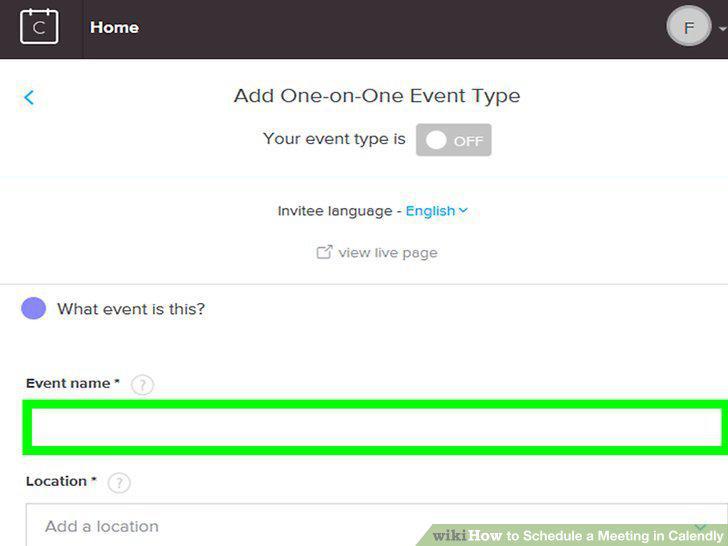
Enter the event details.
4
Click Next.
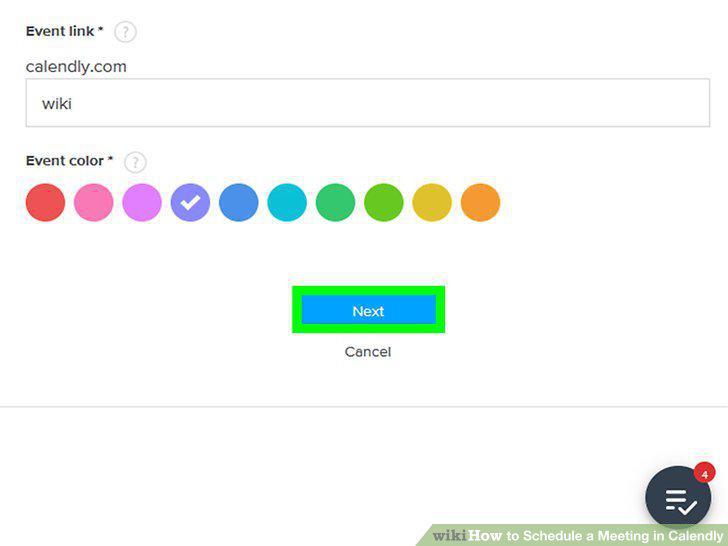
Click Next.
5
Click When can people book this event?.
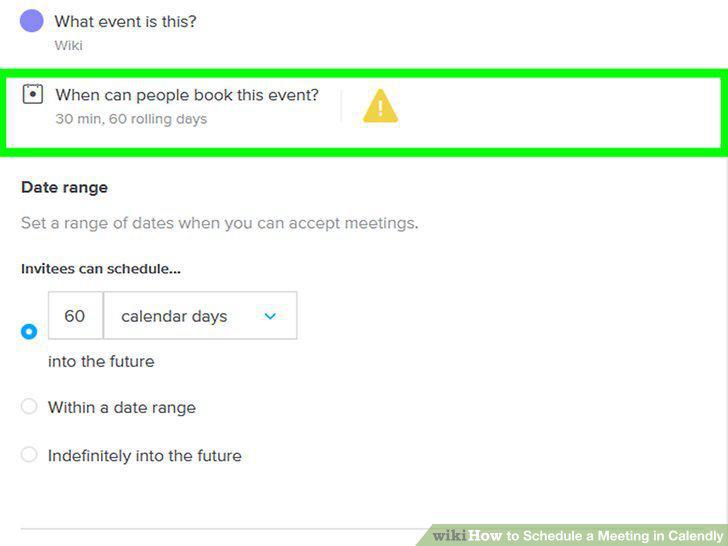
Click When can people book this event?.
6
Pick booking options.
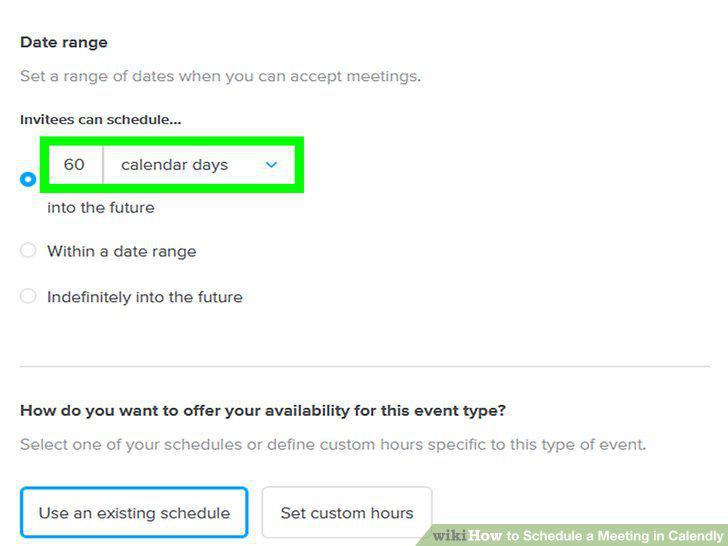
Pick booking options.
7
Click Save & Close.
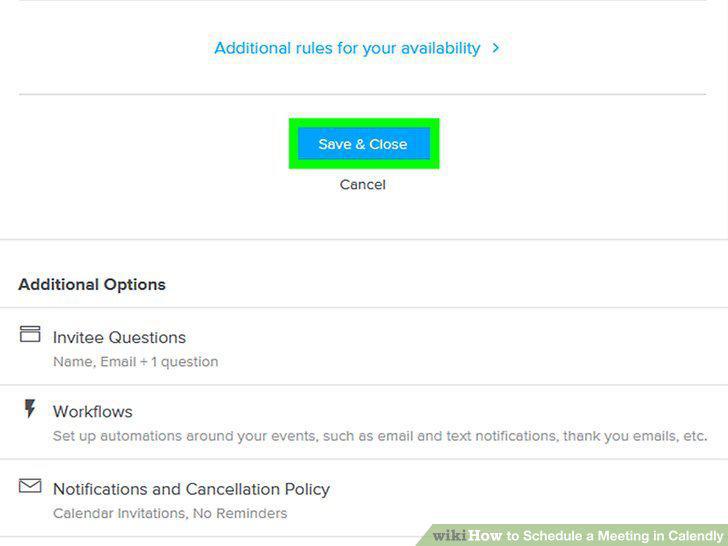
Click Save & Close.
8
Click Back.
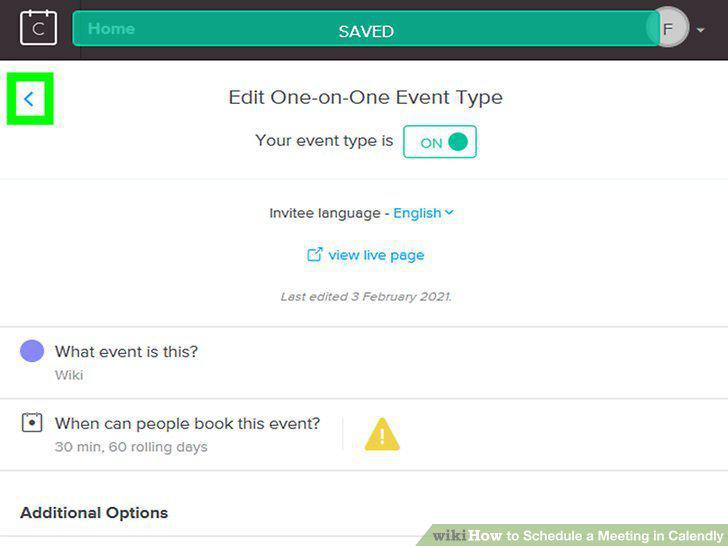
Click Back.
Comments (0)
No comments yet. Be the first to share your thoughts!