How to Use Uber Eats for McDonald's on Android
Open Uber Eats on your Android.. Scroll down and tap McDonalds.. Tap an item you want to order.
Steps
1
Open Uber Eats on your Android.
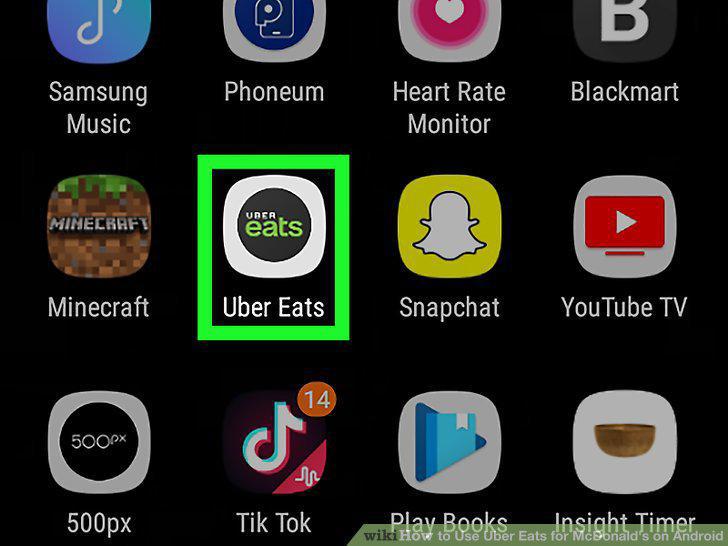
Open Uber Eats on your Android.
2
Scroll down and tap McDonalds.

Scroll down and tap McDonalds.
3
Tap an item you want to order.
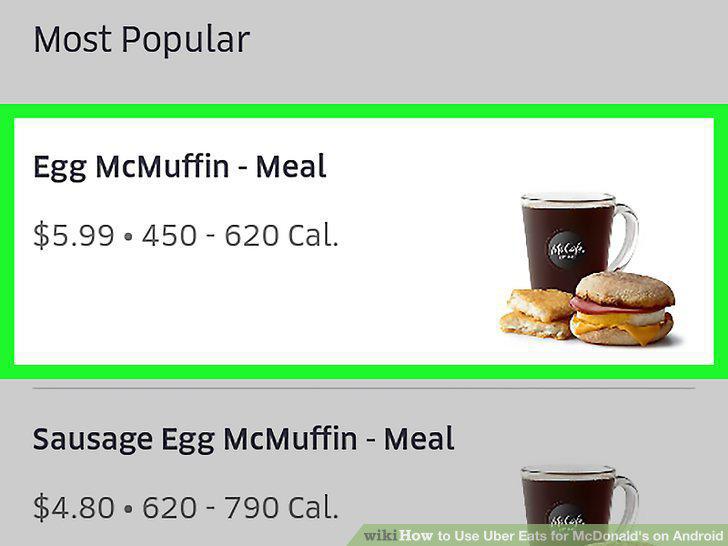
Tap an item you want to order.
4
Customize the item and tap ADD TO CART.
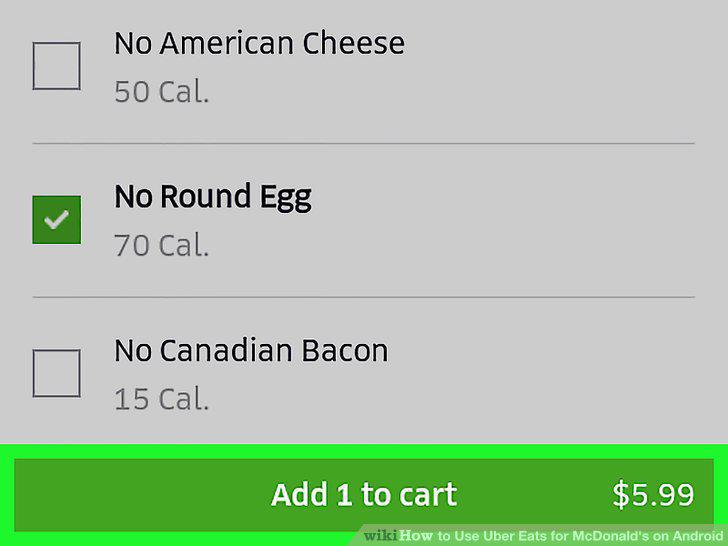
Customize the item and tap ADD TO CART.
5
Tap CHECKOUT.
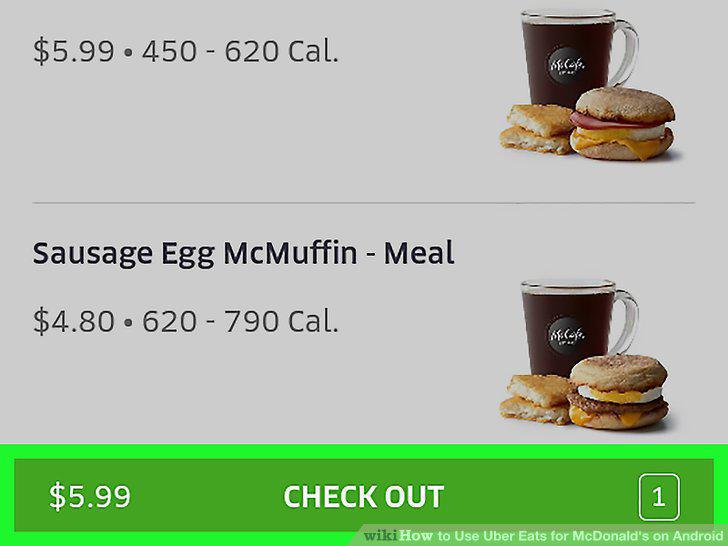
Tap CHECKOUT.
6
Verify your address.
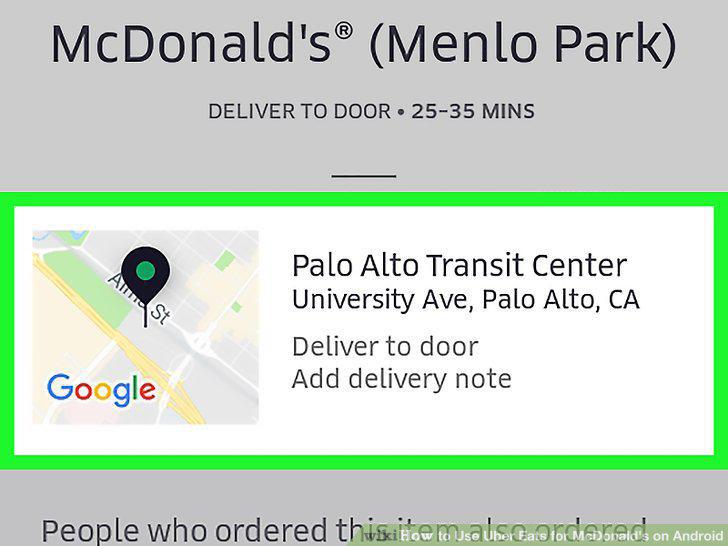
Verify your address.
7
Review the order and make last-minute changes.
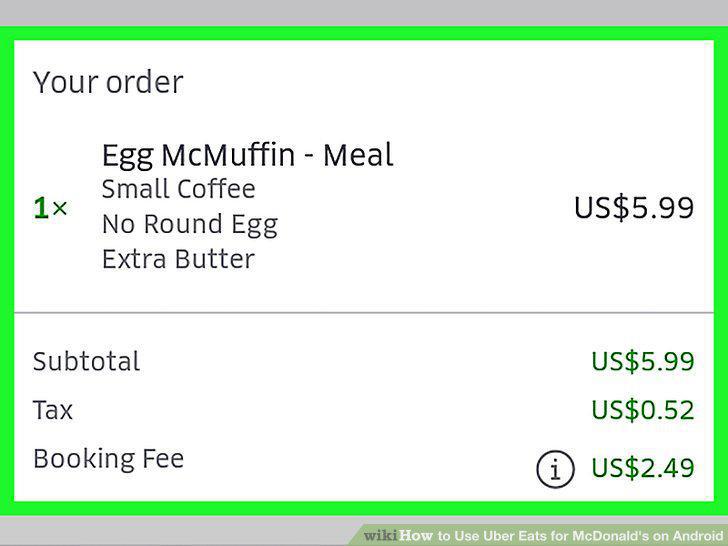
Review the order and make last-minute changes.
8
Verify your payment method.
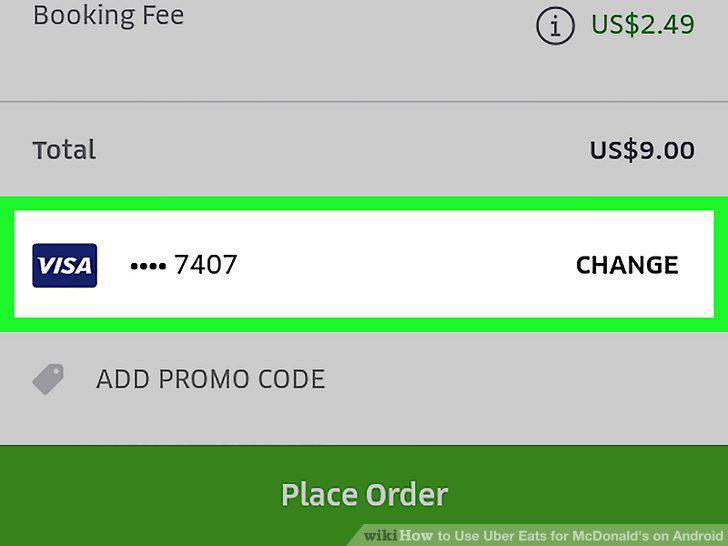
Verify your payment method.
9
Add a promo code (optional).
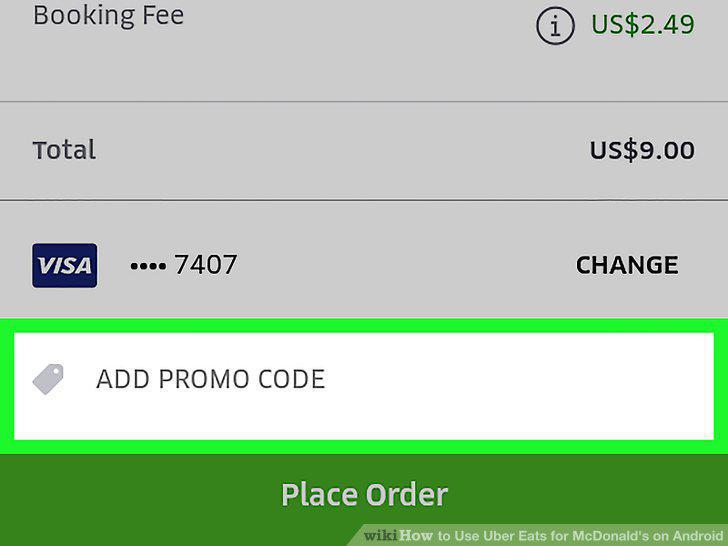
Add a promo code (optional).
10
Tap PLACE ORDER.
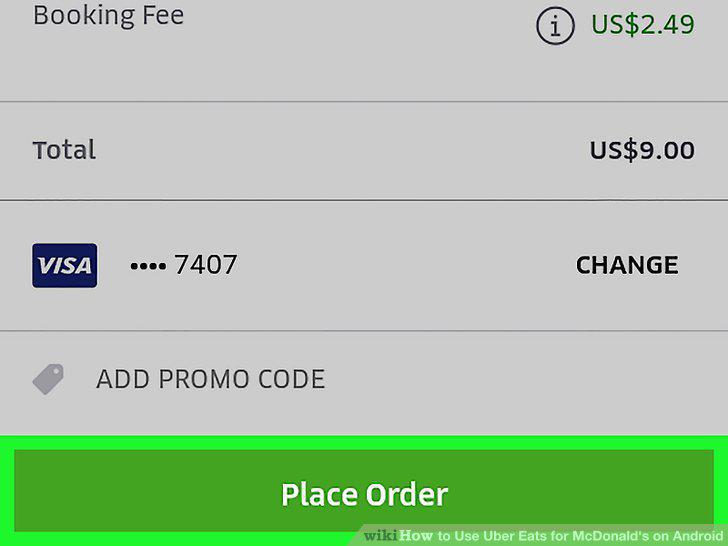
Tap PLACE ORDER.
Comments (0)
No comments yet. Be the first to share your thoughts!