How to Unlock a Pin Lock on an Android
Go to https://findmymobile.samsung.com/#home on another device.. Click Lock.. Enter a new PIN and confirm it.
Steps
1
Go to https://findmymobile.samsung.com/#home on another device.
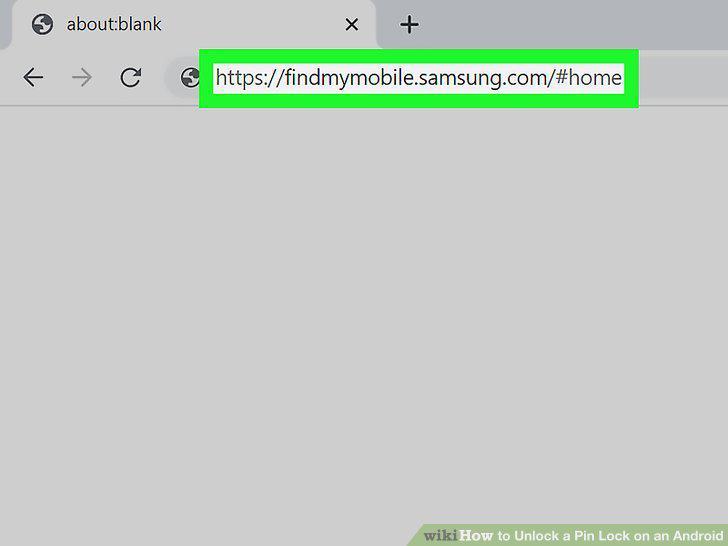
Go to https://findmymobile.samsung.com/#home on another device.
2
Click Lock.
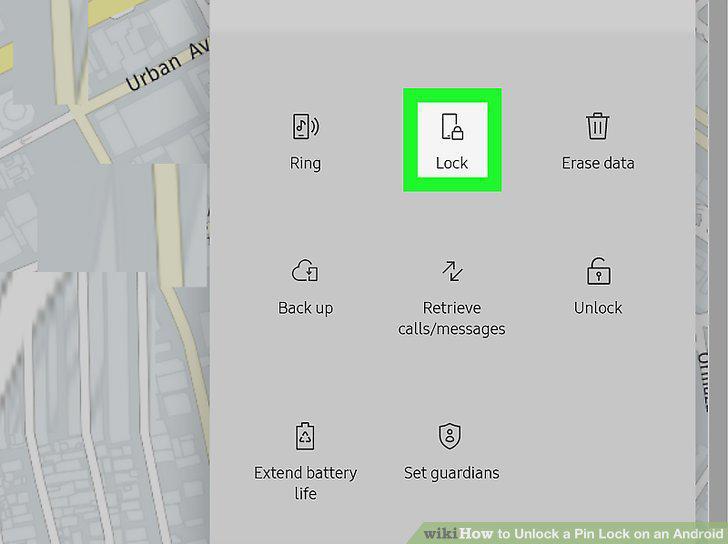
Click Lock.
3
Enter a new PIN and confirm it.
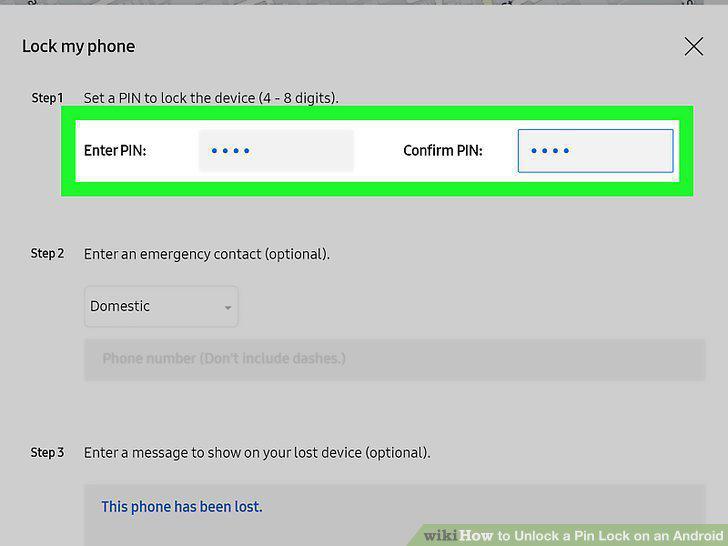
Enter a new PIN and confirm it.
4
Use the new PIN on your phone to unlock it.
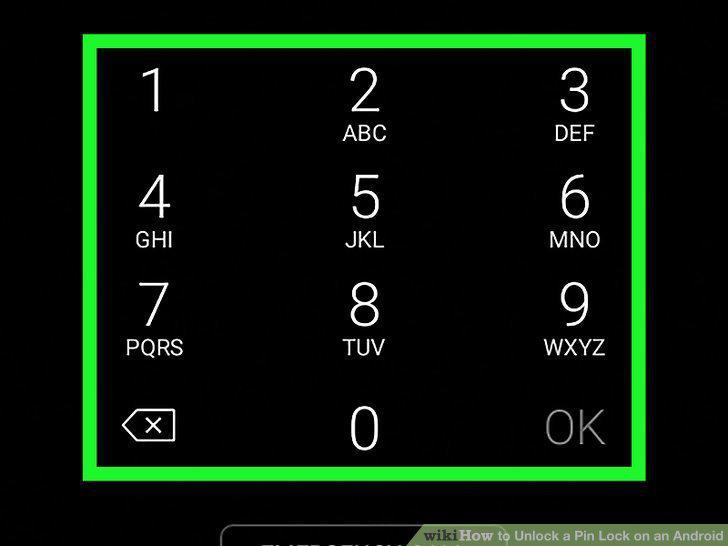
Use the new PIN on your phone to unlock it.
Comments (0)
No comments yet. Be the first to share your thoughts!