How to Log Out from Facebook Messenger in Android
Open your device's Settings.. Scroll down and tap Apps.. Scroll down and tap Messenger.
Steps
1
Open your device's Settings.
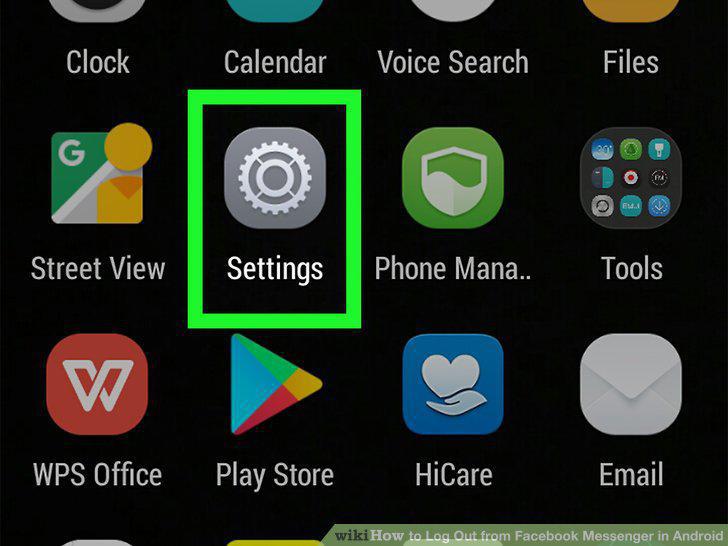
Open your device's Settings.
2
Scroll down and tap Apps.
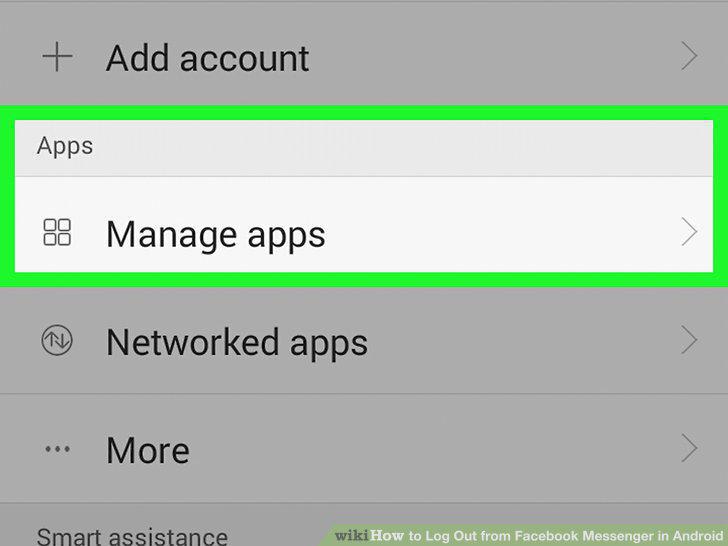
Scroll down and tap Apps.
3
Scroll down and tap Messenger.
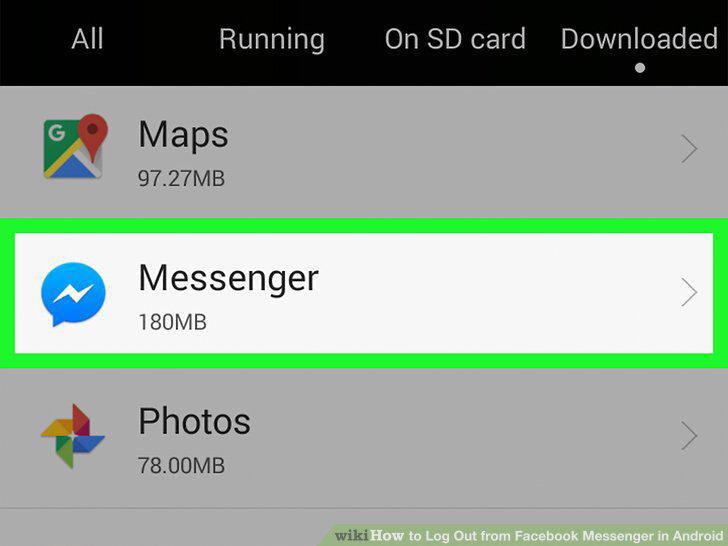
Scroll down and tap Messenger.
4
Tap Storage.
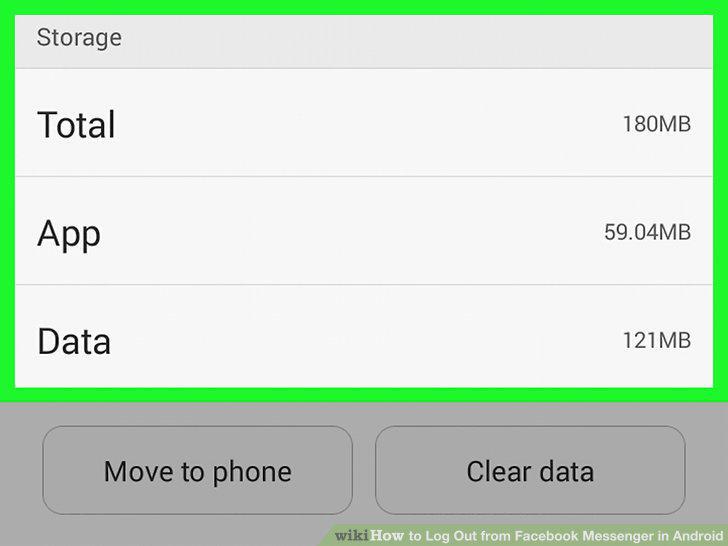
Tap Storage.
5
Tap CLEAR DATA and click OK to confirm.
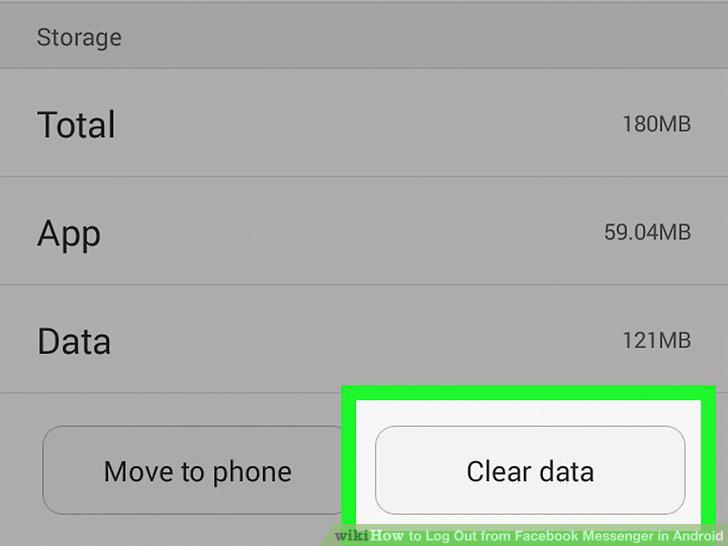
Tap CLEAR DATA and click OK to confirm.
6
Press the Home button.
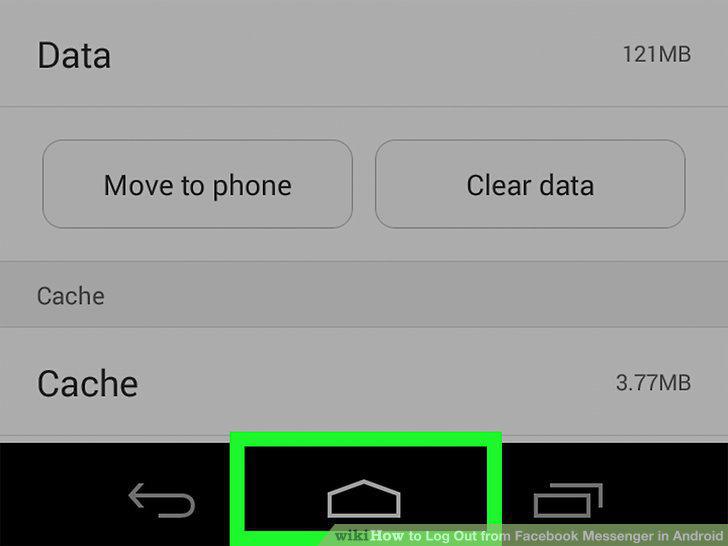
Press the Home button.
7
Open the Facebook Messenger app.
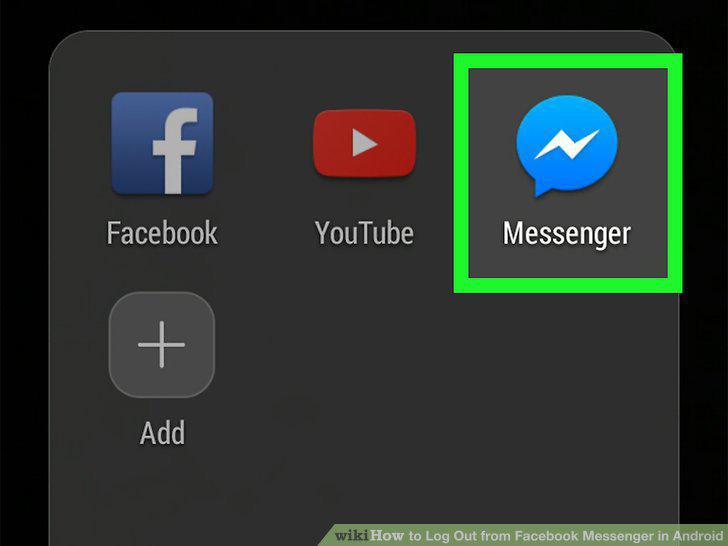
Open the Facebook Messenger app.
Comments (0)
No comments yet. Be the first to share your thoughts!