How to Use Picture in Picture on an iPhone
Open an app that allows you to watch videos.. Browse for a video.. Tap to play the video.
Steps
1
Open an app that allows you to watch videos.
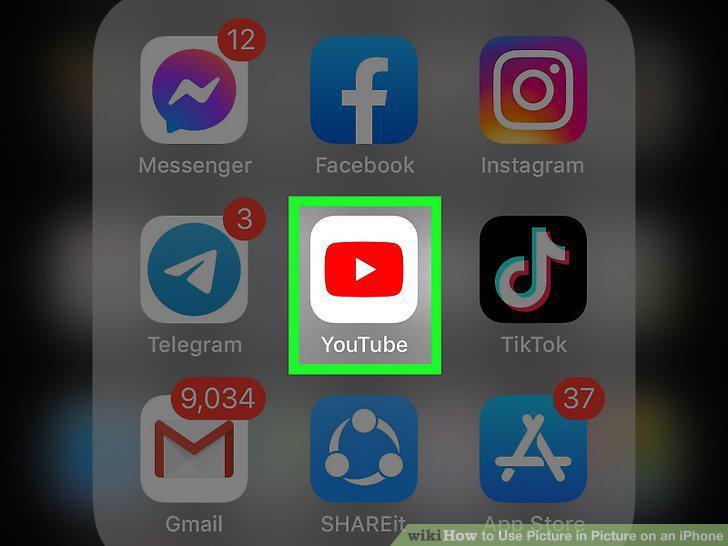
Open an app that allows you to watch videos.
2
Browse for a video.
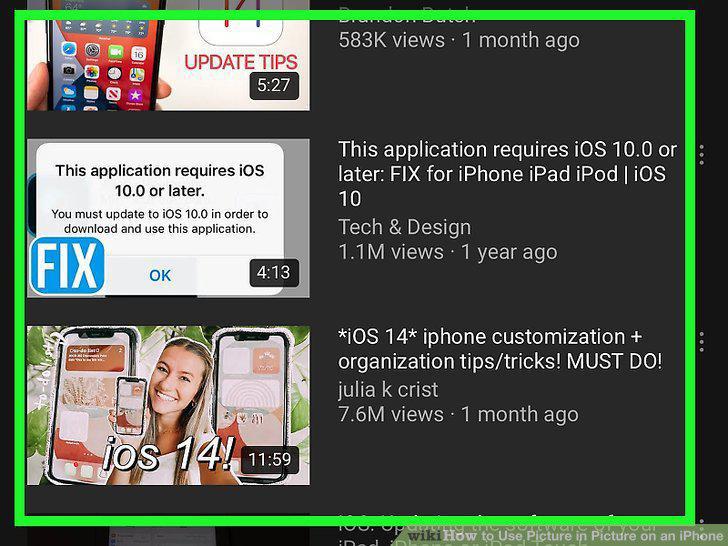
Browse for a video.
3
Tap to play the video.
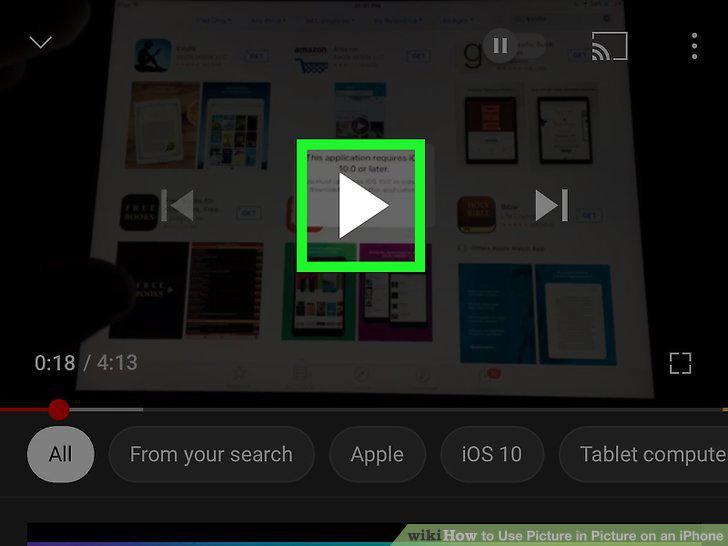
Tap to play the video.
4
Swipe up from the bottom of the video playback.
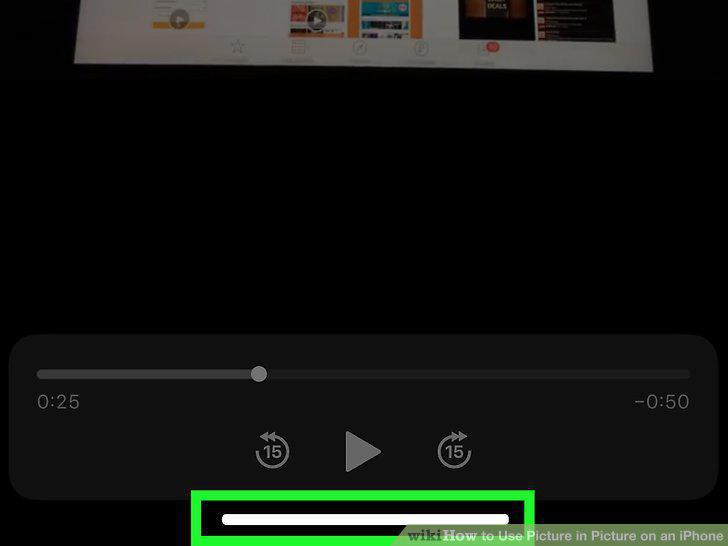
Swipe up from the bottom of the video playback.
5
Continue to use your iPhone or iPad while you watch the video.
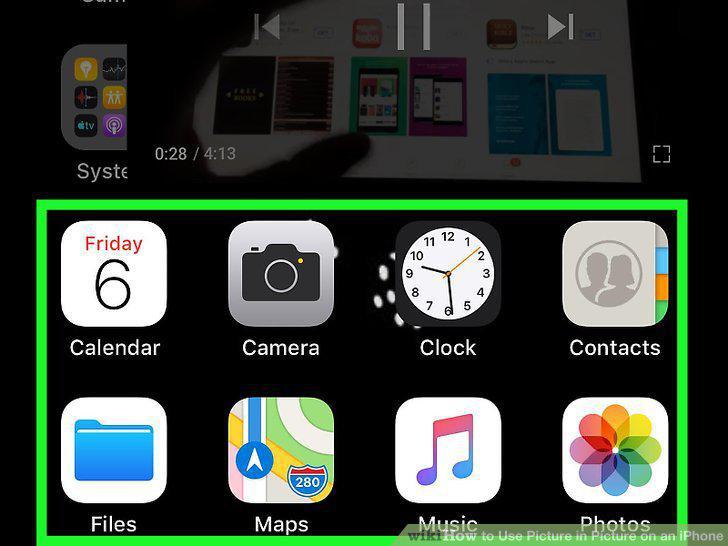
Continue to use your iPhone or iPad while you watch the video.
6
Open Safari.
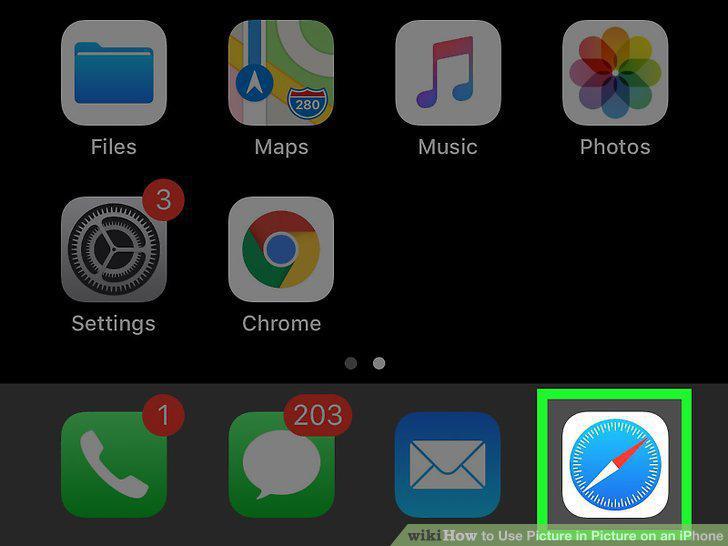
Open Safari.
7
Enter the website for a video streaming site.

Enter the website for a video streaming site.
8
Browse for a video.

Browse for a video.
9
Enter full-screen mode.
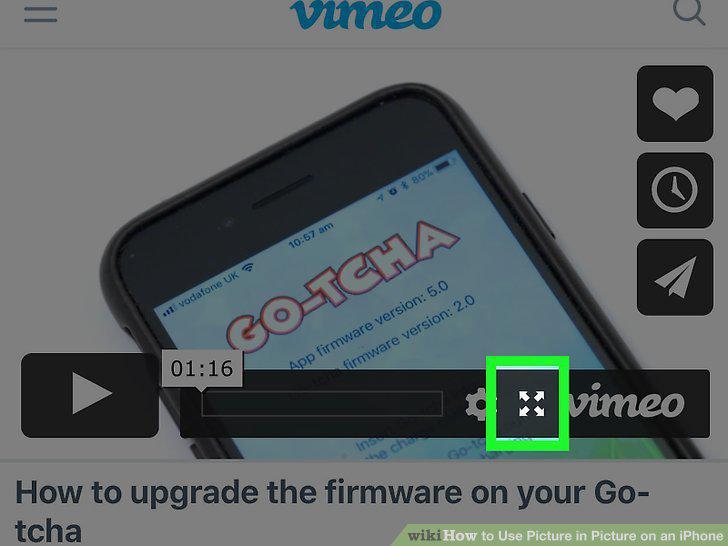
Enter full-screen mode.
10
Swipe up from the bottom of the video playback.
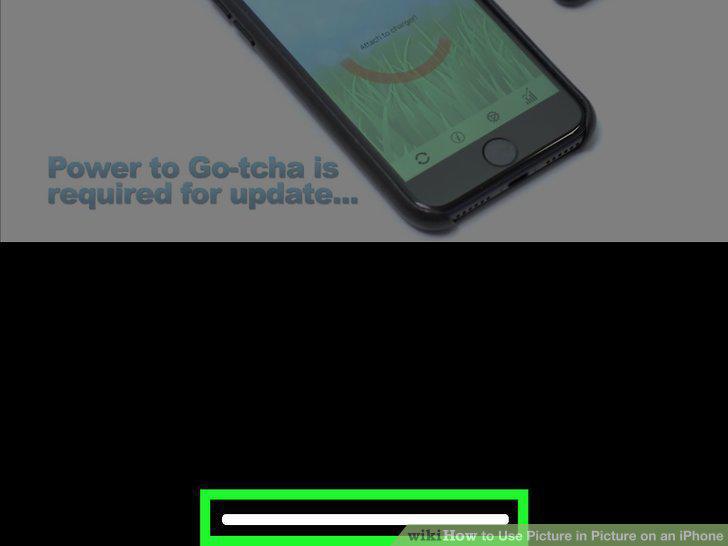
Swipe up from the bottom of the video playback.
11
Continue to use your iPhone or iPad while you watch the video.
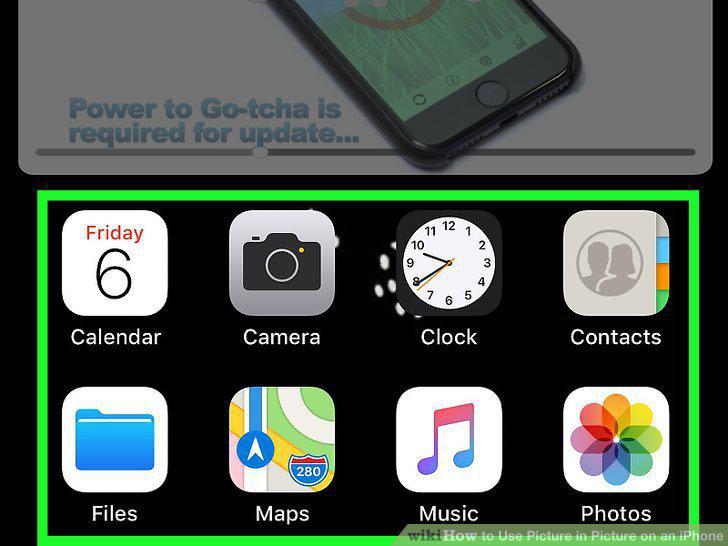
Continue to use your iPhone or iPad while you watch the video.
Comments (0)
No comments yet. Be the first to share your thoughts!