How to Live Stream a DJ Set on Facebook
Download and install OBS Studio from https://obsproject.com/.. Open OBS Studio (if it doesn't automatically open after installing).. Add your scenes.
Steps
1
Download and install OBS Studio from https://obsproject.com/.
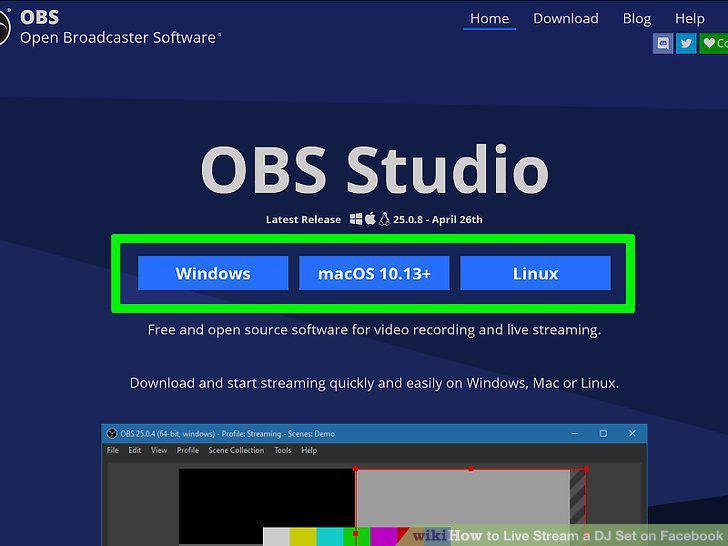
Download and install OBS Studio from https://obsproject.com/.
2
Open OBS Studio (if it doesn't automatically open after installing).
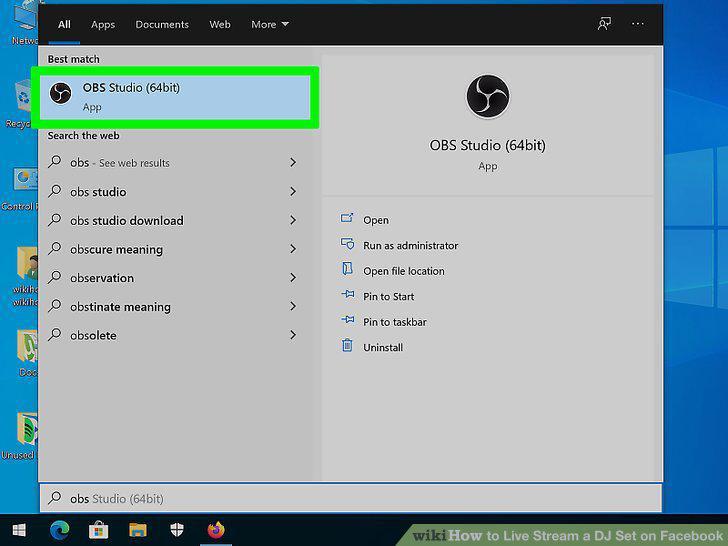
Open OBS Studio (if it doesn't automatically open after installing).
3
Add your scenes.
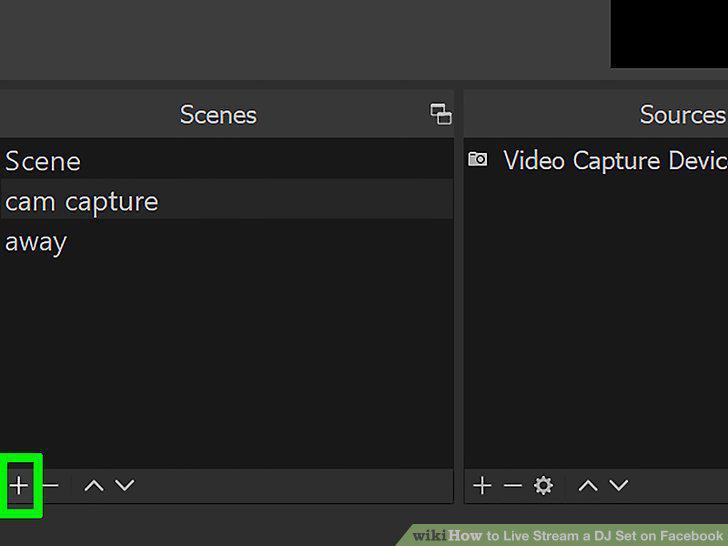
Add your scenes.
4
Add your sources to your scenes.
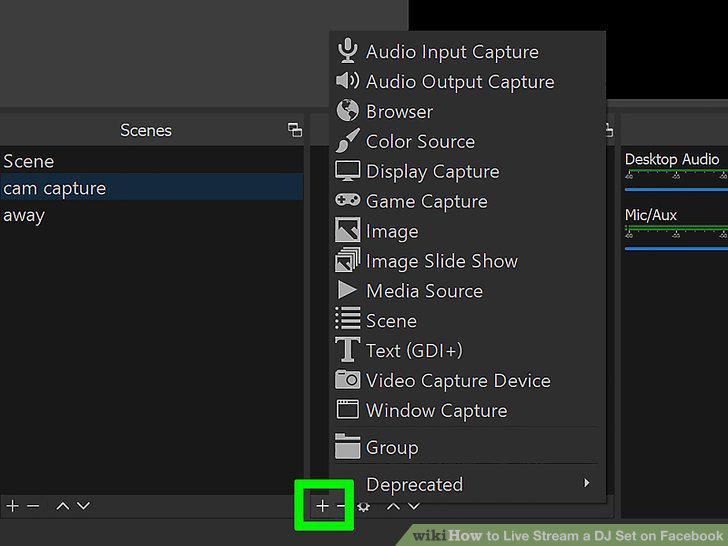
Add your sources to your scenes.
5
Go to Settings in OBS Studio.
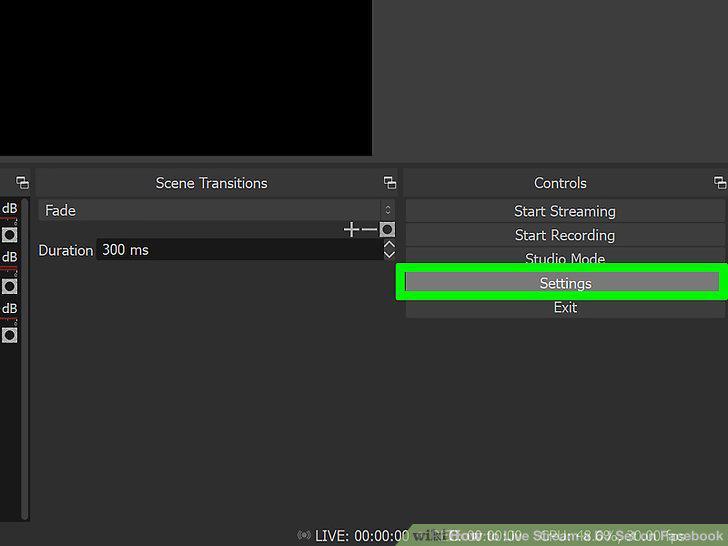
Go to Settings in OBS Studio.
6
Click Stream.
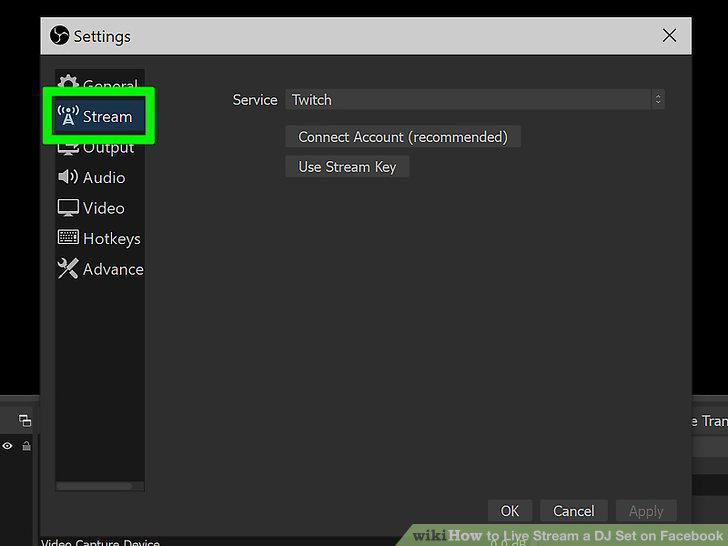
Click Stream.
7
Click Facebook Live next to "Service.
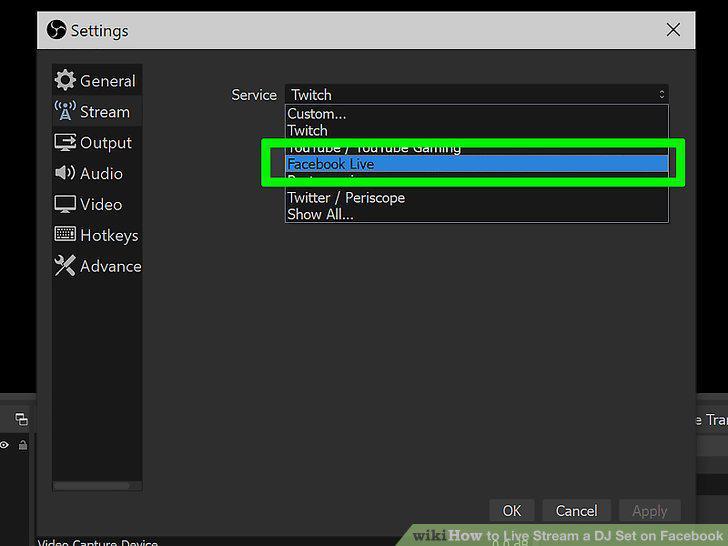
Click Facebook Live next to "Service.
8
Click OK.
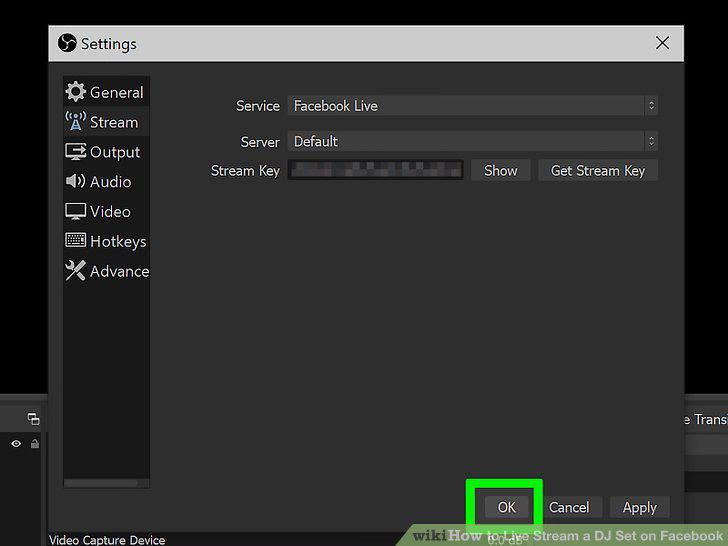
Click OK.
9
Click Start Streaming.
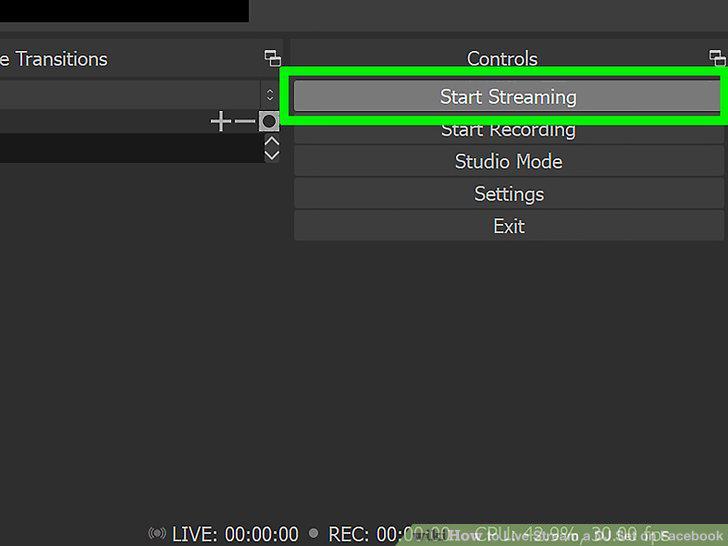
Click Start Streaming.
Comments (0)
No comments yet. Be the first to share your thoughts!