How to Download Directions on Google Maps on PC or Mac
Open Google Maps in your internet browser.. Click the blue Directions icon next to the search bar.. Get the directions you want to download.
Steps
1
Open Google Maps in your internet browser.
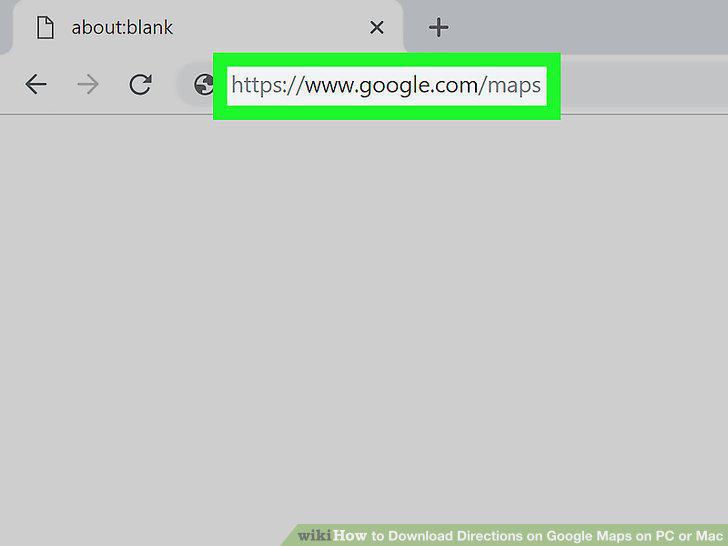
Open Google Maps in your internet browser.
2
Click the blue Directions icon next to the search bar.
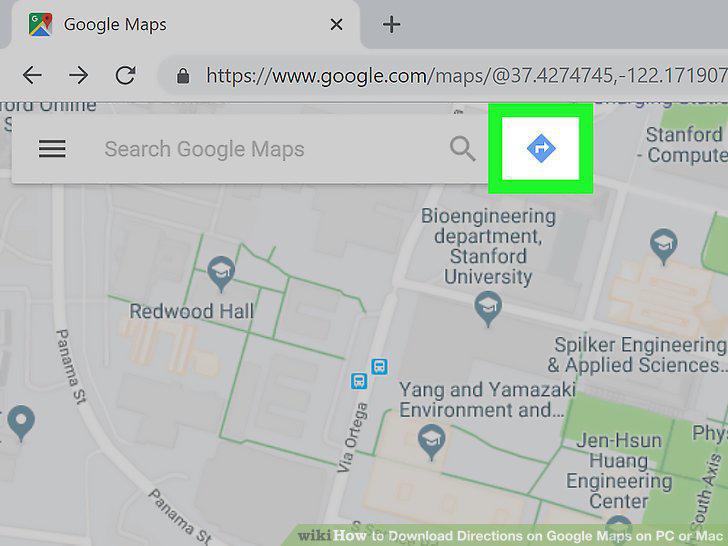
Click the blue Directions icon next to the search bar.
3
Get the directions you want to download.
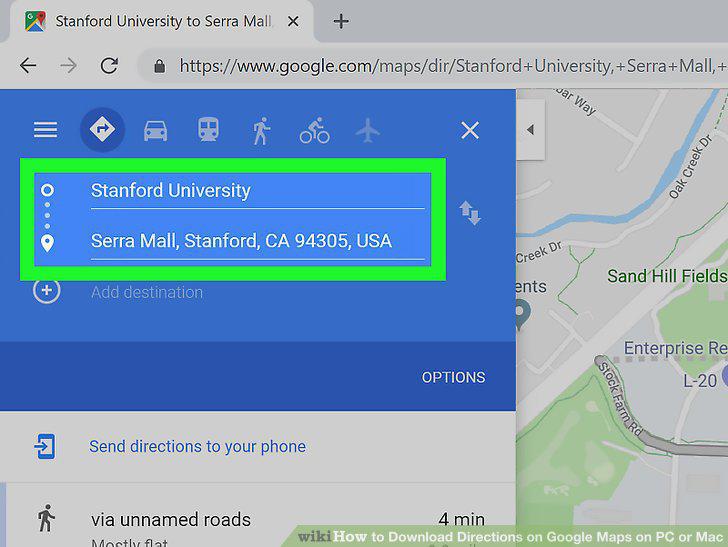
Get the directions you want to download.
4
Click the route you want to download.
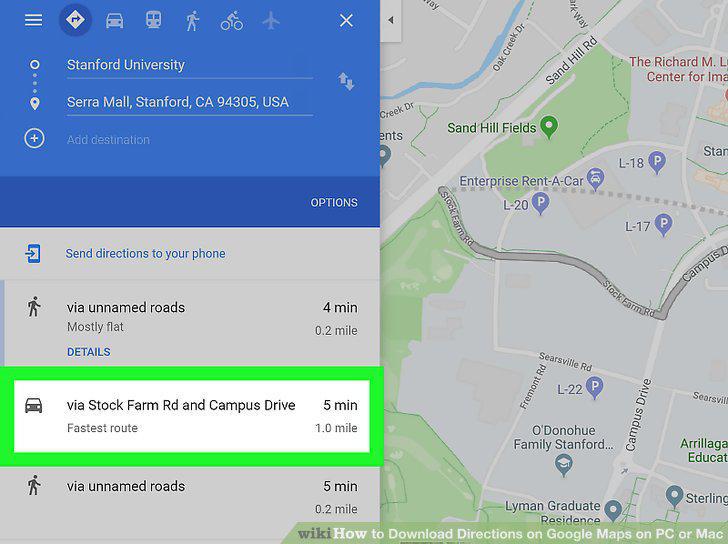
Click the route you want to download.
5
Click the icon on the top-right of the route details.
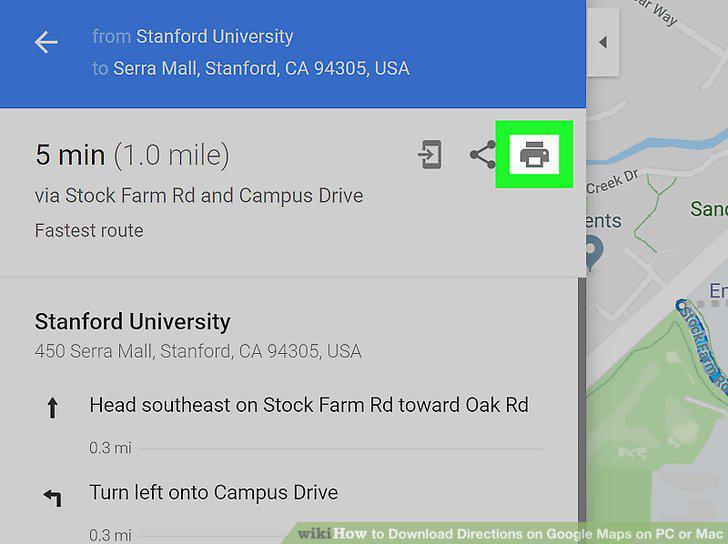
Click the icon on the top-right of the route details.
6
Click Print including maps on the drop-down.
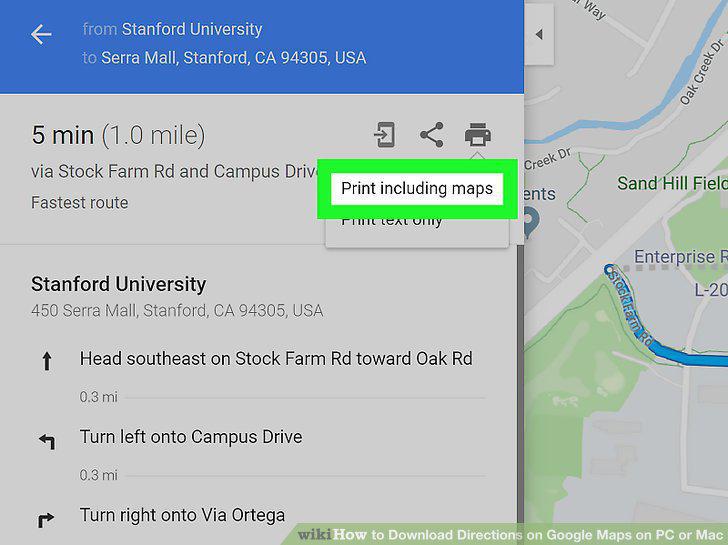
Click Print including maps on the drop-down.
7
Click the blue Print button on the top-right.
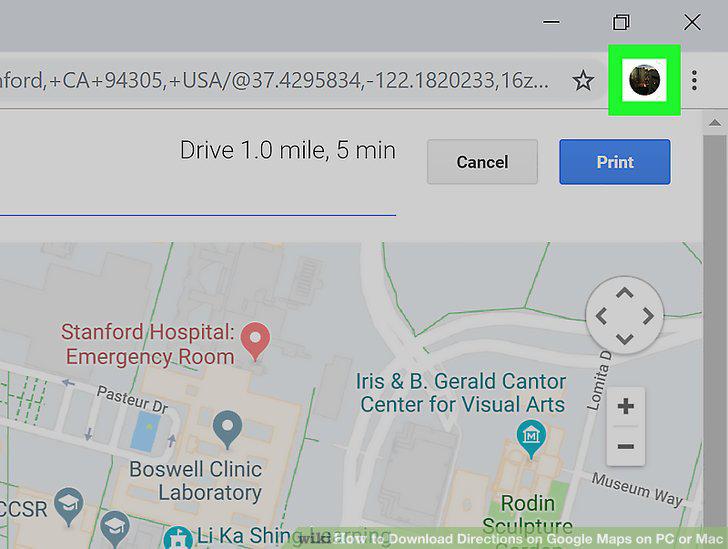
Click the blue Print button on the top-right.
8
Click on PDF near the bottom of the pop up window.
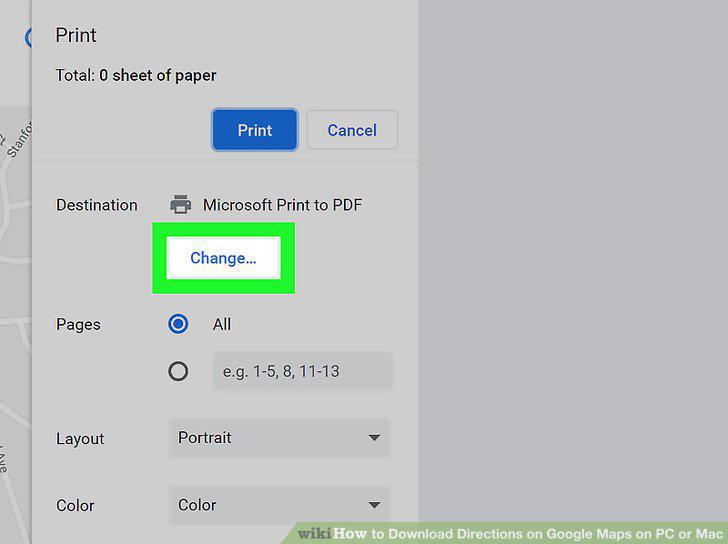
Click on PDF near the bottom of the pop up window.
9
Click Save as PDF from the drop down menu.
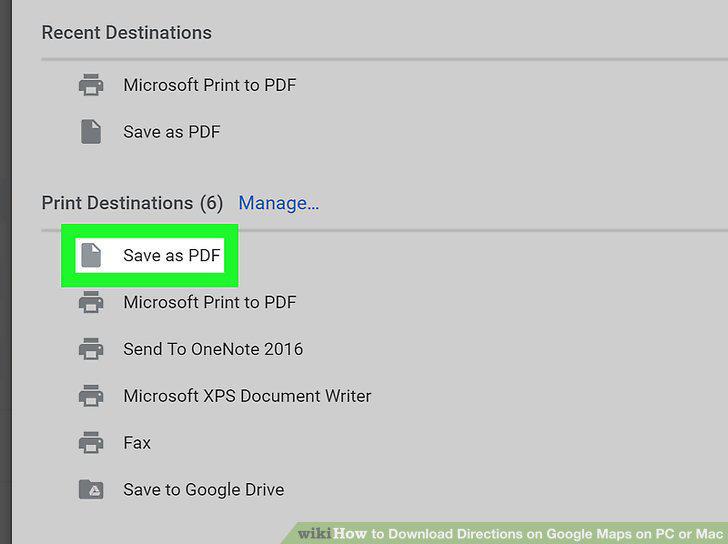
Click Save as PDF from the drop down menu.
10
Name your file and click Save.
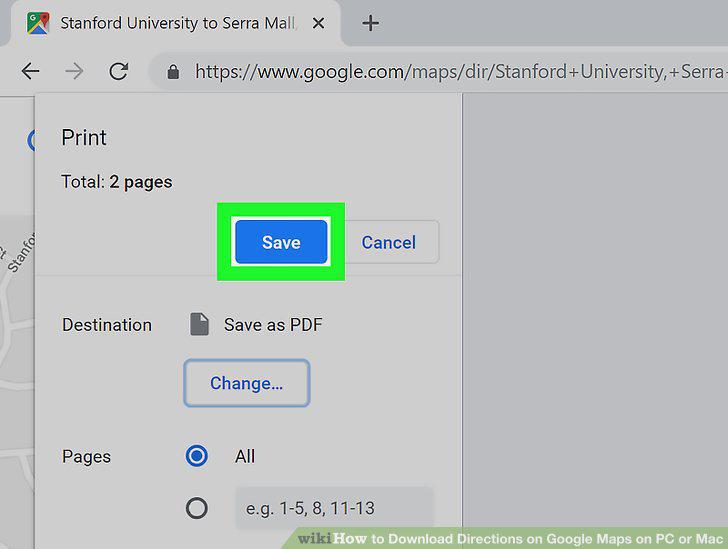
Name your file and click Save.
Comments (0)
No comments yet. Be the first to share your thoughts!