How to Use LinkedIn
Join LinkedIn at their website.. Create your profile.. Confirm the email account you used to create your profile via the link provided.
Steps
Join LinkedIn at their website.
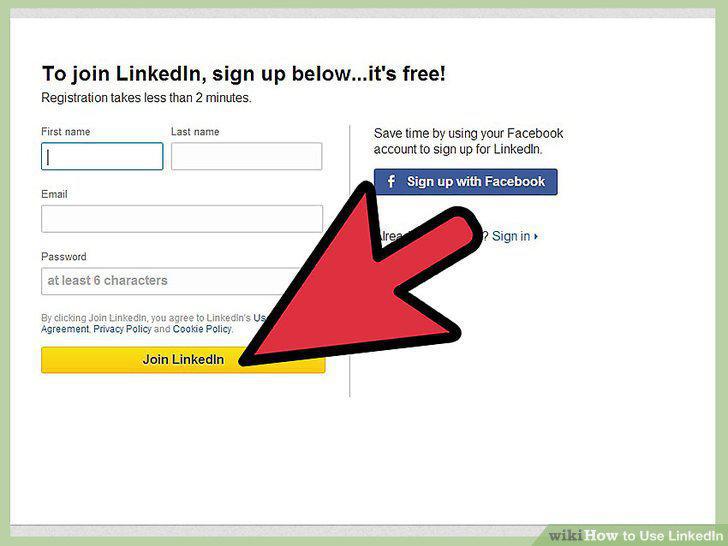
Join LinkedIn at their website.
Create your profile.
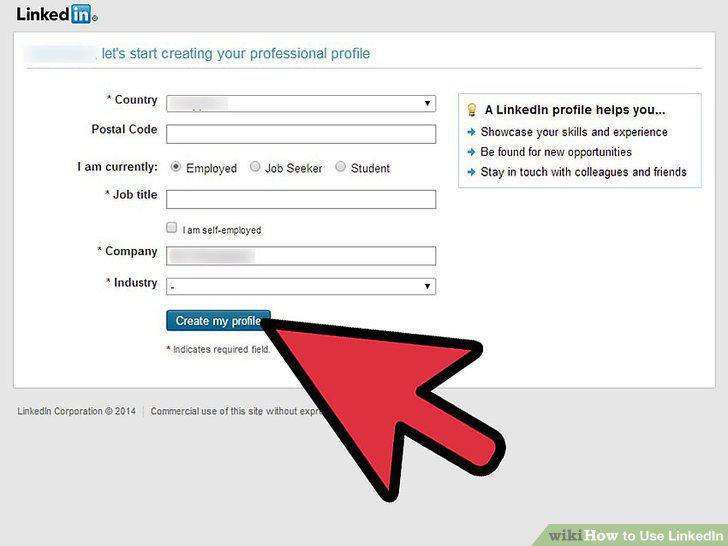
Create your profile.
Confirm the email account you used to create your profile via the link provided.
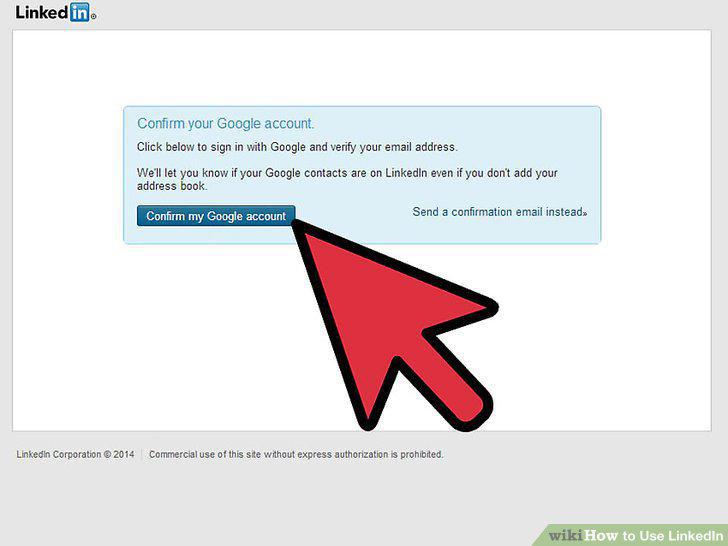
Confirm the email account you used to create your profile via the link provided.
Add your connections.
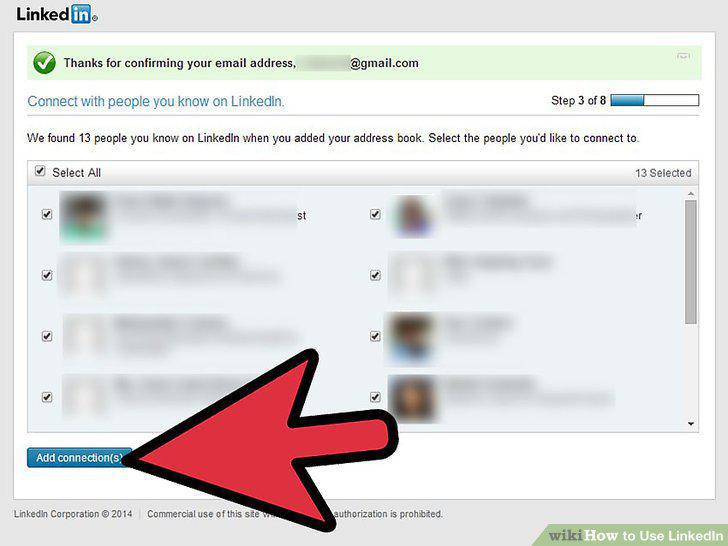
Add your connections.
Continue to build your profile.
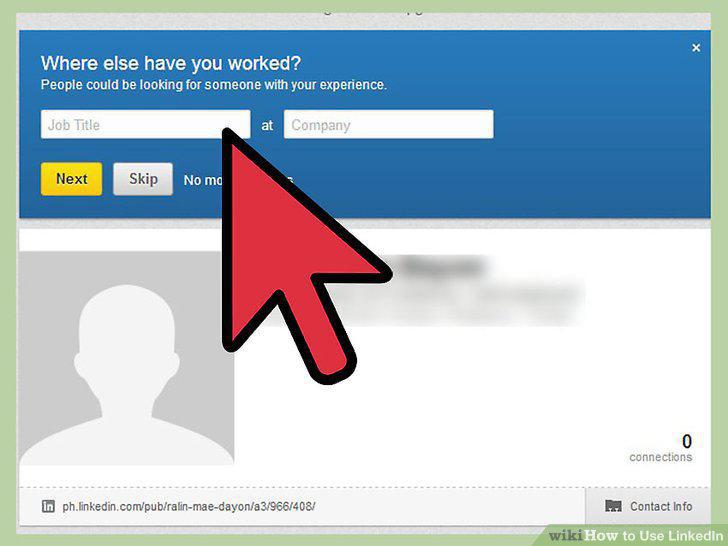
Continue to build your profile.
Upload a profile photograph.
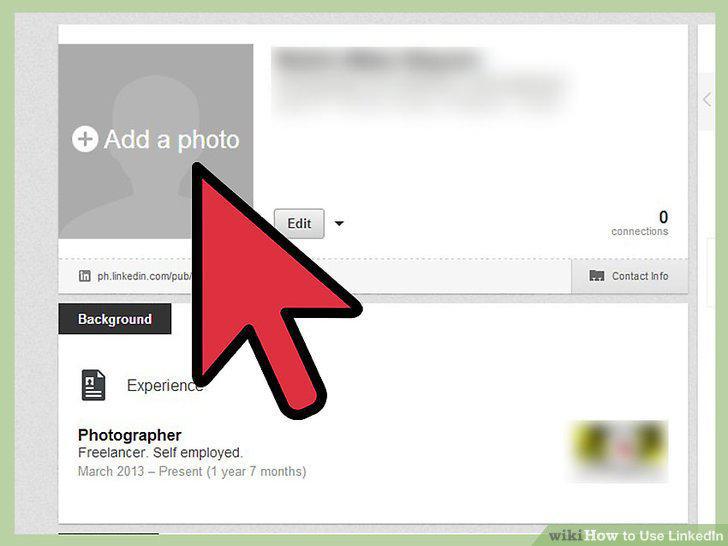
Upload a profile photograph.
Add specialties to your profile.
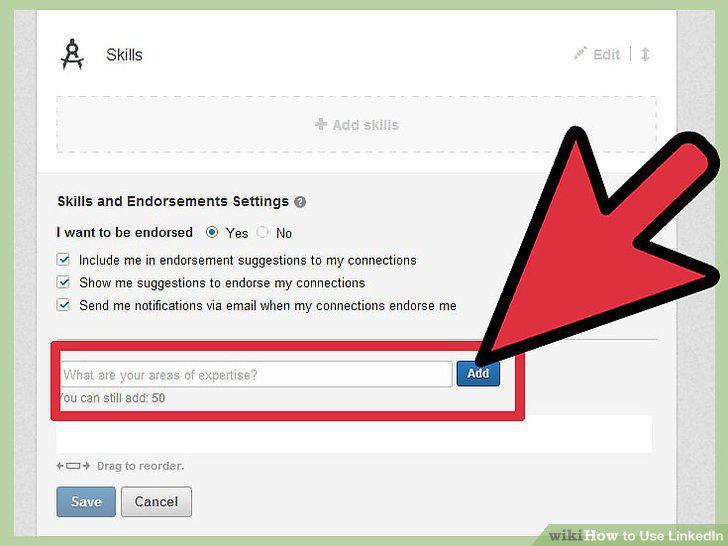
Add specialties to your profile.
Add your website or your company's website and your Twitter or blog information.
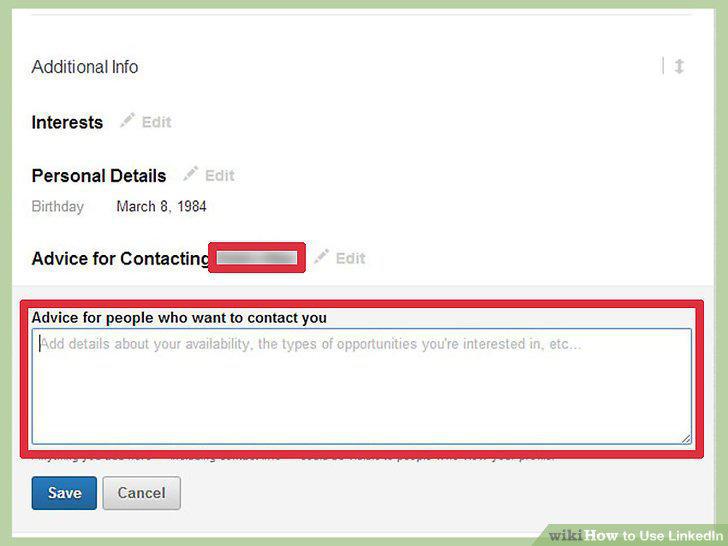
Add your website or your company's website and your Twitter or blog information.
Invite connections suggested by LinkedIn based on your employment and education
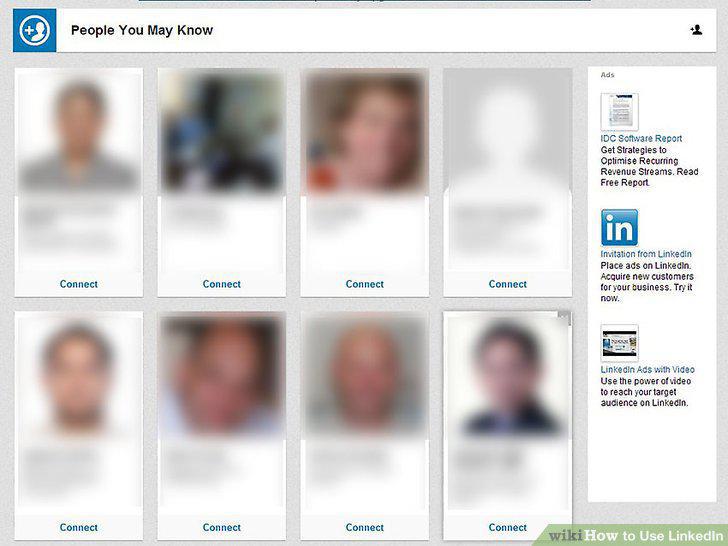
Invite connections suggested by LinkedIn based on your employment and education listings.
Ask for recommendations.
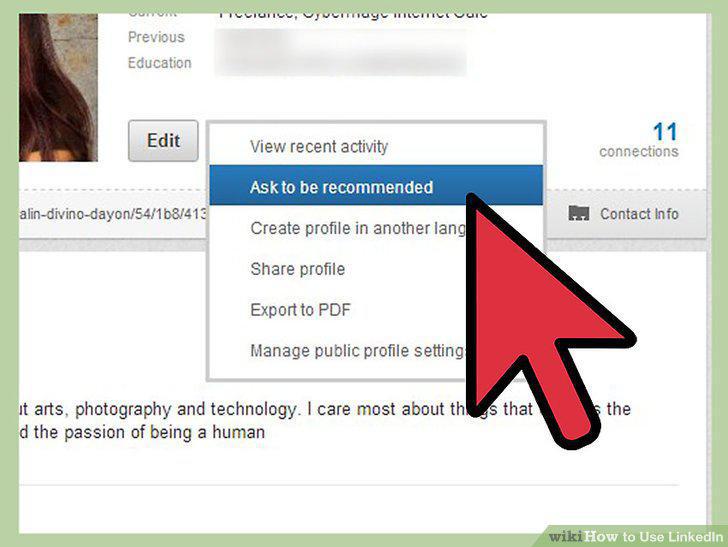
Ask for recommendations.
Ask for introductions.
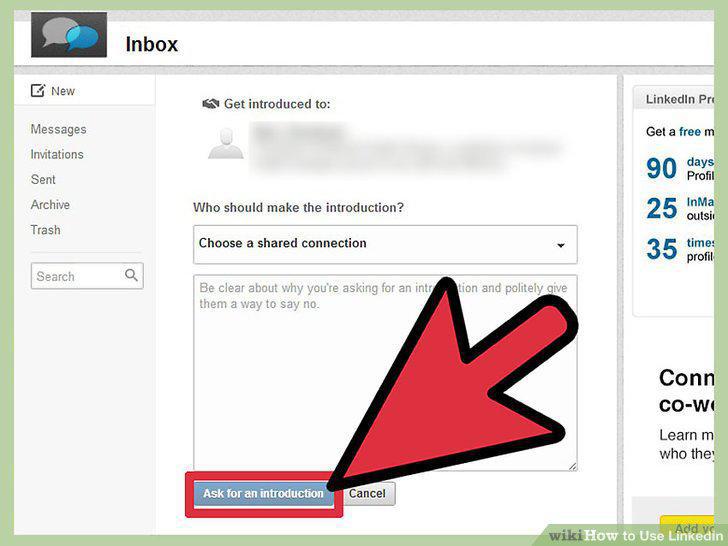
Ask for introductions.
Join and participate in LinkedIn groups.
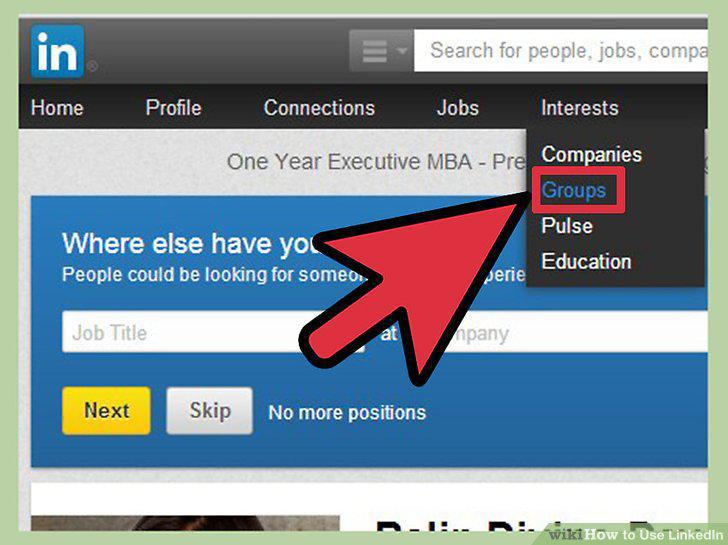
Join and participate in LinkedIn groups.
Maintain and update your profile on a regular basis.
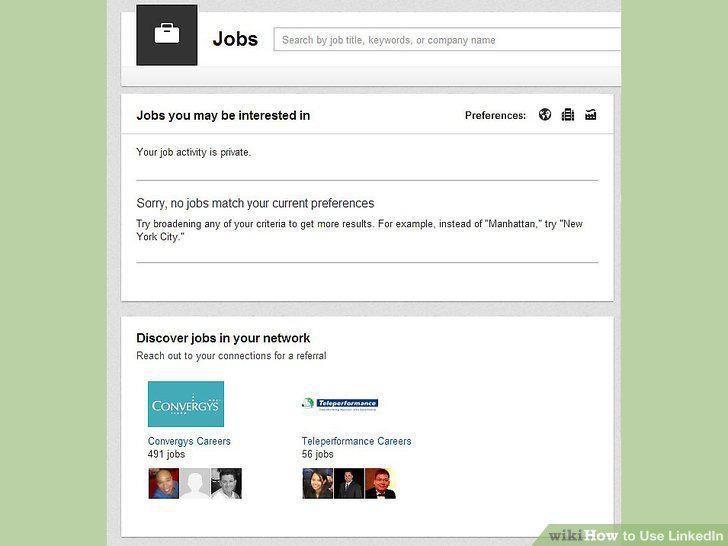
Maintain and update your profile on a regular basis.
Continue to build your network on a regular basis, adding new connections with a
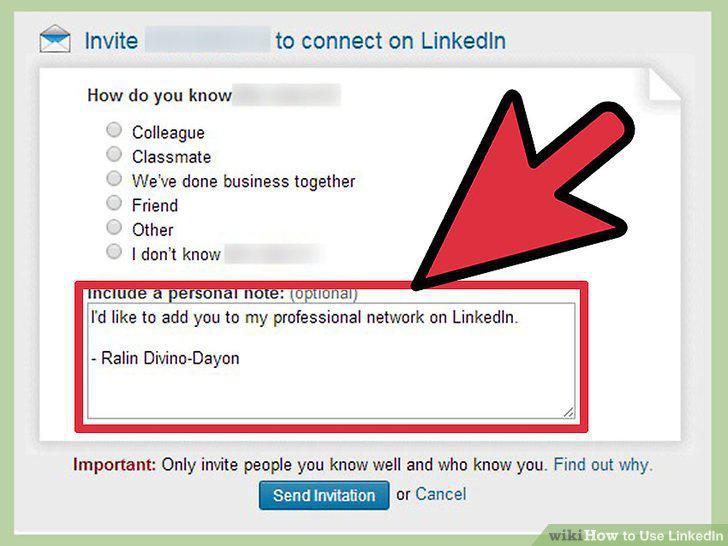
Continue to build your network on a regular basis, adding new connections with a personal note of invitation.
Stay in contact with your connections.
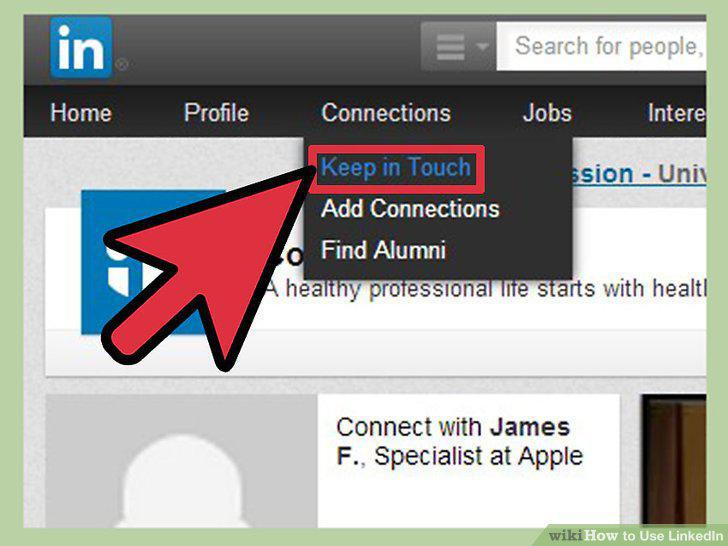
Stay in contact with your connections.
Know when LinkedIn can help you find a job.
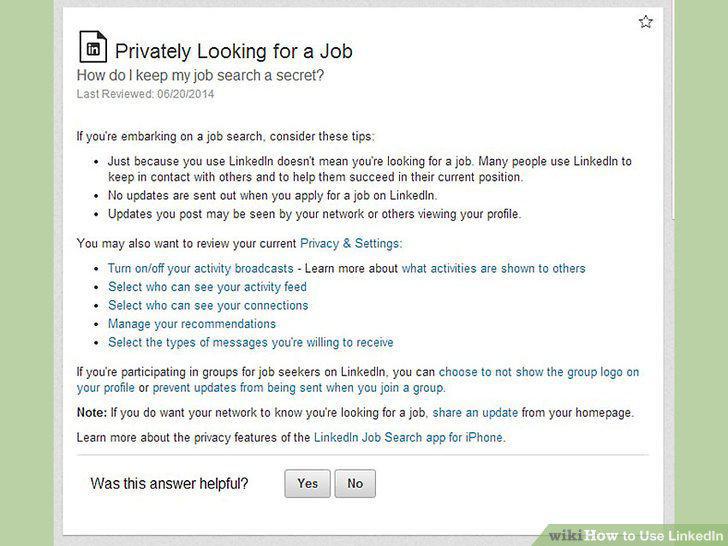
Know when LinkedIn can help you find a job.
Make sure your LinkedIn profile is accurate, updated, and showing you in the bes
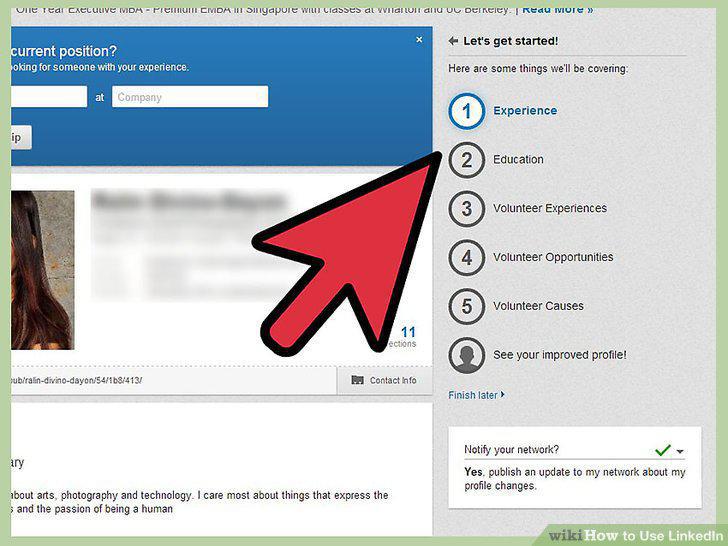
Make sure your LinkedIn profile is accurate, updated, and showing you in the best light.
Know that an up-to-date profile can bring the jobs to you.
Know that an up-to-date profile can bring the jobs to you.
Find jobs posted on LinkedIn.
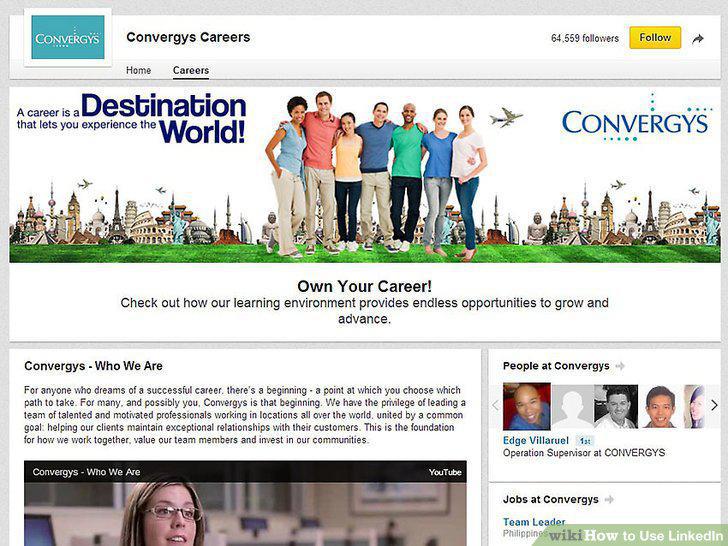
Find jobs posted on LinkedIn.
Consider signing up for LinkedIn Job Seeker premium.
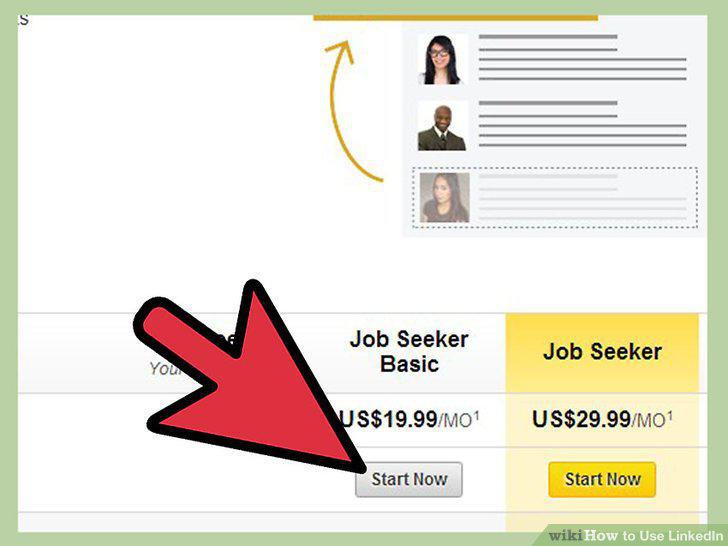
Consider signing up for LinkedIn Job Seeker premium.
Use LinkedIn differently for jobs that are less specific.
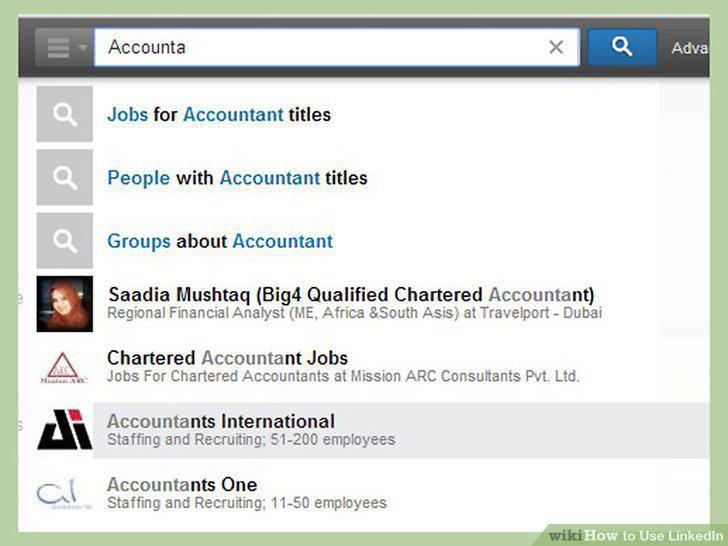
Use LinkedIn differently for jobs that are less specific.
Know what kind of candidates can best be found via LinkedIn.
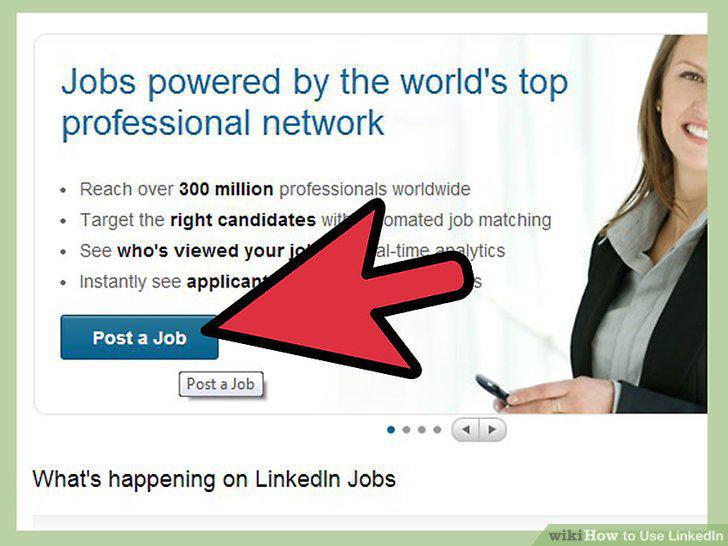
Know what kind of candidates can best be found via LinkedIn.
Know what kinds of candidates for which LinkedIn doesn't work as well.
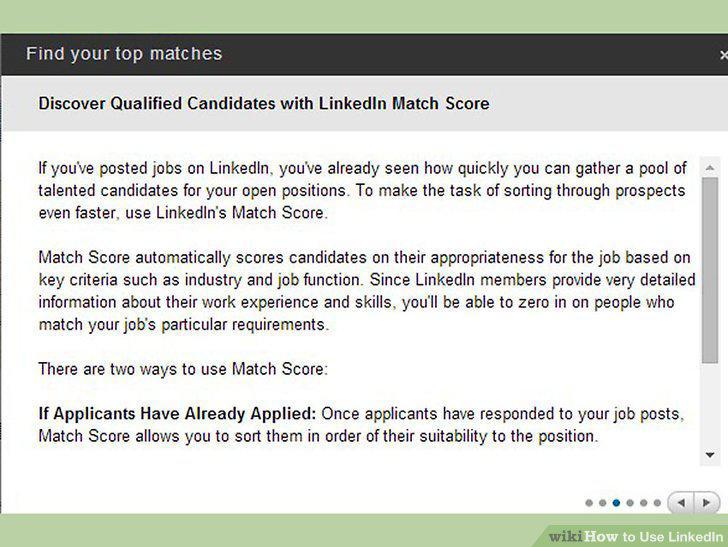
Know what kinds of candidates for which LinkedIn doesn't work as well.
Ensure your company profile is set up and looks good.
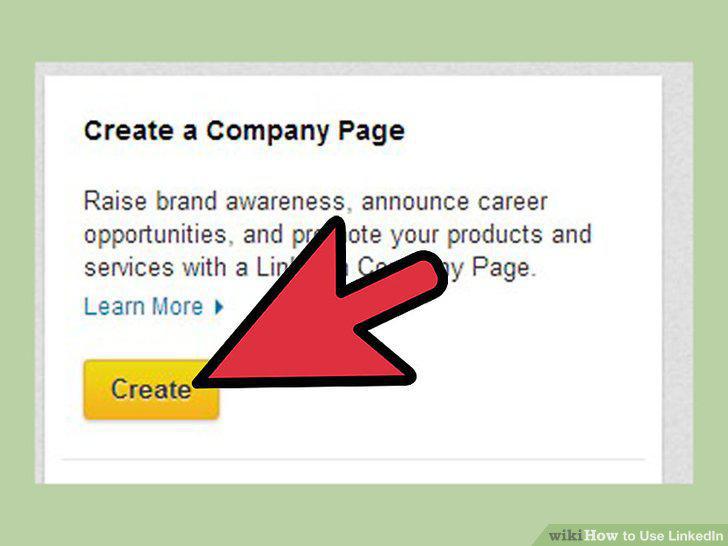
Ensure your company profile is set up and looks good.
Post a job on LinkedIn.
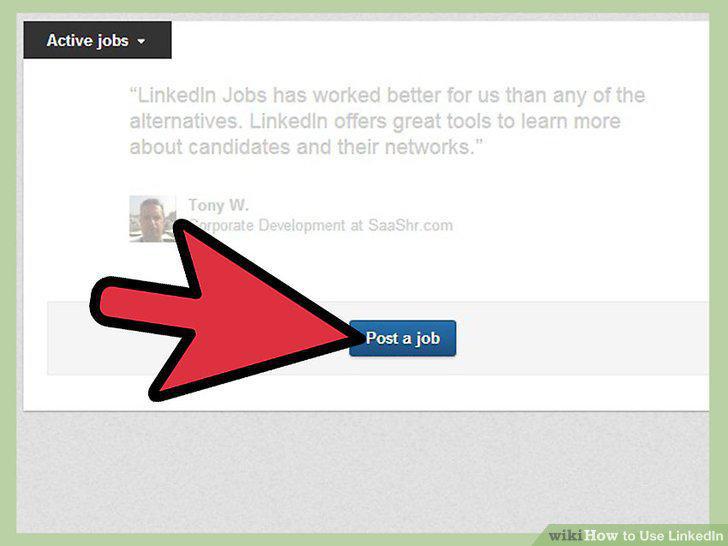
Post a job on LinkedIn.
Sign up for a LinkedIn Recruiter Account.
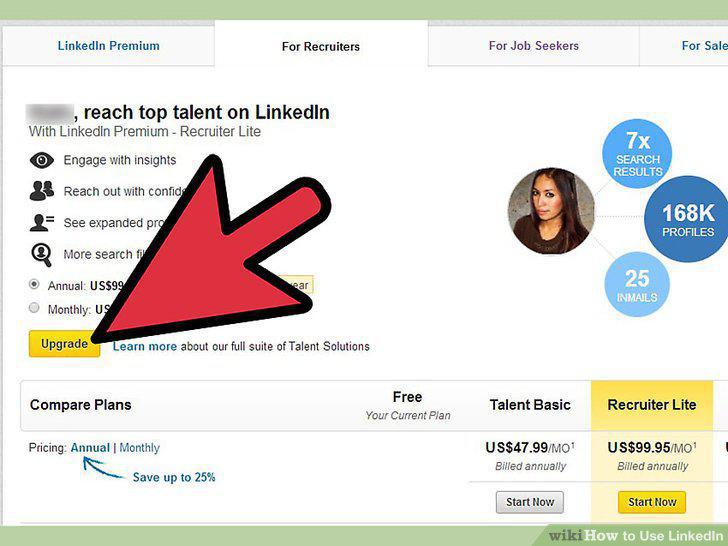
Sign up for a LinkedIn Recruiter Account.
Know that LinkedIn is very effective in background checks.
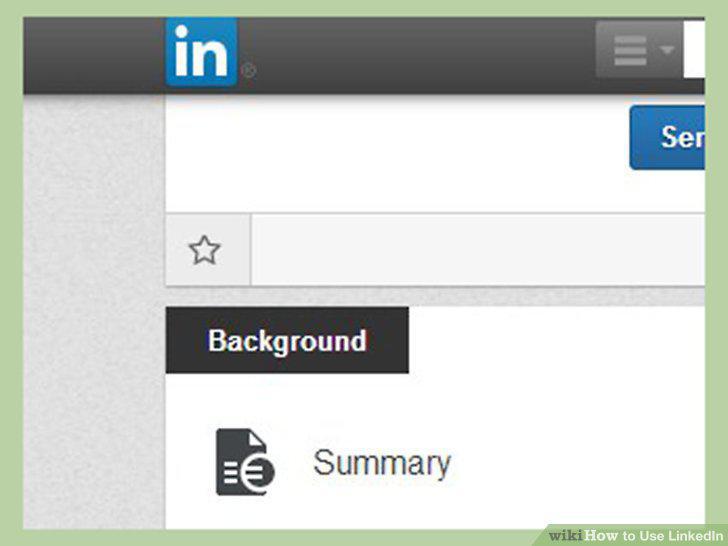
Know that LinkedIn is very effective in background checks.
Know that LinkedIn is very powerful in getting sales leads.
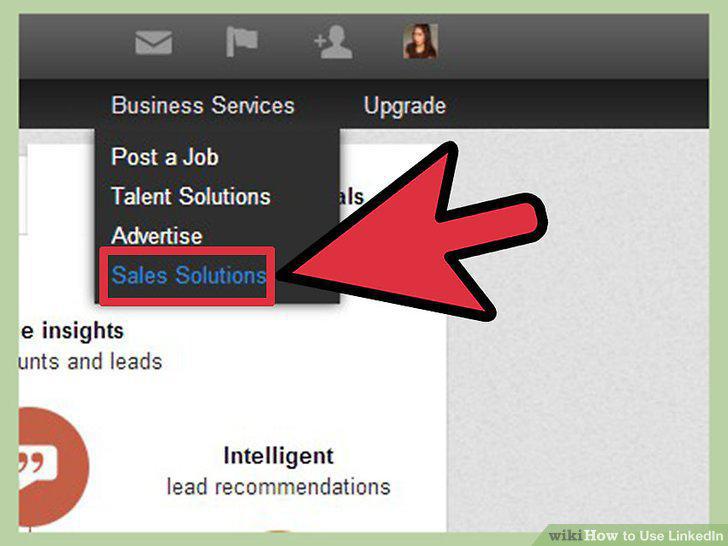
Know that LinkedIn is very powerful in getting sales leads.
Know when LinkedIn cannot help you.
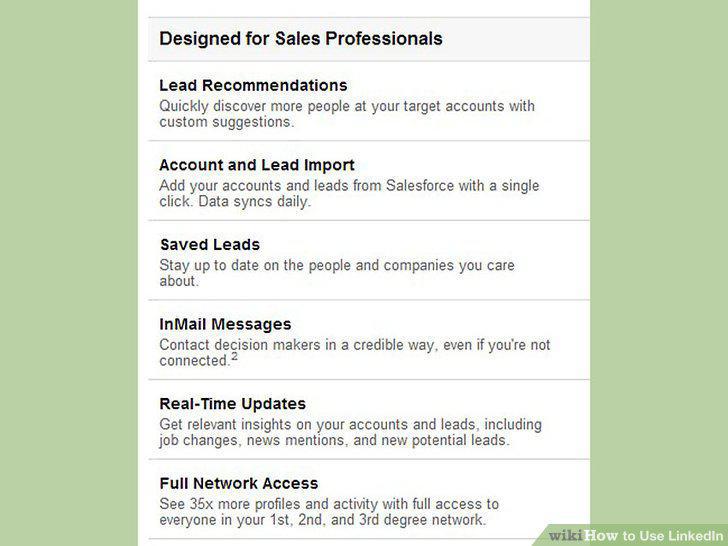
Know when LinkedIn cannot help you.
Consider signing up for a Premium LinkedIn sales account.
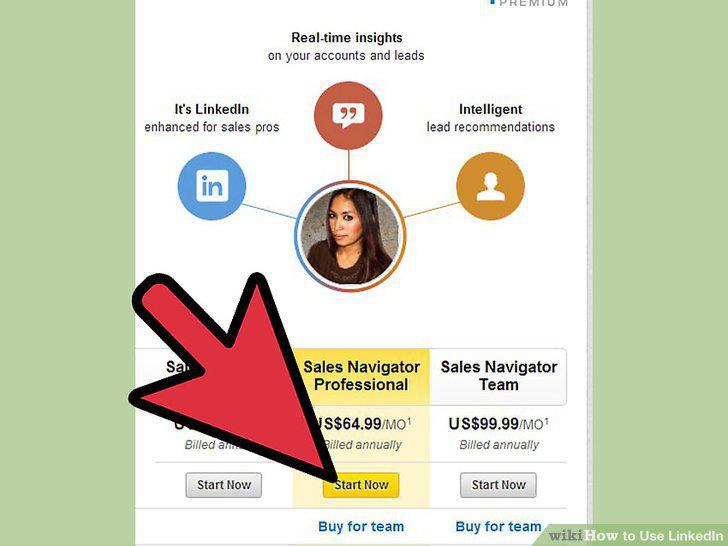
Consider signing up for a Premium LinkedIn sales account.
Determine the job titles of your sales prospects, so that you can search for the
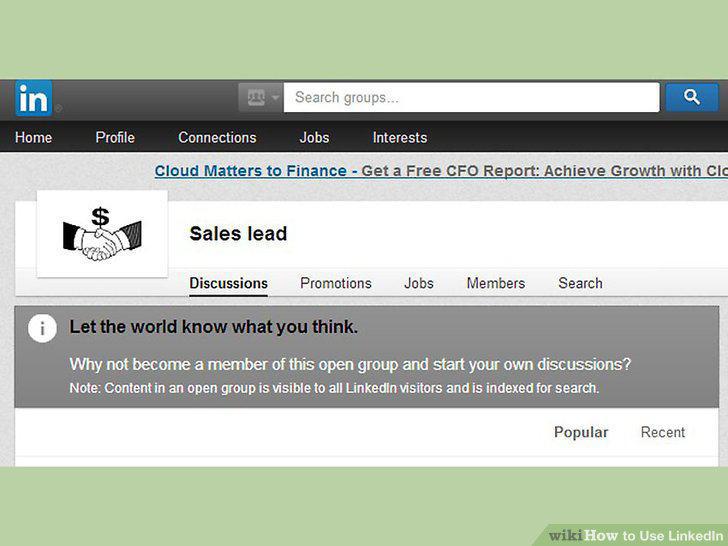
Determine the job titles of your sales prospects, so that you can search for them.
Contact your prospects via LinkedIn InMails.
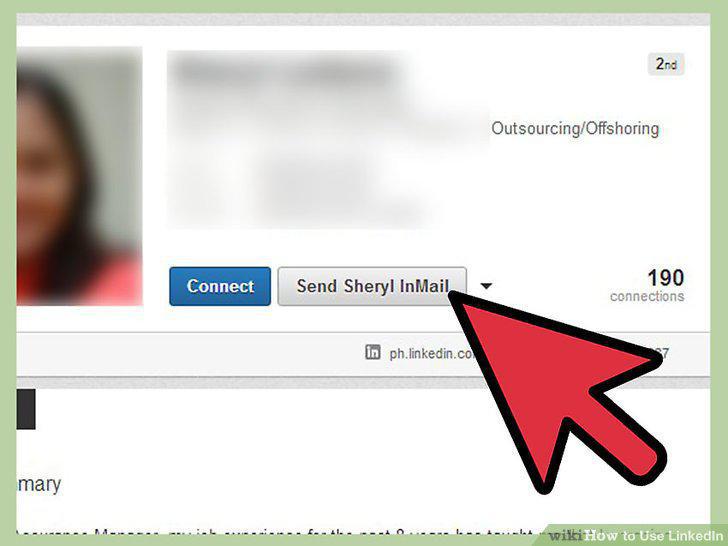
Contact your prospects via LinkedIn InMails.
Don't waste your InMails.
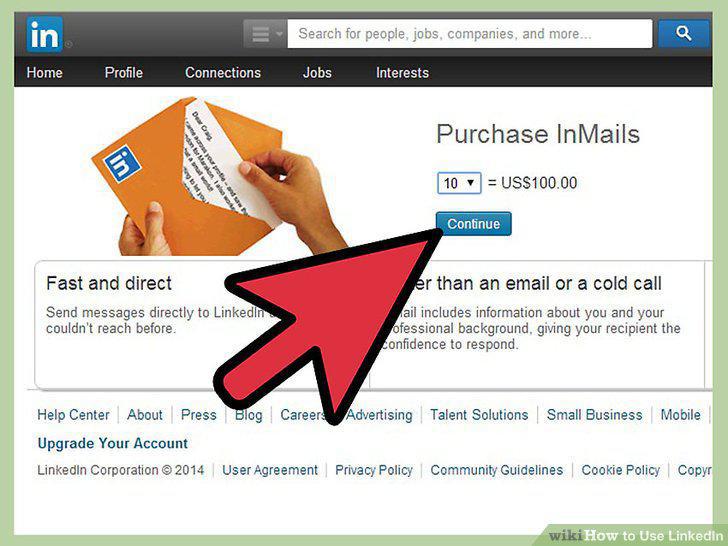
Don't waste your InMails.
Use LinkedIn for reference selling.
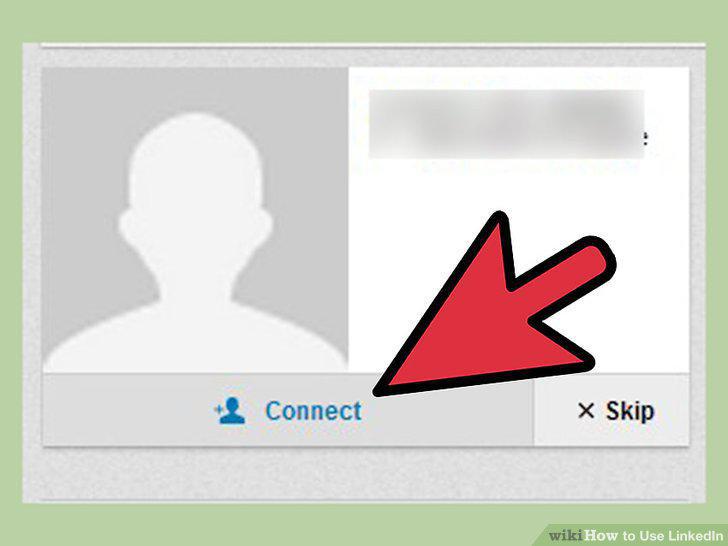
Use LinkedIn for reference selling.
Appear on Google and other searches.
Appear on Google and other searches.
Don't add people you don't know, but continue to build out your contacts.
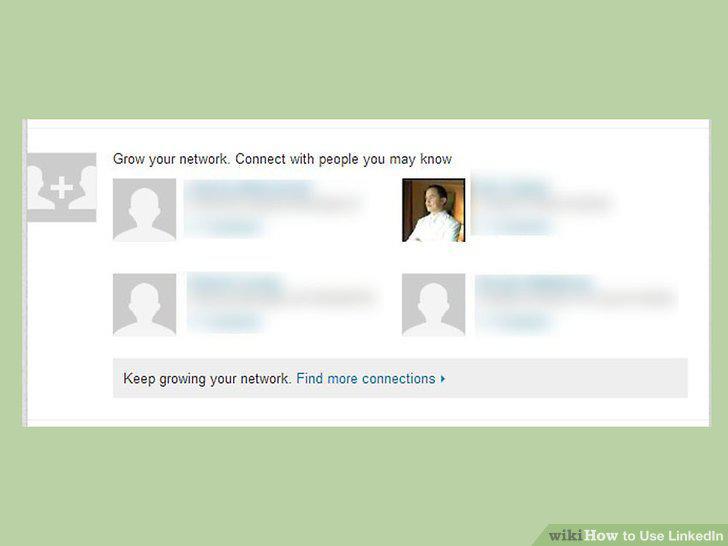
Don't add people you don't know, but continue to build out your contacts.
Post updates to your LinkedIn contacts periodically.
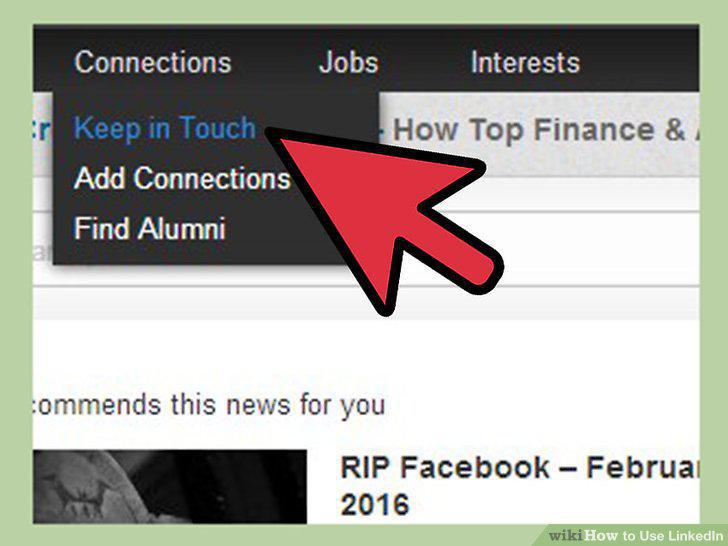
Post updates to your LinkedIn contacts periodically.
Contribute to the right LinkedIn groups.
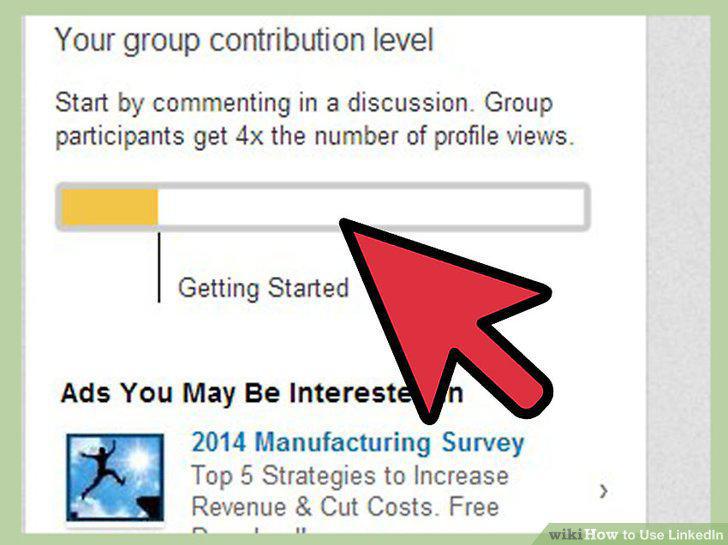
Contribute to the right LinkedIn groups.
Know that the most visibility you can get is if LinkedIn designates you as an "I
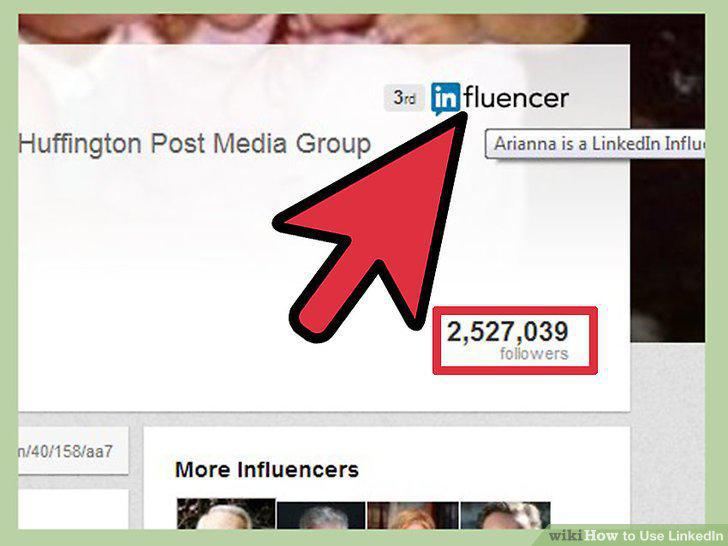
Know that the most visibility you can get is if LinkedIn designates you as an "Influencer.
LinkedIn's criteria for becoming an influence has been changing, and is currentl
LinkedIn's criteria for becoming an influence has been changing, and is currently officially closed.
Comments (0)
No comments yet. Be the first to share your thoughts!