How to Add Music to Your Instagram Story on Android
Open Instagram and swipe right to open the camera.. Take a picture or record a video.. Tap on the Stickers icon.
Steps
1
Open Instagram and swipe right to open the camera.
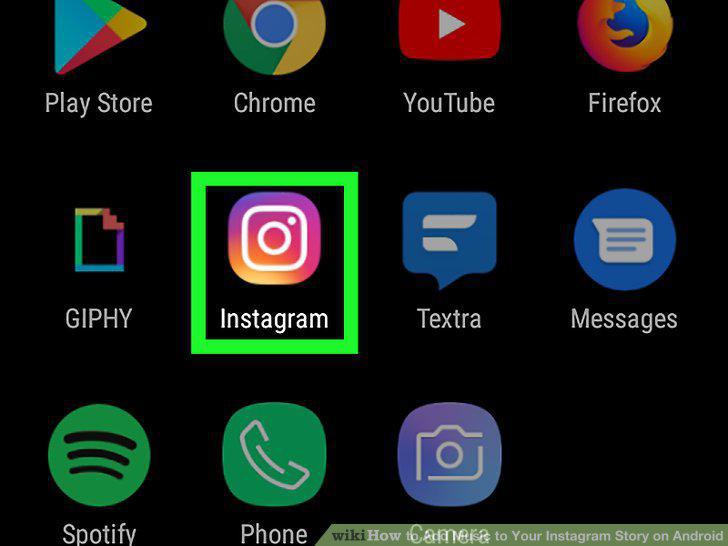
Open Instagram and swipe right to open the camera.
2
Take a picture or record a video.
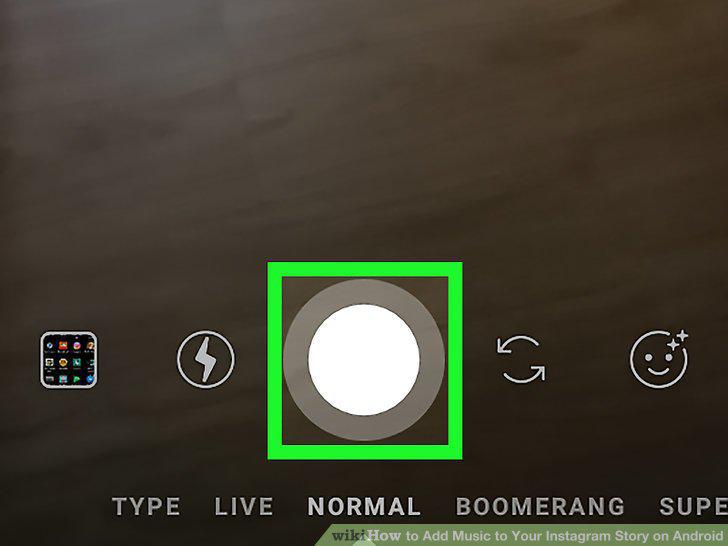
Take a picture or record a video.
3
Tap on the Stickers icon.
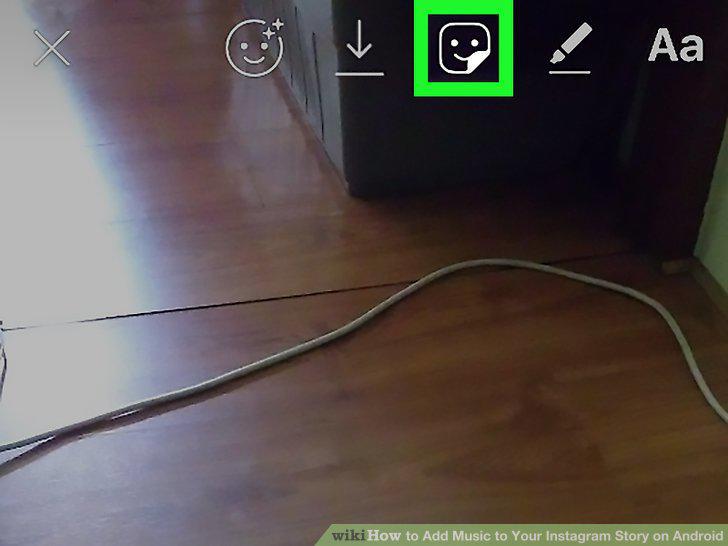
Tap on the Stickers icon.
4
Select the Music sticker.
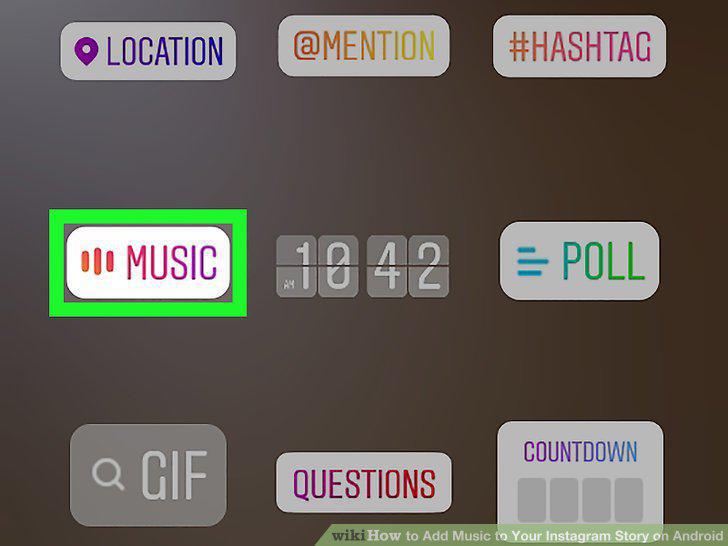
Select the Music sticker.
5
Find the song you want and tap on it.
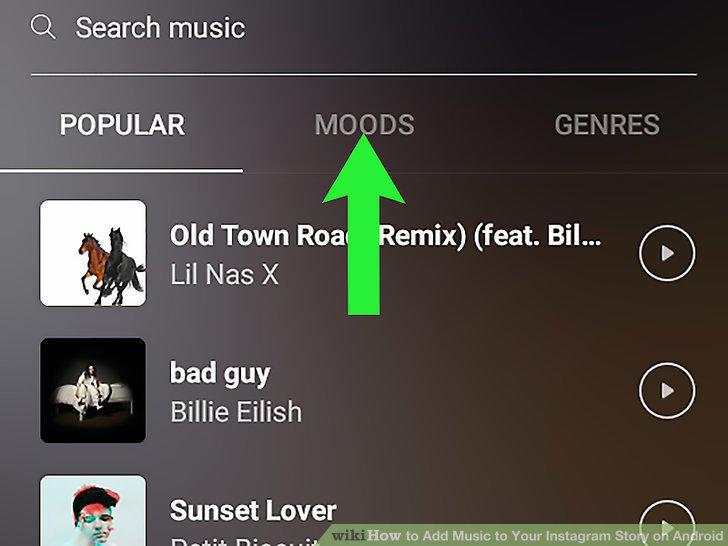
Find the song you want and tap on it.
6
Choose an audio clip from the song.
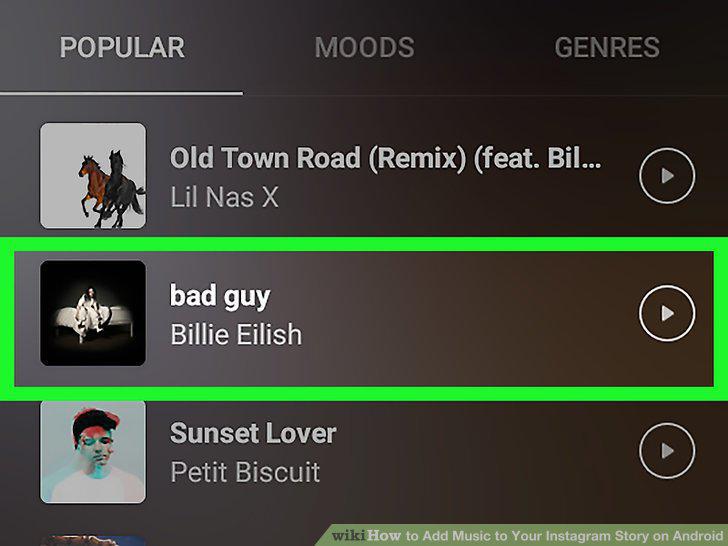
Choose an audio clip from the song.
7
Move and resize the sticker.
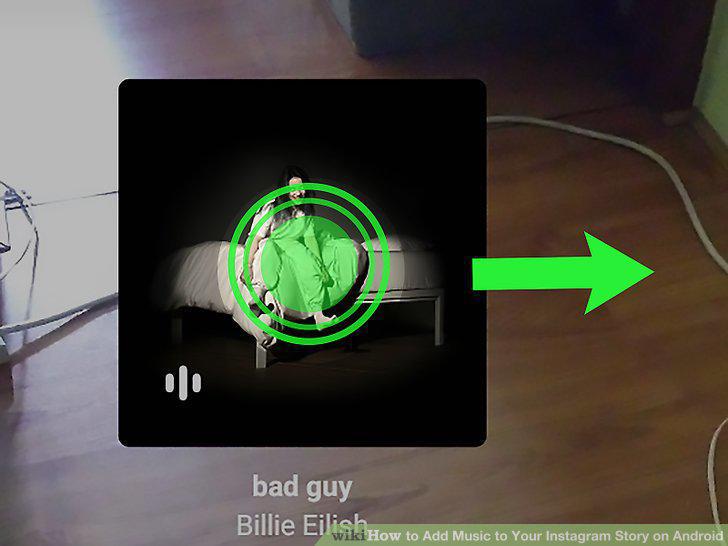
Move and resize the sticker.
8
Tap your profile picture in the bottom left corner.
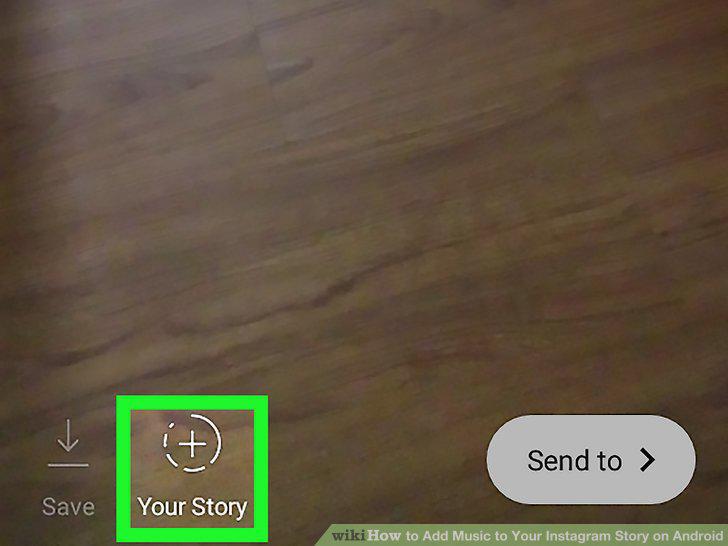
Tap your profile picture in the bottom left corner.
Comments (0)
No comments yet. Be the first to share your thoughts!