How to Download the Melon App on iPhone or iPad
Tap on to open the App Store.. Click the Search button.. Type 'Melon' in the search bar.
Steps
1
Tap on to open the App Store.
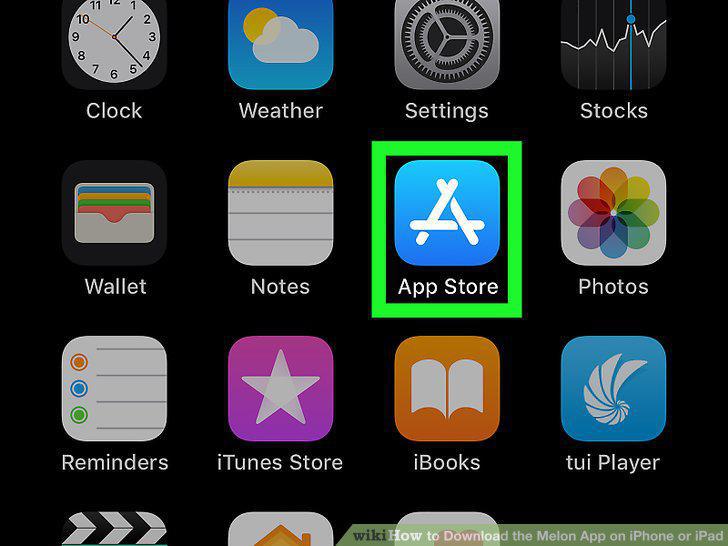
Tap on to open the App Store.
2
Click the Search button.
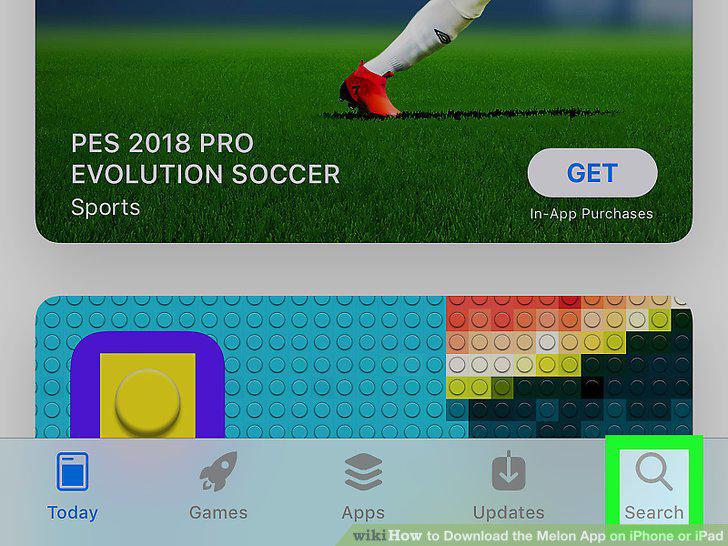
Click the Search button.
3
Type 'Melon' in the search bar.
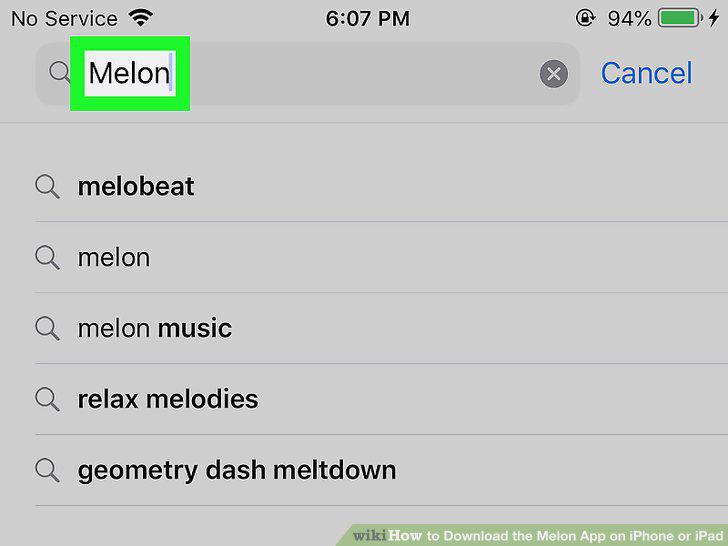
Type 'Melon' in the search bar.
4
Tap the blue Search button in the bottom right of your keyboard.
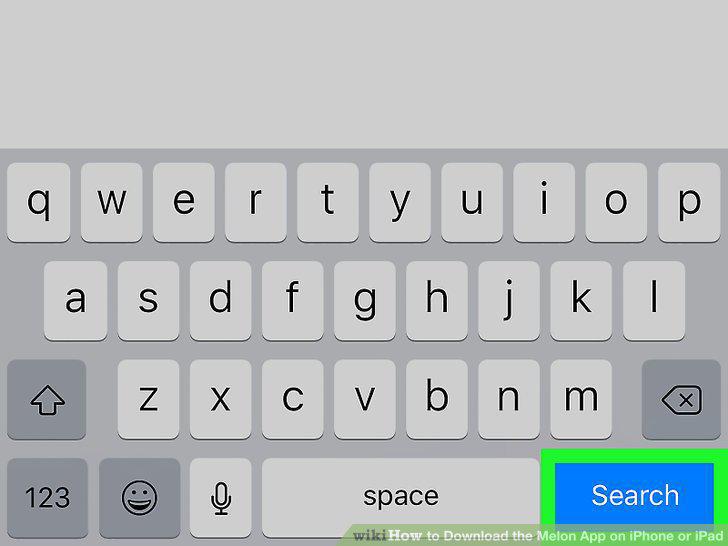
Tap the blue Search button in the bottom right of your keyboard.
5
Scroll until you find the Melon app.
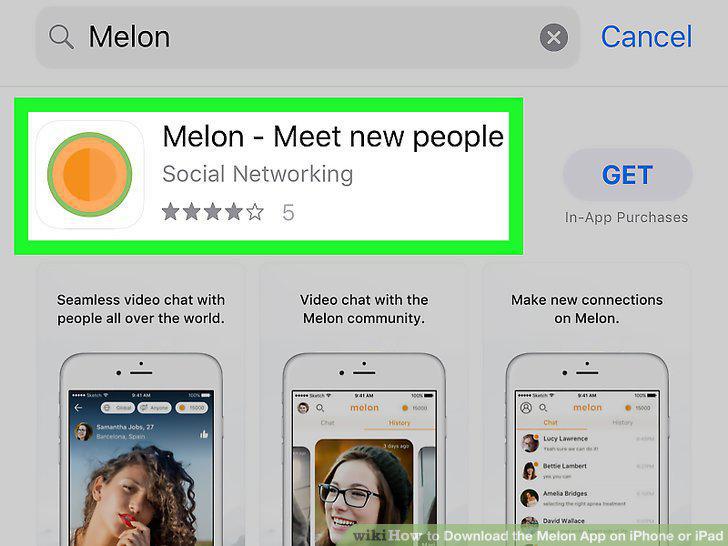
Scroll until you find the Melon app.
6
Tap the Get.
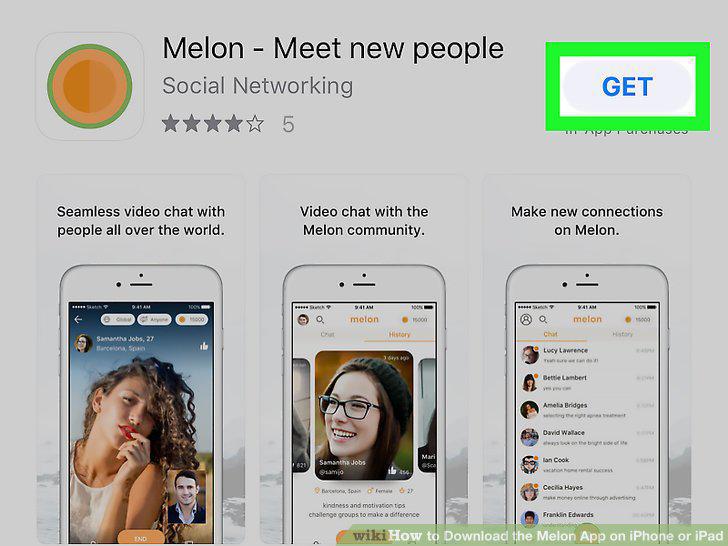
Tap the Get.
7
Confirm the download.
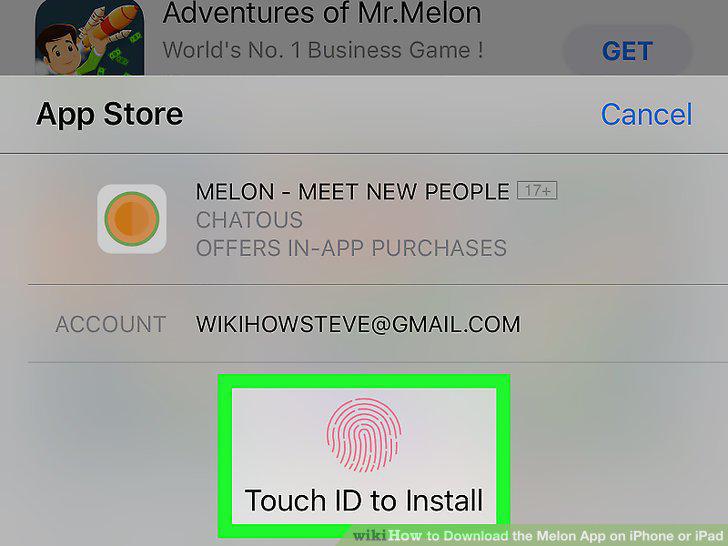
Confirm the download.
Comments (0)
No comments yet. Be the first to share your thoughts!