How to Rotate an iPhone Photo
Open your iPhone's Photos.. Tap an album.. Select a photo to edit.
Steps
1
Open your iPhone's Photos.
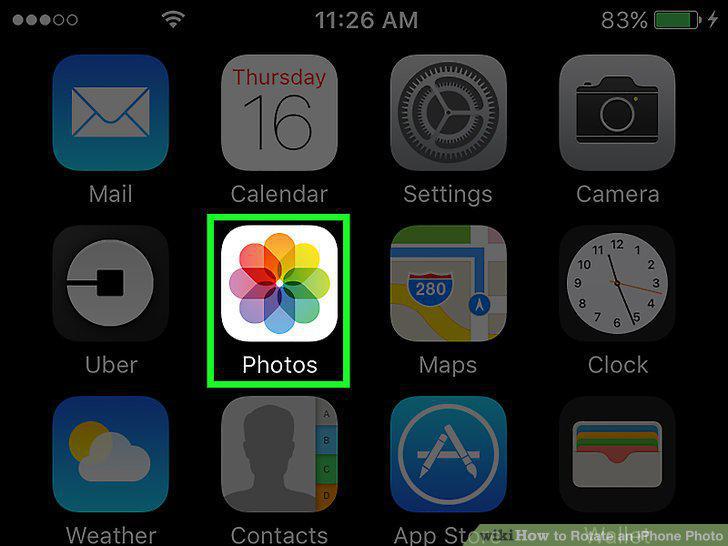
Open your iPhone's Photos.
2
Tap an album.
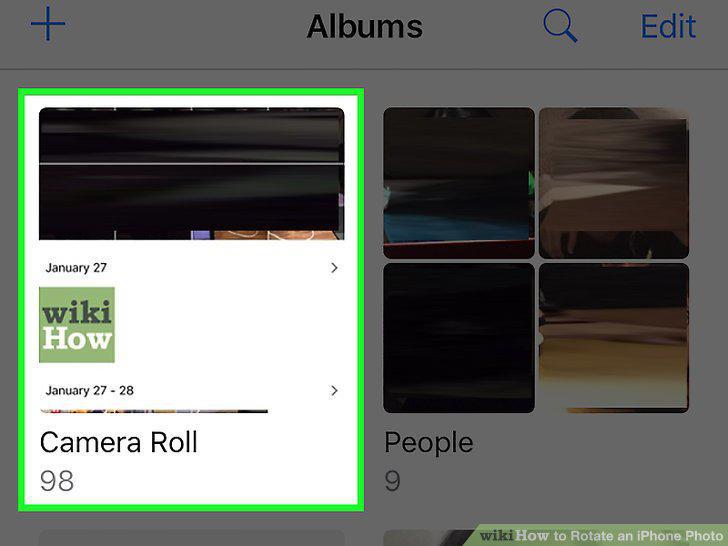
Tap an album.
3
Select a photo to edit.
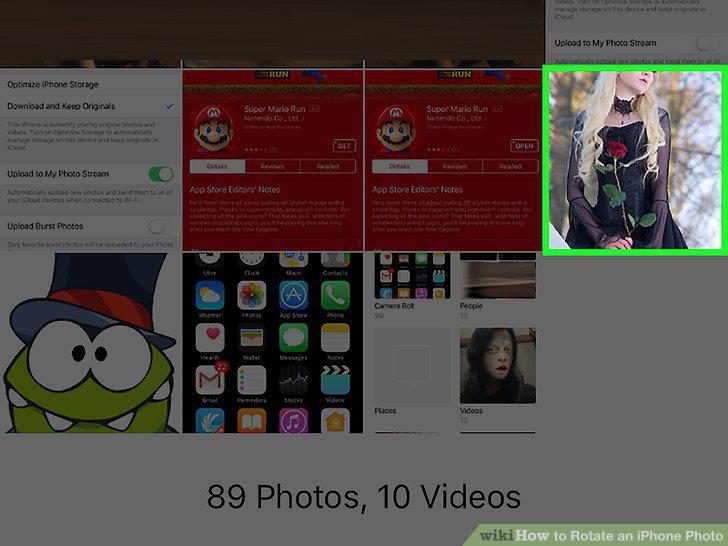
Select a photo to edit.
4
Tap the slider icon.

Tap the slider icon.
5
Tap the box with arrows in the bottom left corner of the screen.
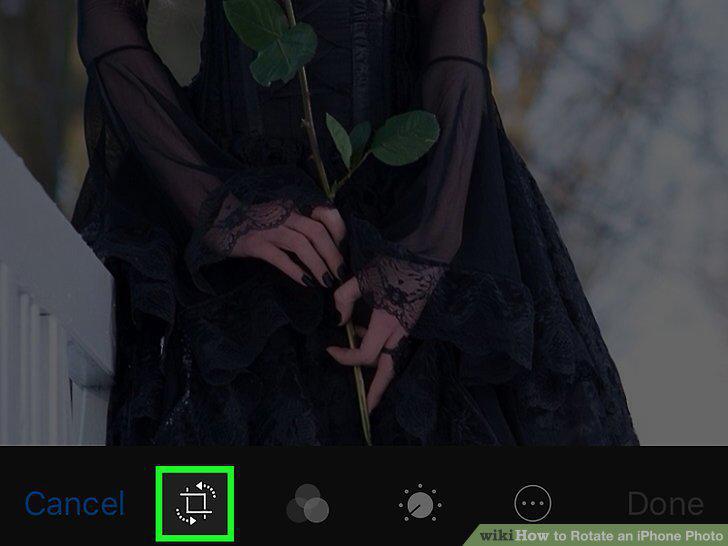
Tap the box with arrows in the bottom left corner of the screen.
6
Tap the box with an arrow over it.
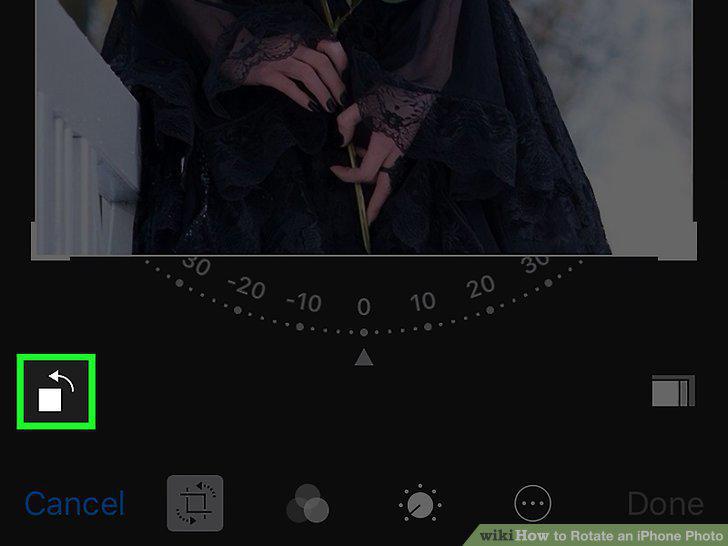
Tap the box with an arrow over it.
7
Tap and drag the dial beneath your photo left or right.
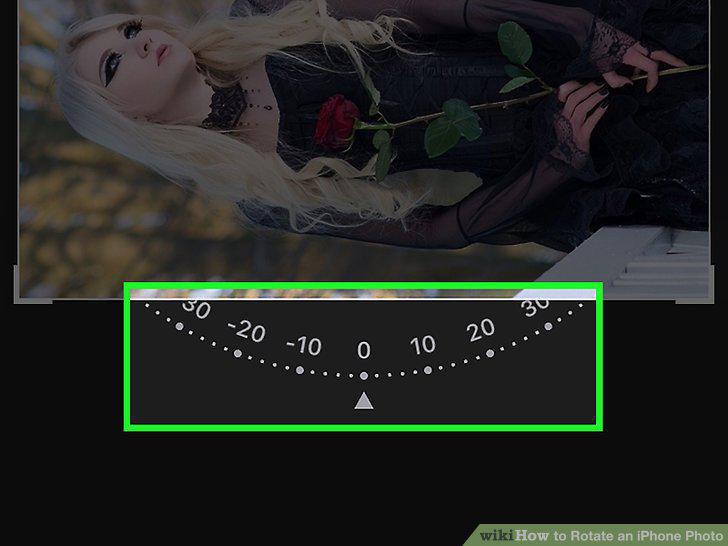
Tap and drag the dial beneath your photo left or right.
8
Tap Done.
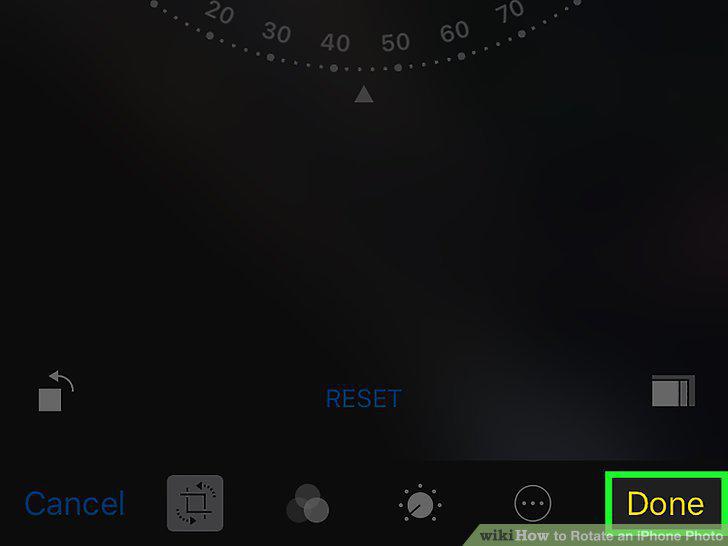
Tap Done.
Comments (0)
No comments yet. Be the first to share your thoughts!