How to Create a Facebook Offer

Beginner 30 min 5 steps 39243 views Rating: 5.0/5 Published: 2026-01-11

Go to your Page.. Click Offers.. Click Create Offer.

Start Playback
C
Author

Steps

1

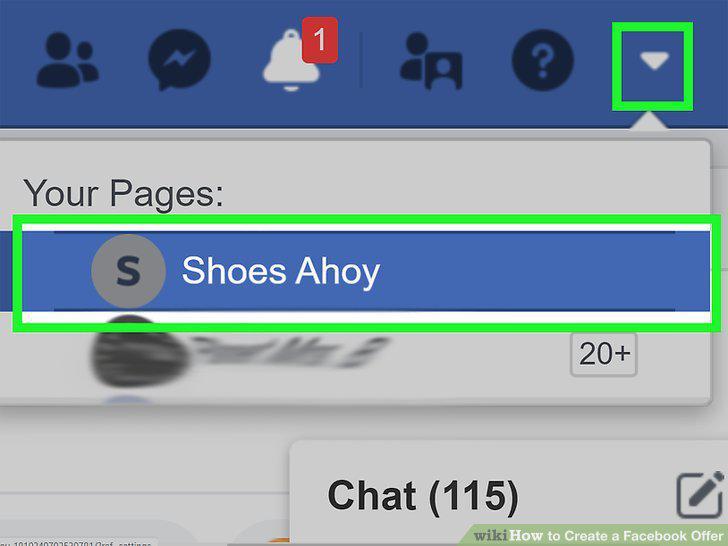
Go to your Page.
Step 1

Go to your Page.

2

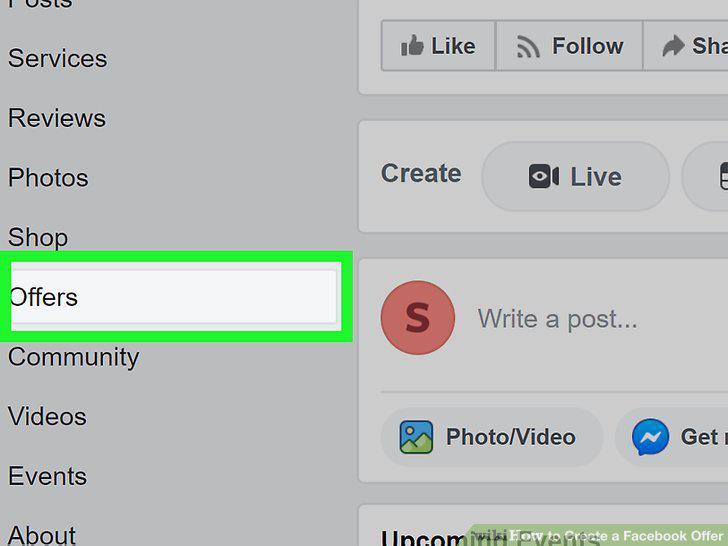
Click Offers.

Step 2

Click Offers.

3

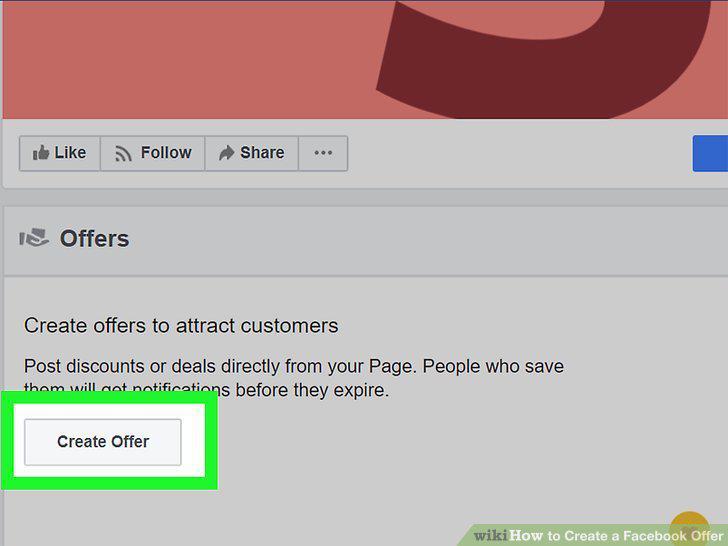
Click Create Offer.

Step 3

Click Create Offer.

4

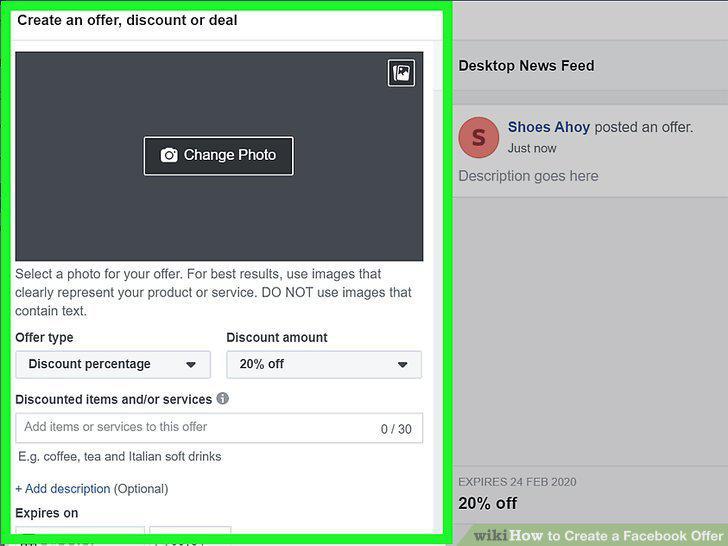
Create and describe your offer.
Step 4

Create and describe your offer.

5

Click Publish.
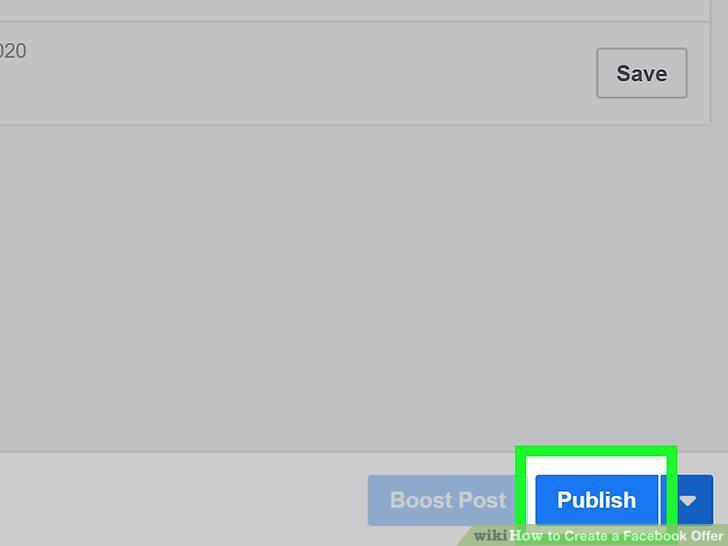
Step 5

Click Publish.

View as Slideshow

Rate This Guide

★ ★ ★ ★ ★ 5.0/5
3

Comments (0)

No comments yet. Be the first to share your thoughts!