How to Delete a Messenger Account on Android
Open Messenger on your Android.. Tap the Chats tab.. Tap your profile photo.
Steps
1
Open Messenger on your Android.
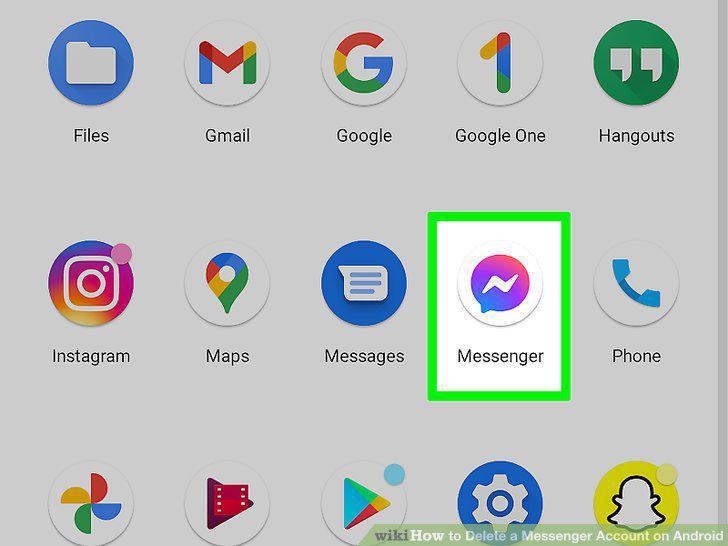
Open Messenger on your Android.
2
Tap the Chats tab.
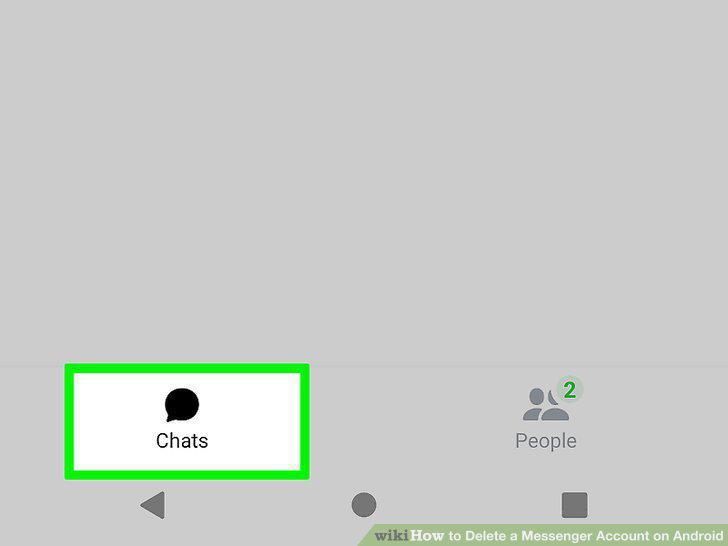
Tap the Chats tab.
3
Tap your profile photo.
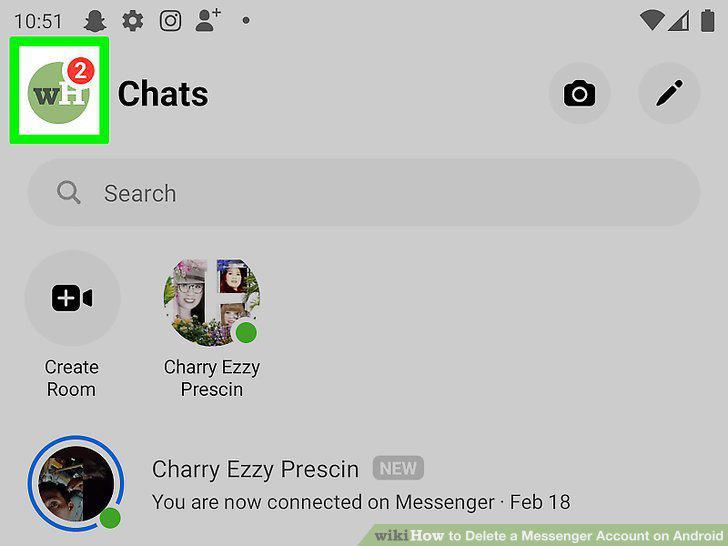
Tap your profile photo.
4
Scroll down and tap Switch Account.
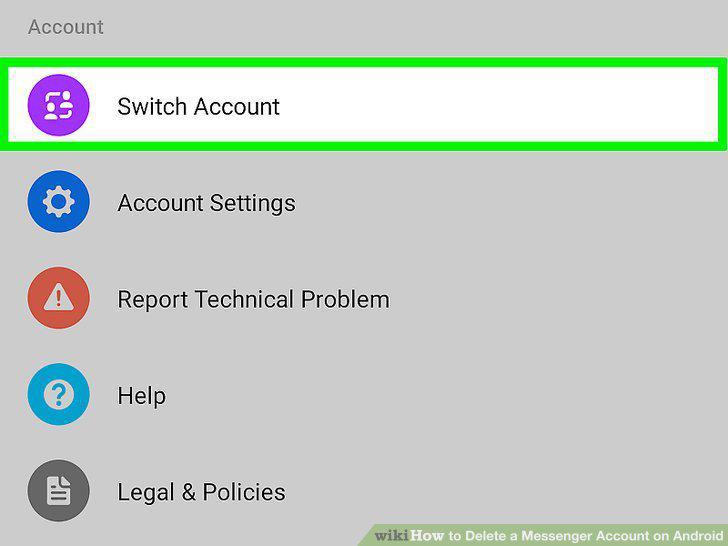
Scroll down and tap Switch Account.
5
Swipe left on the account you want to remove.
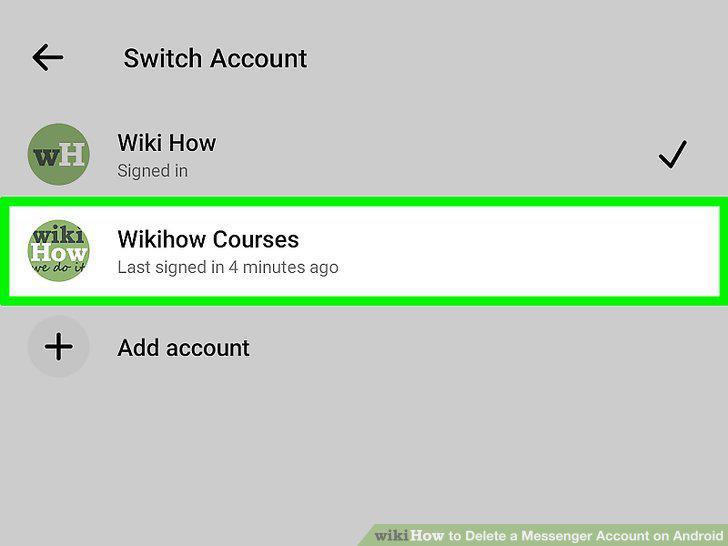
Swipe left on the account you want to remove.
6
Tap the red trash can.
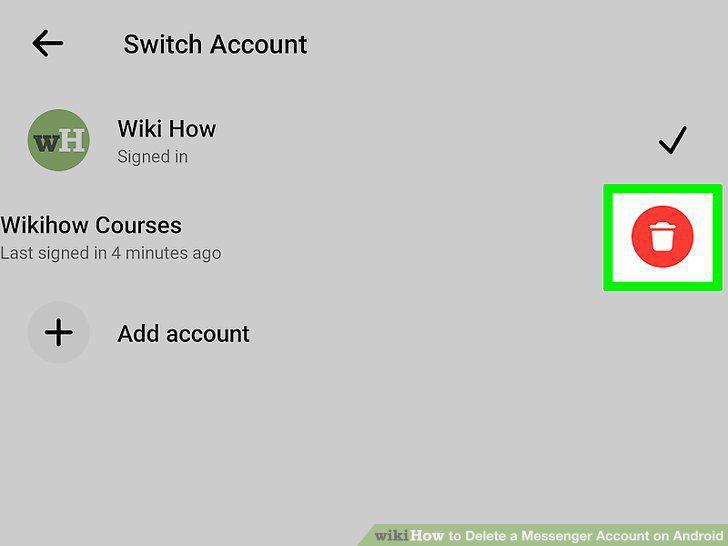
Tap the red trash can.
7
Tap Remove to confirm.
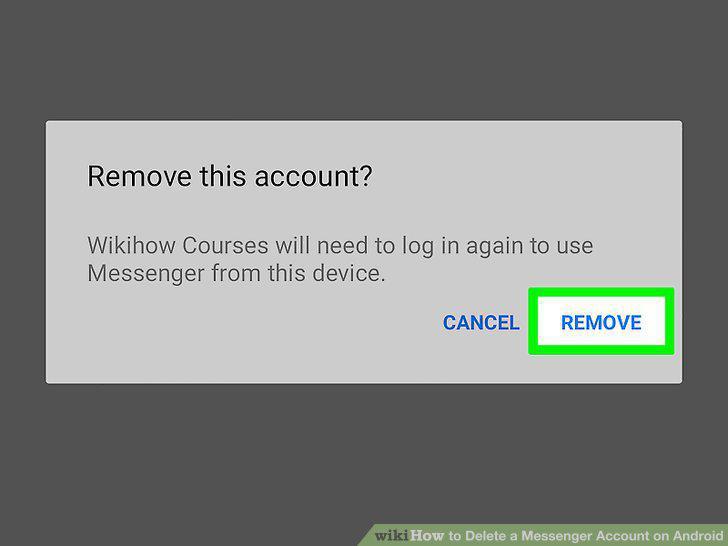
Tap Remove to confirm.
Comments (0)
No comments yet. Be the first to share your thoughts!