How to Convert a VHS to DVD
Purchase a DVD Recorder.. Find the right cable.. Connect your VCR/camcorder to your DVD recorder.
Steps
1
Purchase a DVD Recorder.
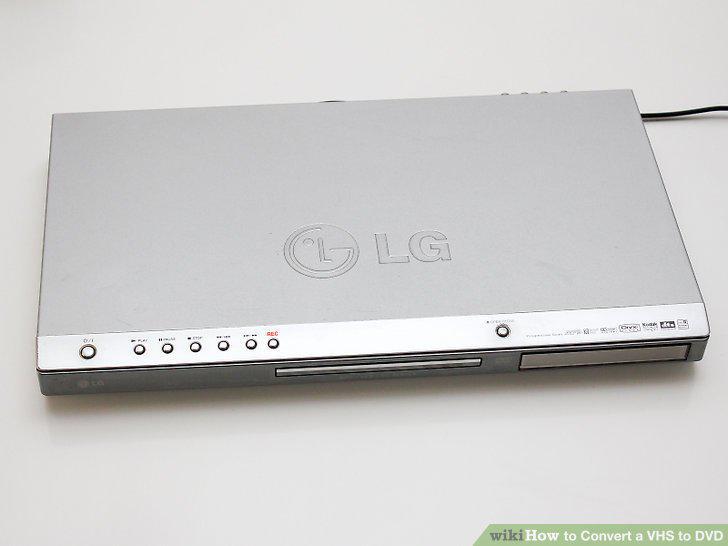
Purchase a DVD Recorder.
2
Find the right cable.
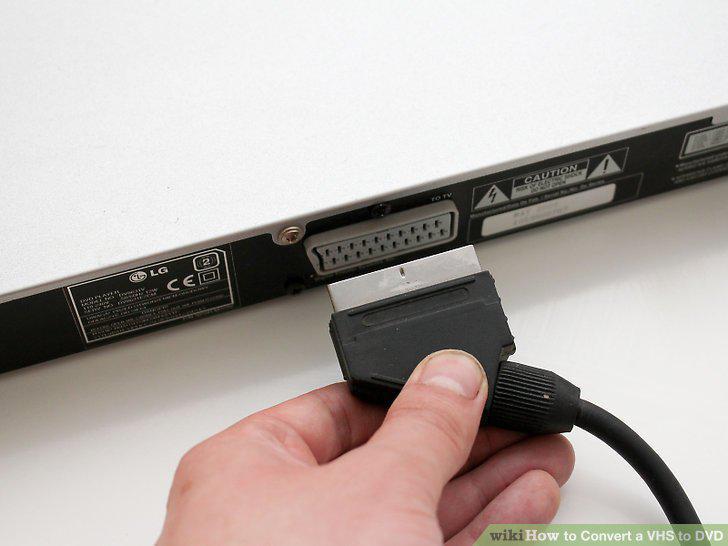
Find the right cable.
3
Connect your VCR/camcorder to your DVD recorder.
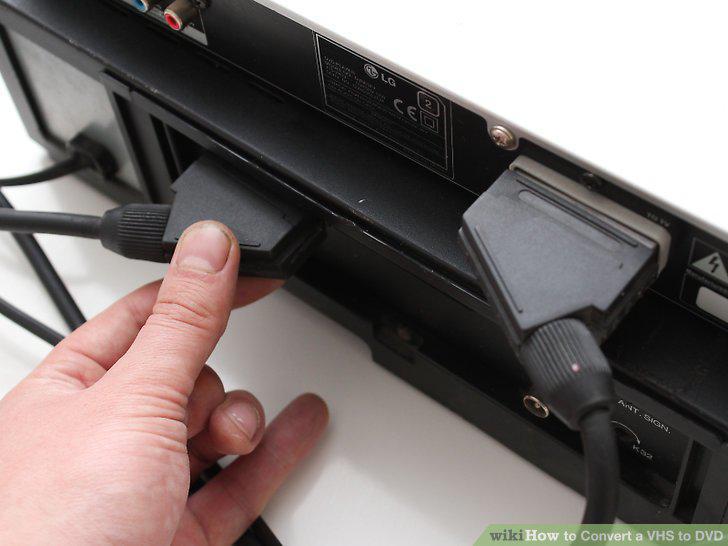
Connect your VCR/camcorder to your DVD recorder.
4
Insert your tape in your VCR/camcorder and a DVD-R in the DVD recorder.
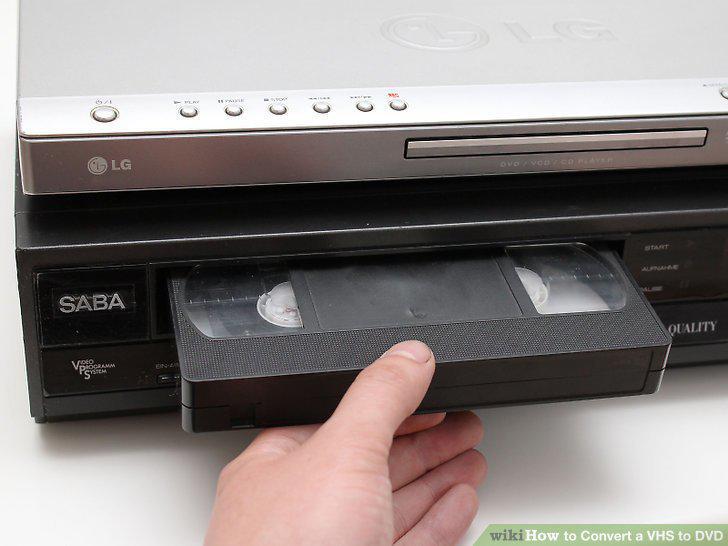
Insert your tape in your VCR/camcorder and a DVD-R in the DVD recorder.
5
Press "Record" on your DVD recorder.
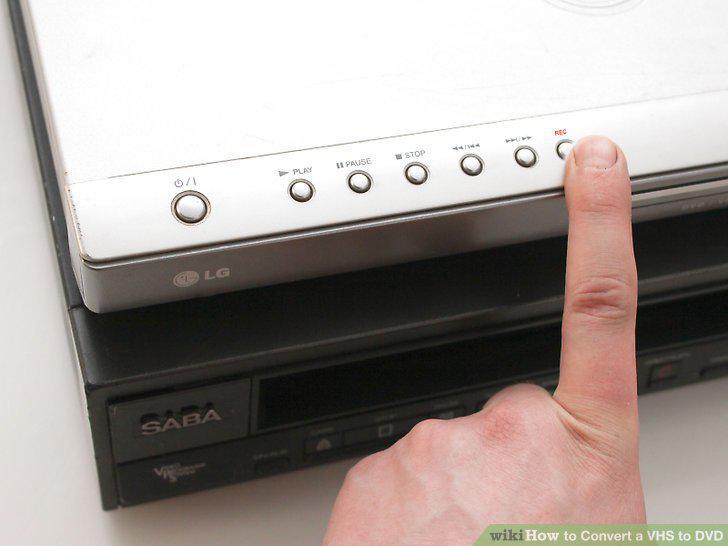
Press "Record" on your DVD recorder.
6
Press "Play" on your VCR/camcorder.
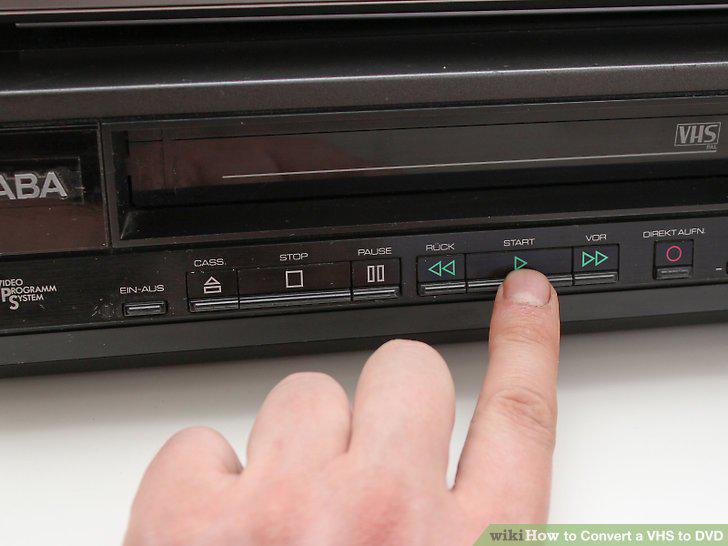
Press "Play" on your VCR/camcorder.
7
Cut parts of the video you don't want.
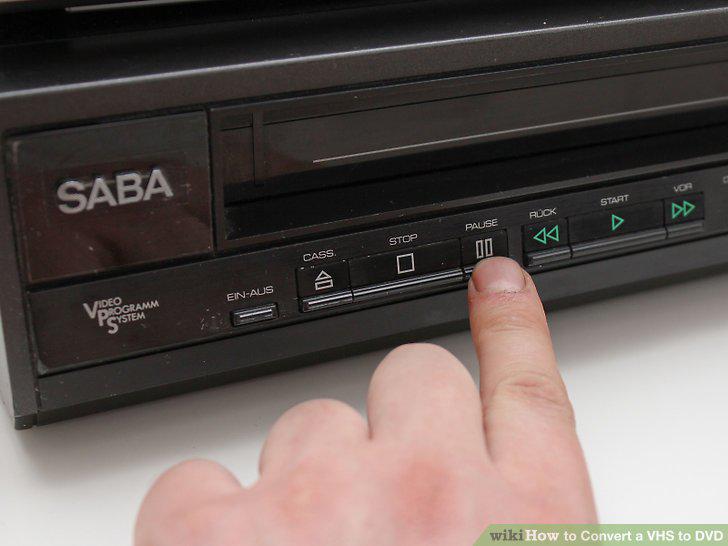
Cut parts of the video you don't want.
8
Stop recording.
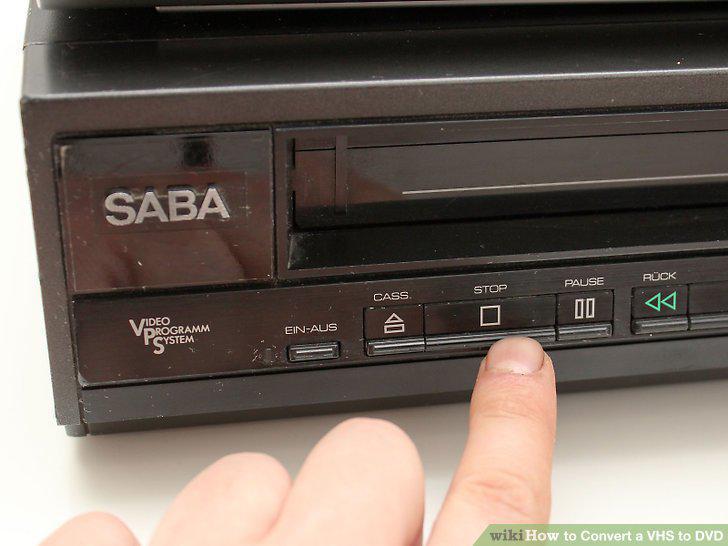
Stop recording.
9
Prepare your resources.
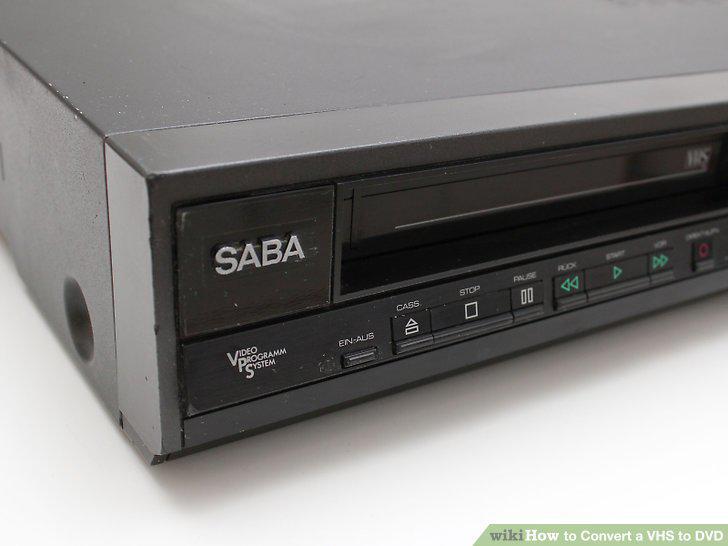
Prepare your resources.
10
Connect your VCR to your computer with an analog-to-digital video converter.
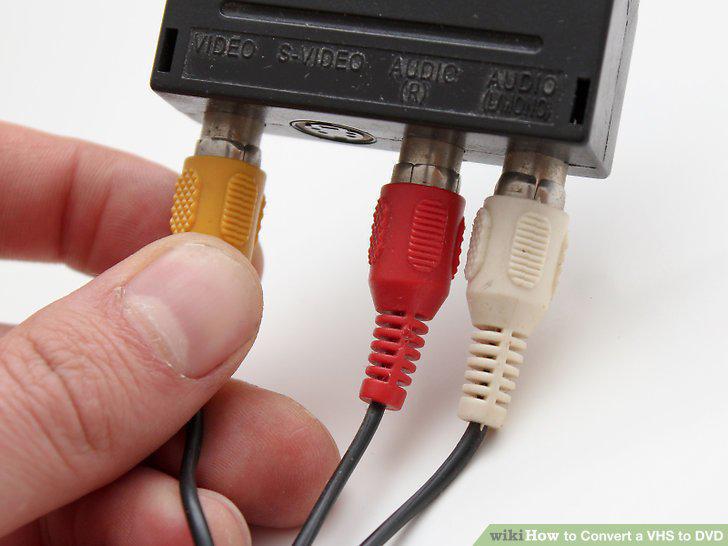
Connect your VCR to your computer with an analog-to-digital video converter.
11
Open your editing software.
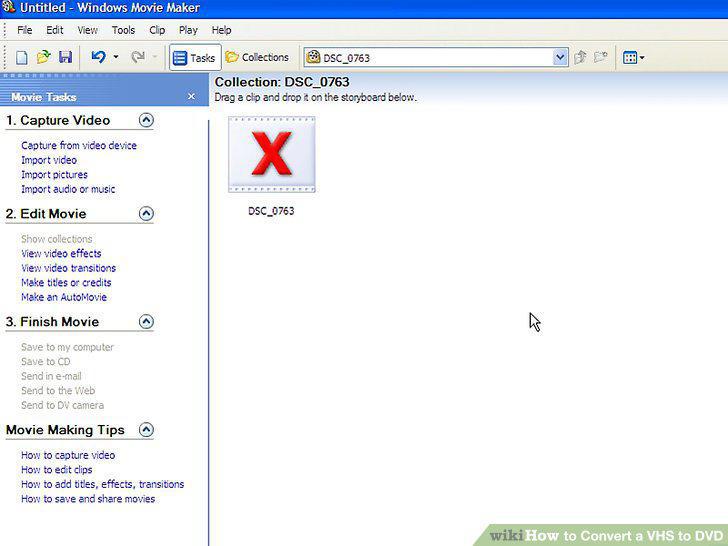
Open your editing software.
12
Import the video.
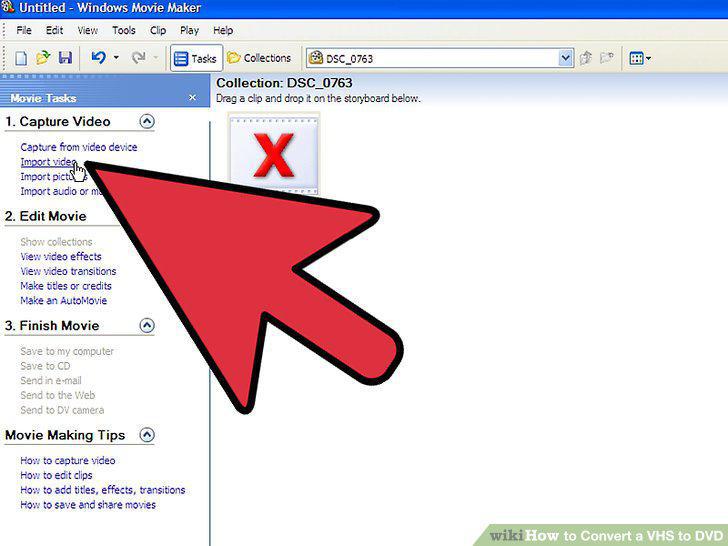
Import the video.
13
Edit the content.
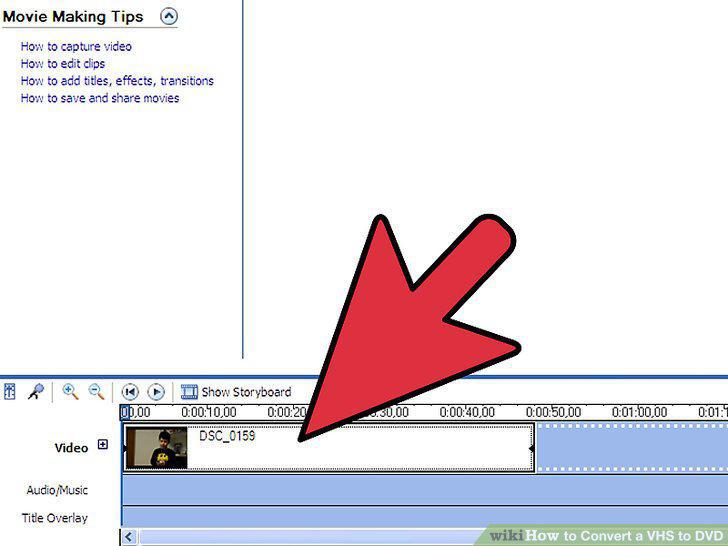
Edit the content.
14
Burn your DVD.
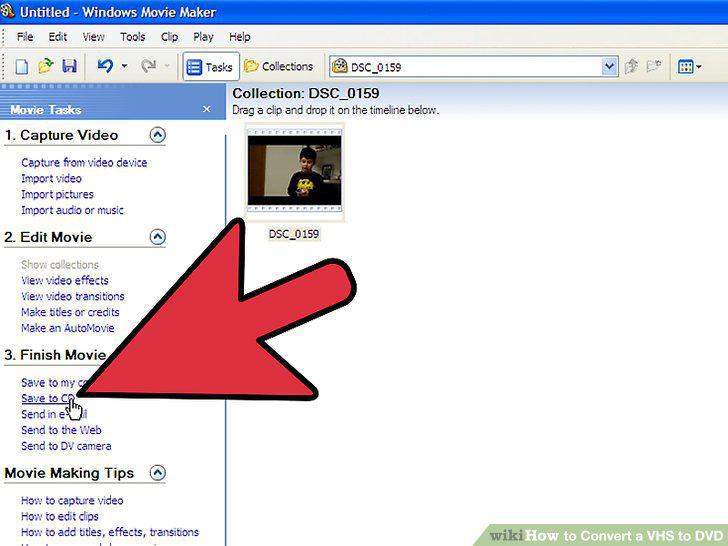
Burn your DVD.
15
Make sure your computer won't sleep automatically while burning.
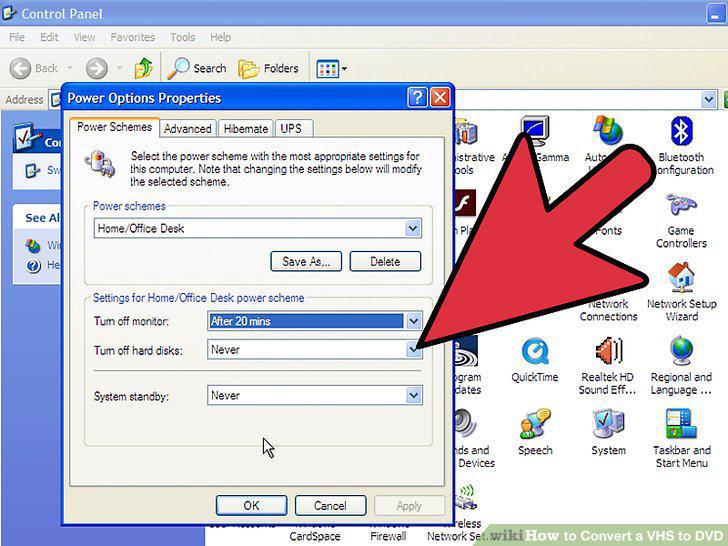
Make sure your computer won't sleep automatically while burning.
Comments (0)
No comments yet. Be the first to share your thoughts!