How to Copy and Paste a Link
Copy and paste an address from the address bar.. Find the link you want to copy.. Right-click the link.
Steps
Copy and paste an address from the address bar.
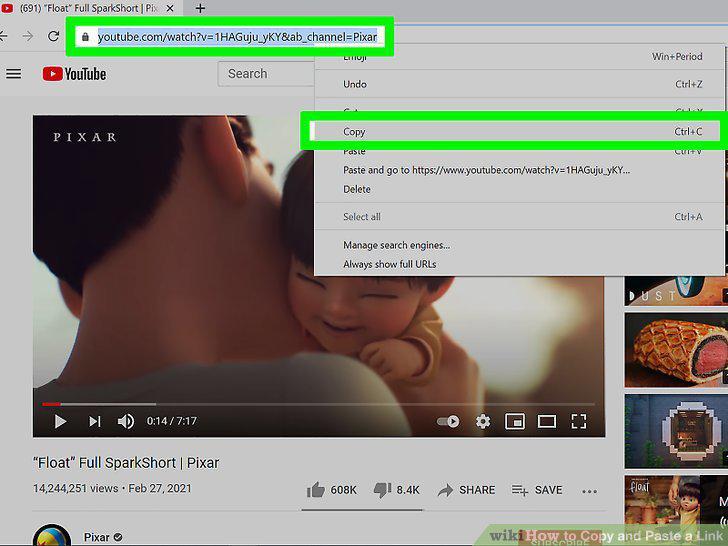
Copy and paste an address from the address bar.
Find the link you want to copy.
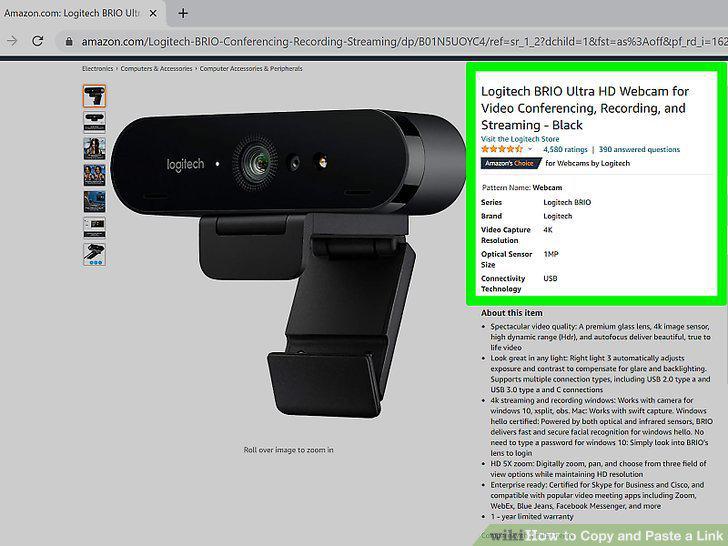
Find the link you want to copy.
Right-click the link.
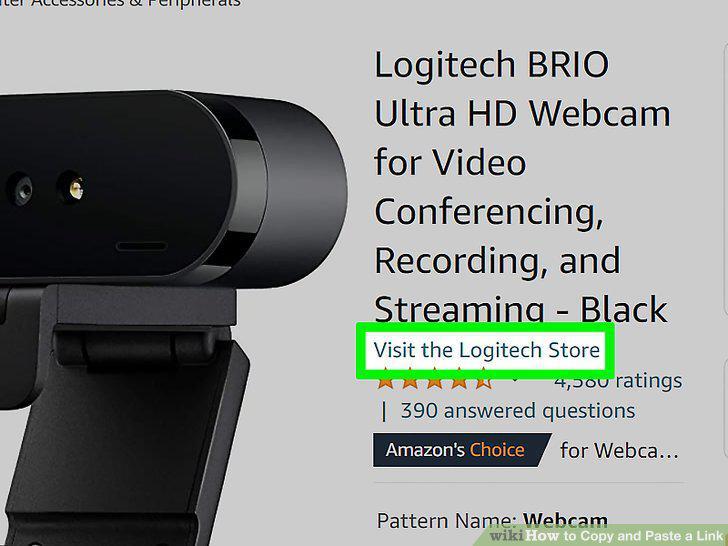
Right-click the link.
Select the "Copy link" option.
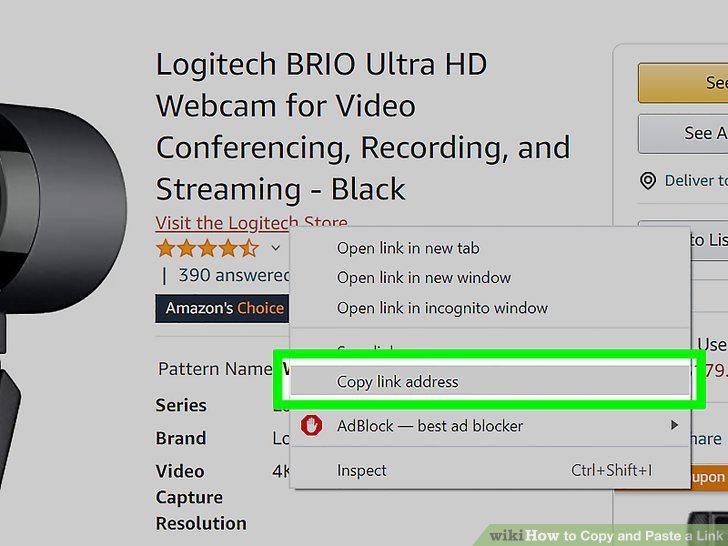
Select the "Copy link" option.
Place your cursor where you want to paste the link.
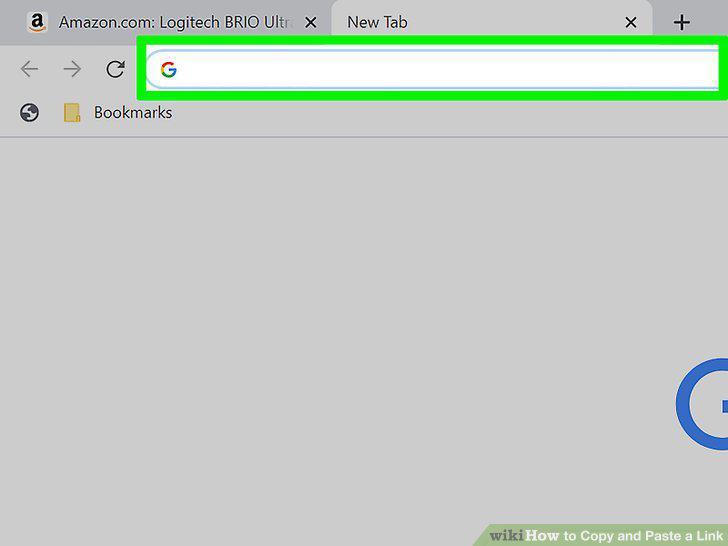
Place your cursor where you want to paste the link.
Paste the link.
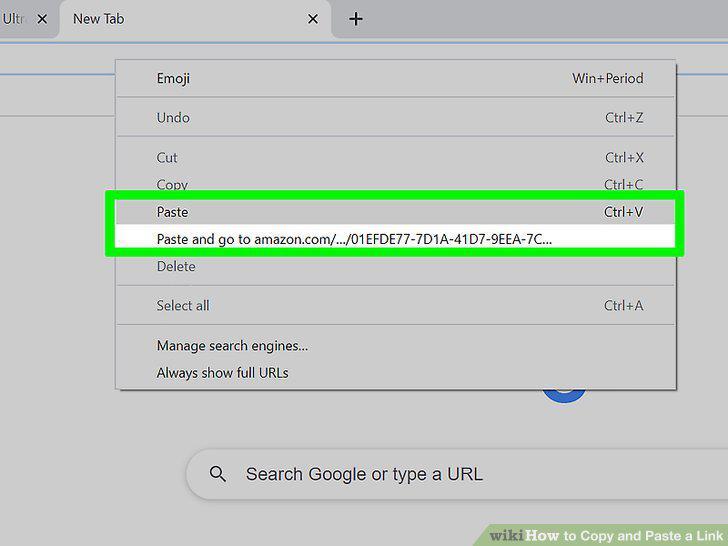
Paste the link.
Paste the link as a hyperlink with different text.
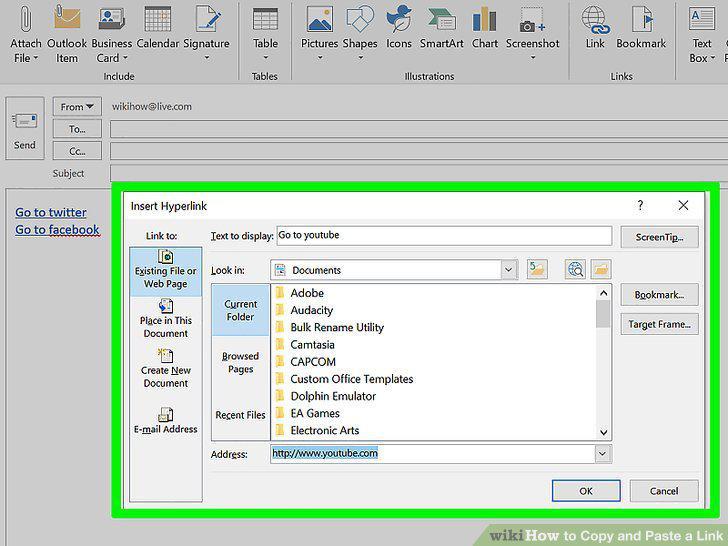
Paste the link as a hyperlink with different text.
Find the link you want to copy.
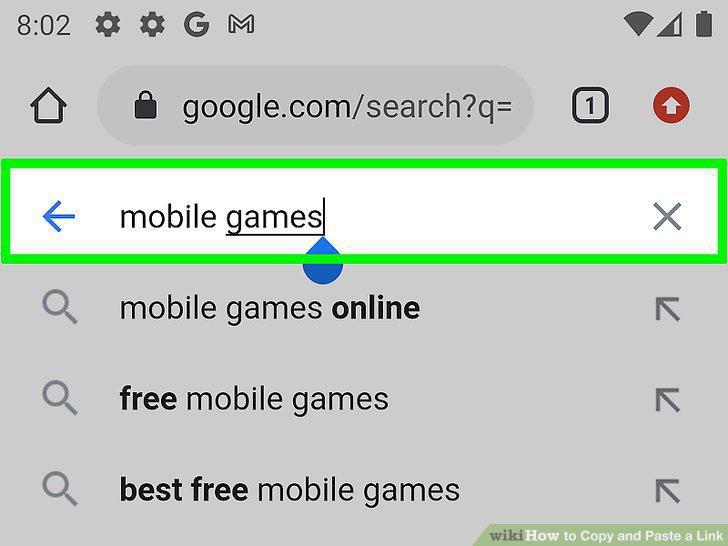
Find the link you want to copy.
Press and hold the link you want to copy.

Press and hold the link you want to copy.
Tap the "Copy" option.
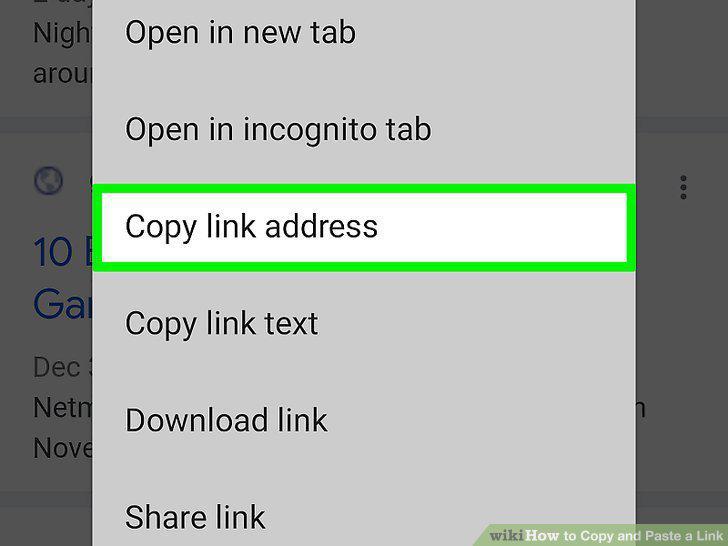
Tap the "Copy" option.
Place your cursor where you want to paste the link.
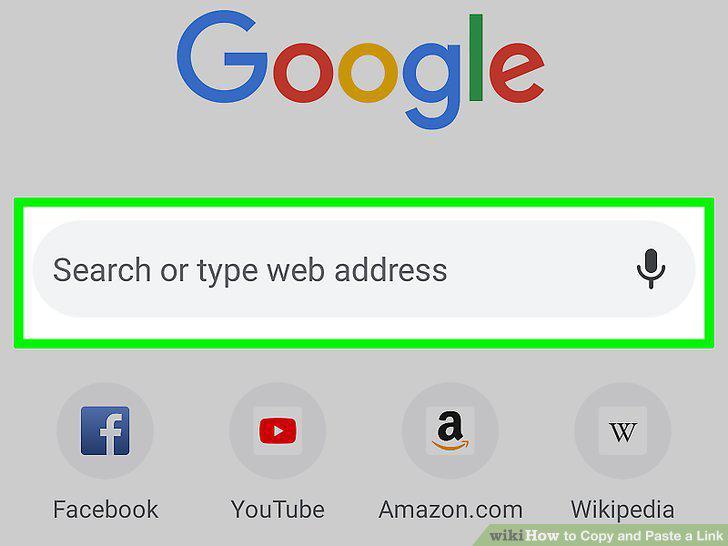
Place your cursor where you want to paste the link.
Press and hold your finger on your cursor.
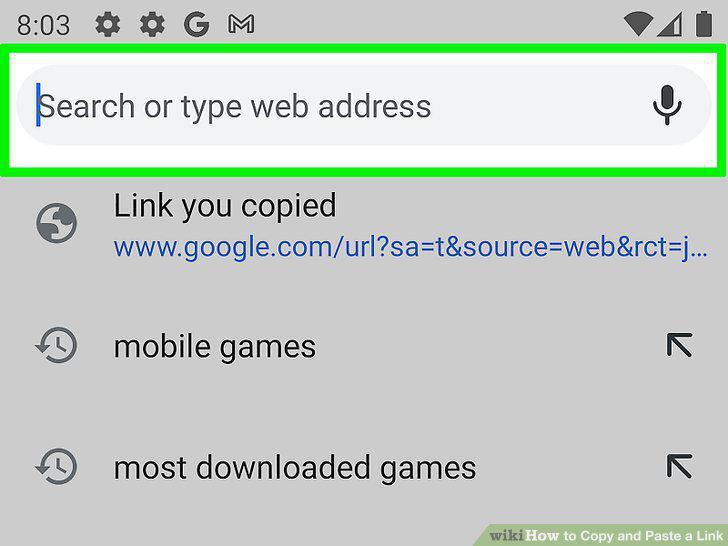
Press and hold your finger on your cursor.
Tap "Paste" to paste your copied link.
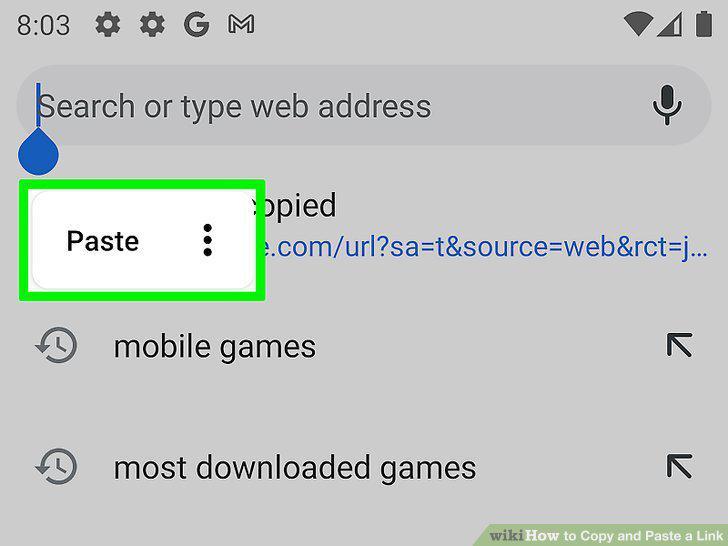
Tap "Paste" to paste your copied link.
Copy and paste a link from a text message (Android).
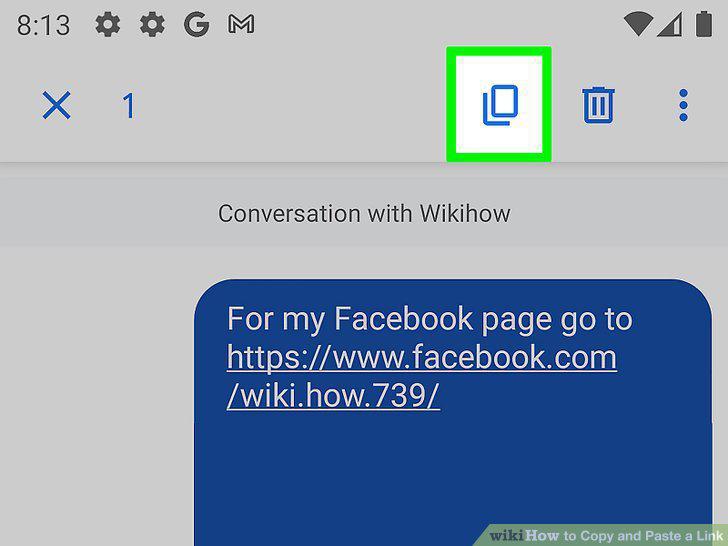
Copy and paste a link from a text message (Android).
Use a link shortener service when you need to text or tweet a link.
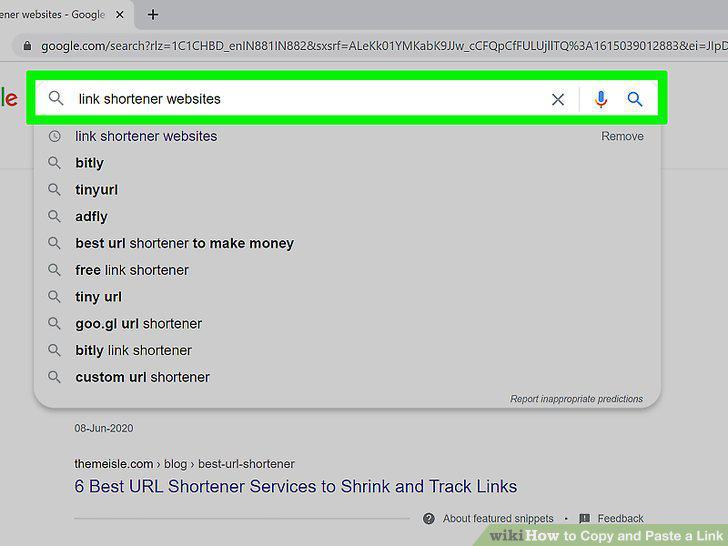
Use a link shortener service when you need to text or tweet a link.
Copy the link you want to share.
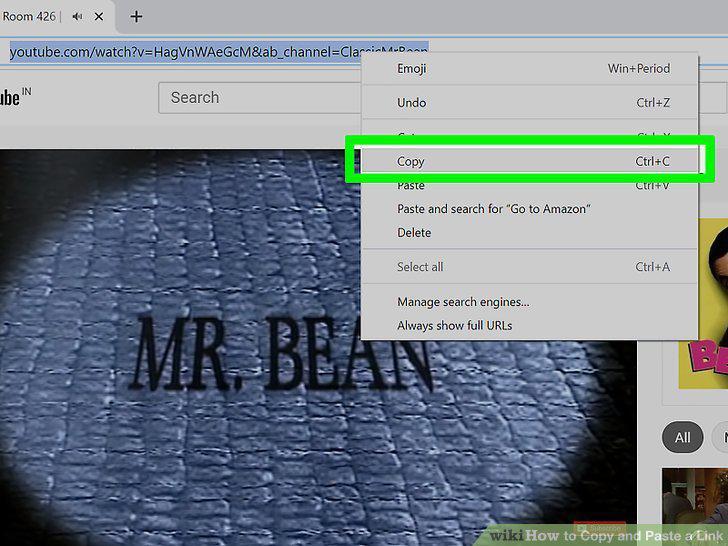
Copy the link you want to share.
Visit a link shortener website.
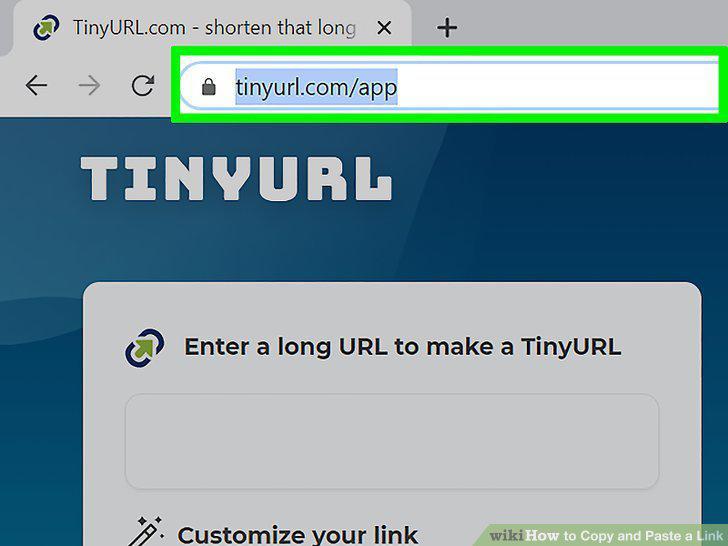
Visit a link shortener website.
Paste your long link into the field on the shortener site.
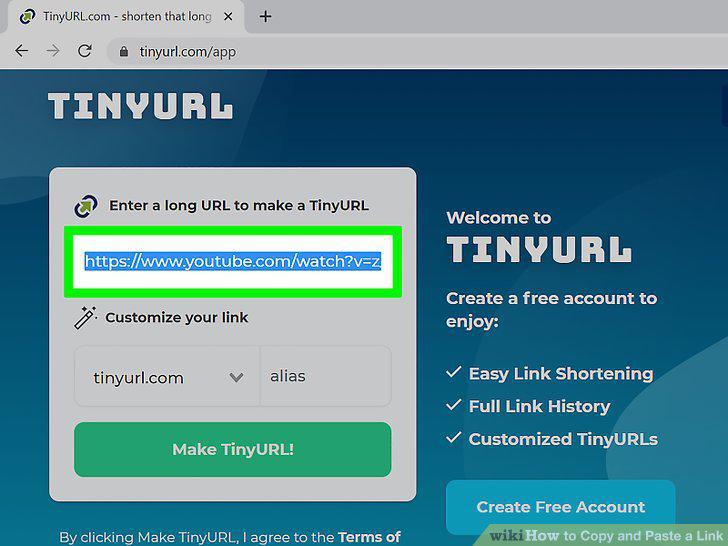
Paste your long link into the field on the shortener site.
Tap or click the "Shorten" or "Shrink" button to generate a new link.

Tap or click the "Shorten" or "Shrink" button to generate a new link.
Copy the shortened link.
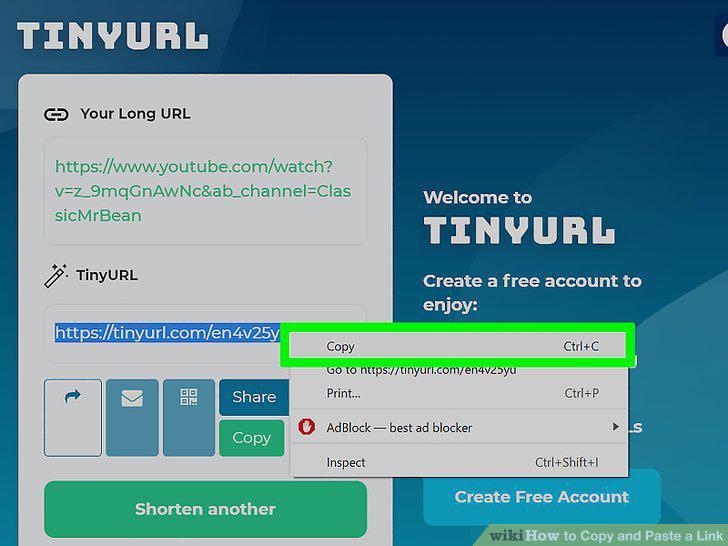
Copy the shortened link.
Paste your shortened link.
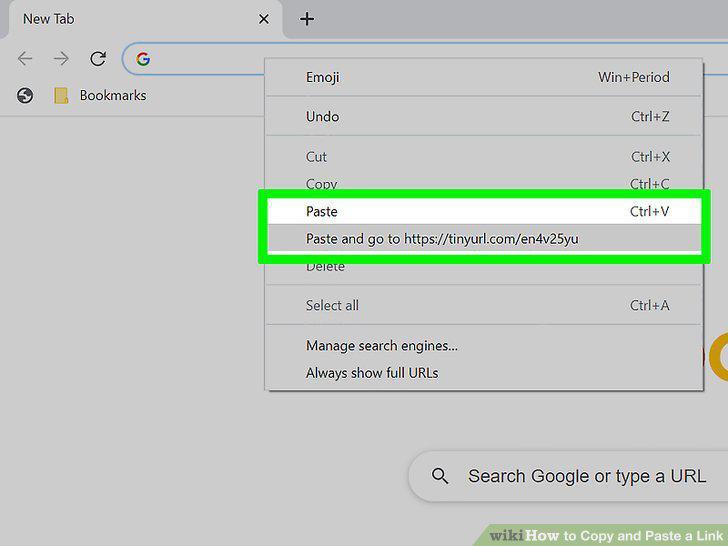
Paste your shortened link.
Comments (0)
No comments yet. Be the first to share your thoughts!