How to Record Instagram Live on iPhone or iPad
Enable screen recording in the Control Center.. Open Instagram.. Find a live stream to record.
Steps
1
Enable screen recording in the Control Center.
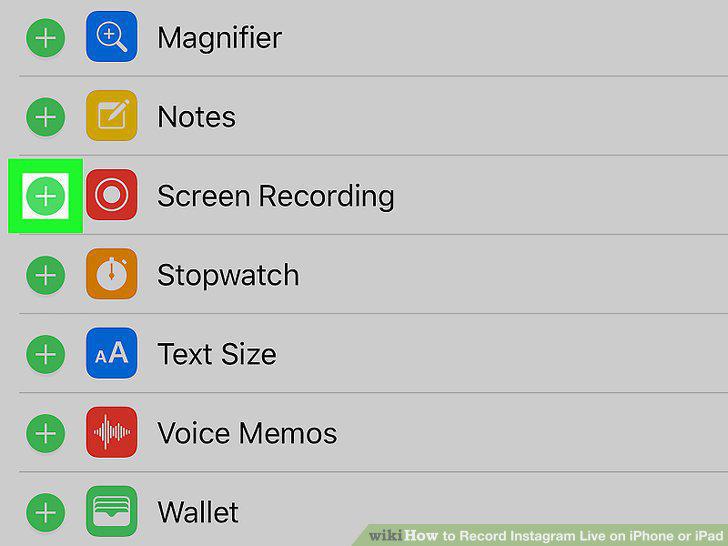
Enable screen recording in the Control Center.
2
Open Instagram.
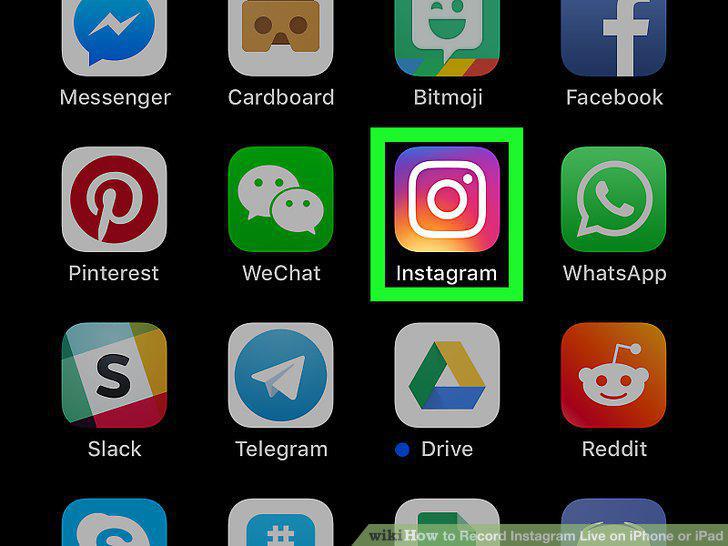
Open Instagram.
3
Find a live stream to record.
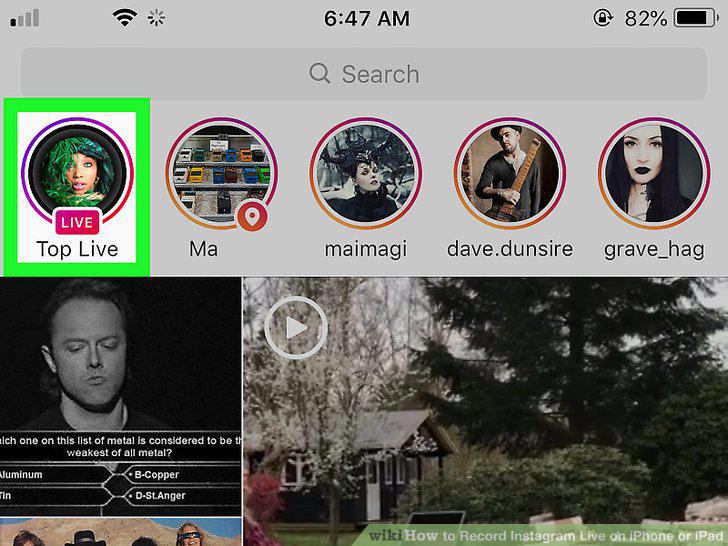
Find a live stream to record.
4
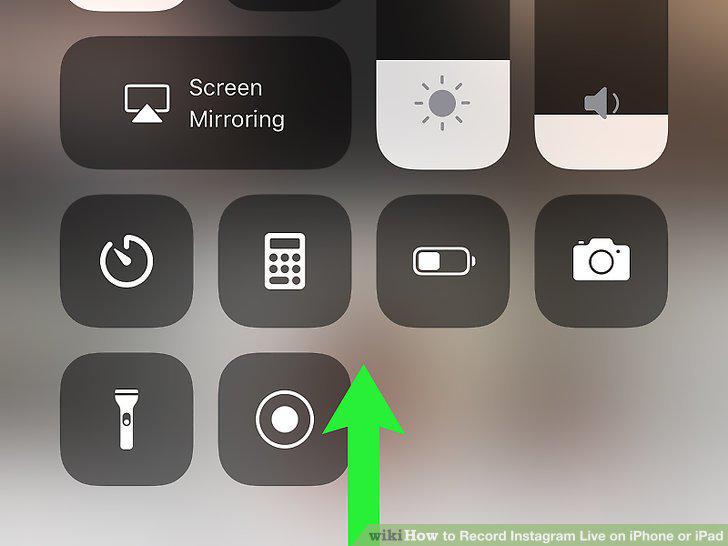
Swipe up from the bottom of the screen.
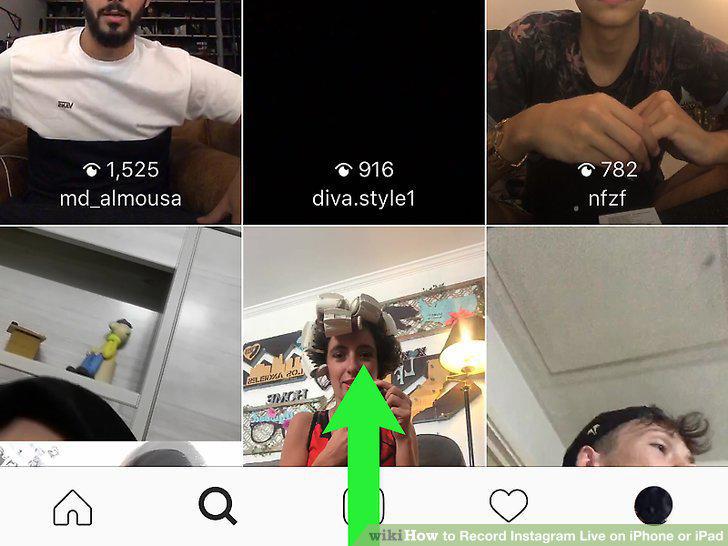
Swipe up from the bottom of the screen.
5
Swipe up on the Control Center.
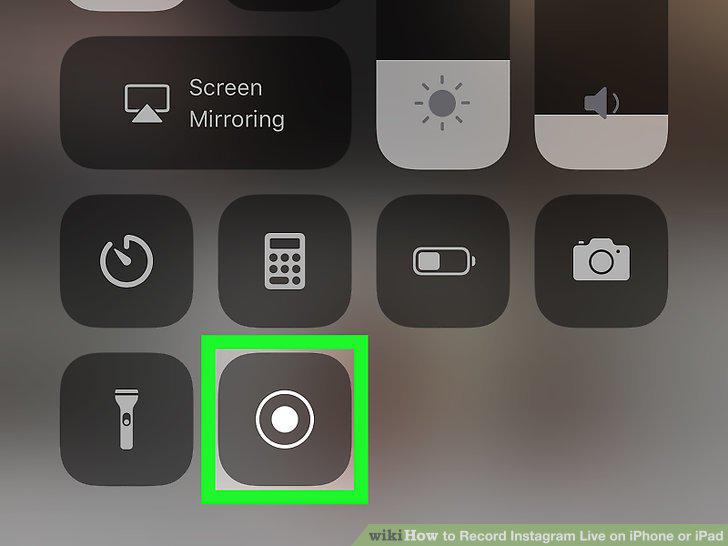
Swipe up on the Control Center.
6
Tap the screen recording icon.
Tap the screen recording icon.
7
Tap the Instagram Live stream to join.
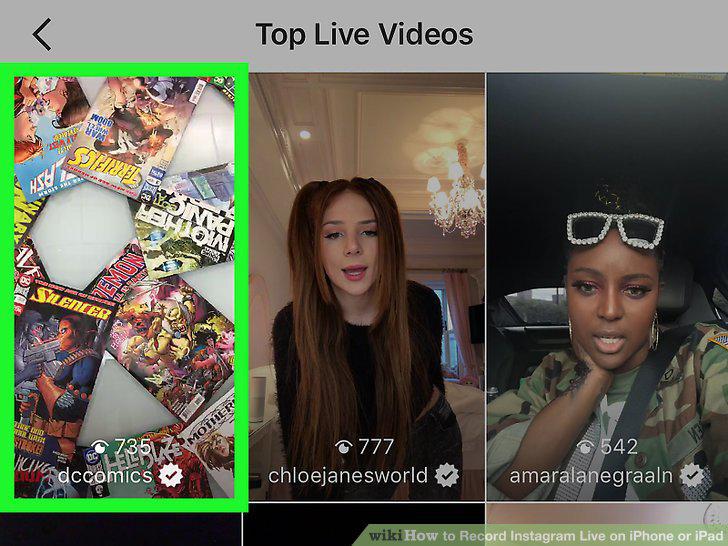
Tap the Instagram Live stream to join.
8
Stop the recording when you're finished.
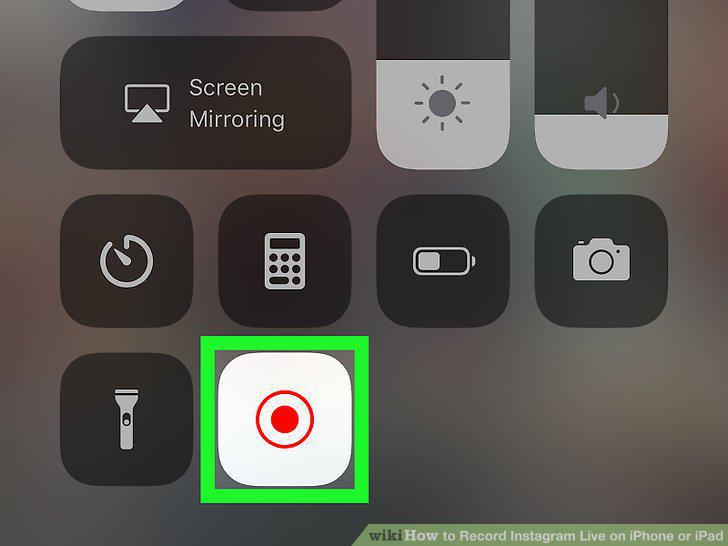
Stop the recording when you're finished.
Comments (0)
No comments yet. Be the first to share your thoughts!