How to Install Adobe Media Encoder
Go to https://creativecloud.adobe.com/apps/download/media-encoder in a web browser.. Click Save to start the download.. Click the installer once it is finished downloading.
Steps
Go to https://creativecloud.adobe.com/apps/download/media-encoder in a web brows
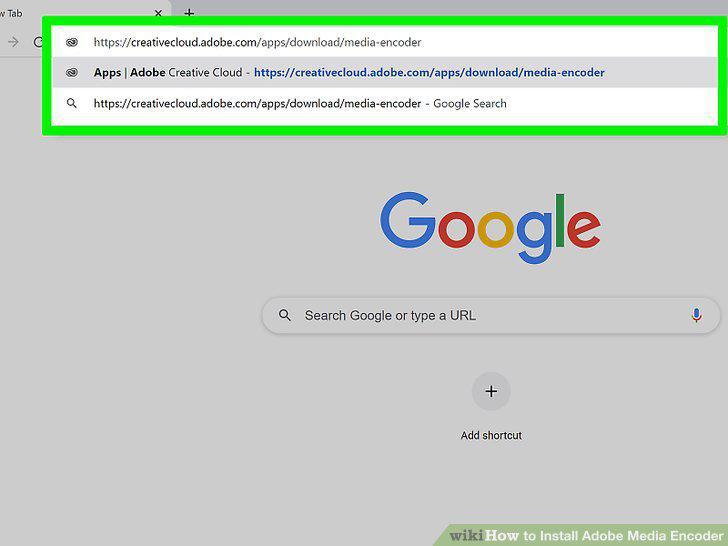
Go to https://creativecloud.adobe.com/apps/download/media-encoder in a web browser.
Click Save to start the download.
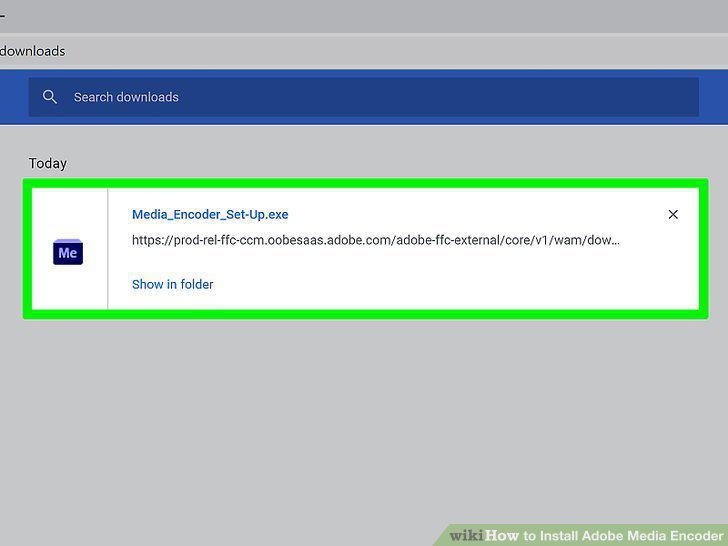
Click Save to start the download.
Click the installer once it is finished downloading.
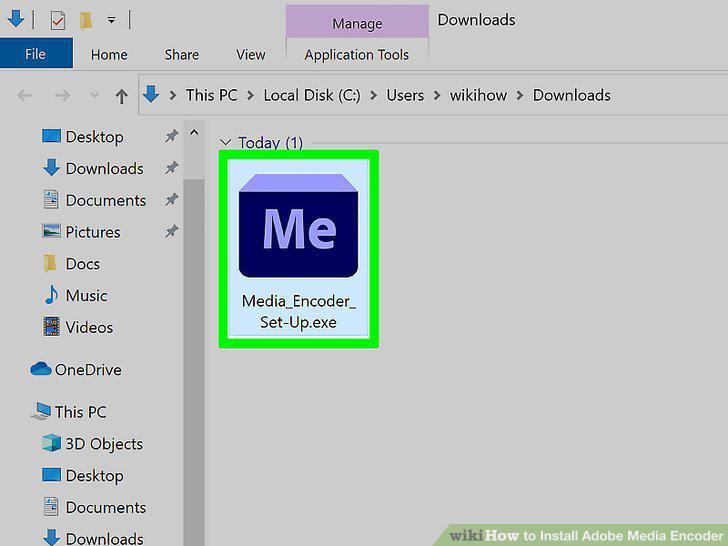
Click the installer once it is finished downloading.
Click Continue on the welcome screen.
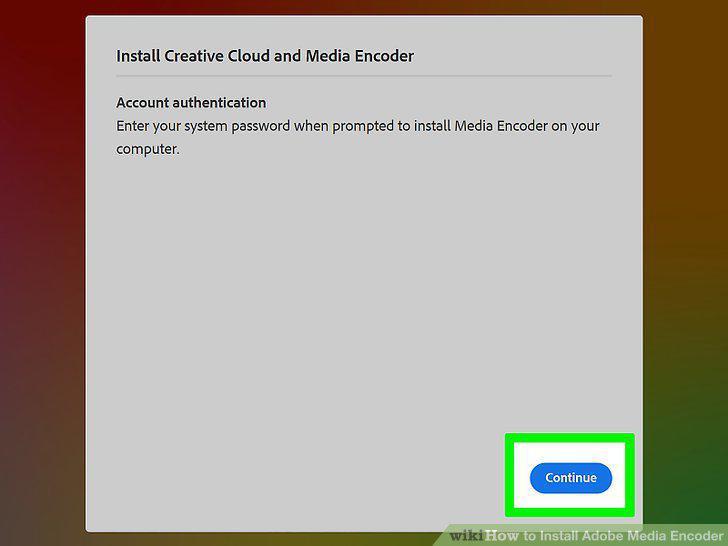
Click Continue on the welcome screen.
Click Yes to allow the installer to run.
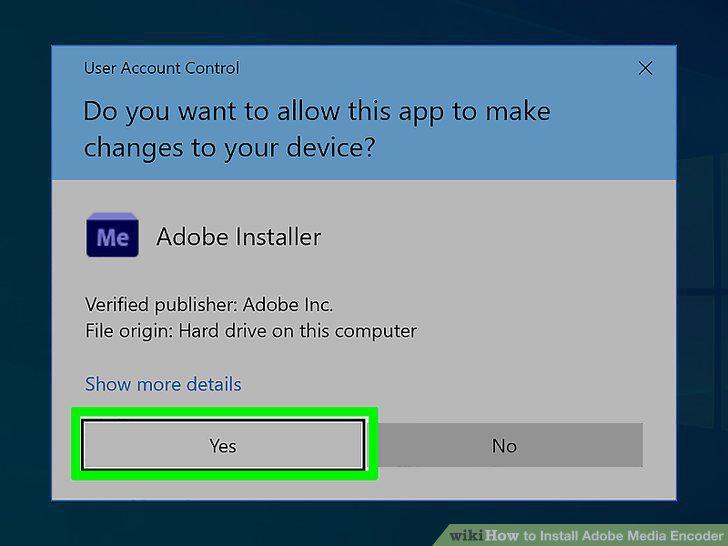
Click Yes to allow the installer to run.
Sign in to your Creative Cloud account.
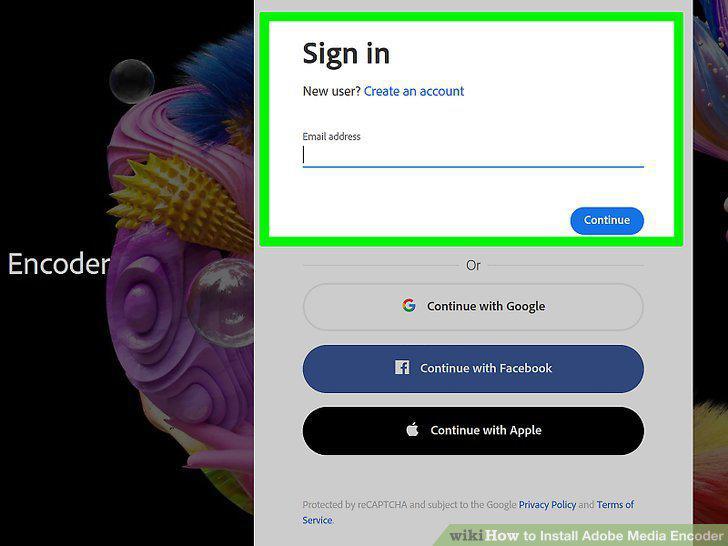
Sign in to your Creative Cloud account.
Go to https://creativecloud.adobe.com/apps/download/media-encoder in a web brows
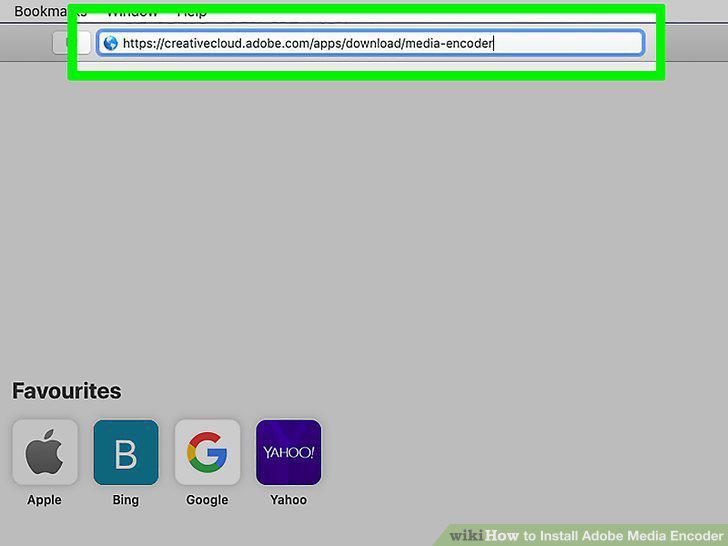
Go to https://creativecloud.adobe.com/apps/download/media-encoder in a web browser.
Click Allow to start the download.
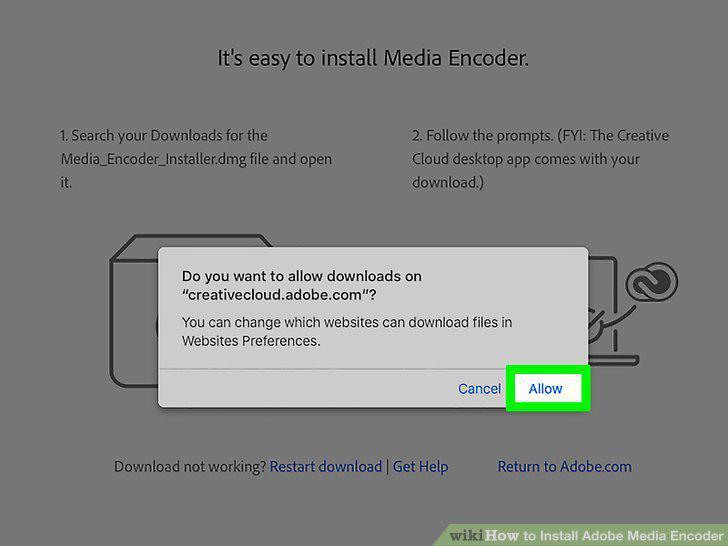
Click Allow to start the download.
Click the downloaded file to start the installer.
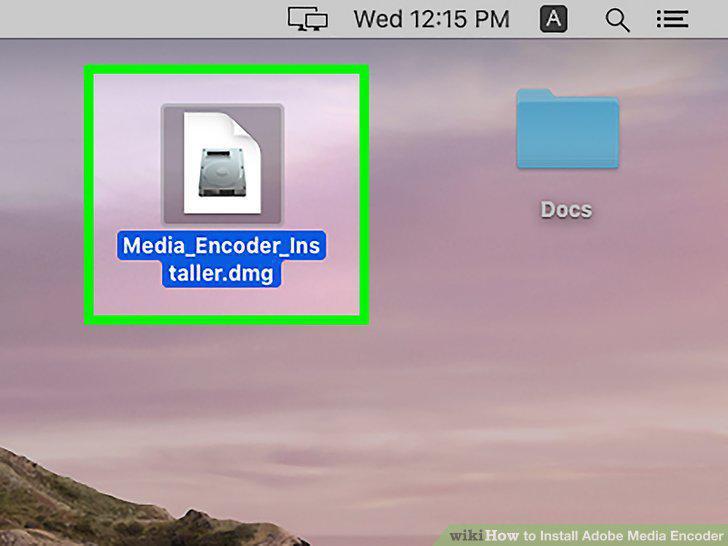
Click the downloaded file to start the installer.
Double-click the Media Encoder installer.
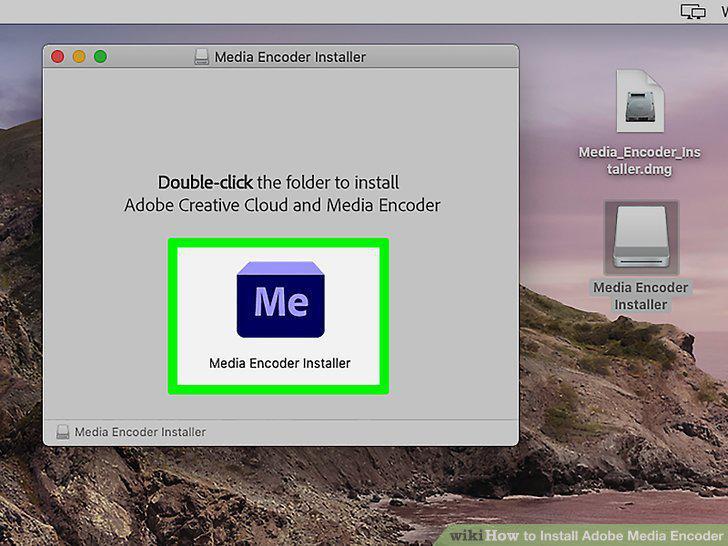
Double-click the Media Encoder installer.
Click Continue.
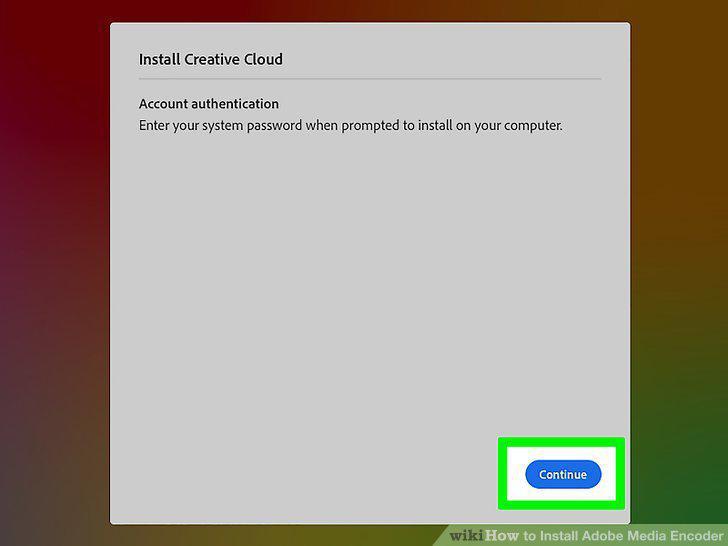
Click Continue.
Enter your Mac login information and click OK.
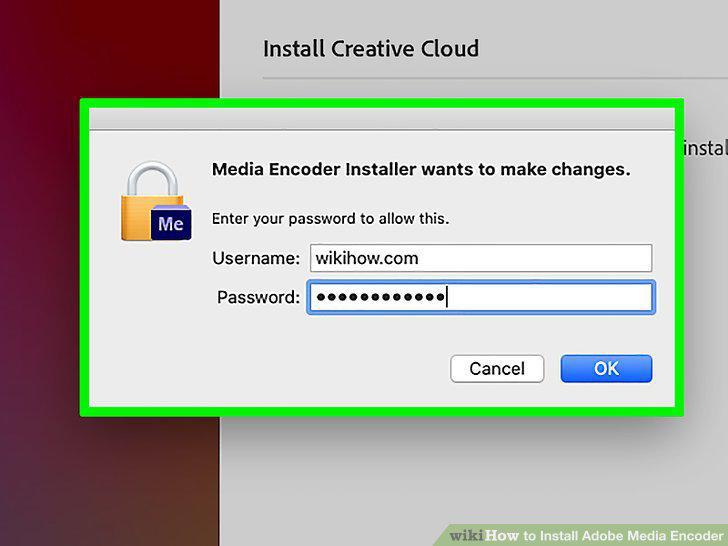
Enter your Mac login information and click OK.
Sign in to your Creative Cloud account.
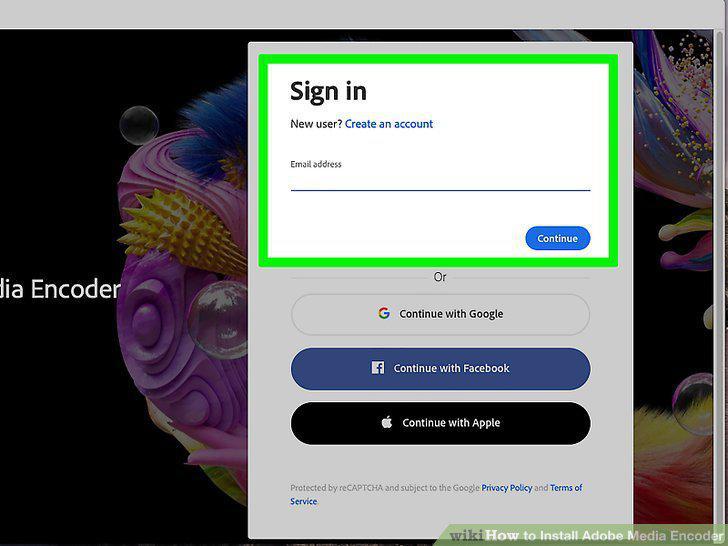
Sign in to your Creative Cloud account.
Click the blue Start installing button.
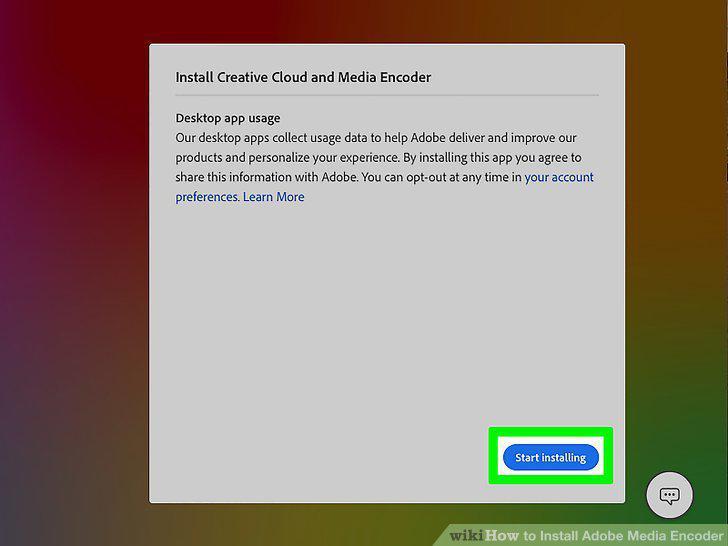
Click the blue Start installing button.
Comments (0)
No comments yet. Be the first to share your thoughts!