How to Version
Understand how model number variations work.. Remove your iPad's case if it has one.. Locate the model number.
Steps
1
Understand how model number variations work.
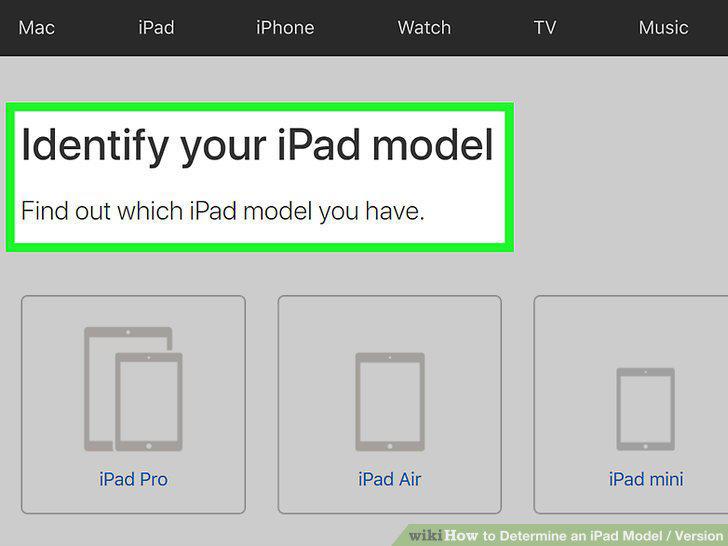
Understand how model number variations work.
2
Remove your iPad's case if it has one.
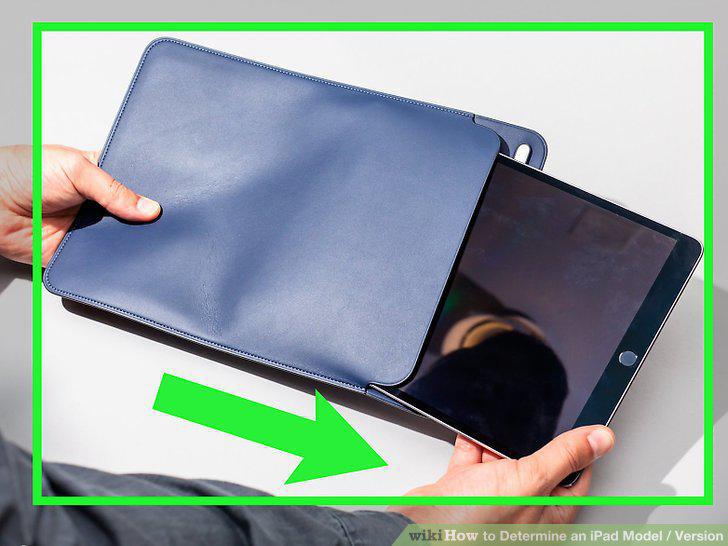
Remove your iPad's case if it has one.
3
Locate the model number.
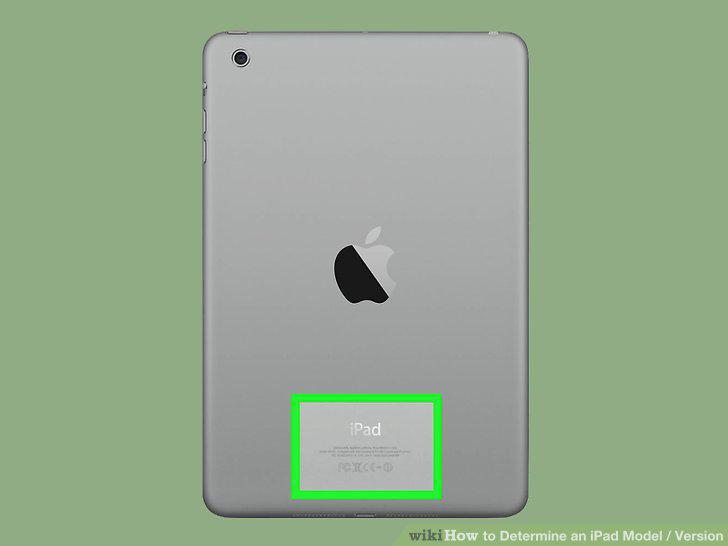
Locate the model number.
4
Match your iPad's model number to the appropriate model.
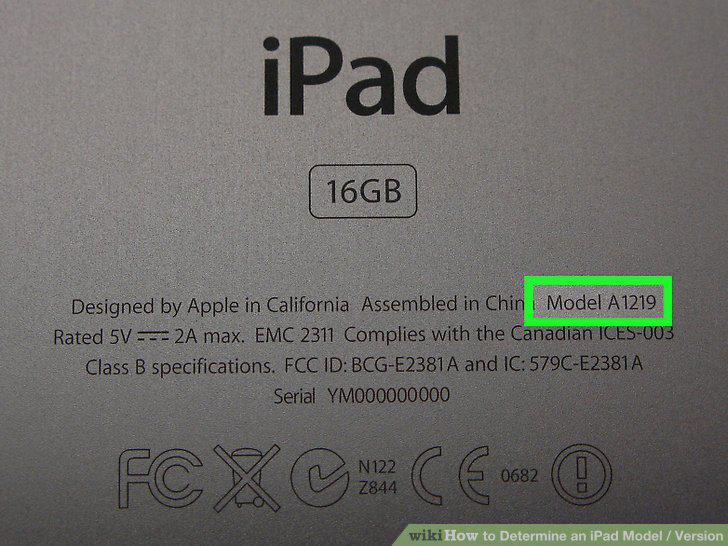
Match your iPad's model number to the appropriate model.
5
Use your iPad's model number to inform hardware decisions.
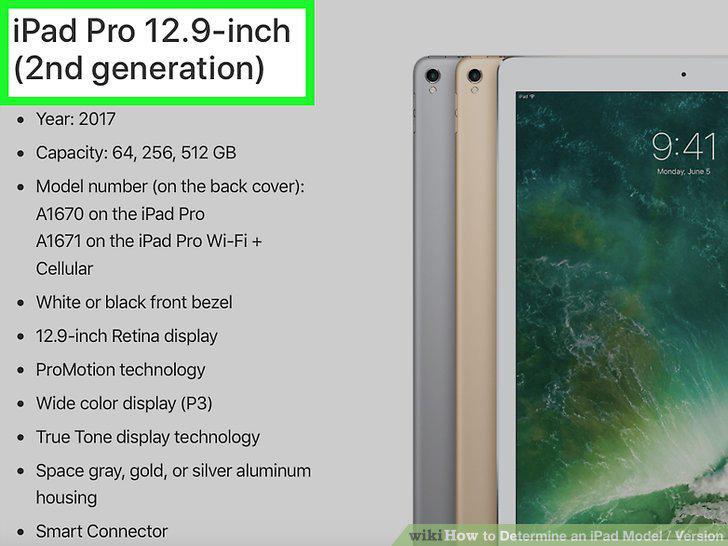
Use your iPad's model number to inform hardware decisions.
6
Open your iPad's Settings.
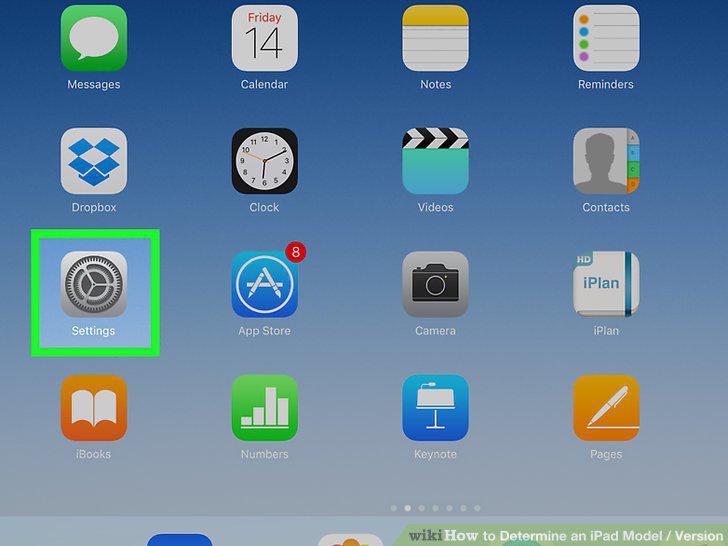
Open your iPad's Settings.
7
Tap General.
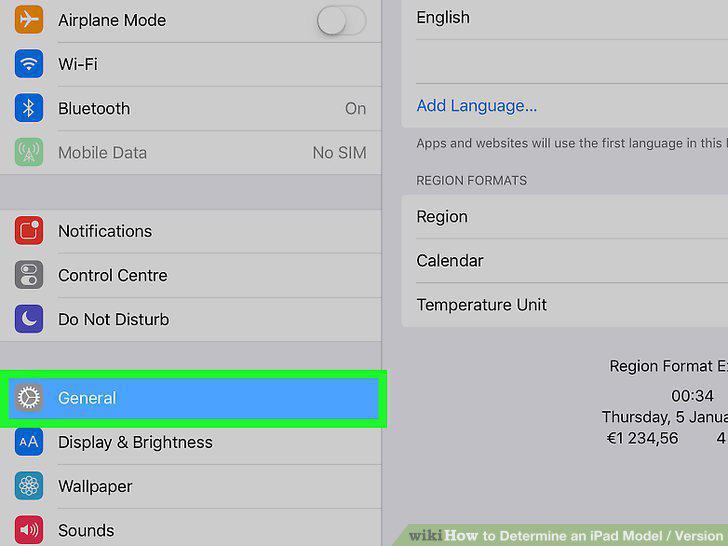
Tap General.
8
Tap About.
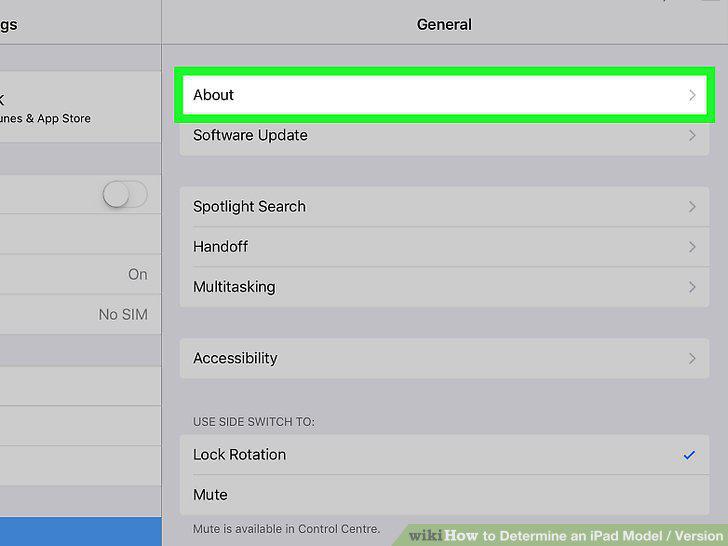
Tap About.
9
View the "Version" number.
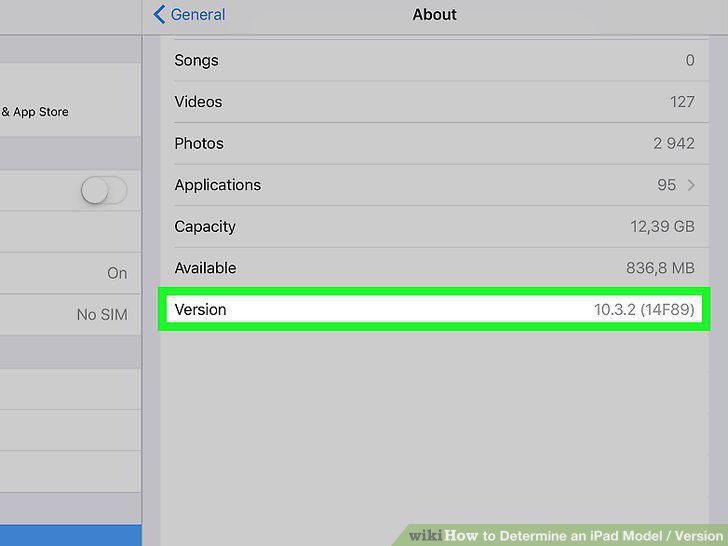
View the "Version" number.
Comments (0)
No comments yet. Be the first to share your thoughts!