How to Send Direct Images on Facebook on Android
Open Facebook.. Tap the camera icon.. Tap the gallery icon.
Steps
1
Open Facebook.
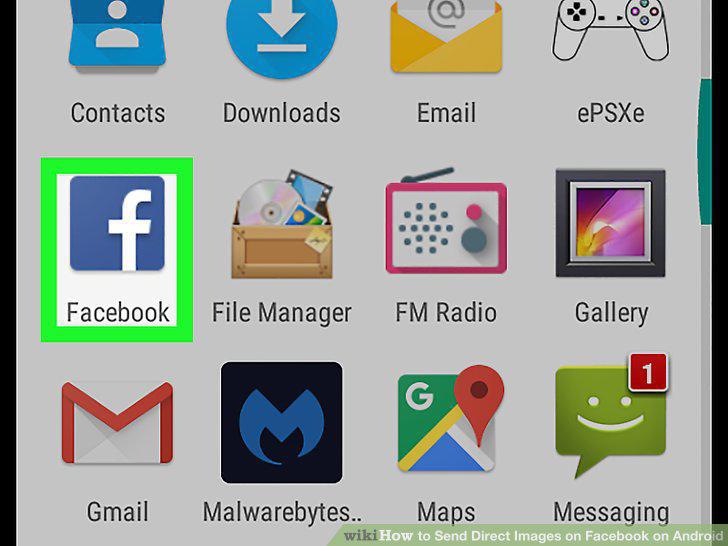
Open Facebook.
2
Tap the camera icon.

Tap the camera icon.
3
Tap the gallery icon.
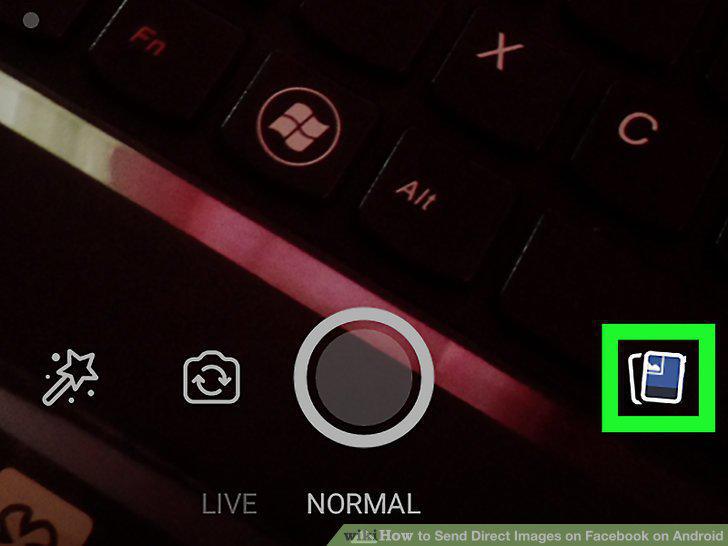
Tap the gallery icon.
4
Select a photo.
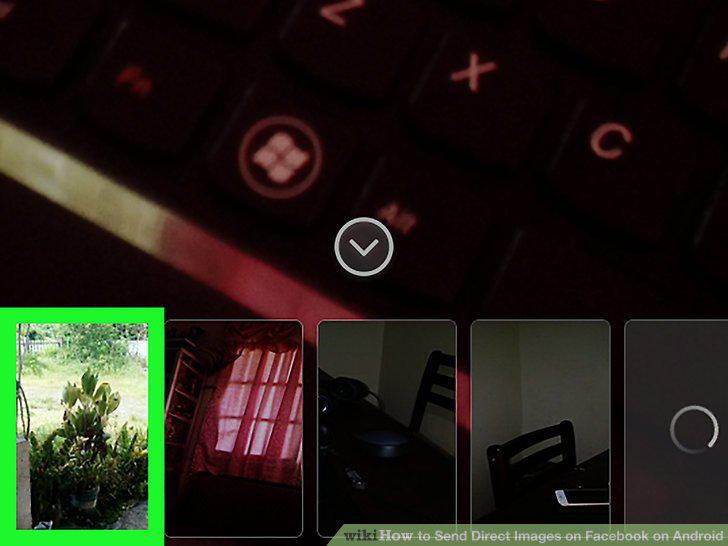
Select a photo.
5
Tap the black arrow in a white circle.
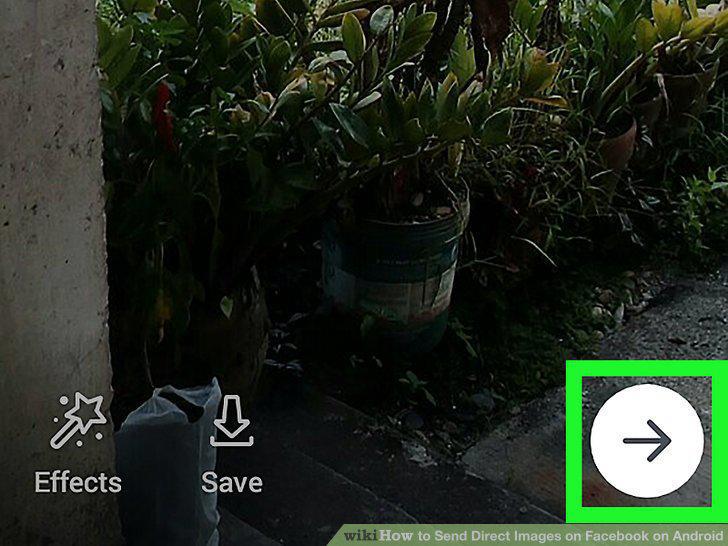
Tap the black arrow in a white circle.
6
Select your recipient(s).
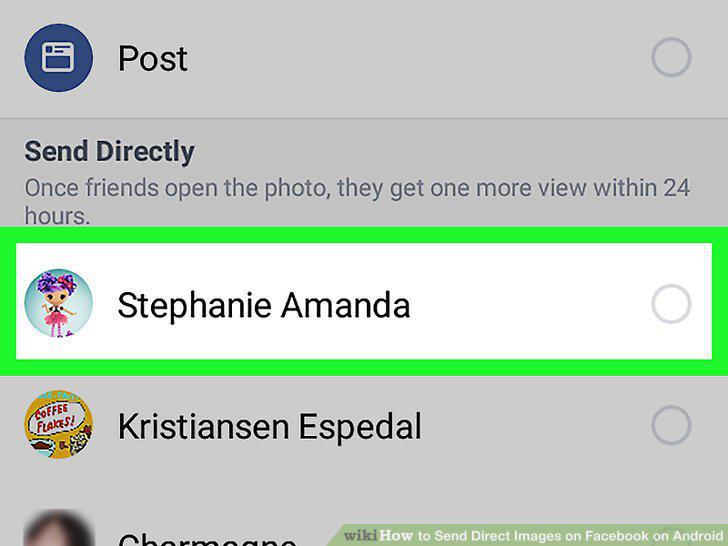
Select your recipient(s).
7
Tap the send button.
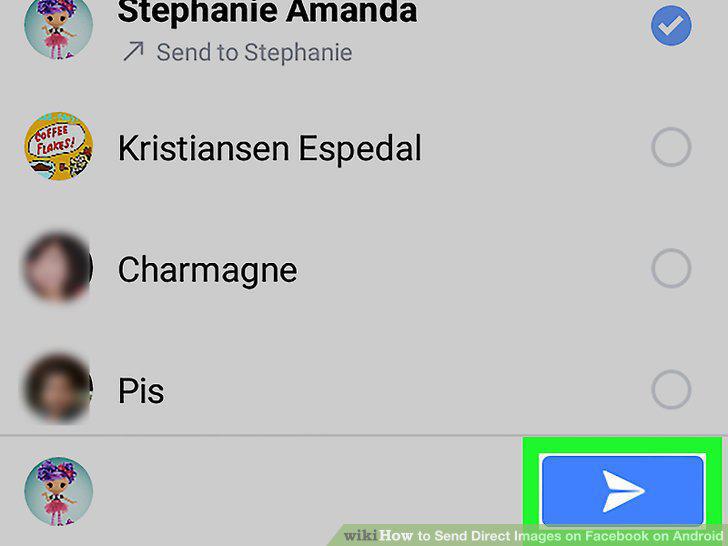
Tap the send button.
Comments (0)
No comments yet. Be the first to share your thoughts!