How to Search Your Tweets
Go to https://twitter.com/search-advanced in a web browser.. Type your username in the "From these accounts" field.. Use the pop-up calendars to select dates for the "From this date" and "to" text fields.
Steps
1
Go to https://twitter.com/search-advanced in a web browser.
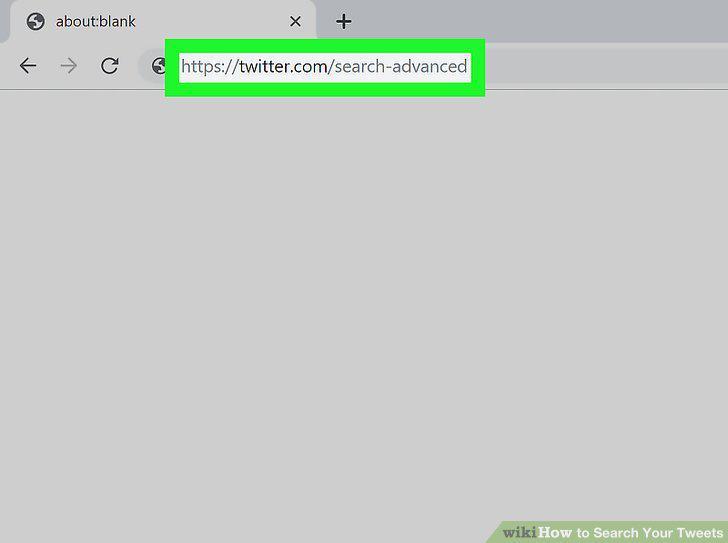
Go to https://twitter.com/search-advanced in a web browser.
2
Type your username in the "From these accounts" field.
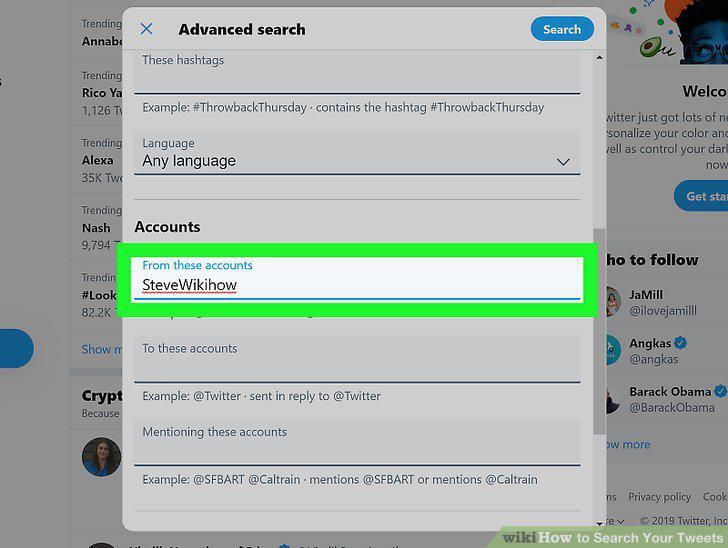
Type your username in the "From these accounts" field.
3
Use the pop-up calendars to select dates for the "From this date" and "to" text
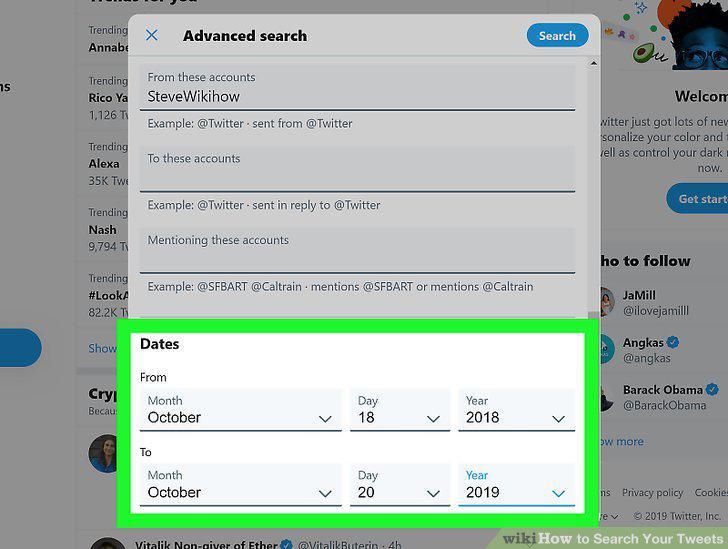
Use the pop-up calendars to select dates for the "From this date" and "to" text fields.
4
Click Search.
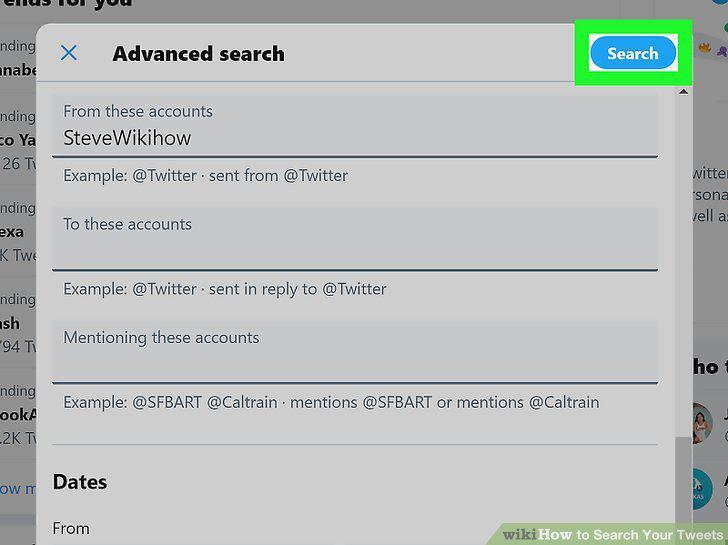
Click Search.
Comments (0)
No comments yet. Be the first to share your thoughts!