How to Access YouTube Music Library
Go to https://studio.youtube.com/ in a web browser.. Log in (if prompted).. Click Audio Library.
Steps
1
Go to https://studio.youtube.com/ in a web browser.
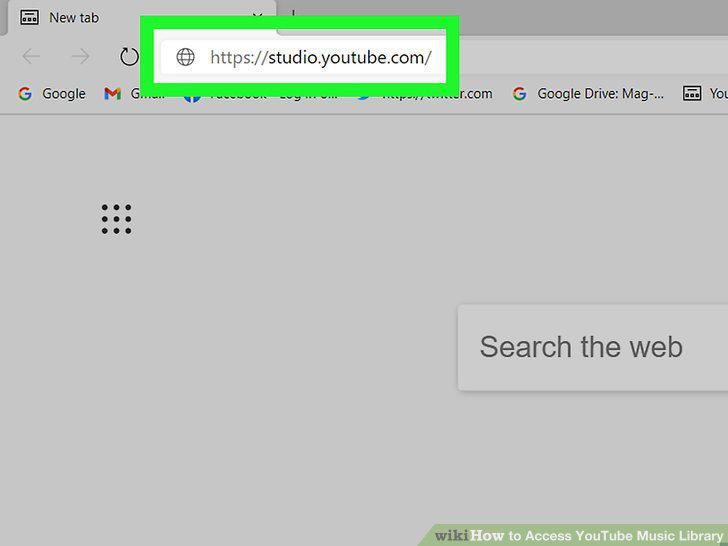
Go to https://studio.youtube.com/ in a web browser.
2
Log in (if prompted).
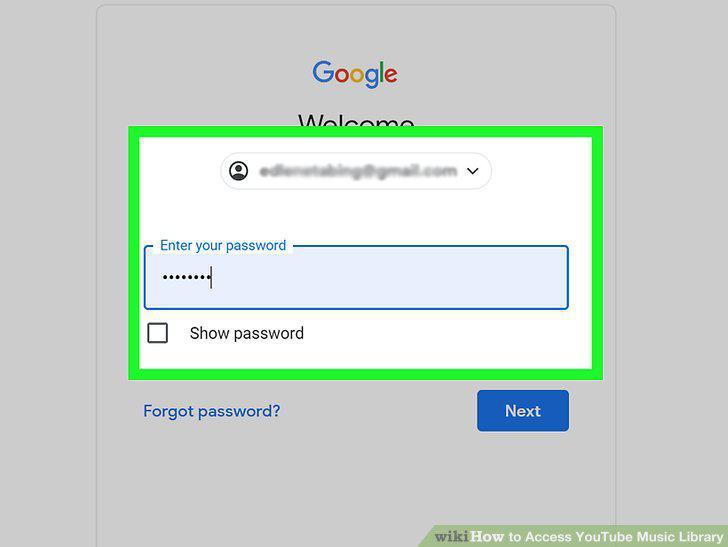
Log in (if prompted).
3
Click Audio Library.
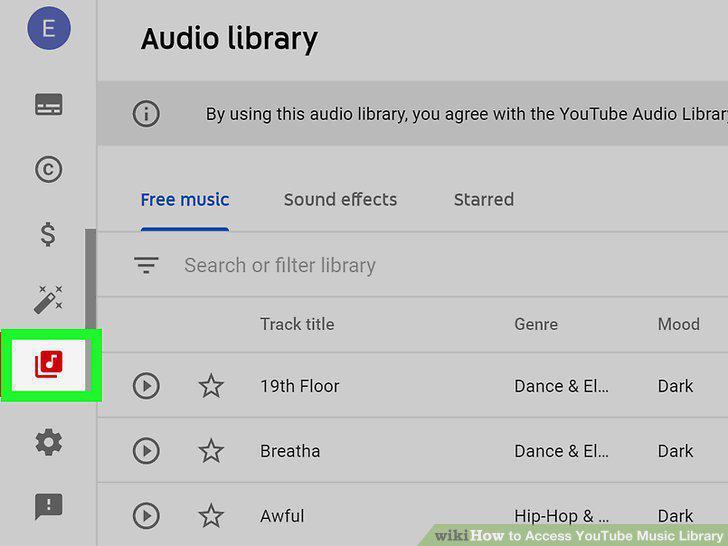
Click Audio Library.
4
Click the Free music tab (if not already selected).
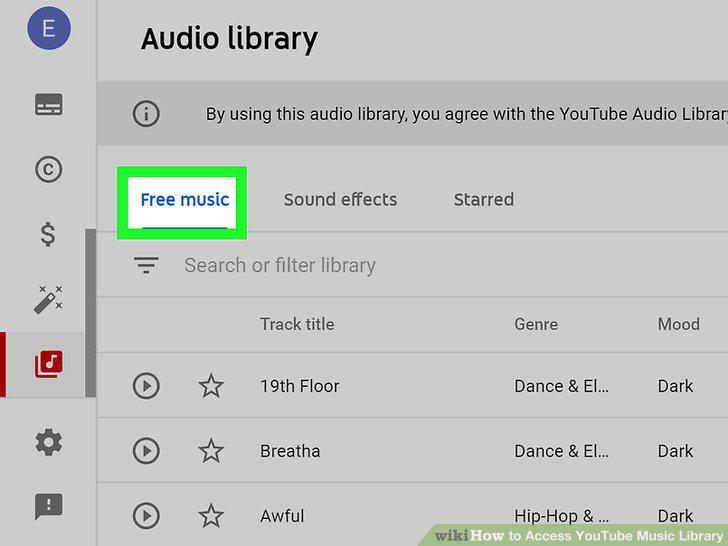
Click the Free music tab (if not already selected).
5
Hover your mouse over the track you want and click Download.
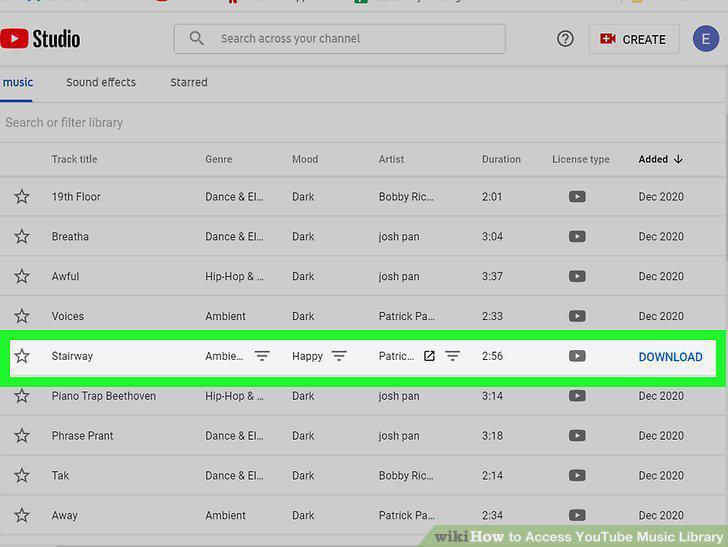
Hover your mouse over the track you want and click Download.
Comments (0)
No comments yet. Be the first to share your thoughts!