How to Close a Microsoft Account
Go to https://account.live.com/closeaccount.aspx in a web browser.. Sign in with the account you want to delete.. Verify your identity.
Steps
1
Go to https://account.live.com/closeaccount.aspx in a web browser.
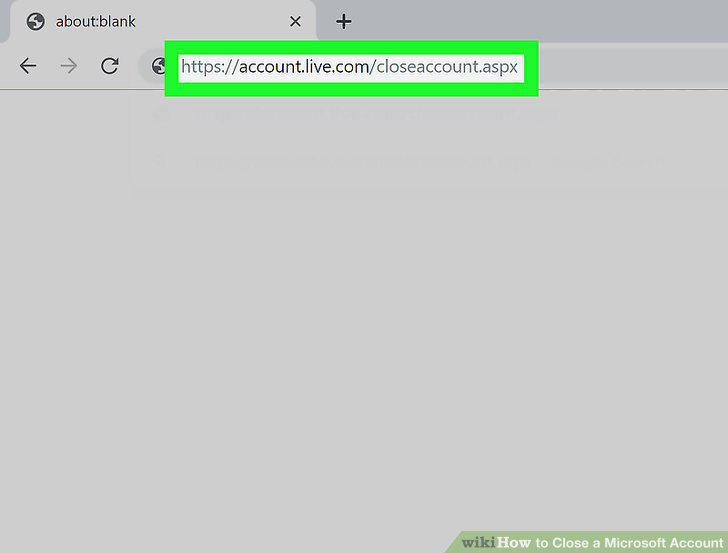
Go to https://account.live.com/closeaccount.aspx in a web browser.
2
Sign in with the account you want to delete.
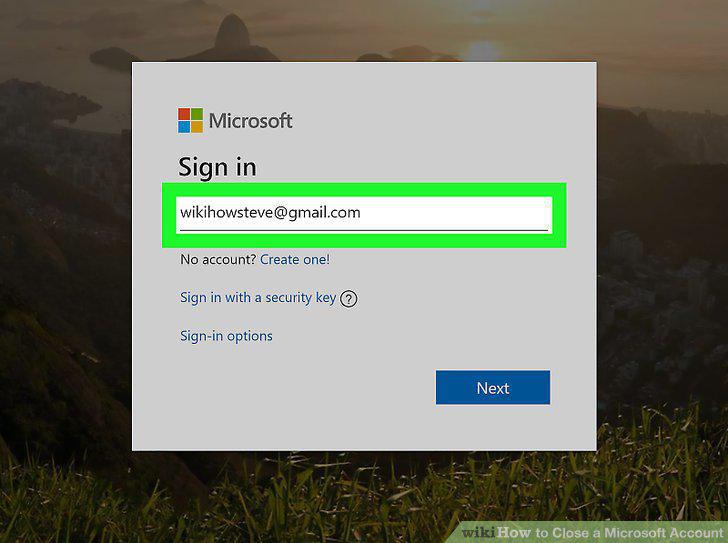
Sign in with the account you want to delete.
3
Verify your identity.
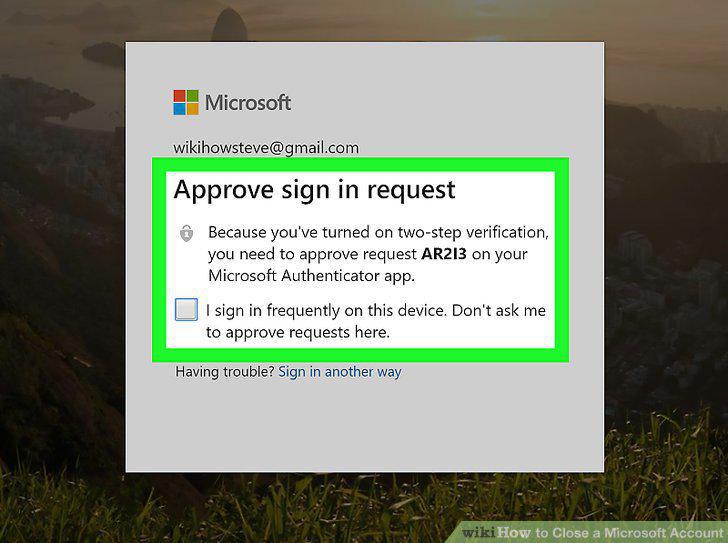
Verify your identity.
4
Review the information on the confirmation page and click Next.
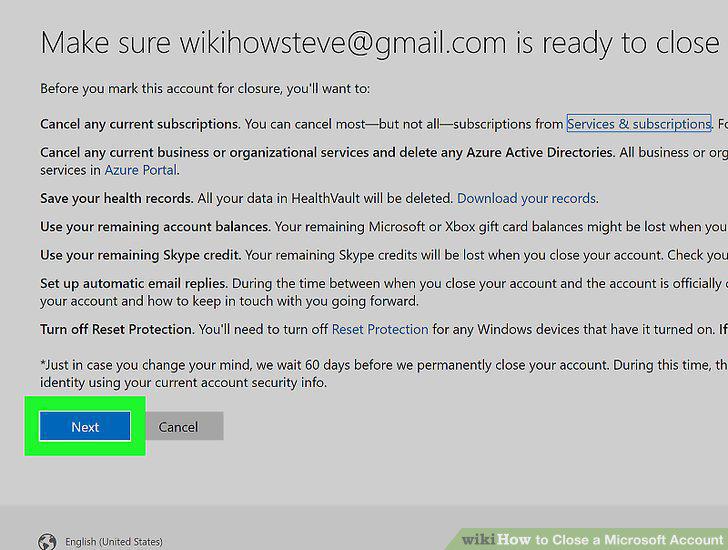
Review the information on the confirmation page and click Next.
5
Click all checkboxes on the screen.
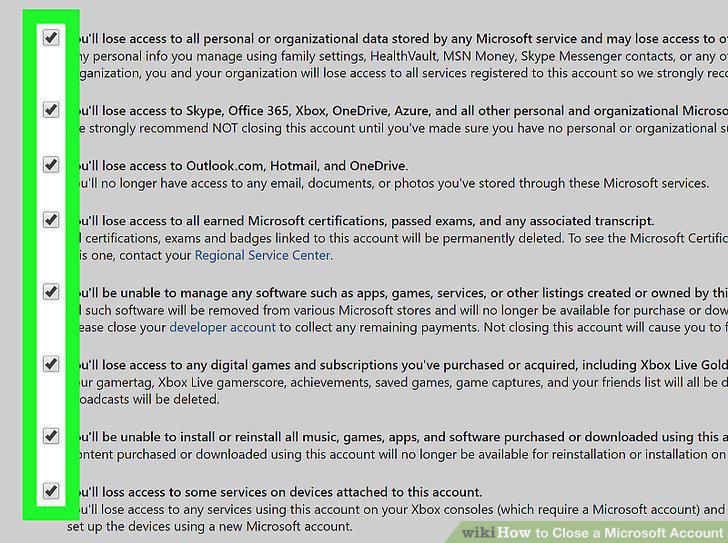
Click all checkboxes on the screen.
6
Select the reason why you are closing the account.
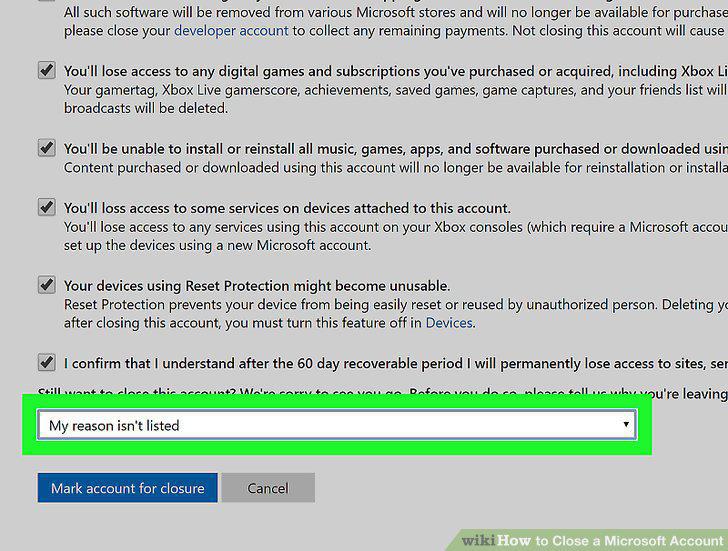
Select the reason why you are closing the account.
7
Click the Mark account for closure button.
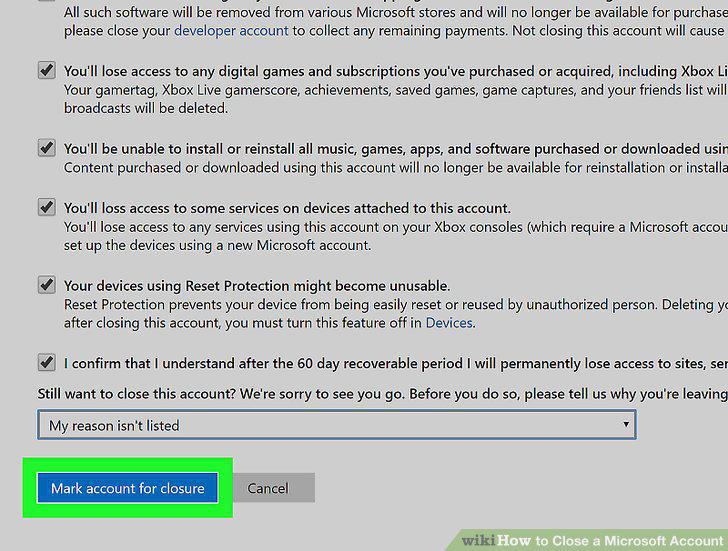
Click the Mark account for closure button.
Comments (0)
No comments yet. Be the first to share your thoughts!