How to Find an iPhone Serial Number
Open your iPhone's Settings .. Scroll down and tap General.. Tap About.
Steps
1
Open your iPhone's Settings .
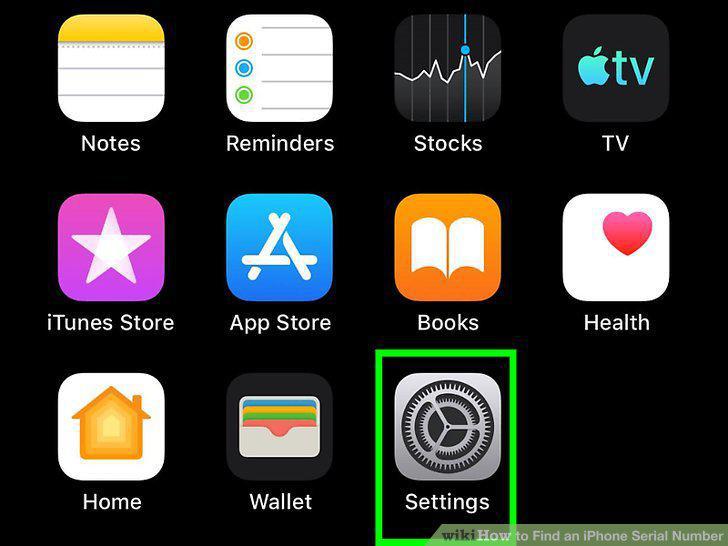
Open your iPhone's Settings .
2
Scroll down and tap General.
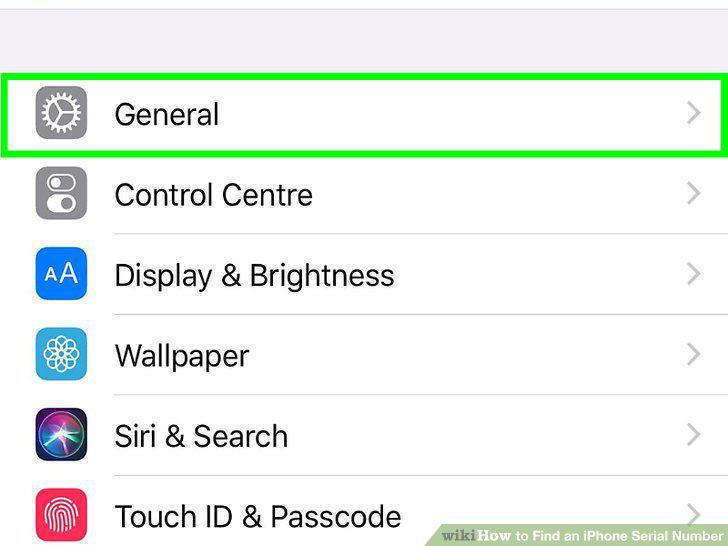
Scroll down and tap General.
3
Tap About.
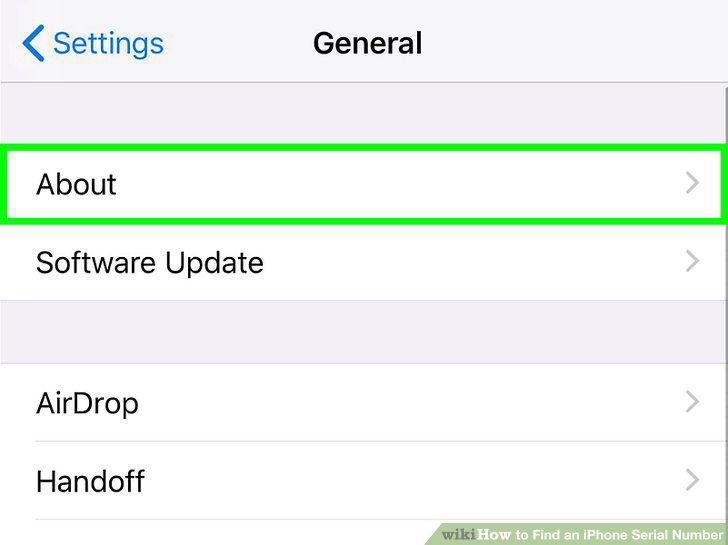
Tap About.
4
Find your iPhone's serial number near the top of the menu.
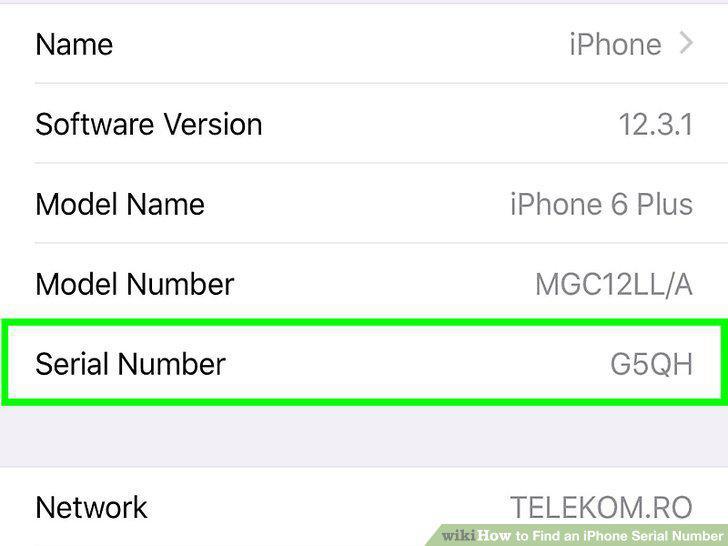
Find your iPhone's serial number near the top of the menu.
5
Open iTunes on your computer.
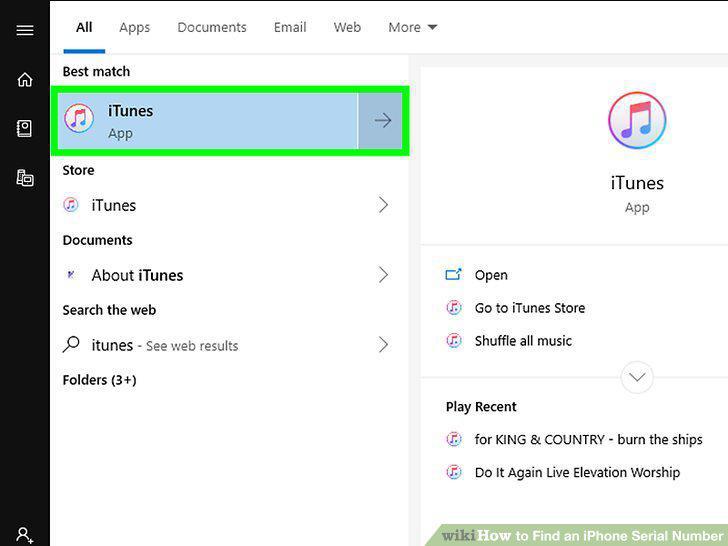
Open iTunes on your computer.
6
Connect the iPhone to the computer with a USB cable.
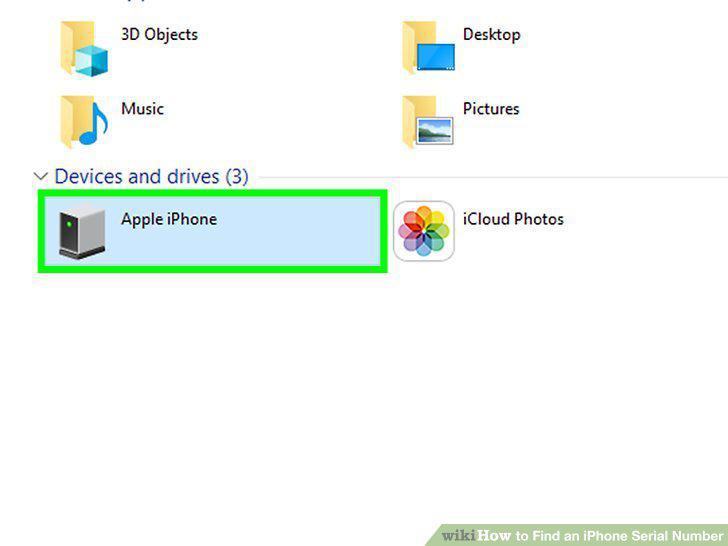
Connect the iPhone to the computer with a USB cable.
7
Click the iPhone button in iTunes.
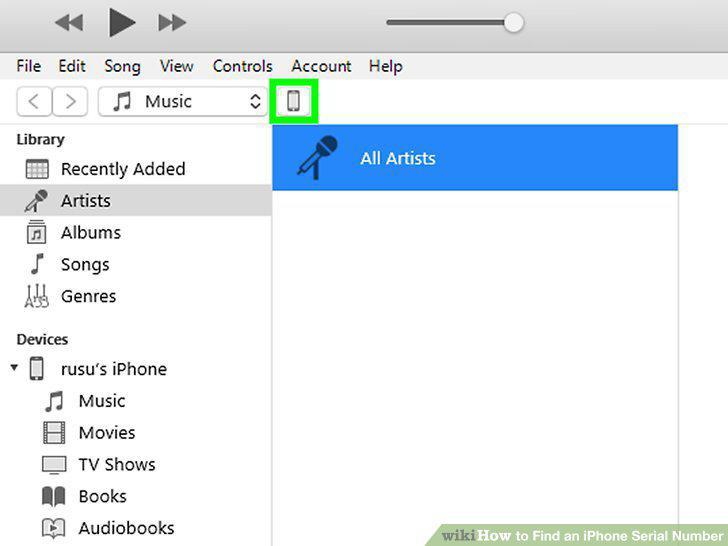
Click the iPhone button in iTunes.
8
Click the Summary in the left panel.
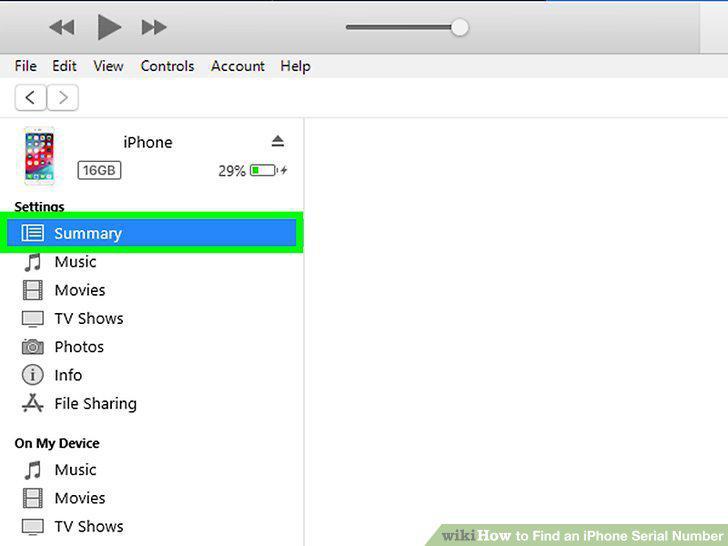
Click the Summary in the left panel.
9
Find your serial number in the right panel.
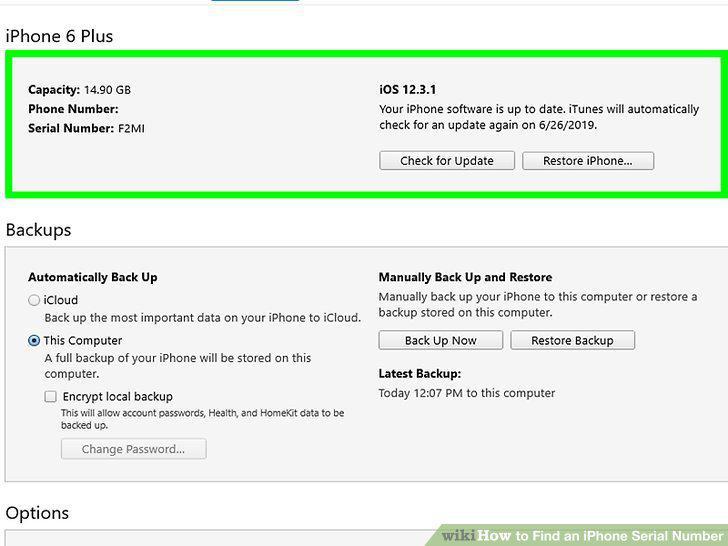
Find your serial number in the right panel.
10
Check the iPhone's packaging and/or receipt.
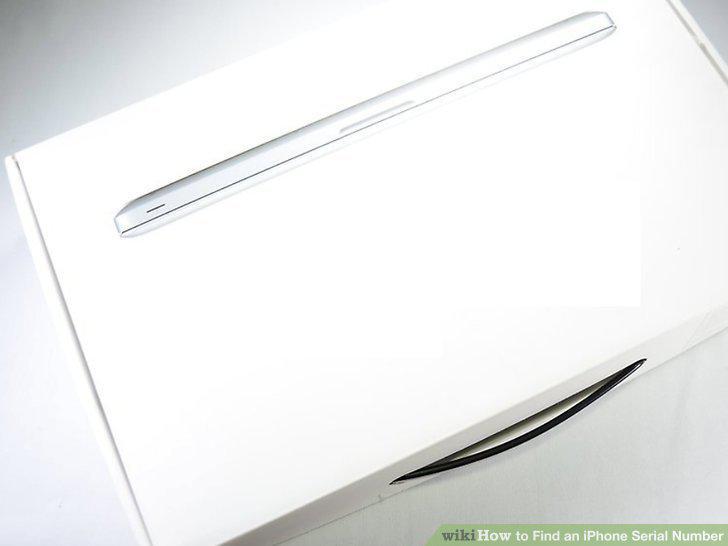
Check the iPhone's packaging and/or receipt.
11
Go to https://appleid.apple.com in a web browser.
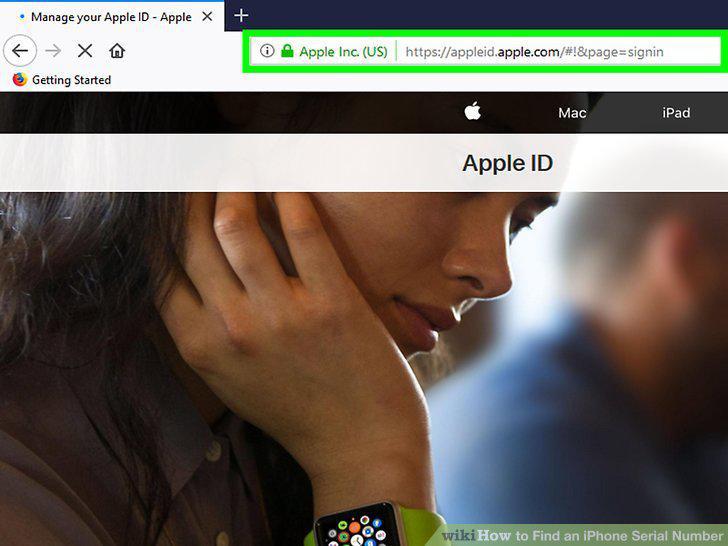
Go to https://appleid.apple.com in a web browser.
12
Enter your Apple ID and click the arrow.
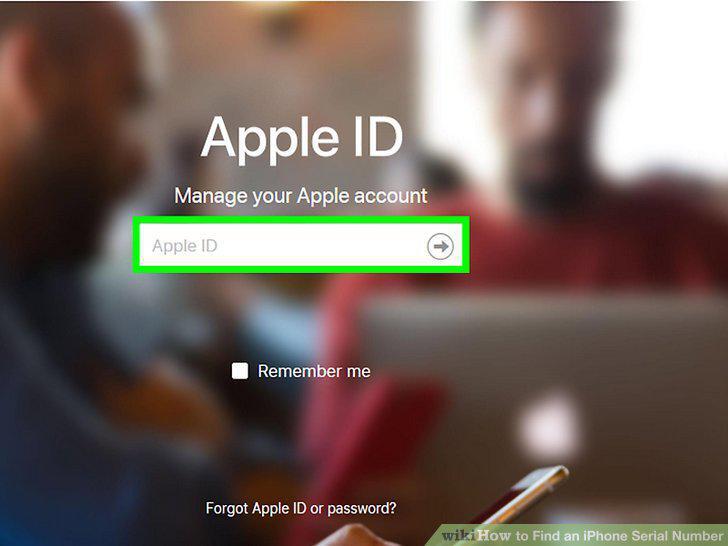
Enter your Apple ID and click the arrow.
13
Enter your password and click the arrow.
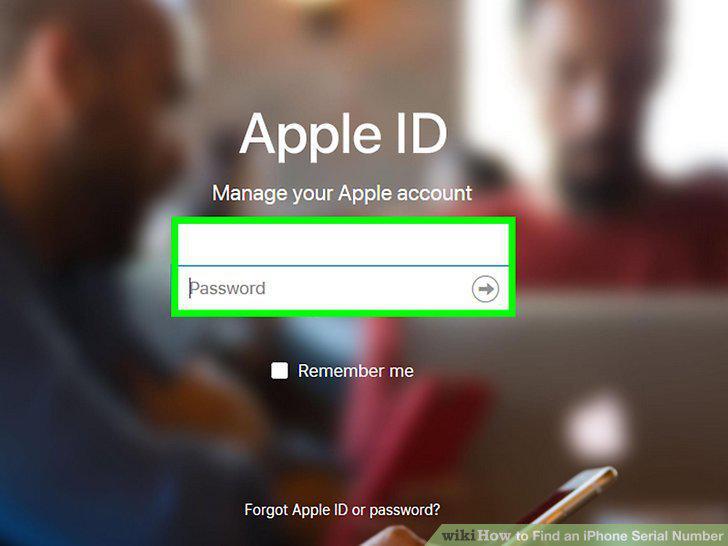
Enter your password and click the arrow.
14
Scroll down and click your iPhone.
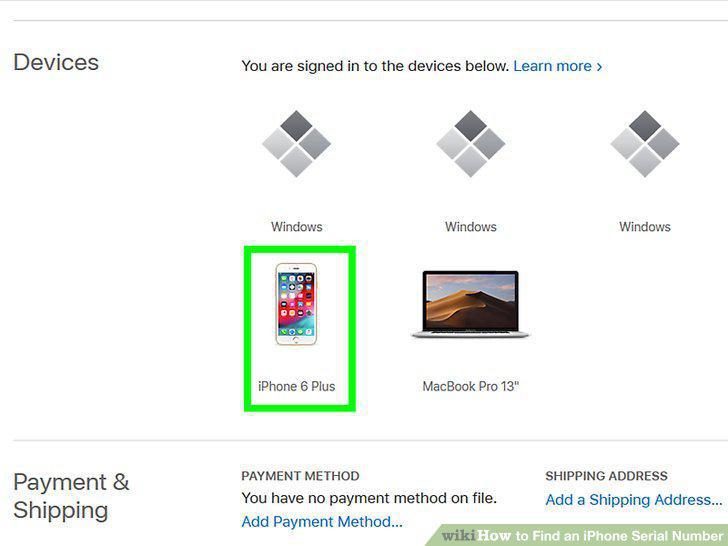
Scroll down and click your iPhone.
Comments (0)
No comments yet. Be the first to share your thoughts!