How to Use an Android IR Blaster
Make sure your phone has an IR blaster.. Install an IR Universal Remote app if you don't already have one.. Open your IR remote app.
Steps
1
Make sure your phone has an IR blaster.
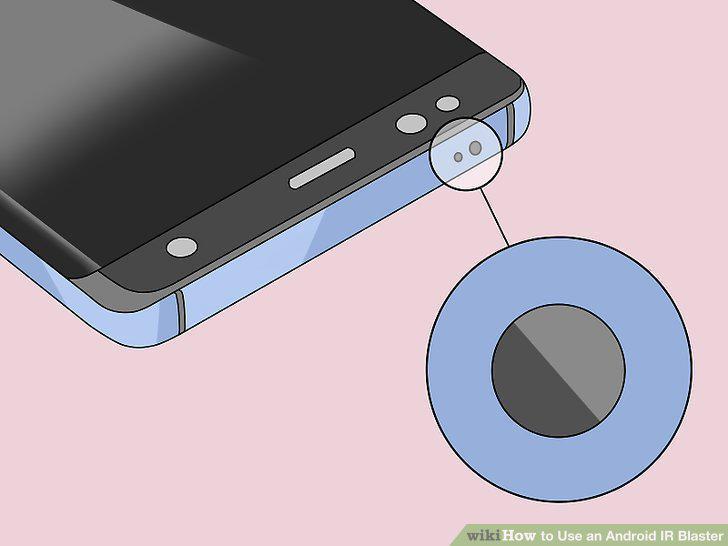
Make sure your phone has an IR blaster.
2
Install an IR Universal Remote app if you don't already have one.
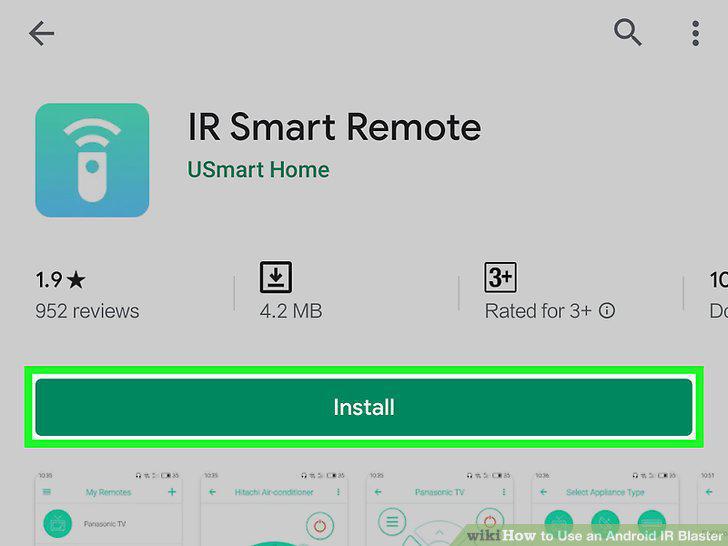
Install an IR Universal Remote app if you don't already have one.
3
Open your IR remote app.
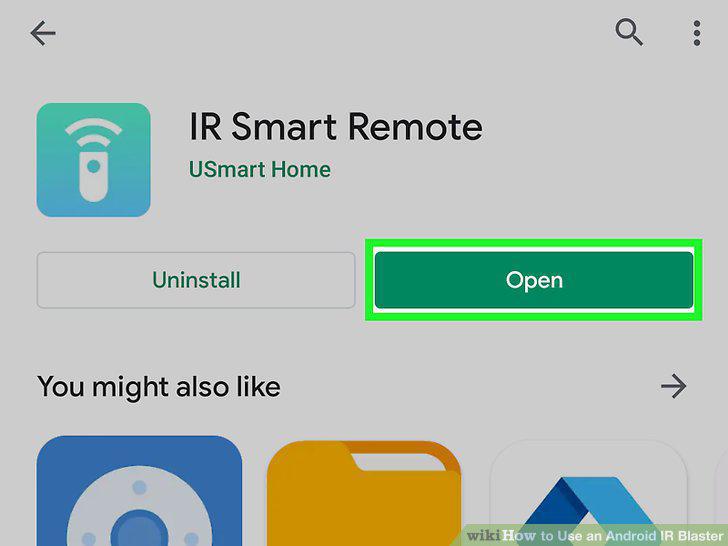
Open your IR remote app.
4
Select your IR blaster when prompted.
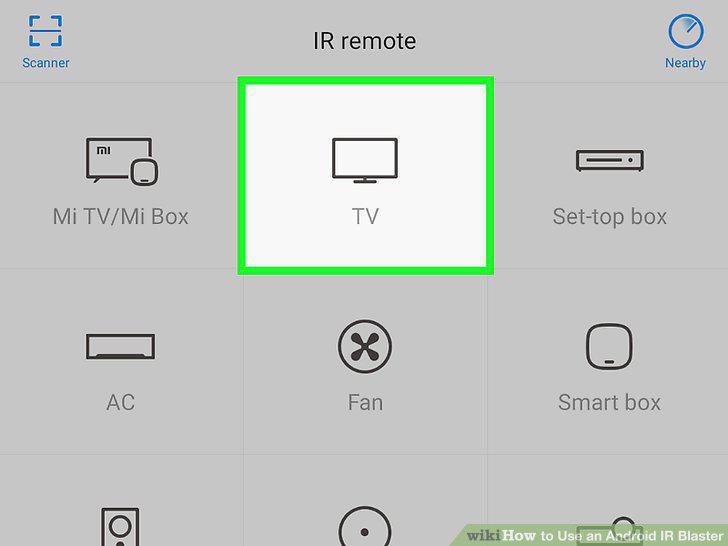
Select your IR blaster when prompted.
5
Select the model you want to control.
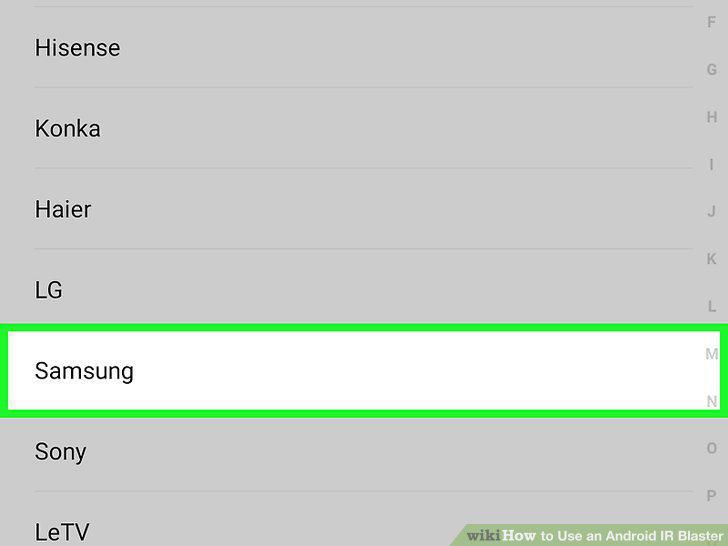
Select the model you want to control.
6
Follow the on-screen instructions to set up the device.
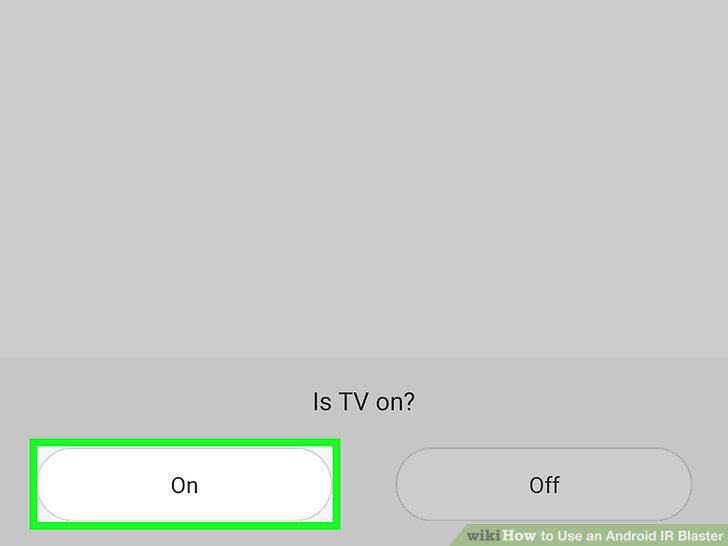
Follow the on-screen instructions to set up the device.
7
Point the IR blaster to the device you want to control.
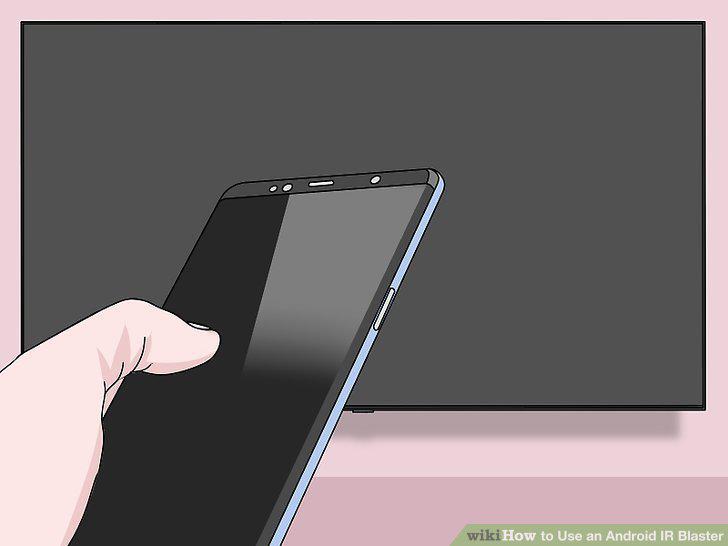
Point the IR blaster to the device you want to control.
8
Test your remote functions.
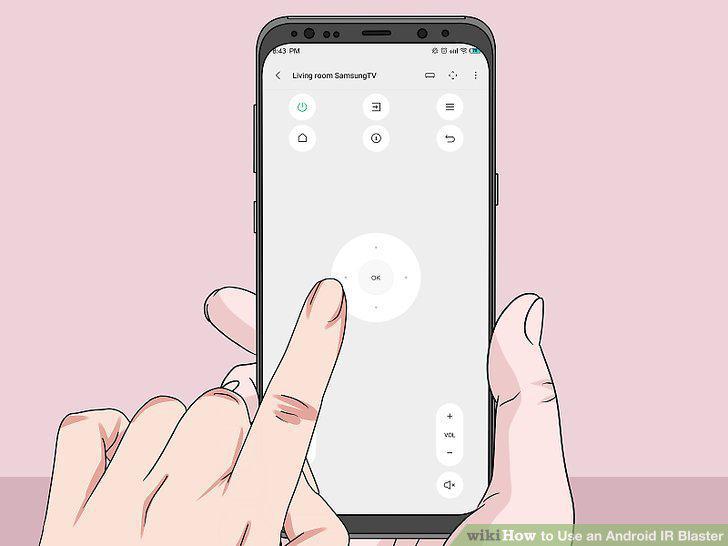
Test your remote functions.
Comments (0)
No comments yet. Be the first to share your thoughts!