How to Use a T Mobile Hotspot
Open Settings .. Tap Personal Hotspot.. Tap to turn the switch on next to "Allow Others to Join.
Steps
1
Open Settings .
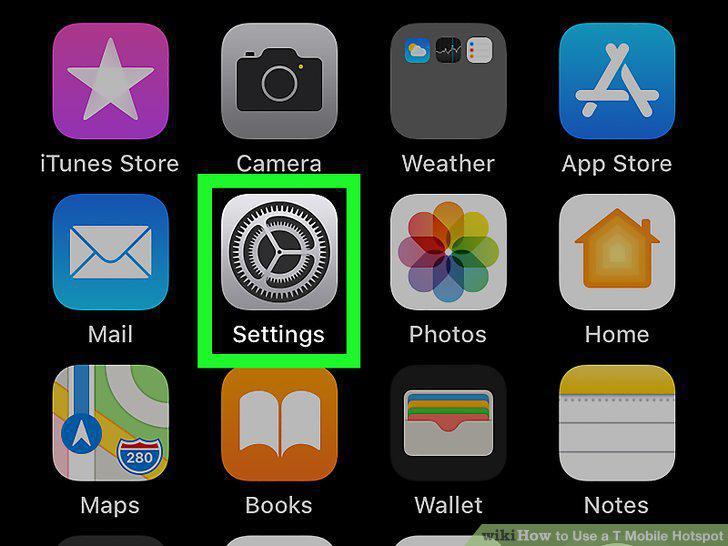
Open Settings .
2
Tap Personal Hotspot.
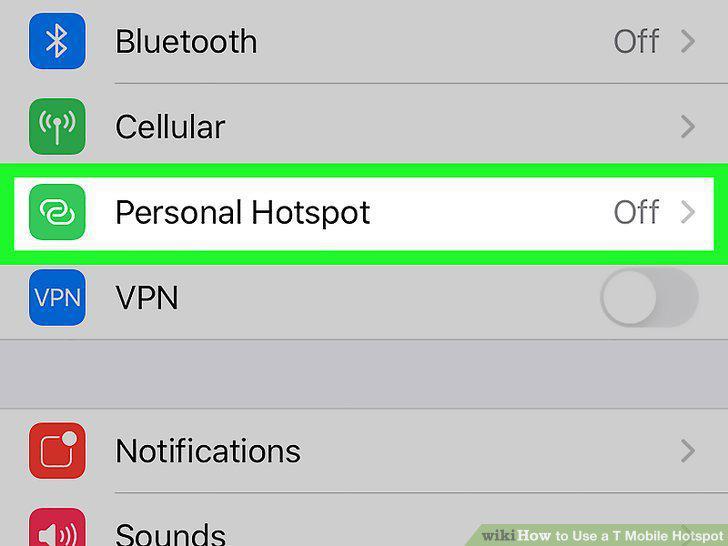
Tap Personal Hotspot.
3
Tap to turn the switch on next to "Allow Others to Join.
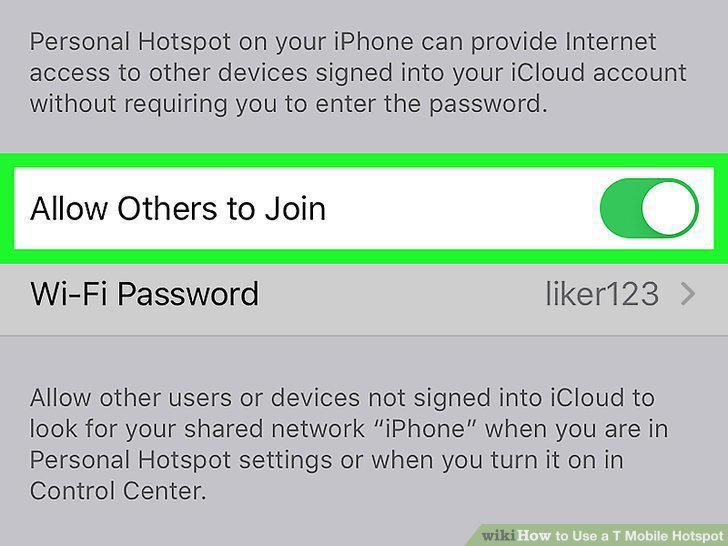
Tap to turn the switch on next to "Allow Others to Join.
4
Connect to your iPhone or iPad like a wireless access point.
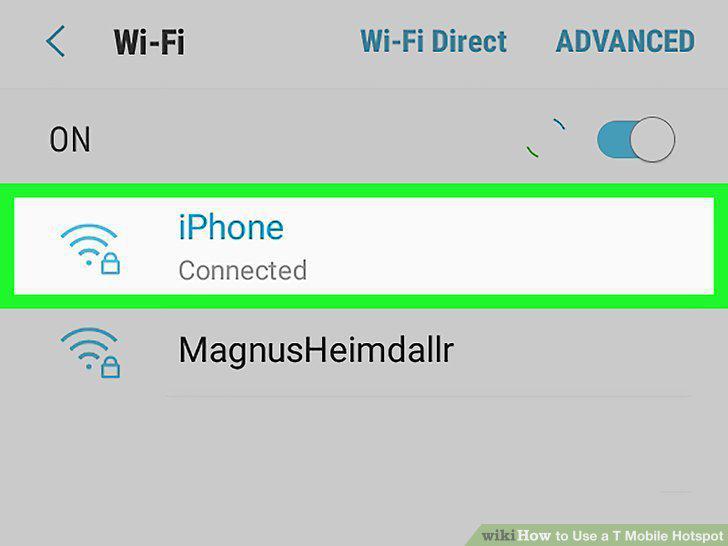
Connect to your iPhone or iPad like a wireless access point.
5
Open Settings .
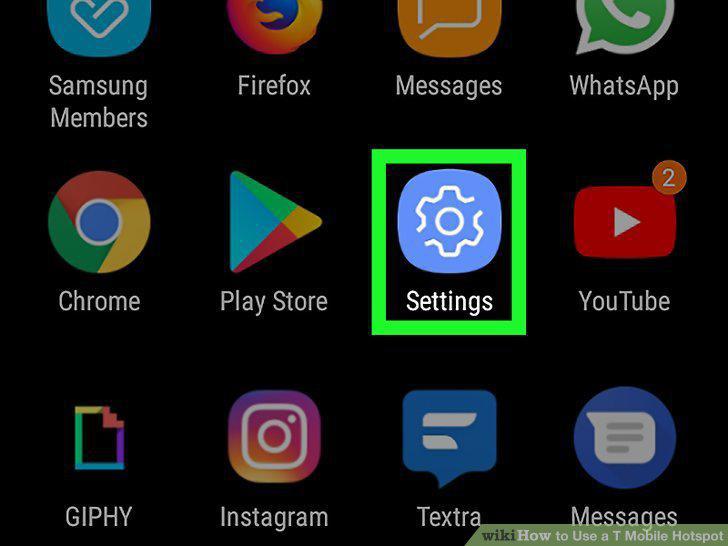
Open Settings .
6
Tap Connections, Wi-Fi & Internet, or Tethering.
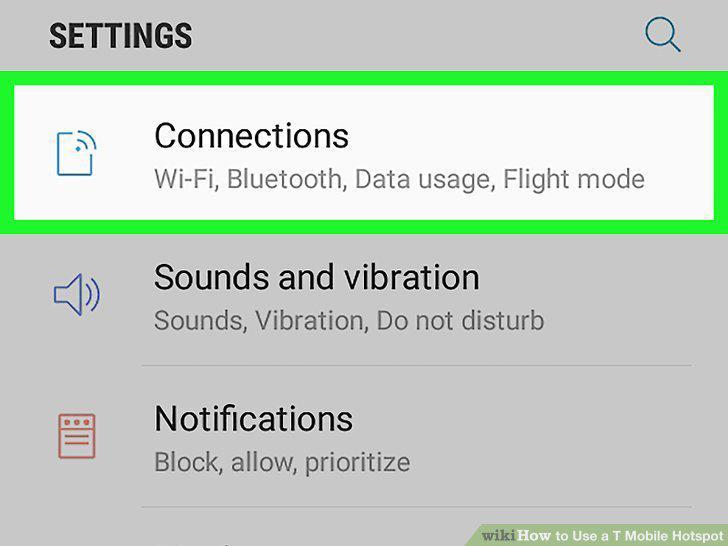
Tap Connections, Wi-Fi & Internet, or Tethering.
7
Tap Mobile Hotspot and Tethering.
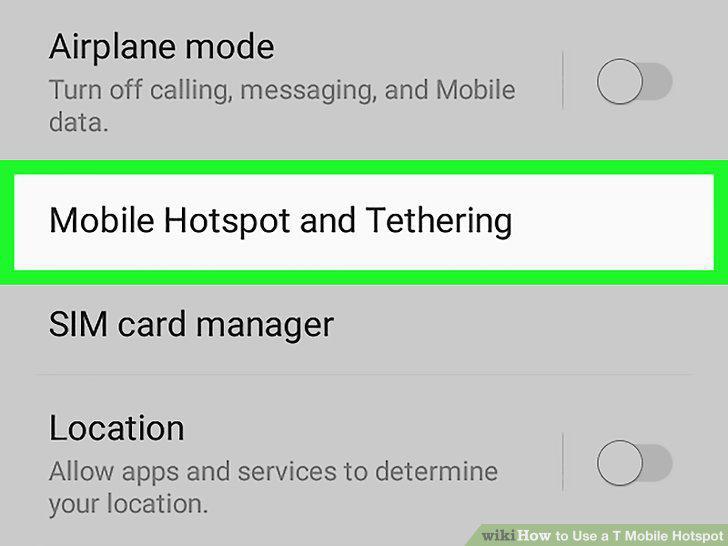
Tap Mobile Hotspot and Tethering.
8
Tap Mobile Hotspot.
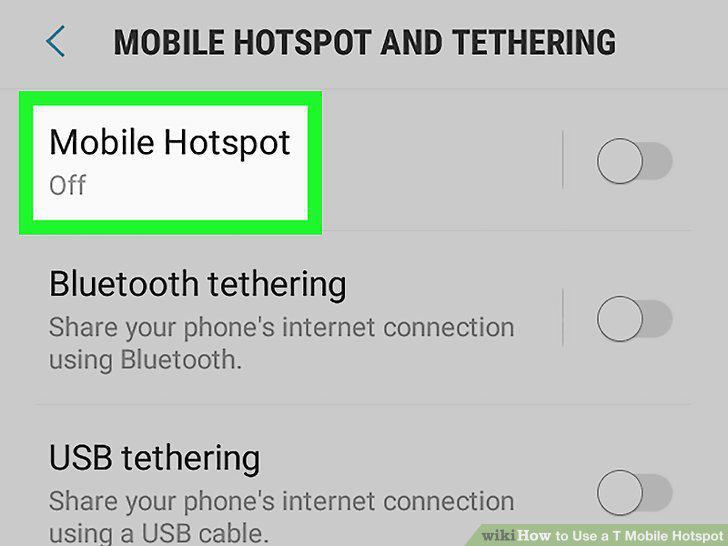
Tap Mobile Hotspot.
9
Tap to turn the switch on .
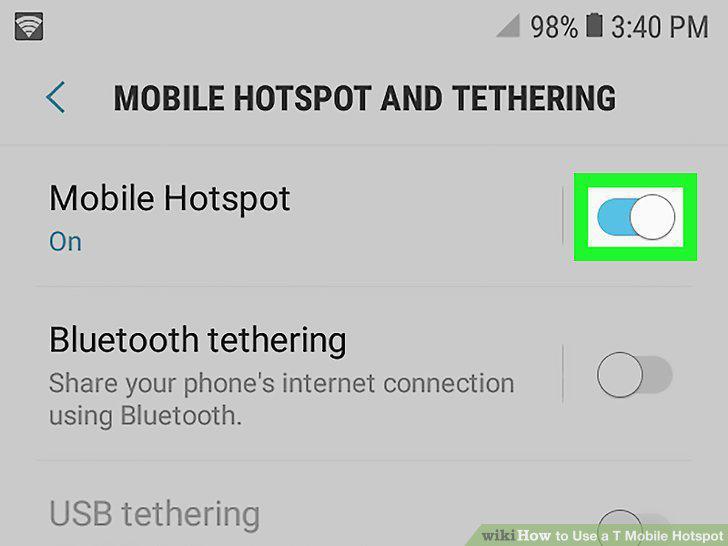
Tap to turn the switch on .
10
Connect with your other device.
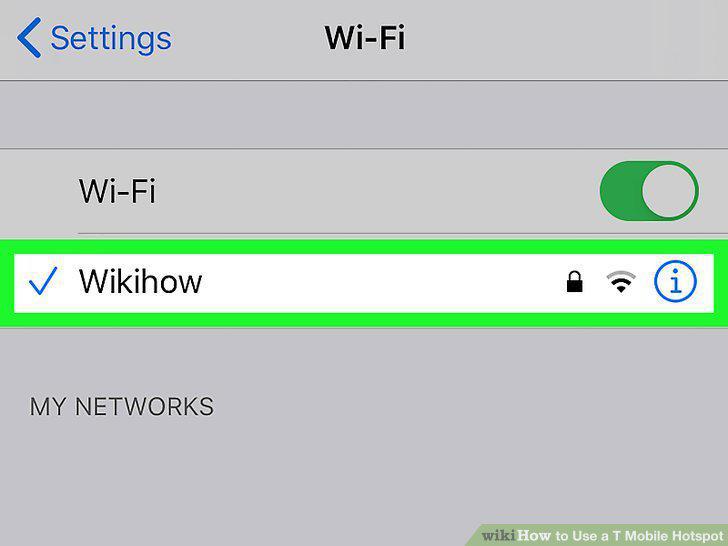
Connect with your other device.
Comments (0)
No comments yet. Be the first to share your thoughts!