How to Make Music Notes on Facebook
Open Facebook on your phone or tablet.. Tap What's on your mind?.. Tap the typing area.
Steps
1
Open Facebook on your phone or tablet.
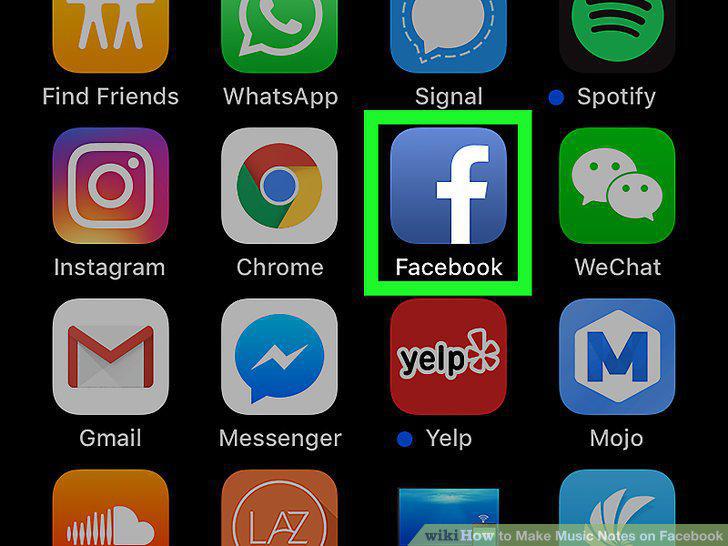
Open Facebook on your phone or tablet.
2
Tap What's on your mind?.
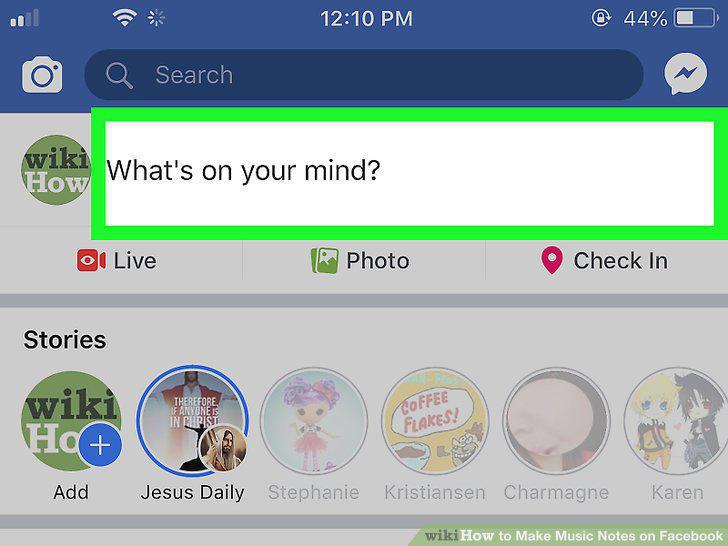
Tap What's on your mind?.
3
Tap the typing area.
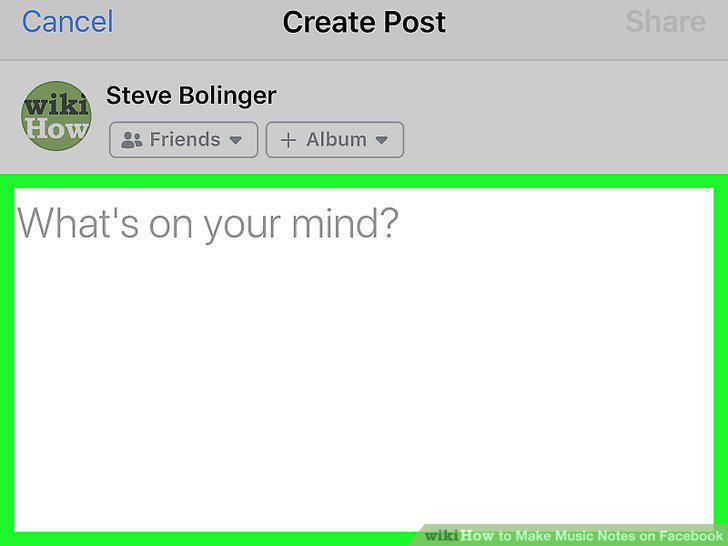
Tap the typing area.
4
Tap the emoji key on the keyboard.
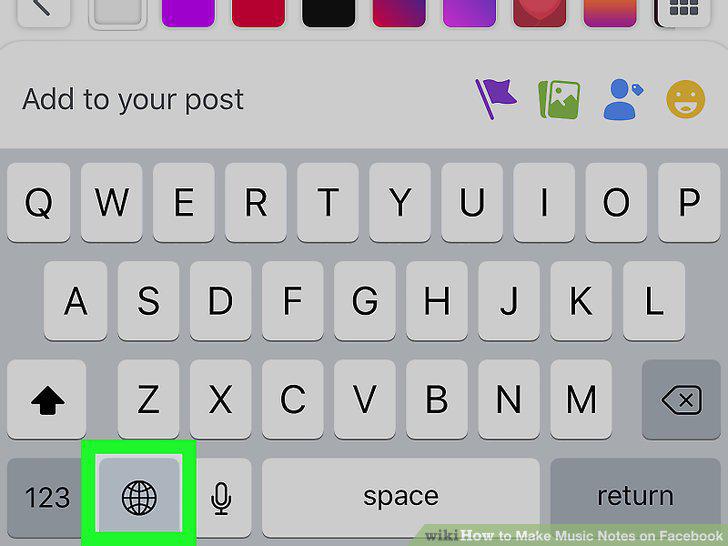
Tap the emoji key on the keyboard.
5
Swipe through the emoji until you find the music note.
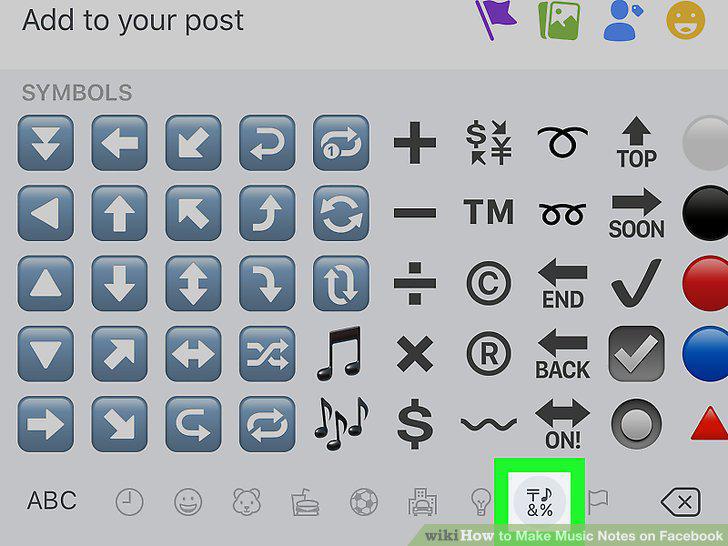
Swipe through the emoji until you find the music note.
6
Tap the music note(s) you want to use.
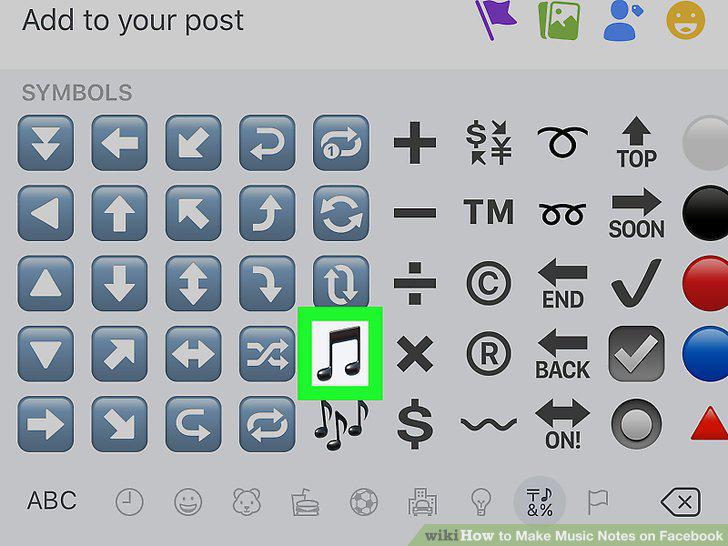
Tap the music note(s) you want to use.
7
Go to https://www.facebook.com in your web browser.
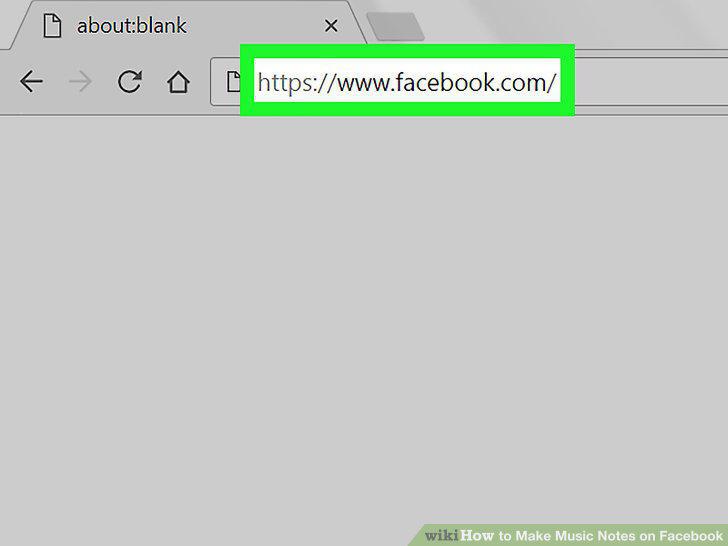
Go to https://www.facebook.com in your web browser.
8
Click What's on Your Mind.
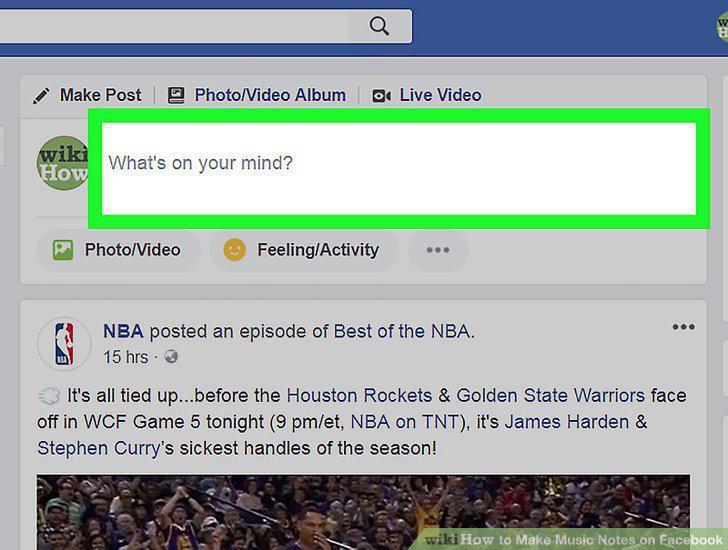
Click What's on Your Mind.
9
Click the emoji icon.
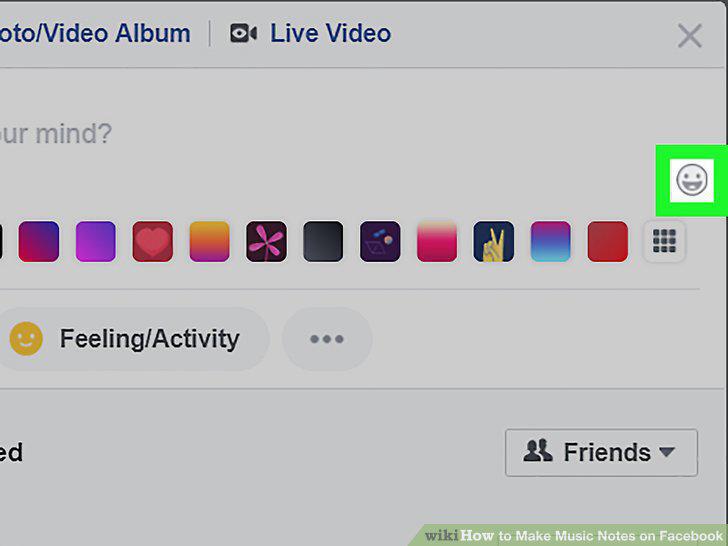
Click the emoji icon.
10
Click the light bulb icon.
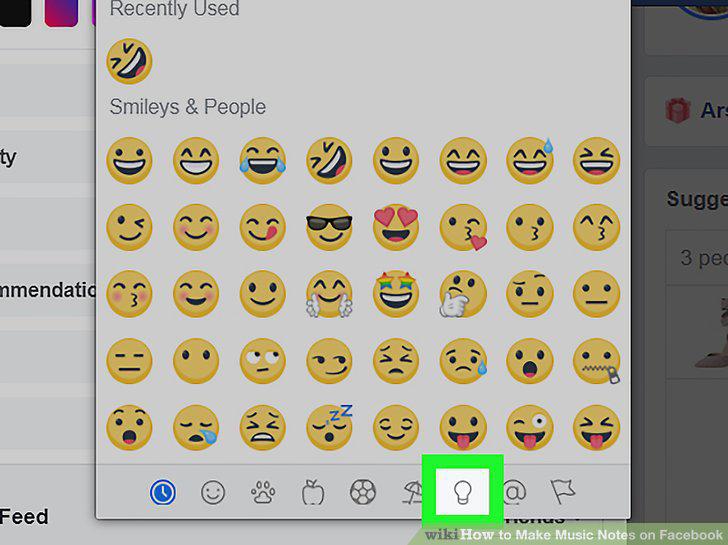
Click the light bulb icon.
11
Click the music note you want to insert.
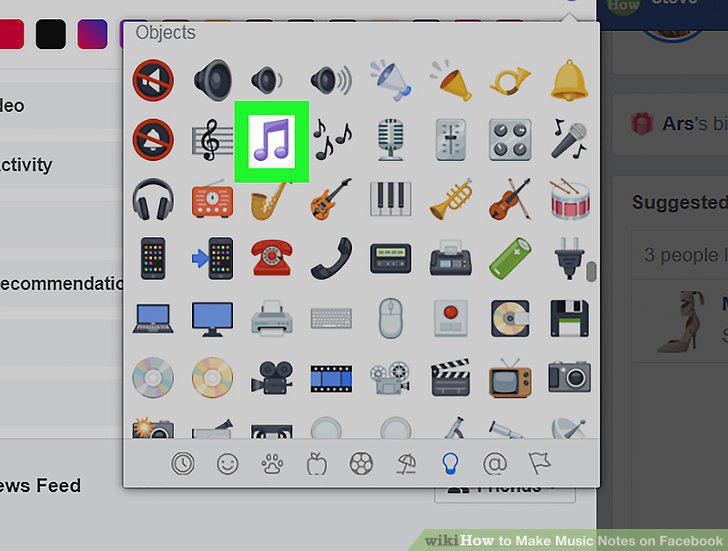
Click the music note you want to insert.
Comments (0)
No comments yet. Be the first to share your thoughts!