How to Share TikTok Videos on Facebook on iPhone or iPad
Open TikTok on your iPhone or iPad.. Find and open the video you want to share.. Tap the white icon on the bottom-right.
Steps
1
Open TikTok on your iPhone or iPad.
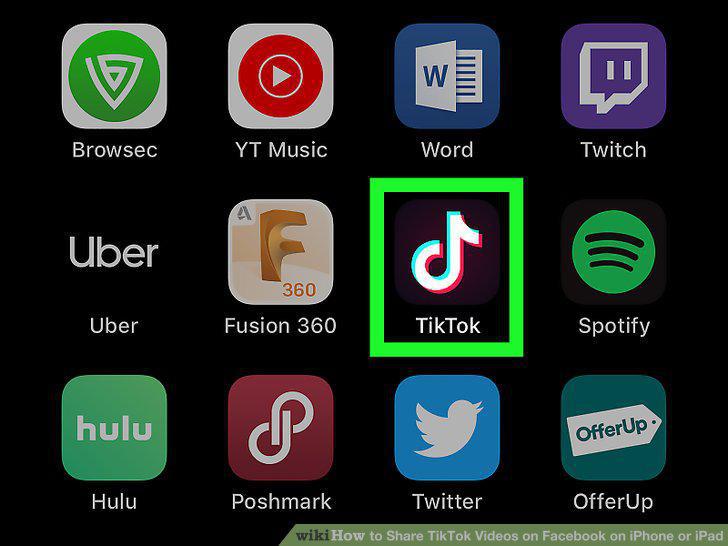
Open TikTok on your iPhone or iPad.
2
Find and open the video you want to share.
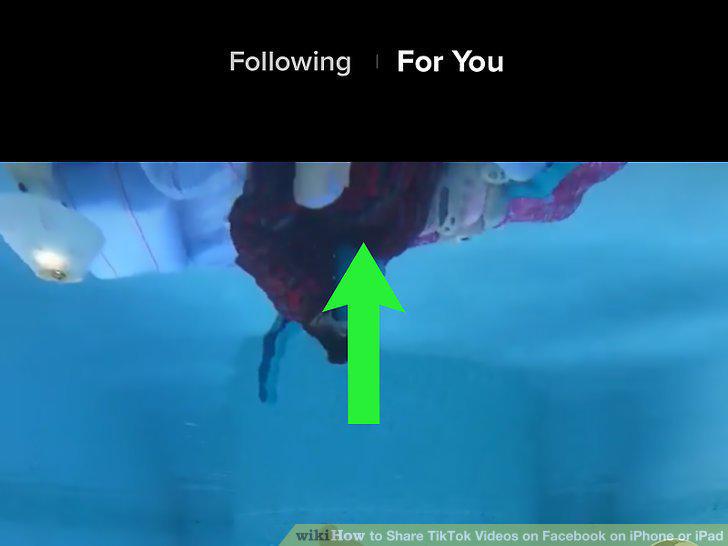
Find and open the video you want to share.
3
Tap the white icon on the bottom-right.
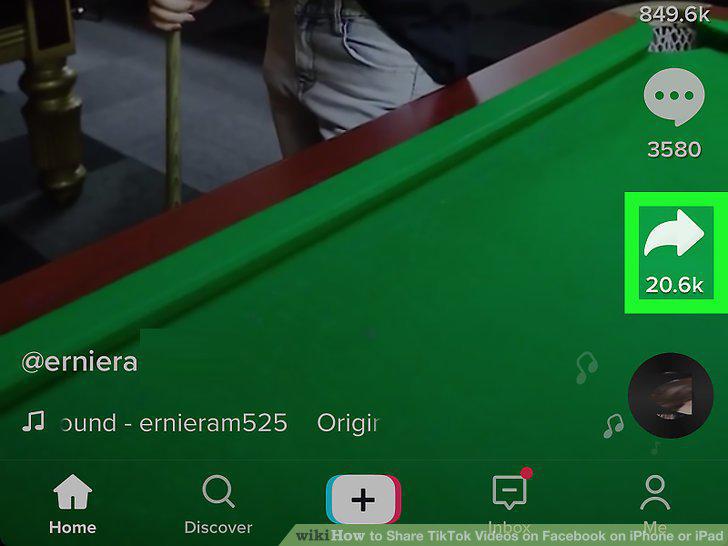
Tap the white icon on the bottom-right.
4
Tap Facebook in the "Share to" pop-up.
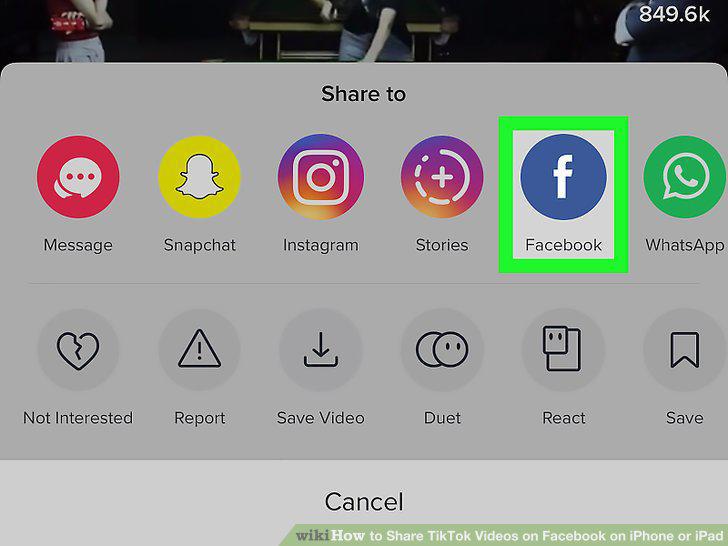
Tap Facebook in the "Share to" pop-up.
5
Tap the Your Timeline button at the top.
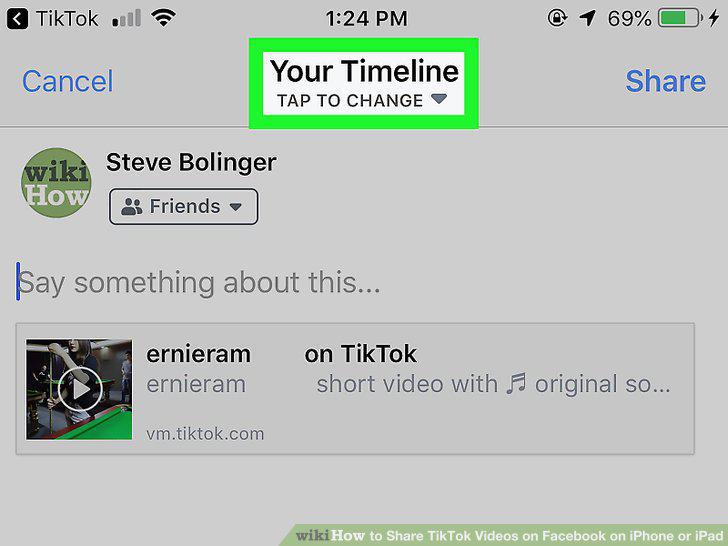
Tap the Your Timeline button at the top.
6
Select where you want to share the video.
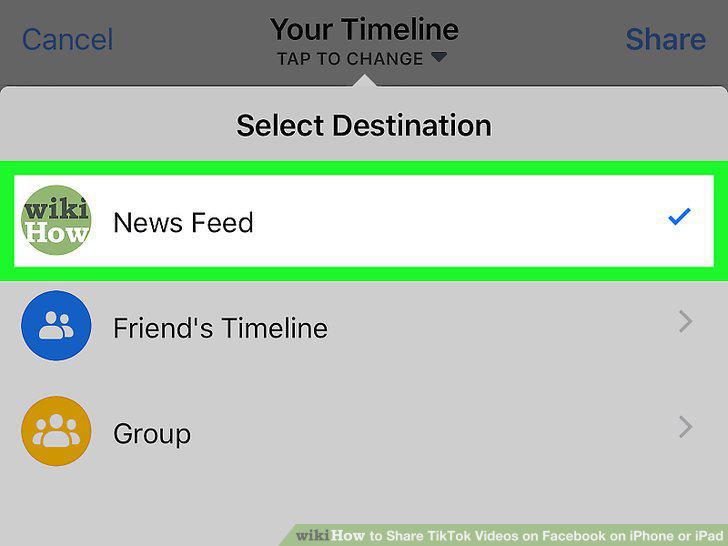
Select where you want to share the video.
7
Add a message to your post (optional).
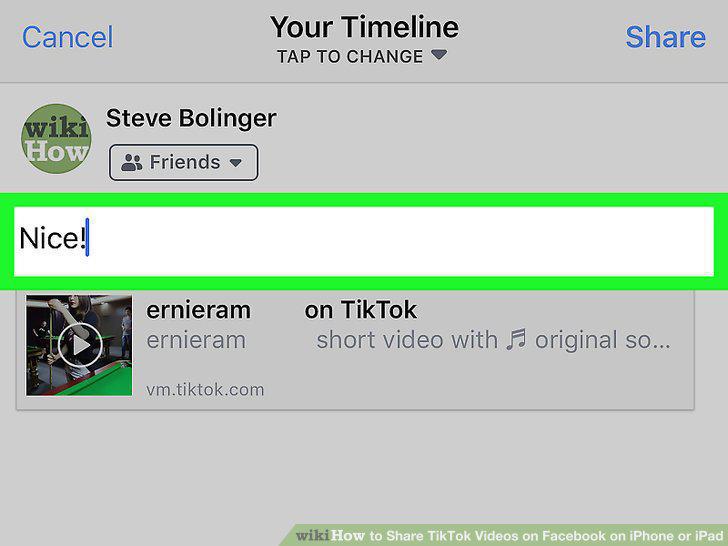
Add a message to your post (optional).
8
Tap the Share button on the top-right.
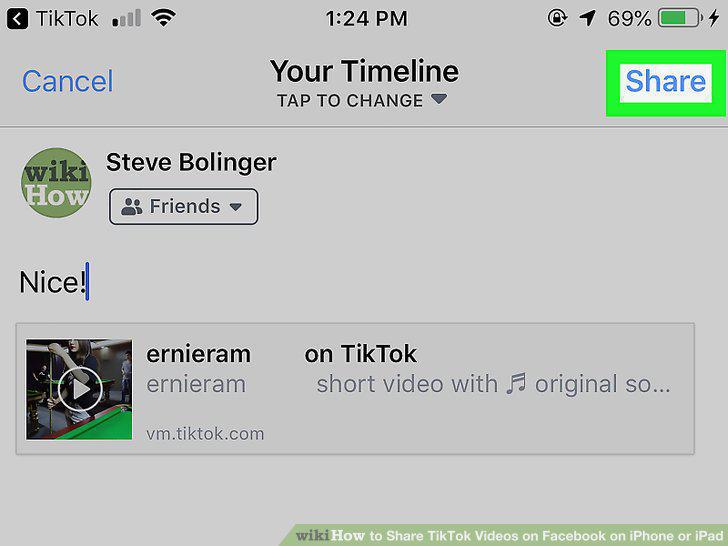
Tap the Share button on the top-right.
Comments (0)
No comments yet. Be the first to share your thoughts!