How to Connect Wireless Headphones on Android
Turn on wireless headphones.. Open .. Tap Connections.
Steps
1
Turn on wireless headphones.
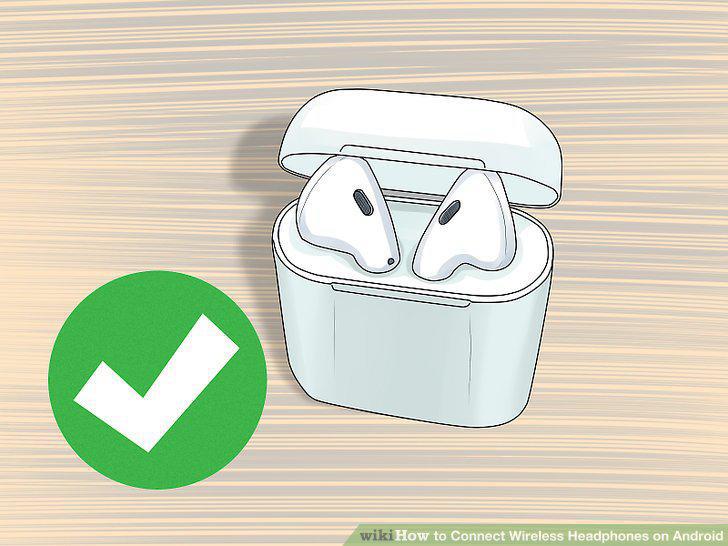
Turn on wireless headphones.
2
Open .
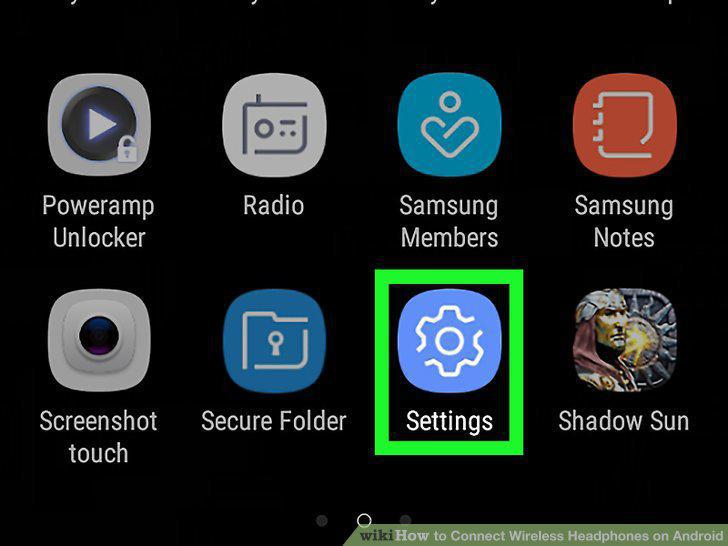
Open .
3
Tap Connections.
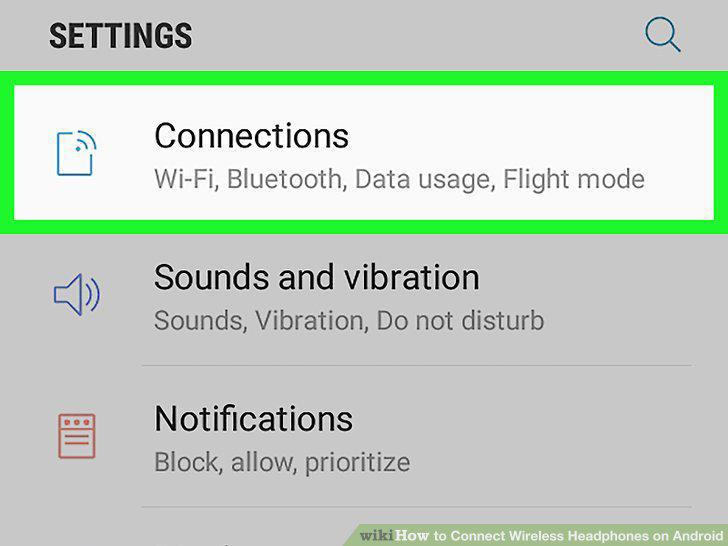
Tap Connections.
4
Tap Bluetooth.
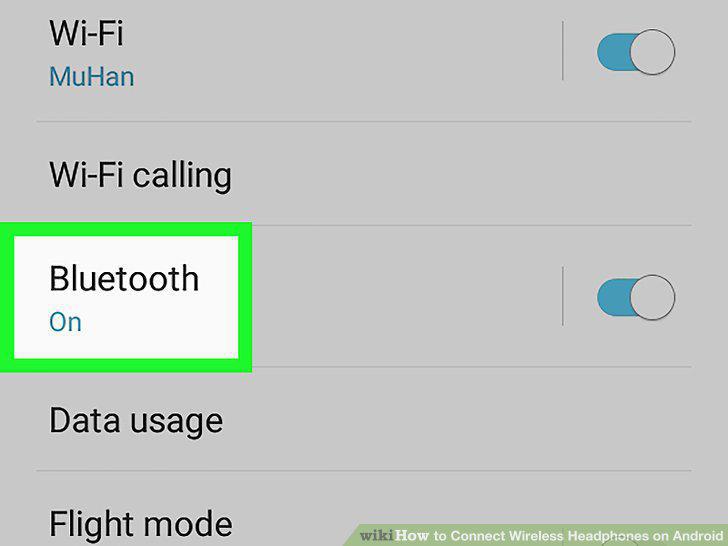
Tap Bluetooth.
5
Put wireless headphones in pairing mode.
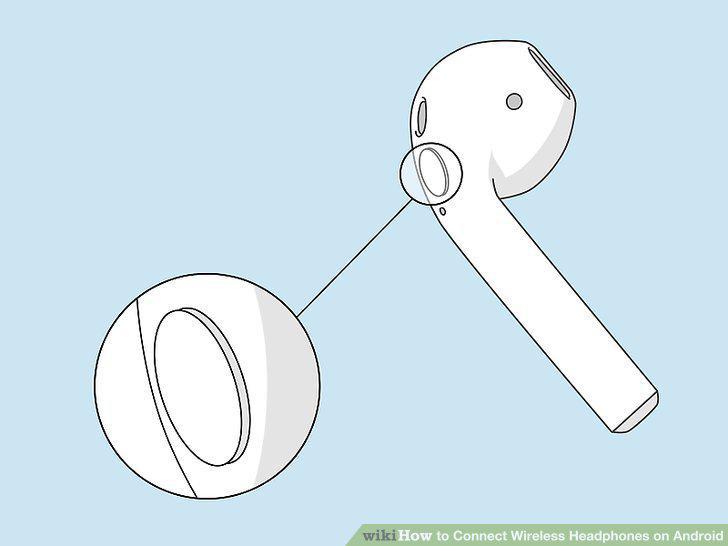
Put wireless headphones in pairing mode.
6
Tap Scan.
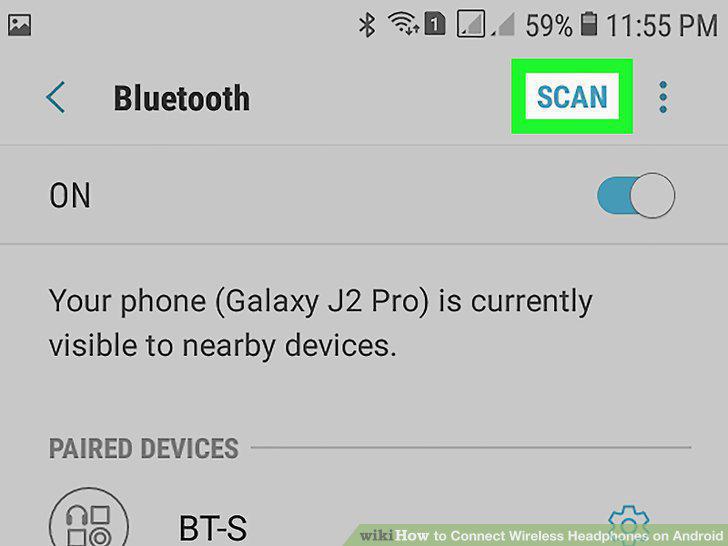
Tap Scan.
7
Tap the name of the wireless headphones.
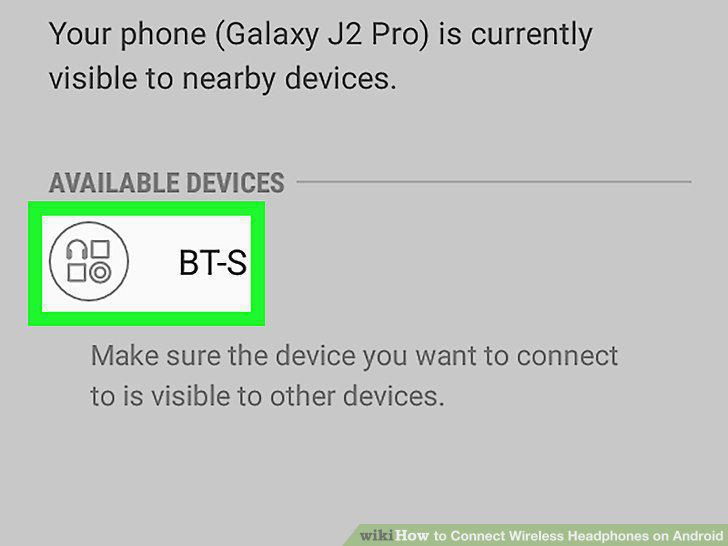
Tap the name of the wireless headphones.
Comments (0)
No comments yet. Be the first to share your thoughts!