How to Log Out of Discord on Android
Open the Discord app on your device.. Tap the three horizontal lines icon.. Tap the white gear icon on the navigation menu.
Steps
1
Open the Discord app on your device.
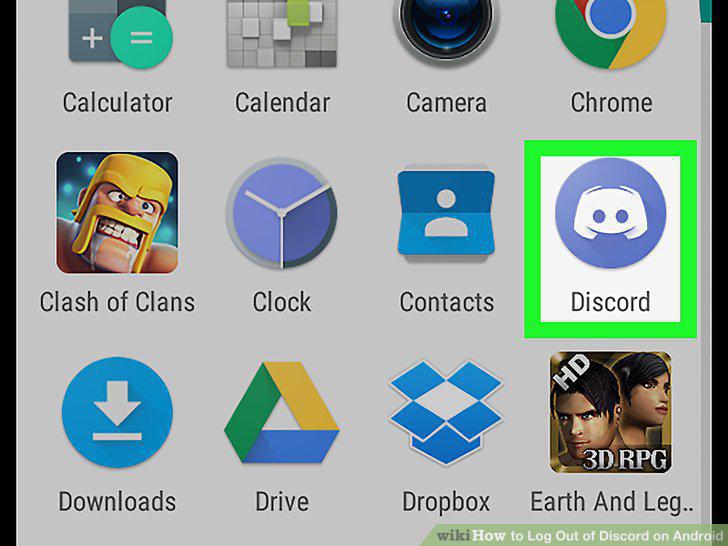
Open the Discord app on your device.
2
Tap the three horizontal lines icon.
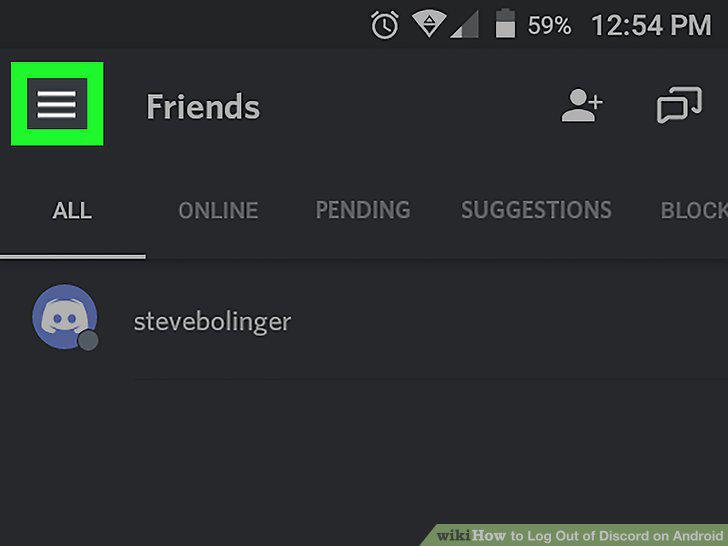
Tap the three horizontal lines icon.
3
Tap the white gear icon on the navigation menu.
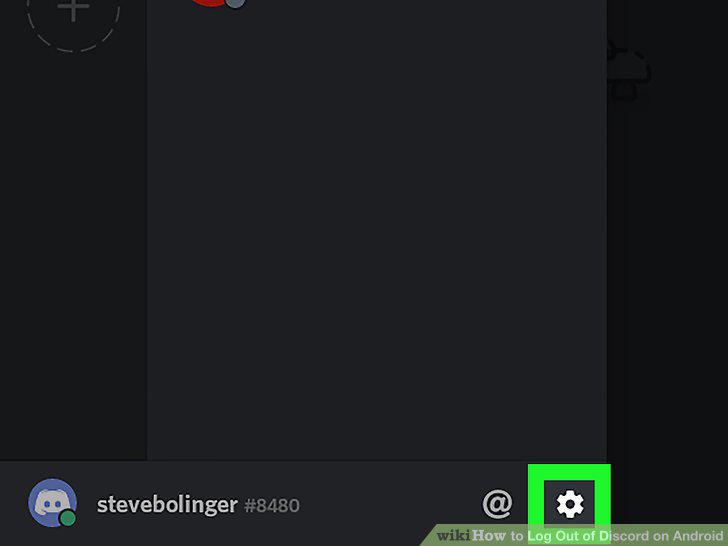
Tap the white gear icon on the navigation menu.
4
Tap on the white box icon with a rightward arrow in it.
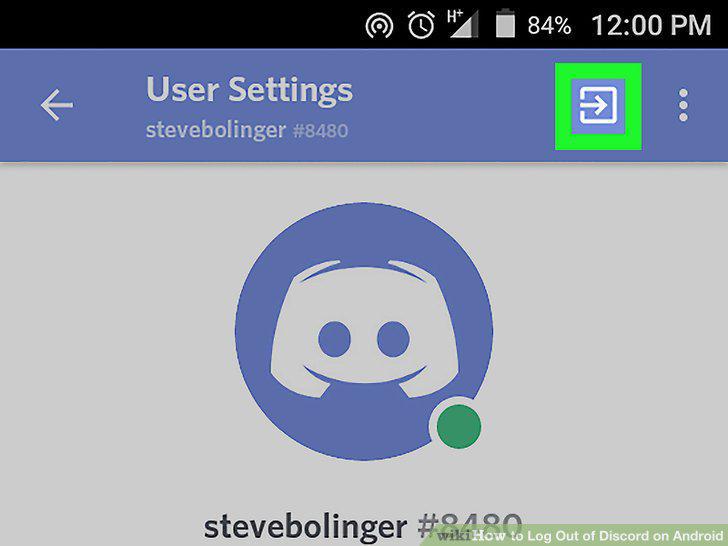
Tap on the white box icon with a rightward arrow in it.
Comments (0)
No comments yet. Be the first to share your thoughts!