How to Reattach a Keyboard Key
Inspect the back of the key for damage.. Check your keyboard to make sure the base is intact.. Replace the retainer bracket if your key has one.
Steps
1
Inspect the back of the key for damage.
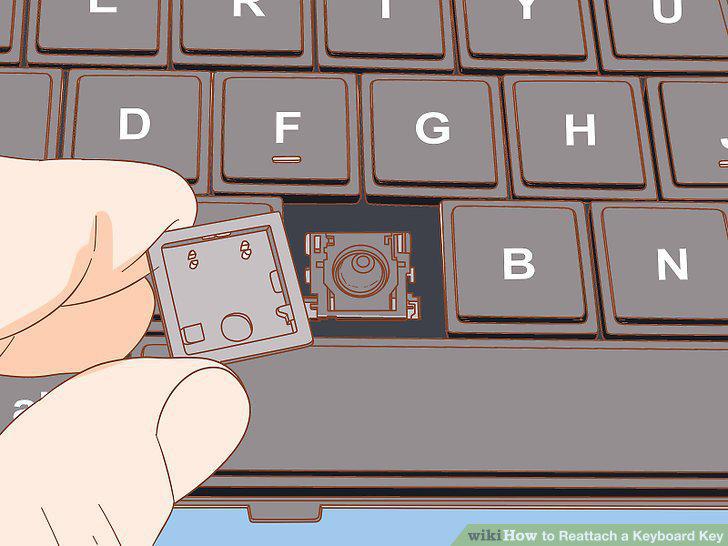
Inspect the back of the key for damage.
2
Check your keyboard to make sure the base is intact.
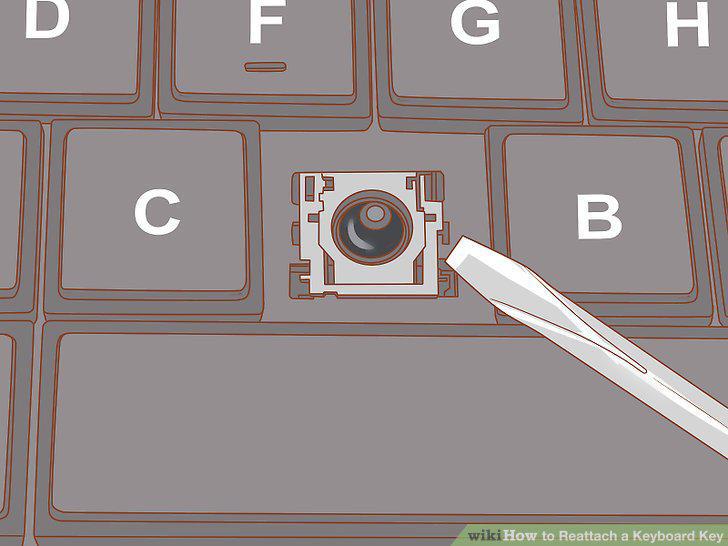
Check your keyboard to make sure the base is intact.
3
Replace the retainer bracket if your key has one.
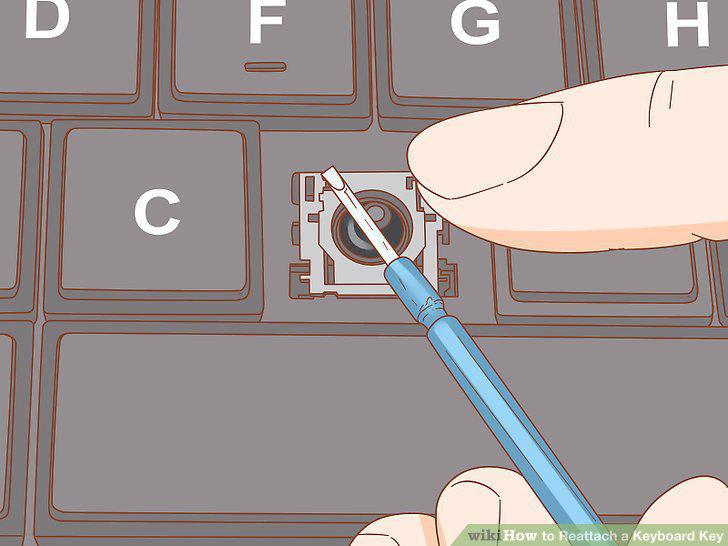
Replace the retainer bracket if your key has one.
4
Hook the side of the key with the latch into place first.
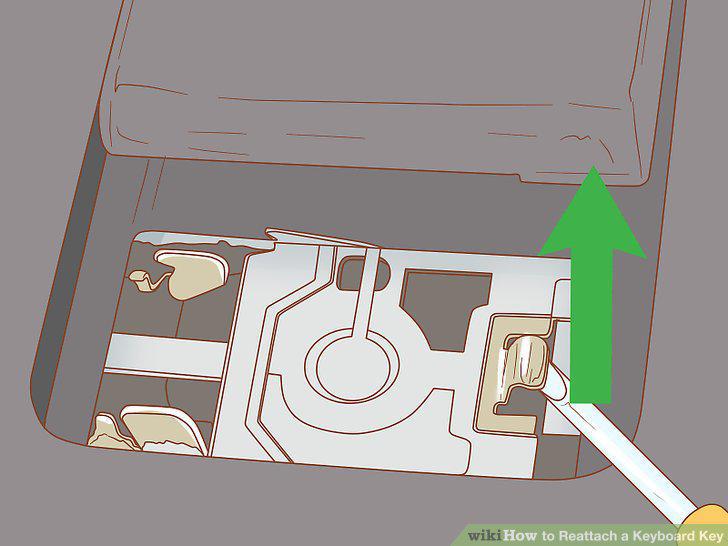
Hook the side of the key with the latch into place first.
5
Push the other side of the key into place.
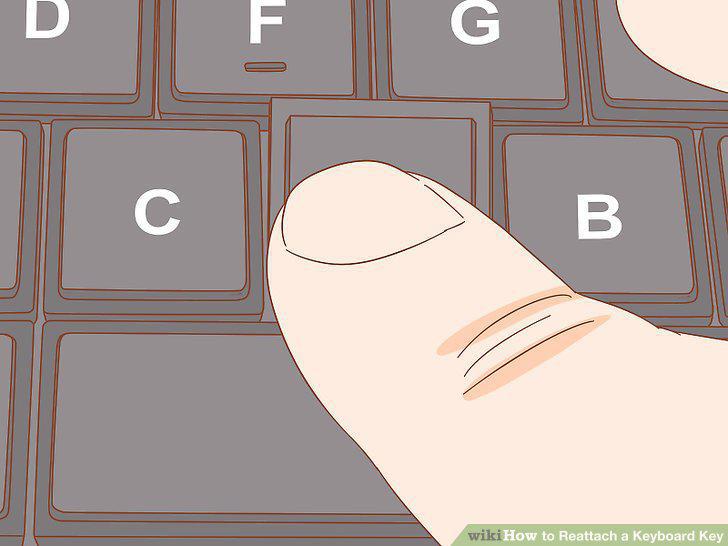
Push the other side of the key into place.
6
Press up and down on the button to make sure it holds.
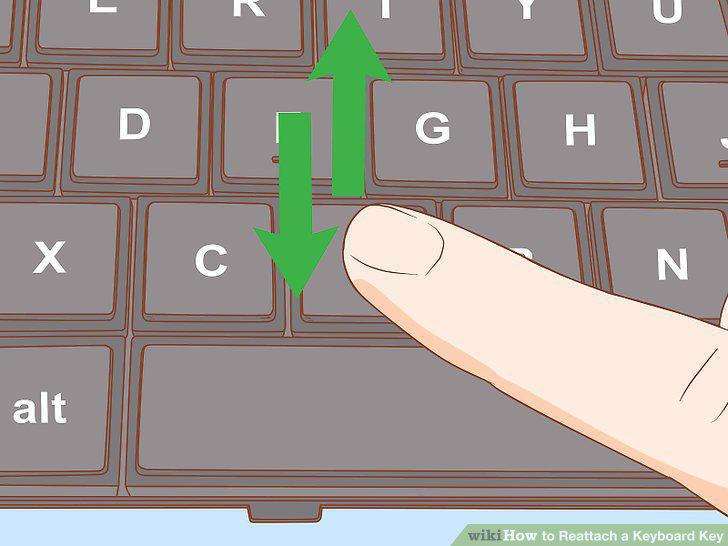
Press up and down on the button to make sure it holds.
7
Look under the key to make sure it is intact.
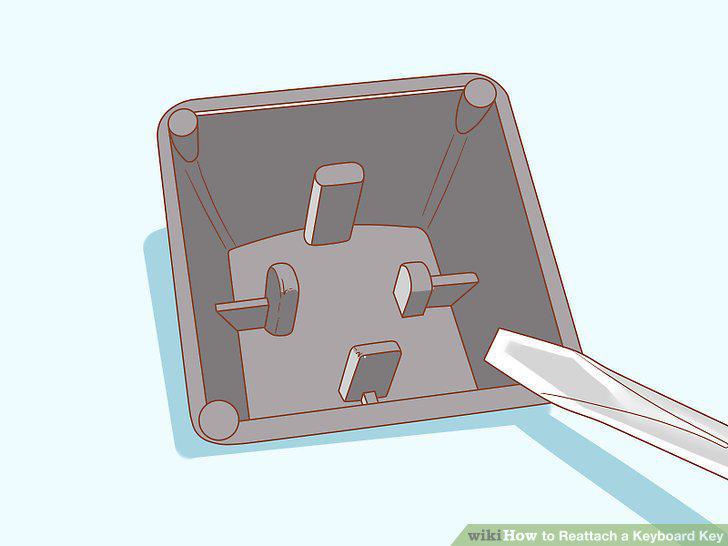
Look under the key to make sure it is intact.
8
Check to make sure the plunger is intact.
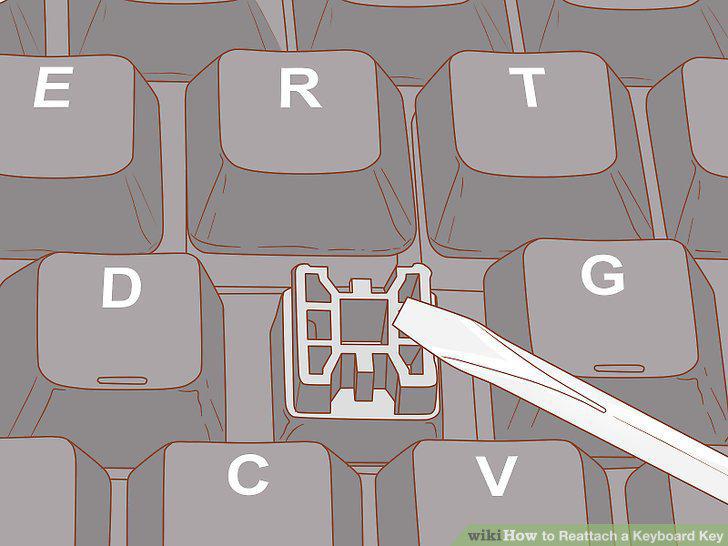
Check to make sure the plunger is intact.
9
Align the key with the base and plunger.
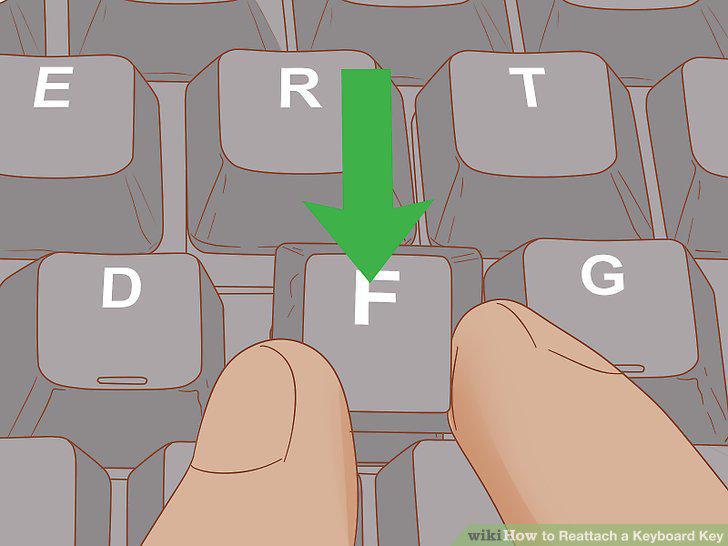
Align the key with the base and plunger.
10
Press the key onto the plunger and wait for a click.
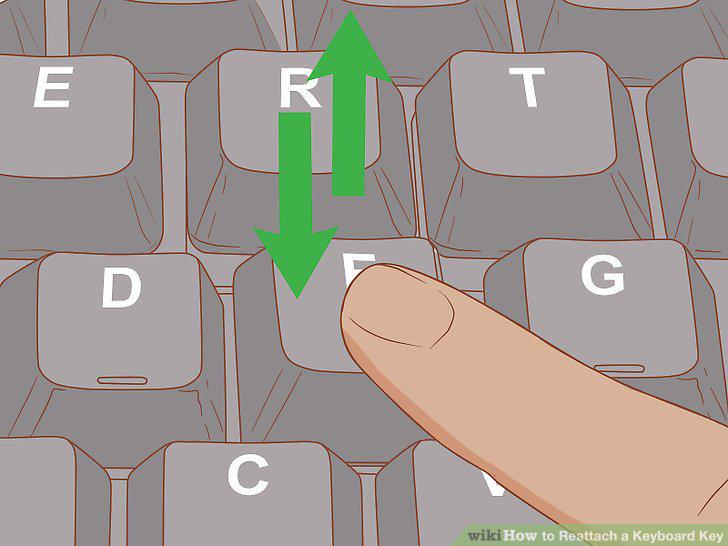
Press the key onto the plunger and wait for a click.
11
Test to make sure the key works.
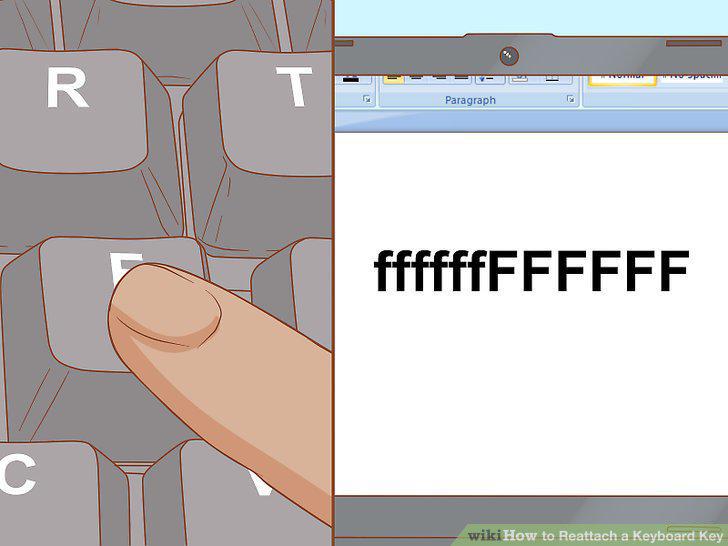
Test to make sure the key works.
Comments (0)
No comments yet. Be the first to share your thoughts!