How to Fold and Insert a Letter Into an Envelope
Write on the envelope.. Place the letter face up on a table.. Fold the bottom part of the letter up.
Steps
Write on the envelope.
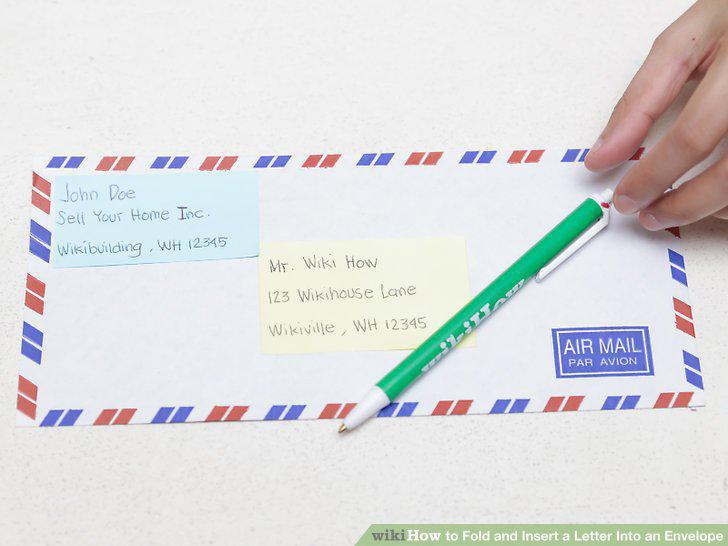
Write on the envelope.
Place the letter face up on a table.
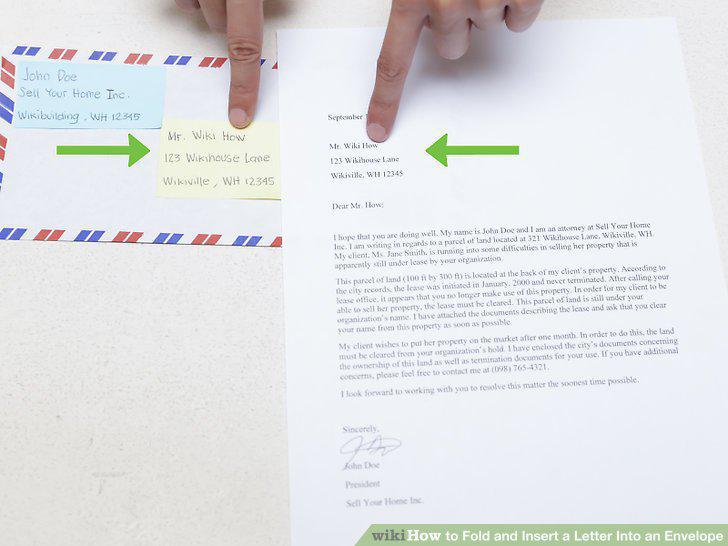
Place the letter face up on a table.
Fold the bottom part of the letter up.
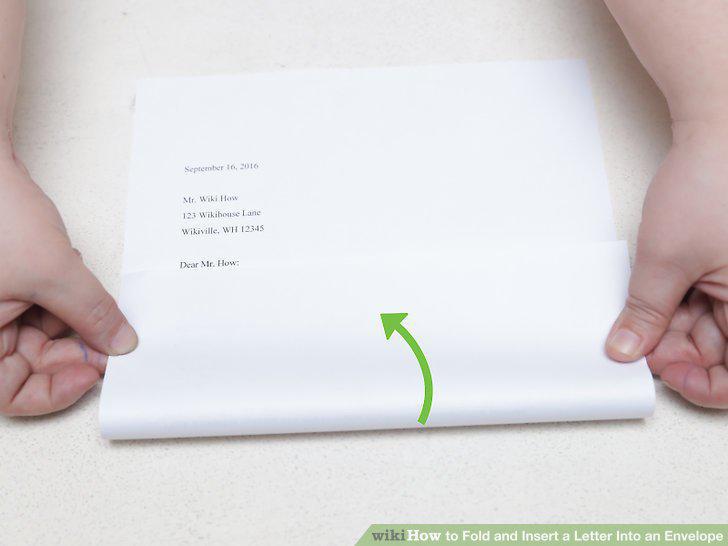
Fold the bottom part of the letter up.
Check that the edges are lined up.
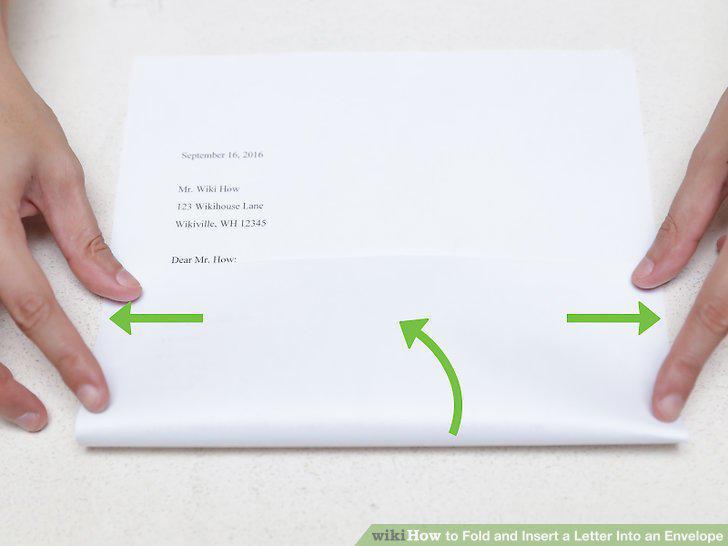
Check that the edges are lined up.
Fold the top part down.
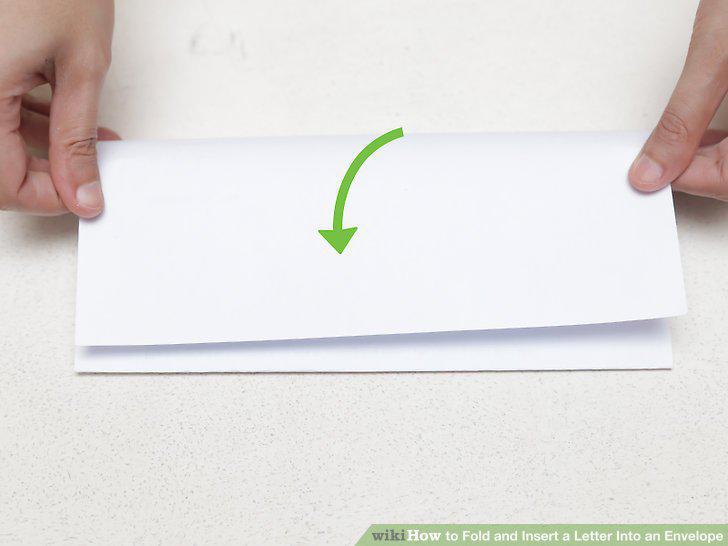
Fold the top part down.
Crease the top fold.
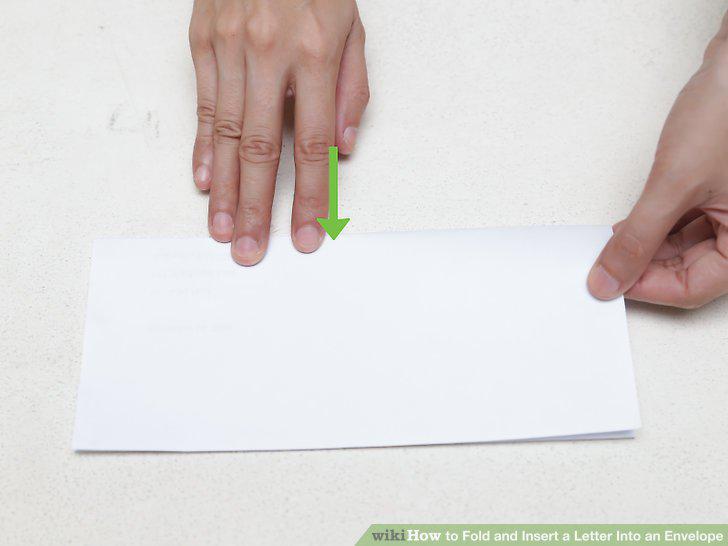
Crease the top fold.
Insert the letter into the envelope.
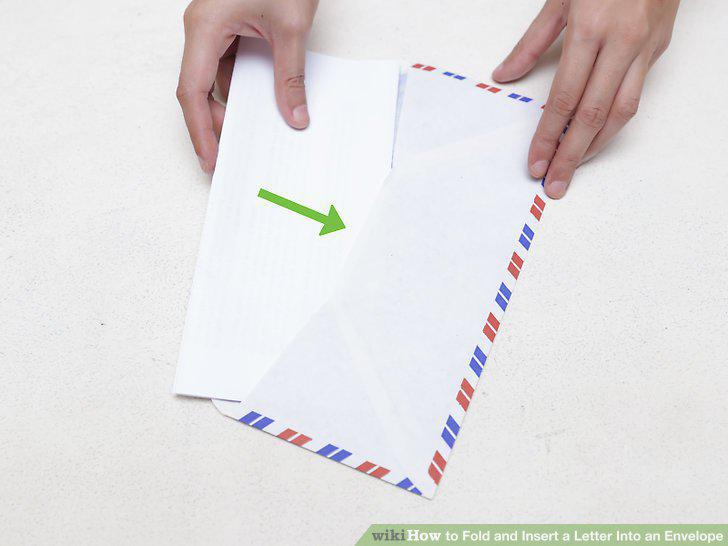
Insert the letter into the envelope.
Make sure you have formatted the letter correctly.
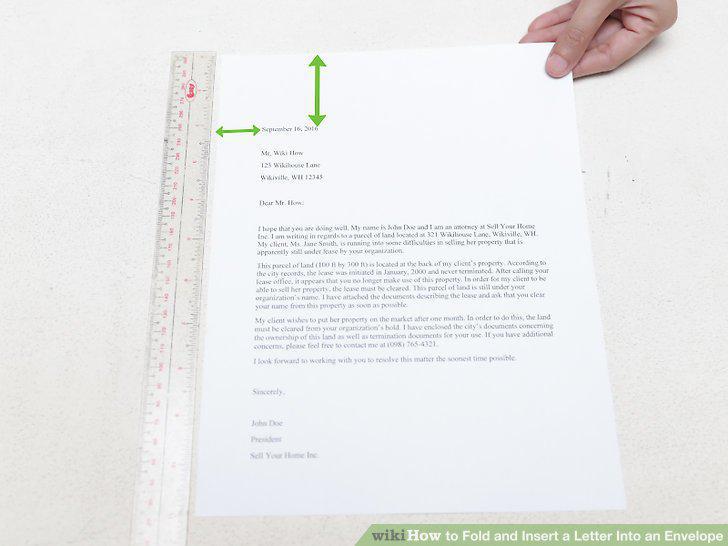
Make sure you have formatted the letter correctly.
Fold the letter into a "z fold.
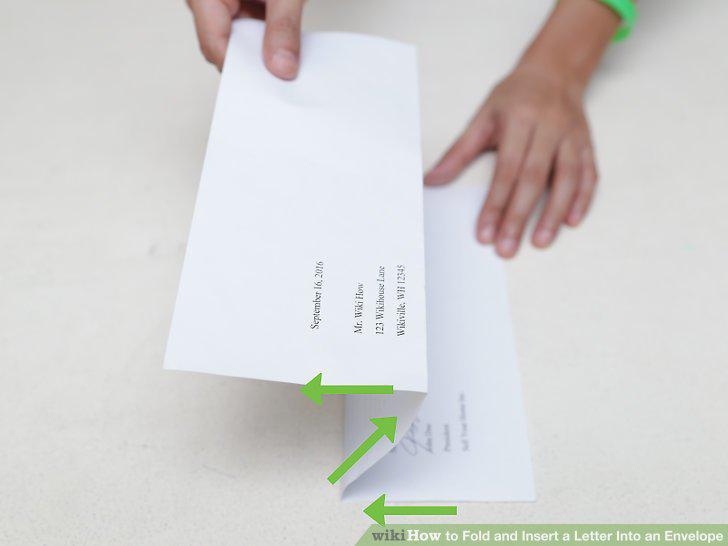
Fold the letter into a "z fold.
Begin with the letter so that the text faces down.
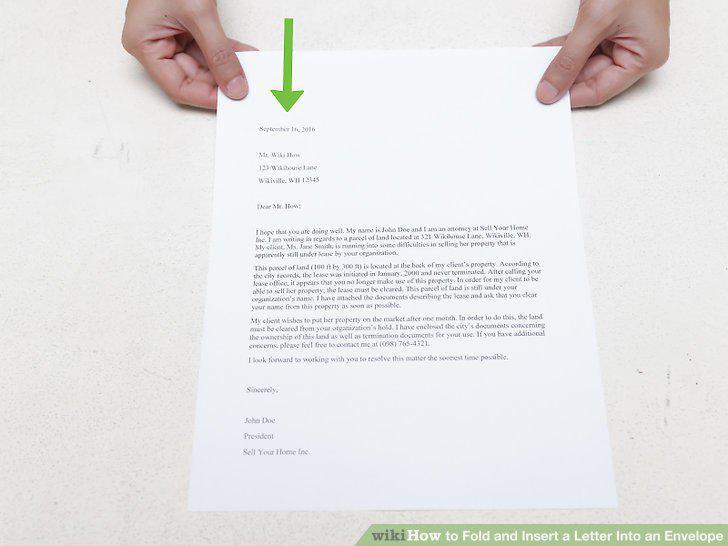
Begin with the letter so that the text faces down.
Arrange the letter so that it is upside down.
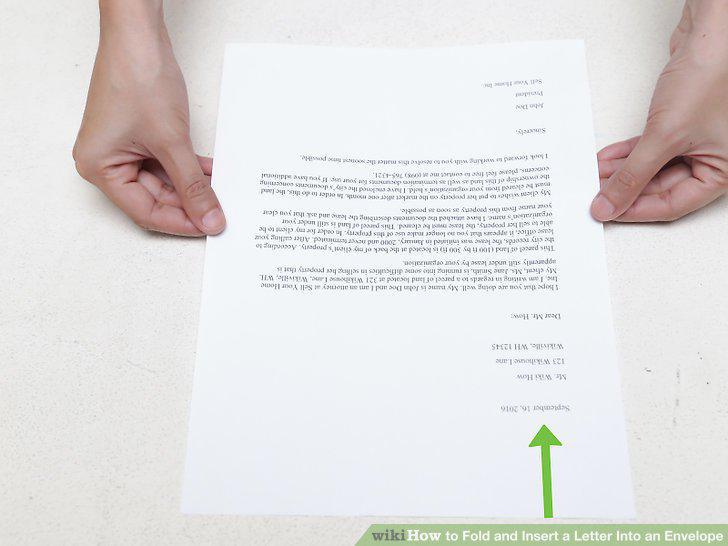
Arrange the letter so that it is upside down.
Fold the top down.
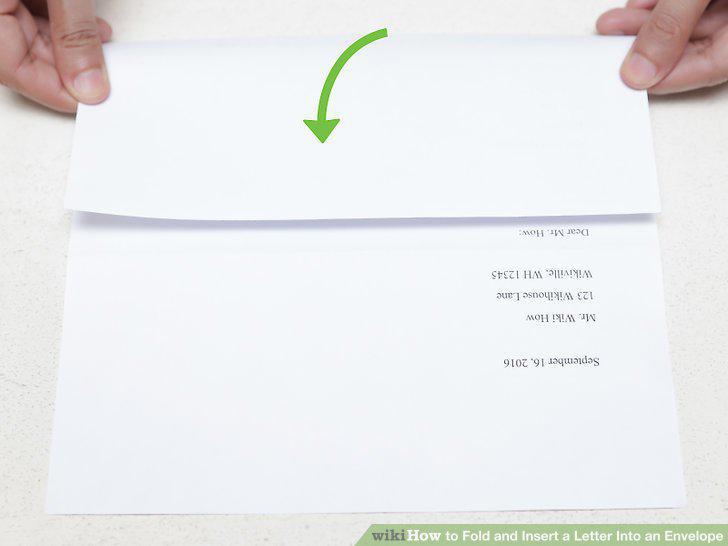
Fold the top down.
Fold the bottom up.
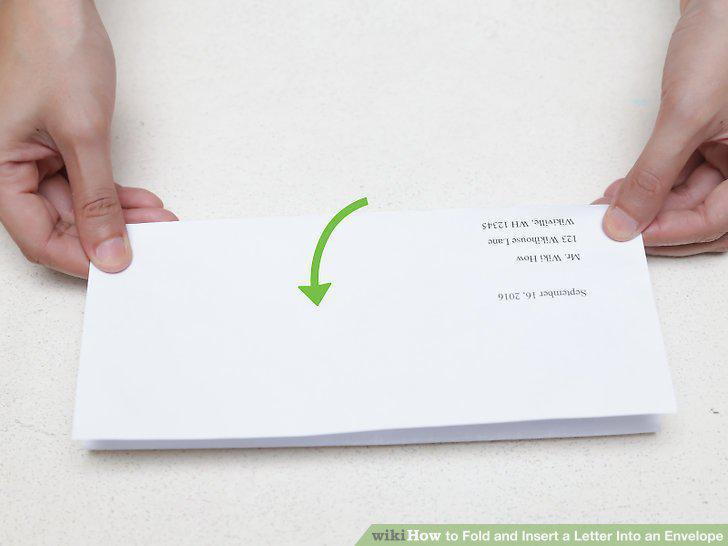
Fold the bottom up.
Insert the folded letter into the envelope.
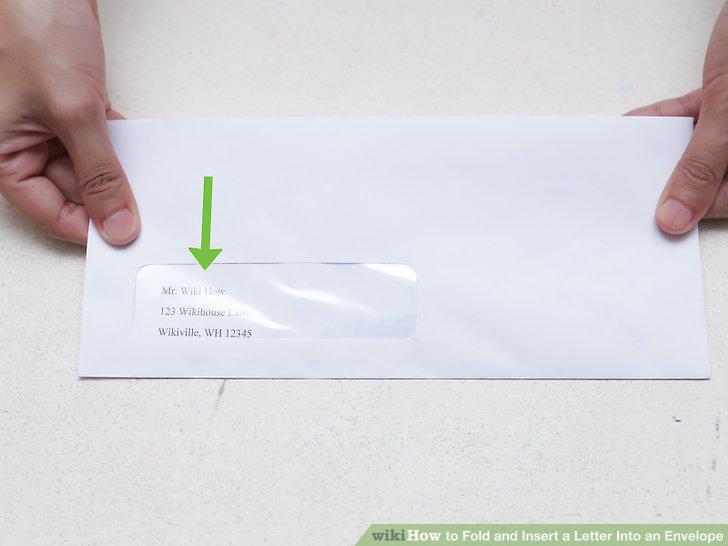
Insert the folded letter into the envelope.
Check the address.
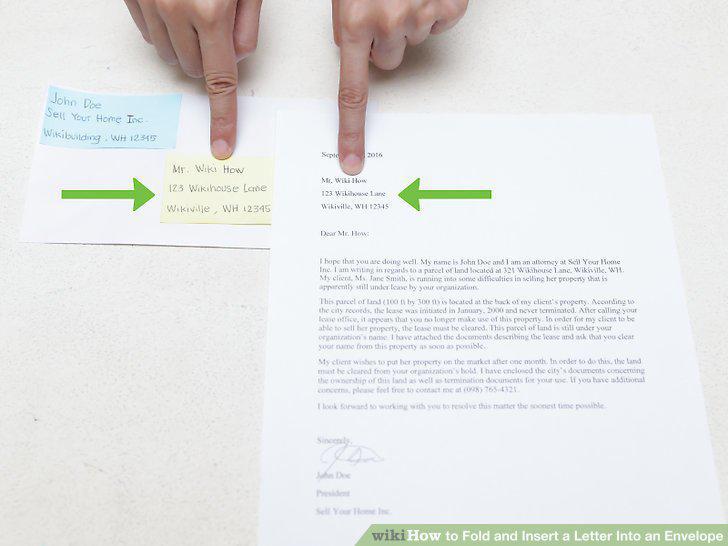
Check the address.
Lay the letter on a table.
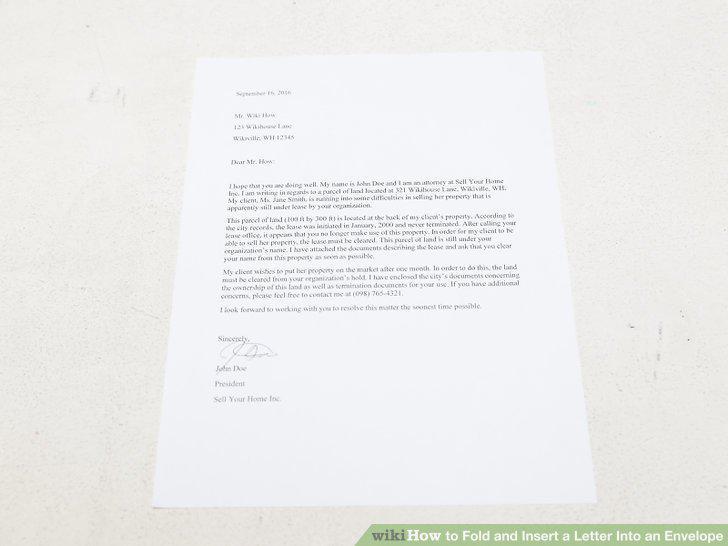
Lay the letter on a table.
Fold the bottom half up.
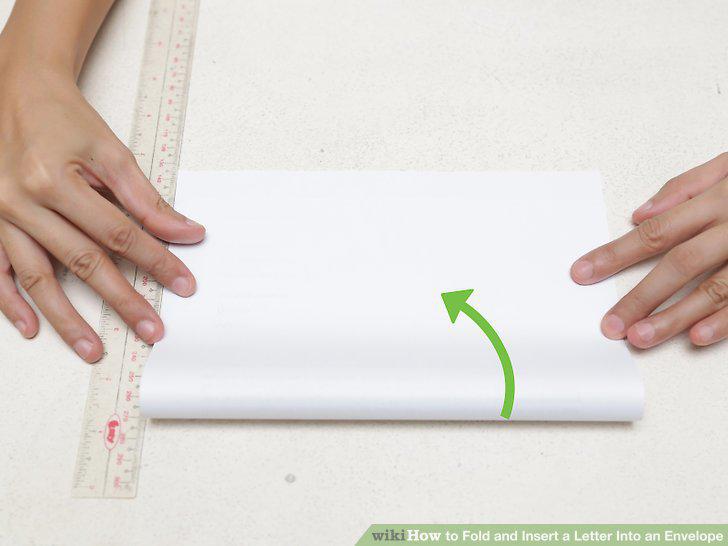
Fold the bottom half up.
Crease the fold.
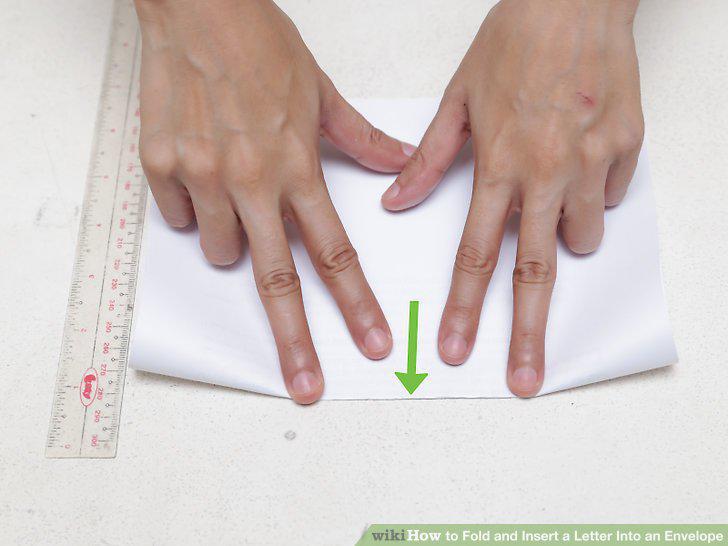
Crease the fold.
Fold the right half of the letter inwards.
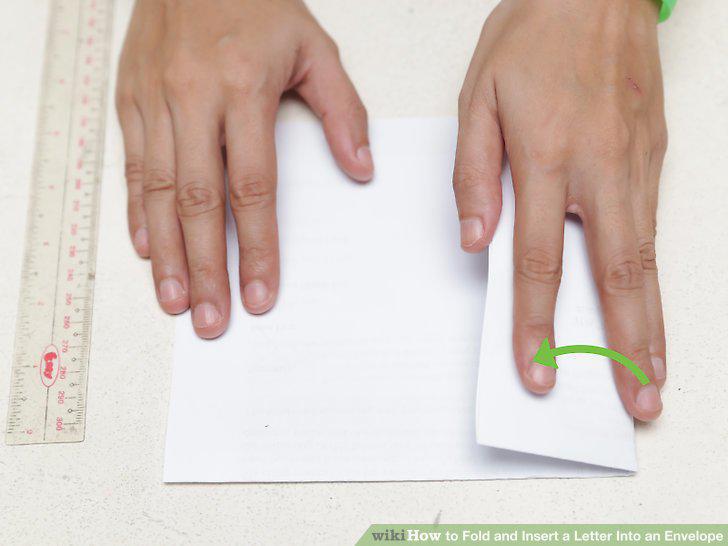
Fold the right half of the letter inwards.
Fold the left half of the letter inwards.
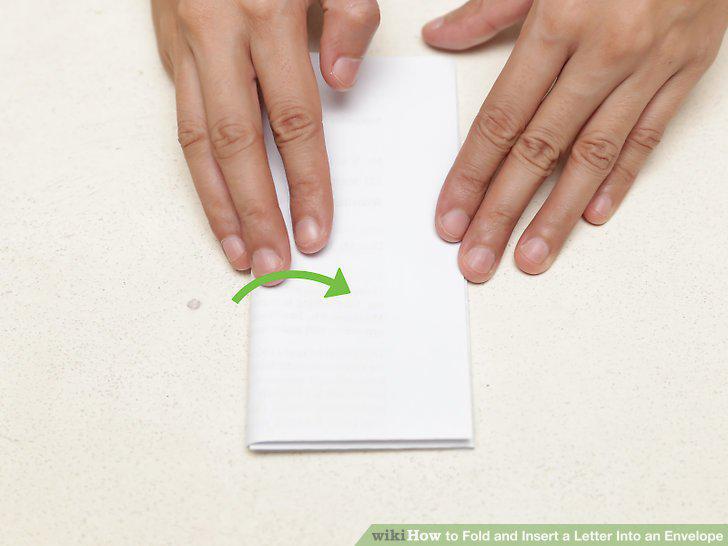
Fold the left half of the letter inwards.
Turn the letter sideways and insert into the envelope.
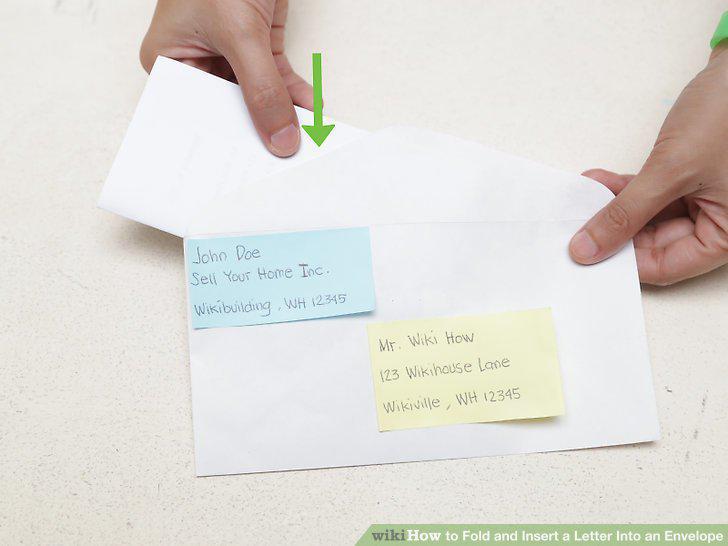
Turn the letter sideways and insert into the envelope.
Comments (0)
No comments yet. Be the first to share your thoughts!