How to Add Connections on LinkedIn
Log in to your LinkedIn account.. Enter your e-mail address.. Add connections.
Steps
1
Log in to your LinkedIn account.
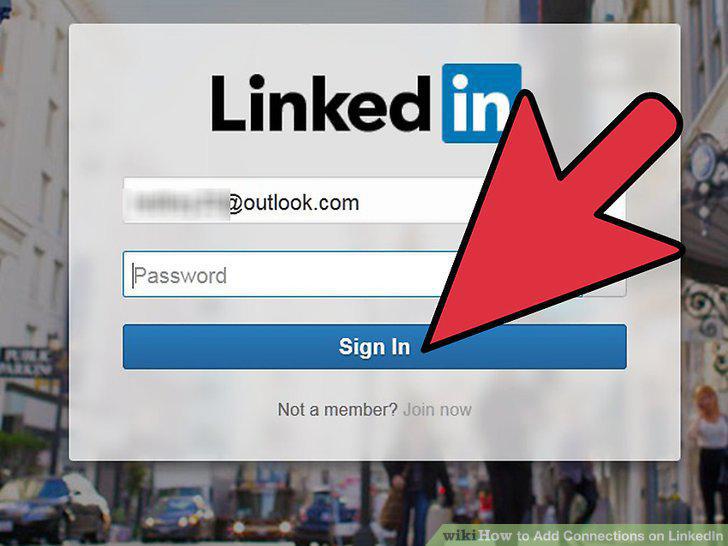
Log in to your LinkedIn account.
2
Enter your e-mail address.
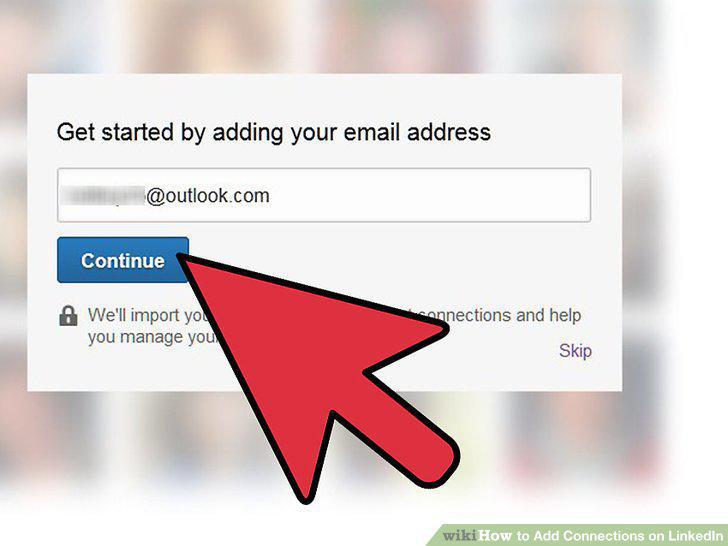
Enter your e-mail address.
3
Add connections.
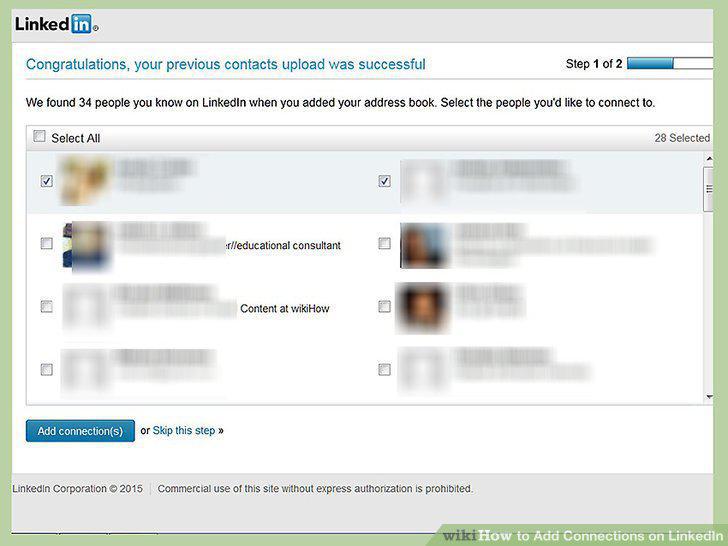
Add connections.
4
Log in to your LinkedIn account.
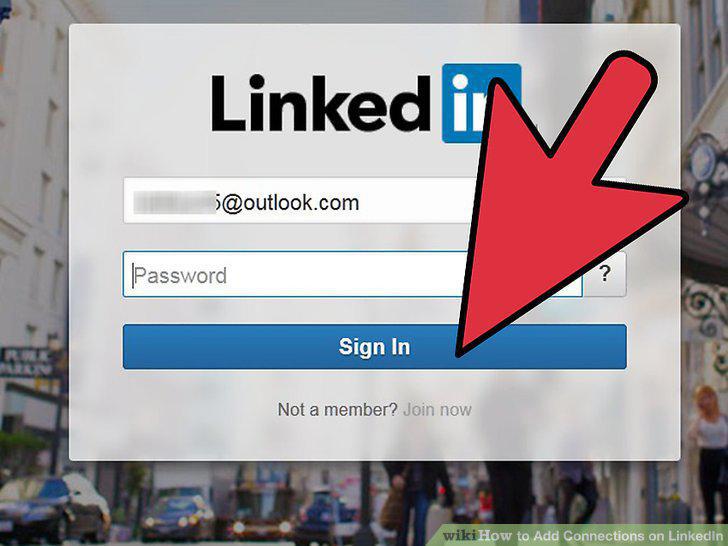
Log in to your LinkedIn account.
5
Search for the person you'd like to add.
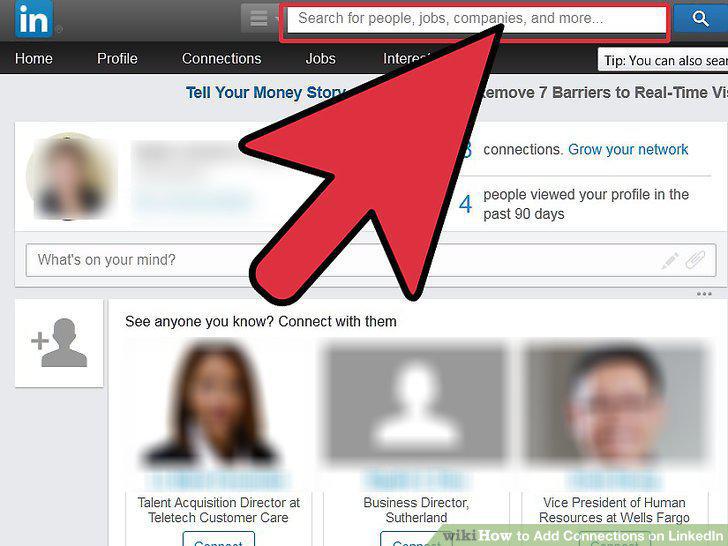
Search for the person you'd like to add.
6
Select the person or company you are looking for.
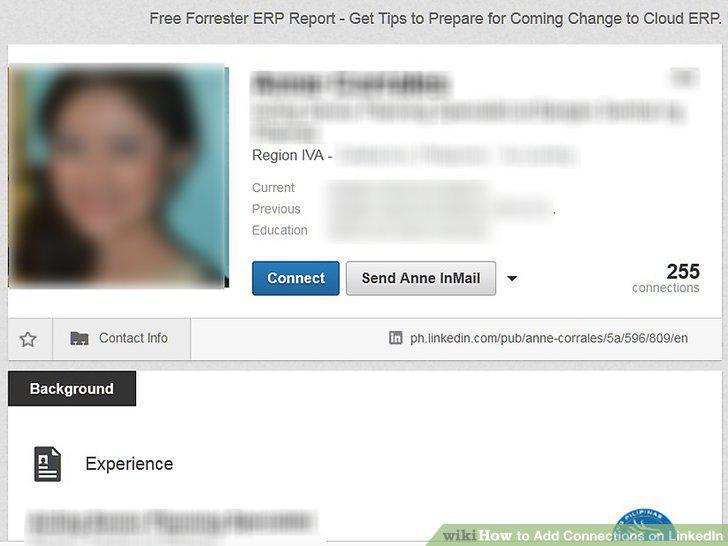
Select the person or company you are looking for.
7
Connect with that person or company.
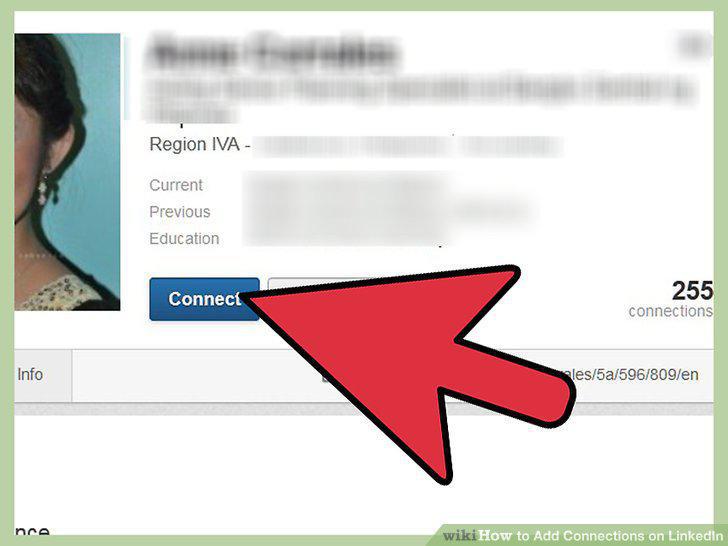
Connect with that person or company.
Comments (0)
No comments yet. Be the first to share your thoughts!