How to Use Instagram
Download the Instagram app.. Open the Instagram app.. Create an account by tapping Sign up at the bottom of your screen.
Steps
Download the Instagram app.
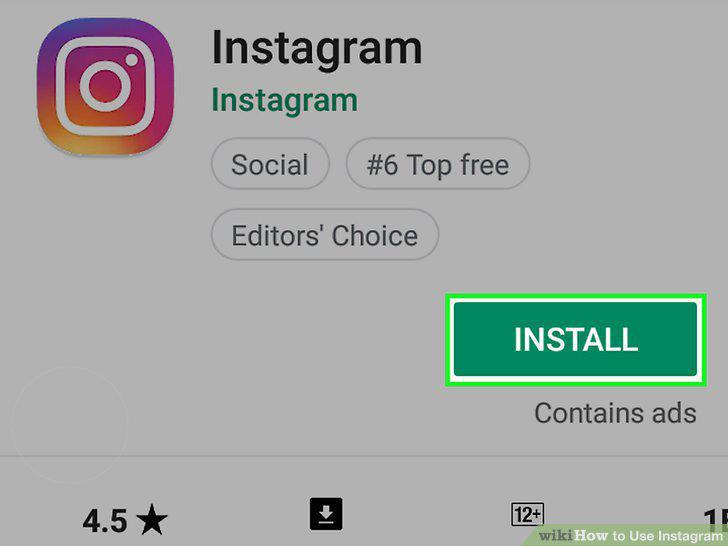
Download the Instagram app.
Open the Instagram app.
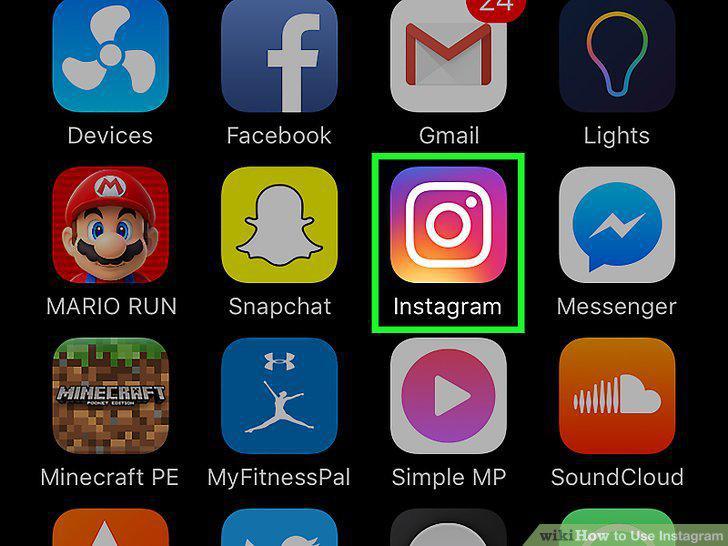
Open the Instagram app.
Create an account by tapping Sign up at the bottom of your screen.
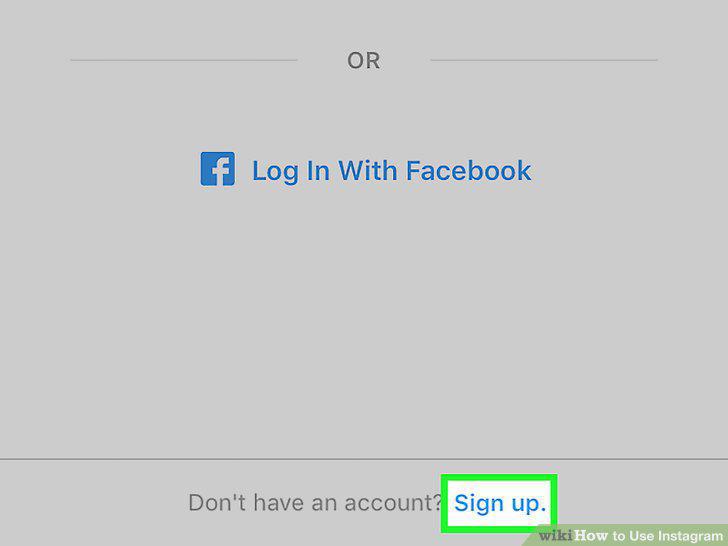
Create an account by tapping Sign up at the bottom of your screen.
Select friends to follow.
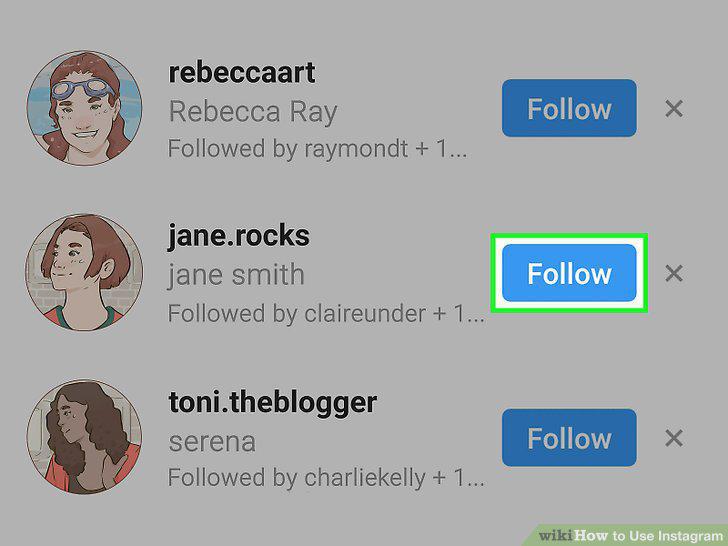
Select friends to follow.
Select Done when you're ready to proceed.
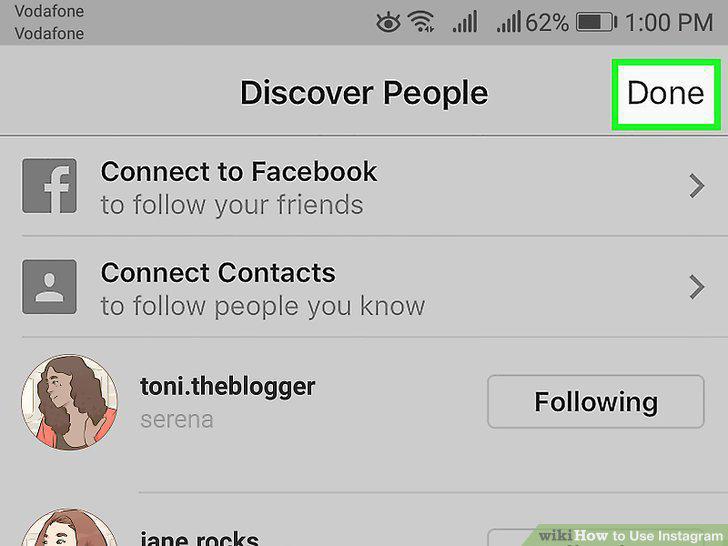
Select Done when you're ready to proceed.
Review the Home tab.
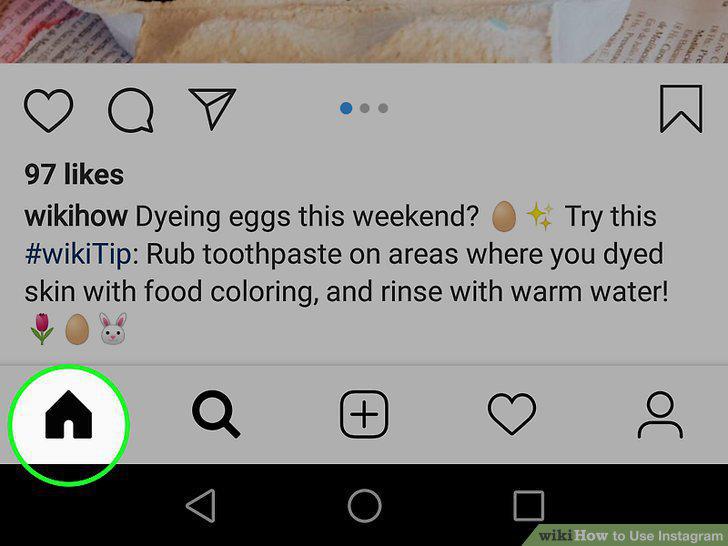
Review the Home tab.
View the "Search" page by tapping the magnifying glass icon.
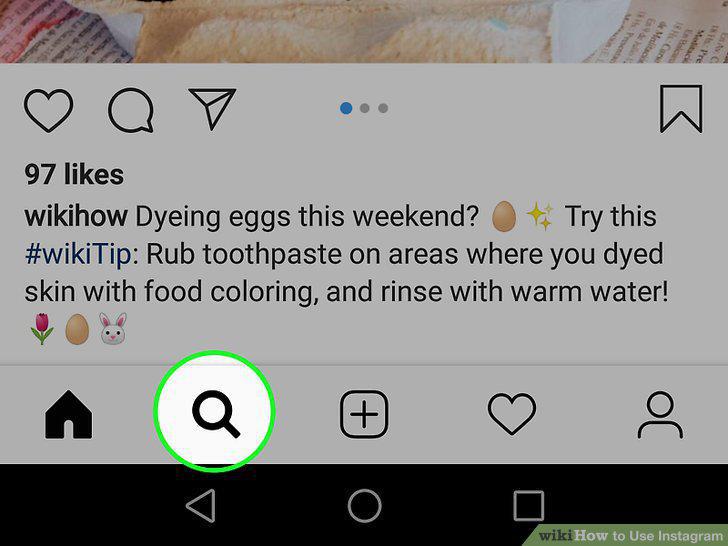
View the "Search" page by tapping the magnifying glass icon.
View your account's activity by tapping the heart icon.
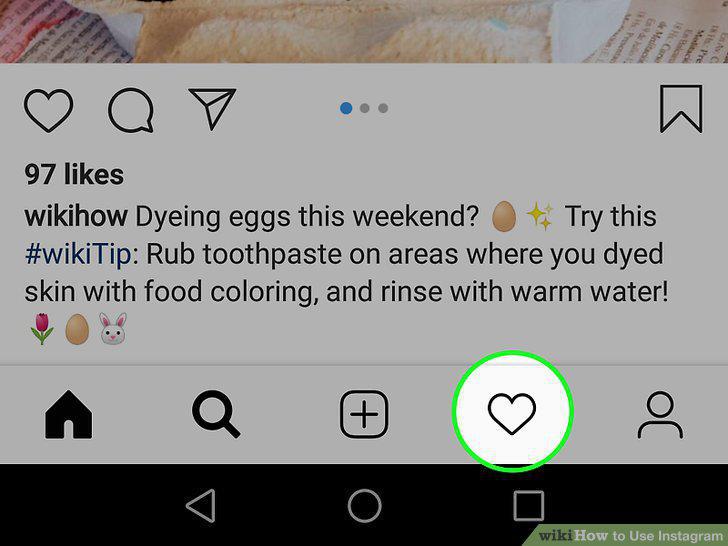
View your account's activity by tapping the heart icon.
Visit your own profile by tapping the account icon.
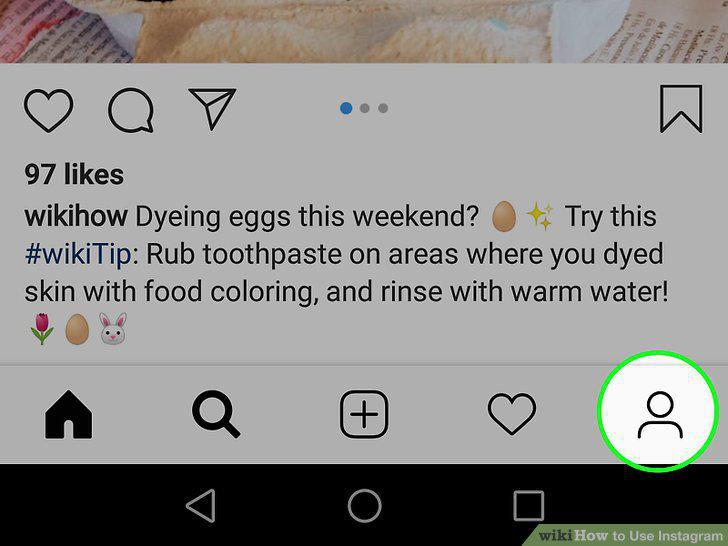
Visit your own profile by tapping the account icon.
Return to the Home tab by tapping the house-shaped icon.
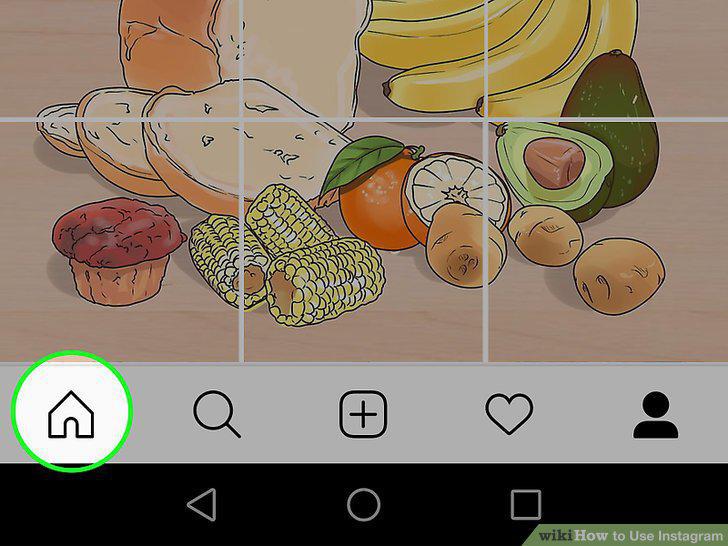
Return to the Home tab by tapping the house-shaped icon.
Click the + button to post a picture.
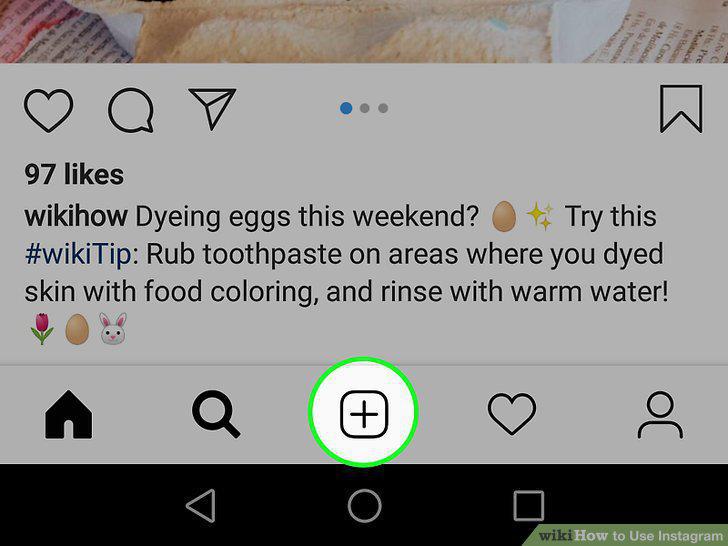
Click the + button to post a picture.
Review the camera options.
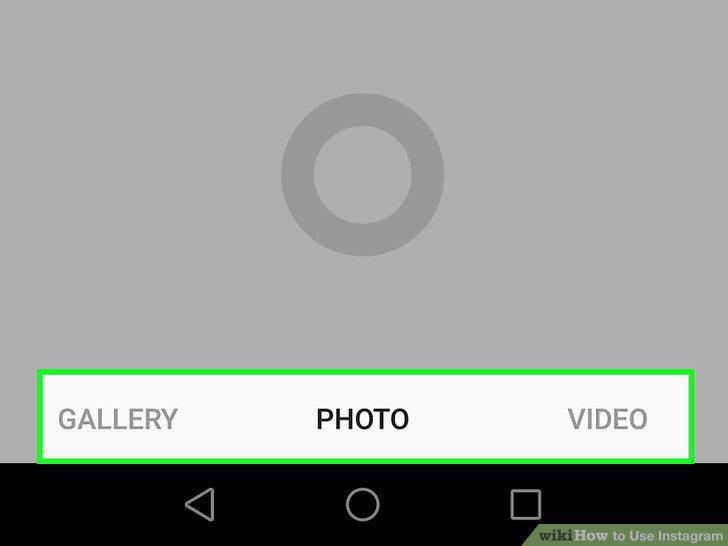
Review the camera options.
Select or take a photo.
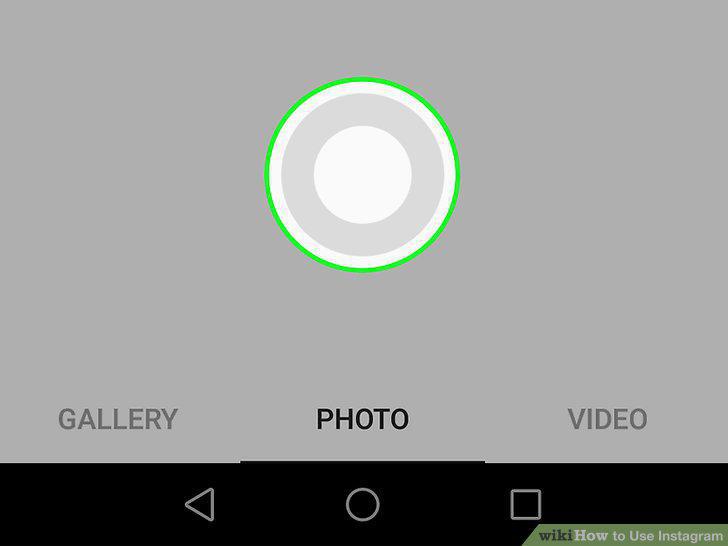
Select or take a photo.
Select a filter for your photo.
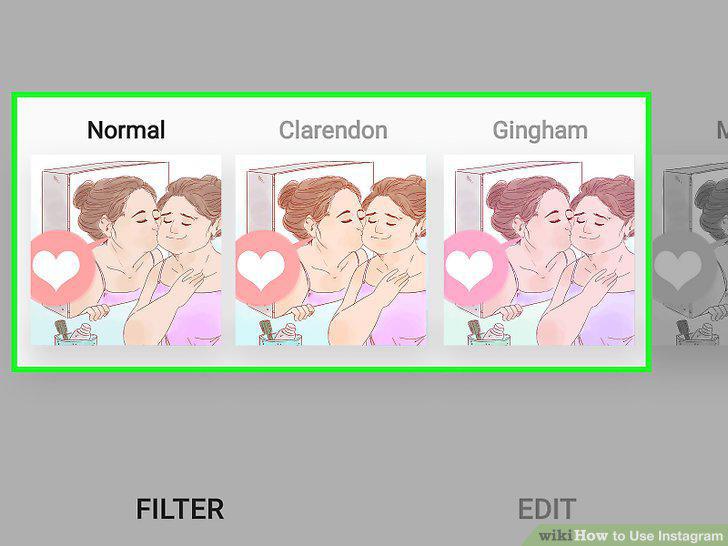
Select a filter for your photo.
Tap Next.
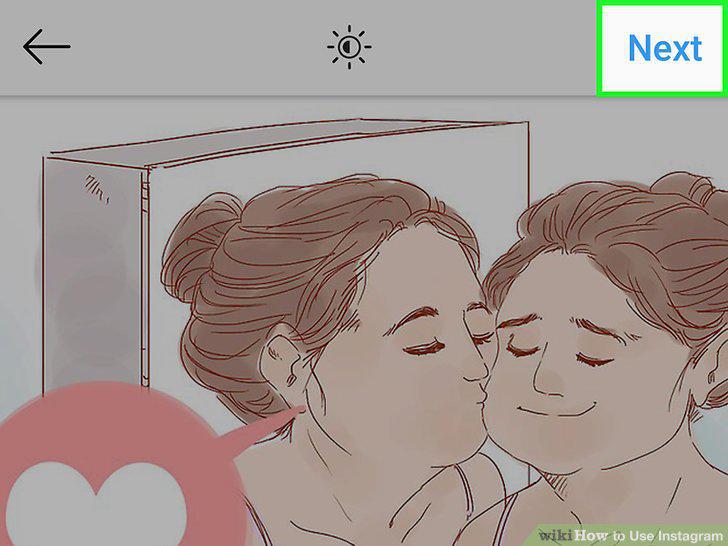
Tap Next.
Add a caption to your photo.
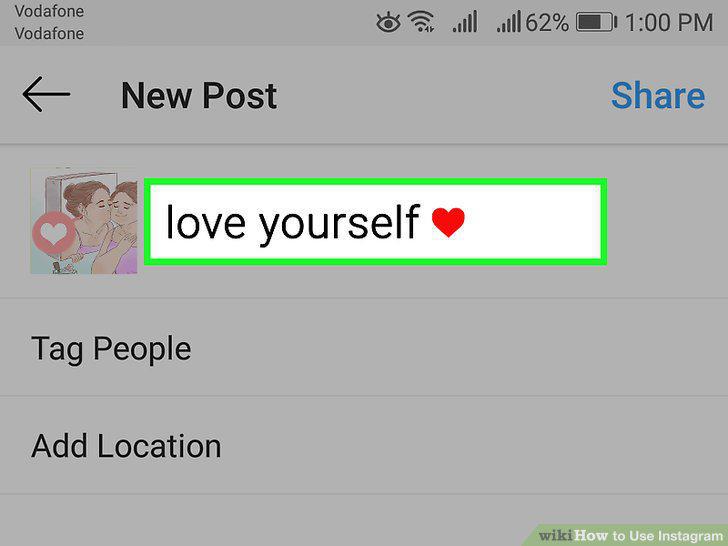
Add a caption to your photo.
Review your remaining photo options.
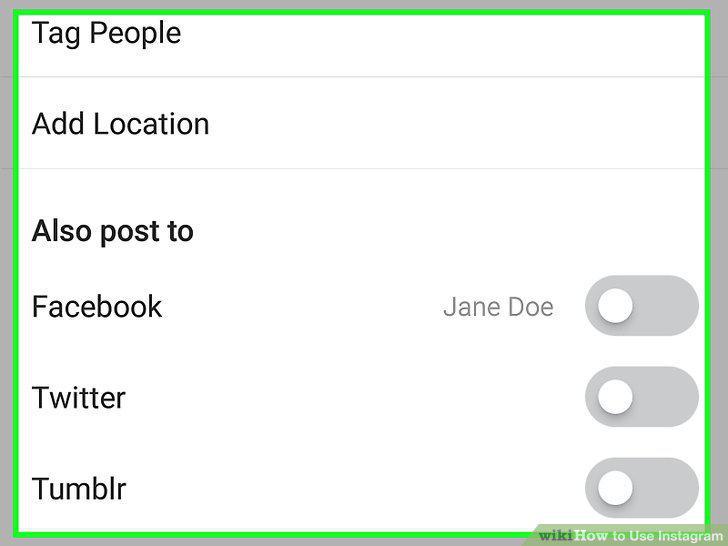
Review your remaining photo options.
Tap Share in the top right corner of your screen.
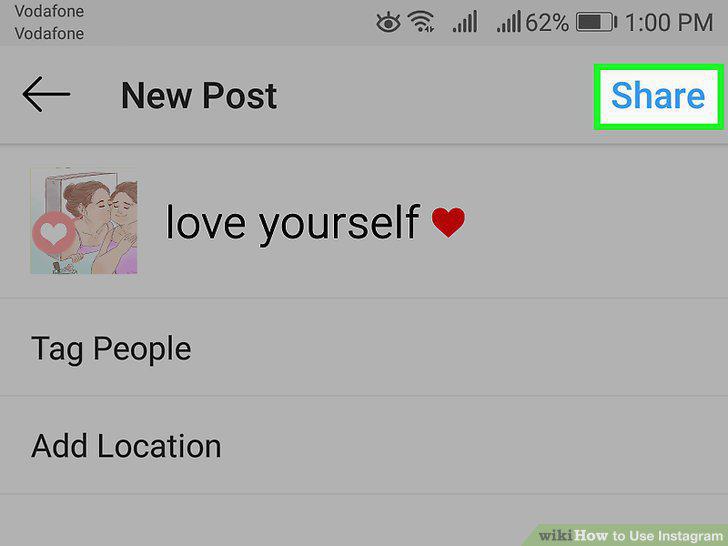
Tap Share in the top right corner of your screen.
Comments (0)
No comments yet. Be the first to share your thoughts!