How to Install Node.Js on Windows
Open the Node.Js download site.. Click the Current option.. Double-click the setup file.
Steps
1
Open the Node.Js download site.
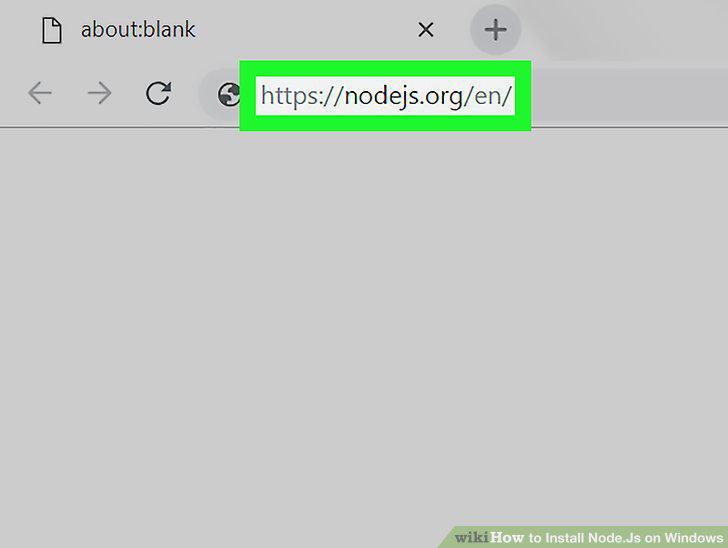
Open the Node.Js download site.
2
Click the Current option.
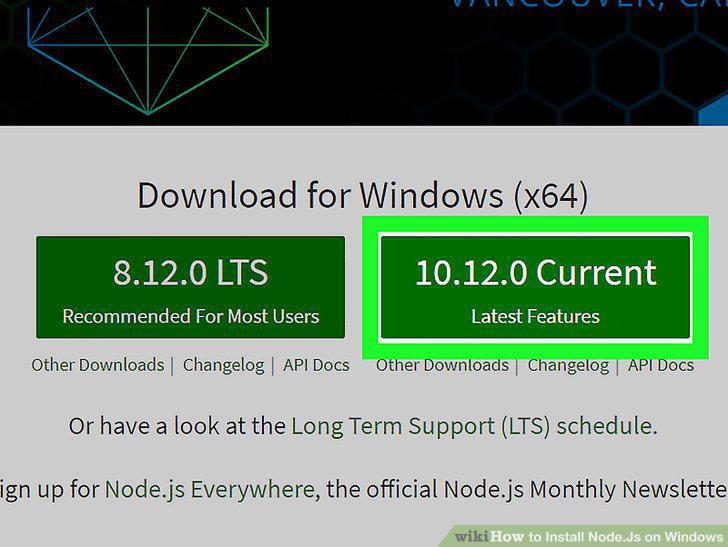
Click the Current option.
3
Double-click the setup file.
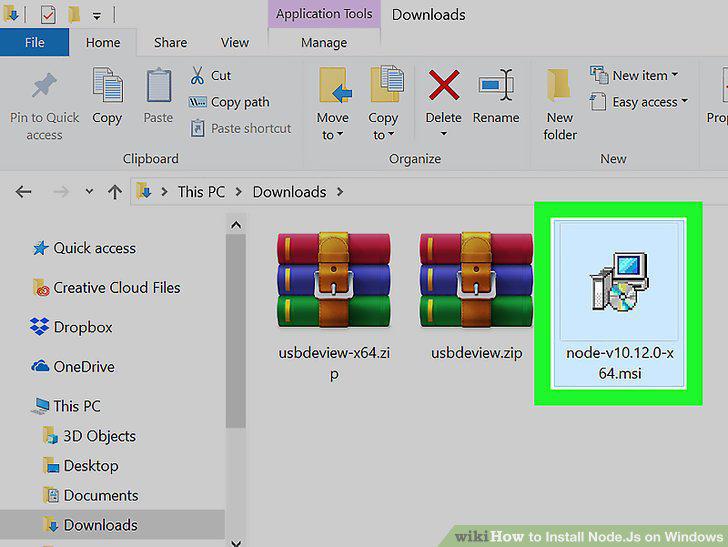
Double-click the setup file.
4
Click Next.
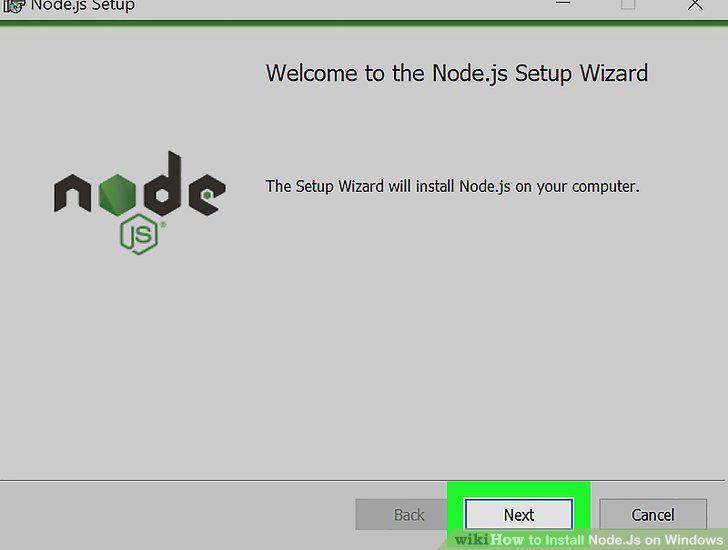
Click Next.
5
Check the "I accept" box.
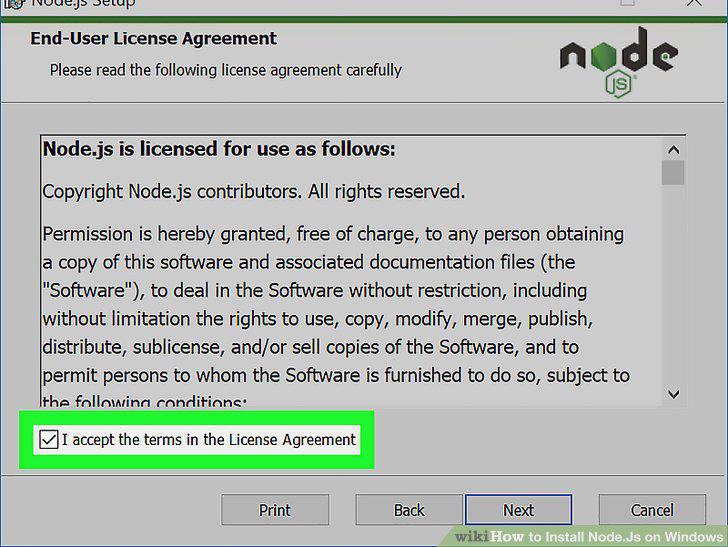
Check the "I accept" box.
6
Click Next.
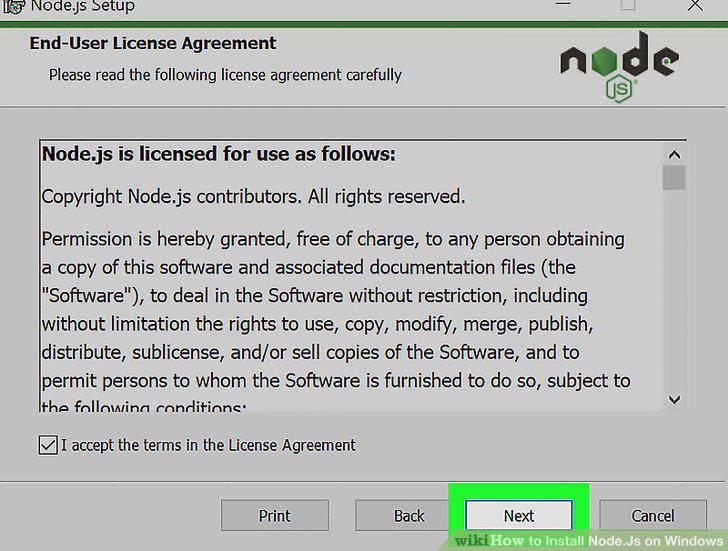
Click Next.
7
Specify an installation location.
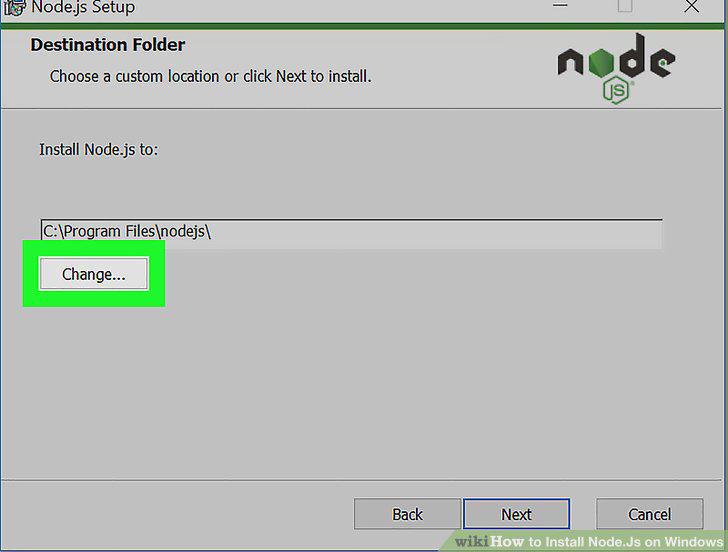
Specify an installation location.
8
Click Next twice.
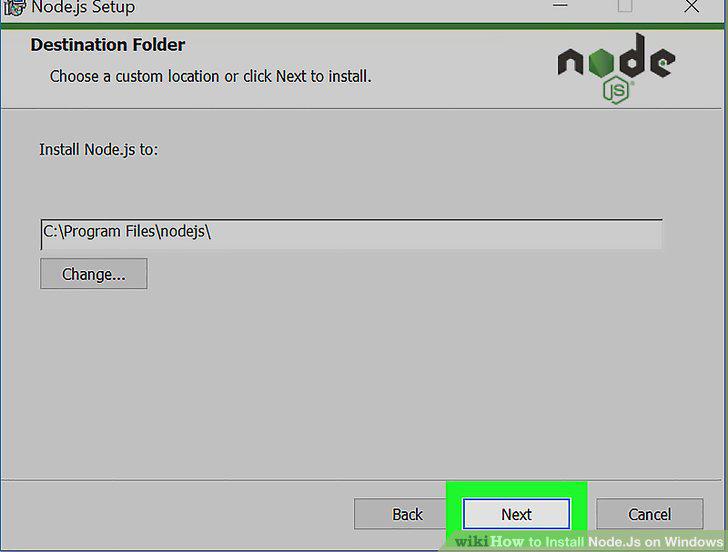
Click Next twice.
9
Click Install.
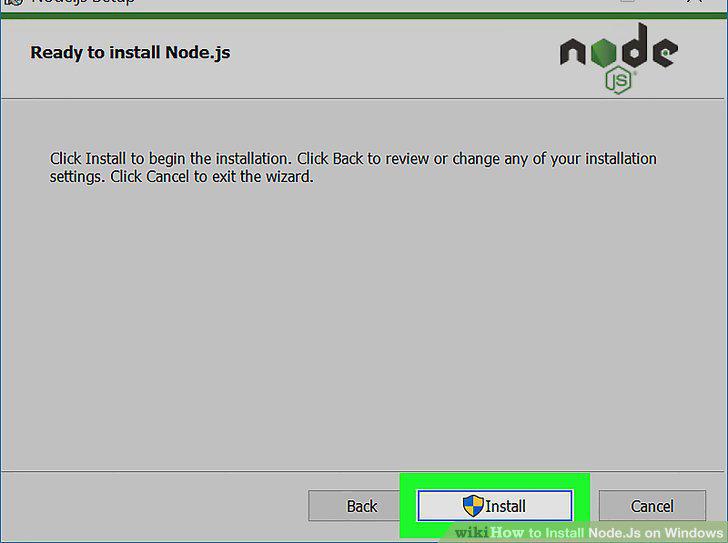
Click Install.
10
Click Finish when prompted.
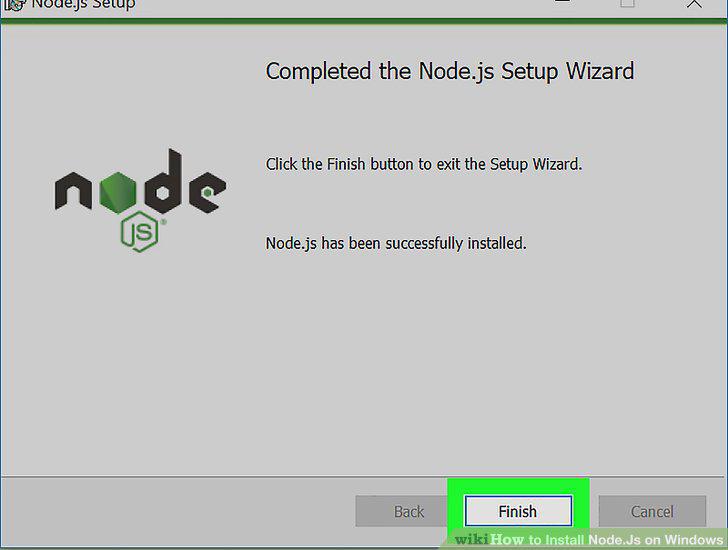
Click Finish when prompted.
11
Open Start .
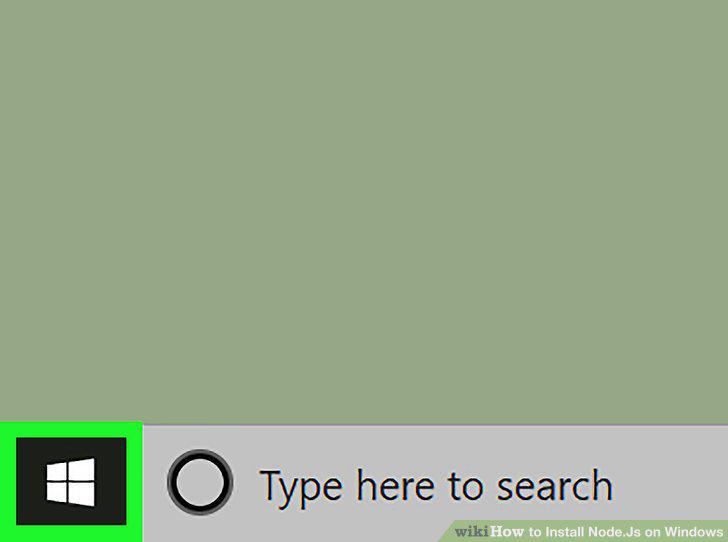
Open Start .
12
Search for Command Prompt.
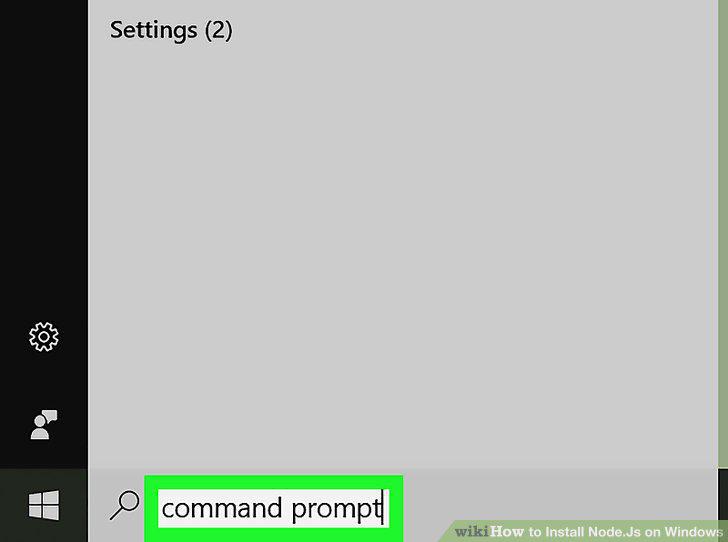
Search for Command Prompt.
13
Click Command Prompt.
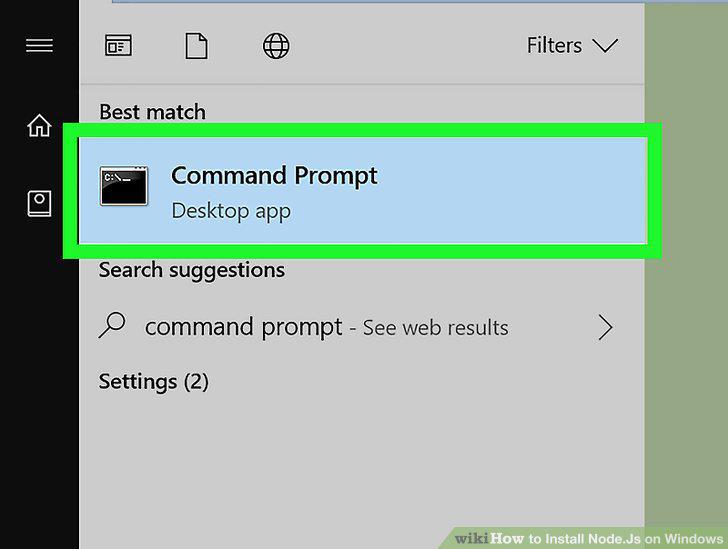
Click Command Prompt.
14
Enter the "version" command.
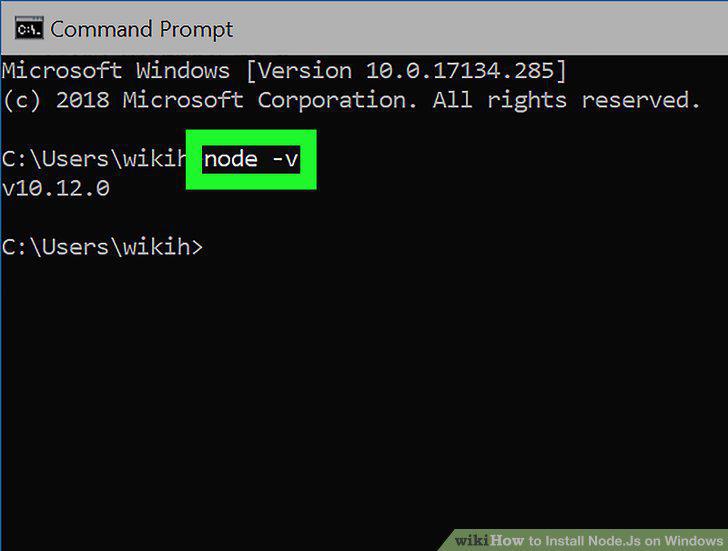
Enter the "version" command.
15
Install a package if necessary.
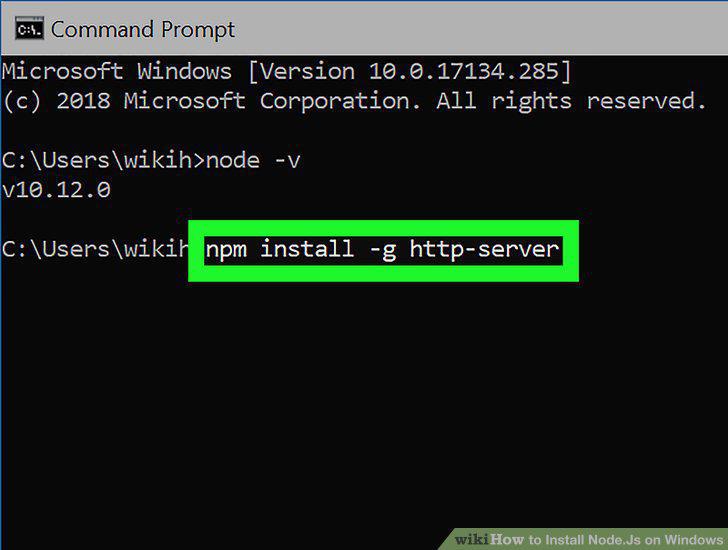
Install a package if necessary.
16
Troubleshoot a bad installation.
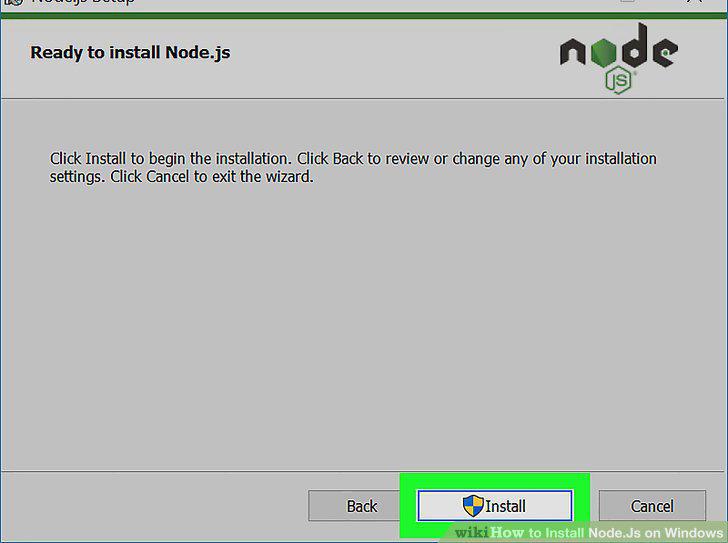
Troubleshoot a bad installation.
Comments (0)
No comments yet. Be the first to share your thoughts!