How to Pay for a Lyft
Open Lyft.. Set up your pick-up location and destination.. Tap your payment method if you want to change it.
Steps
1
Open Lyft.
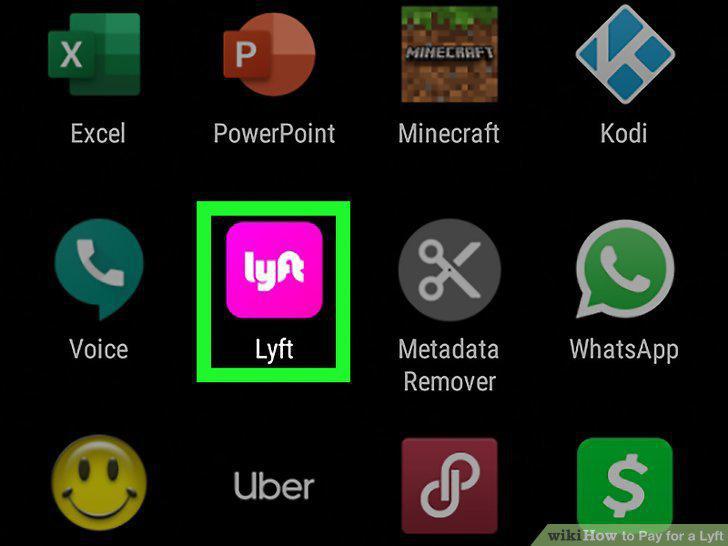
Open Lyft.
2
Set up your pick-up location and destination.
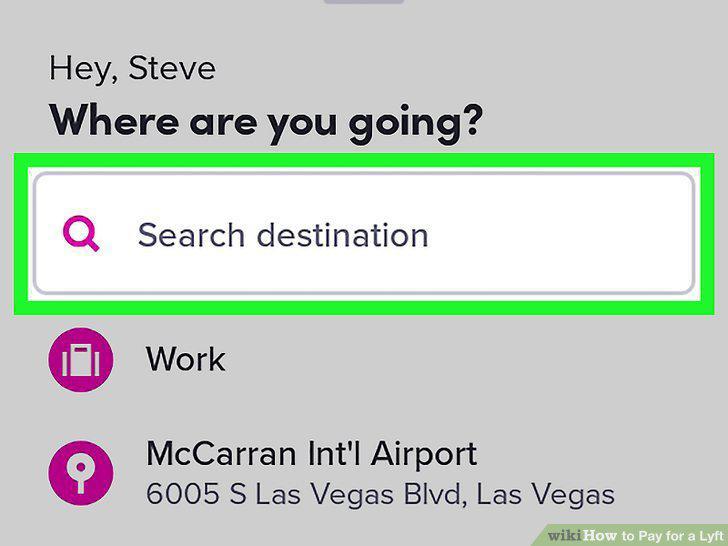
Set up your pick-up location and destination.
3
Tap your payment method if you want to change it.
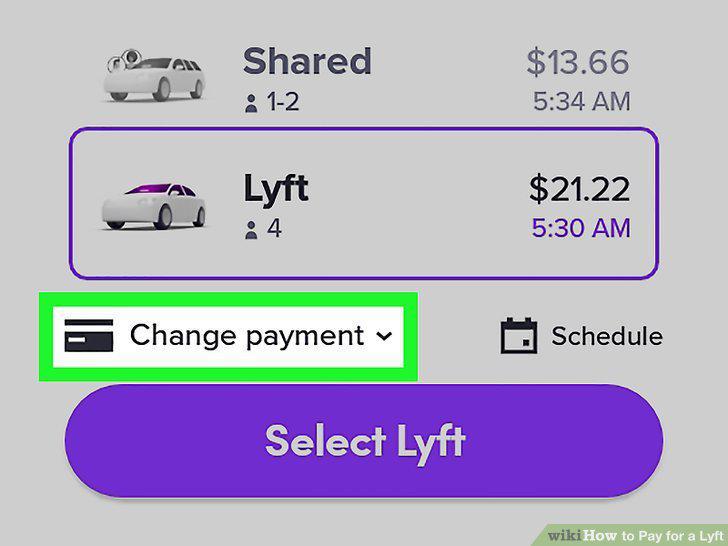
Tap your payment method if you want to change it.
4
Tap Select Lyft.
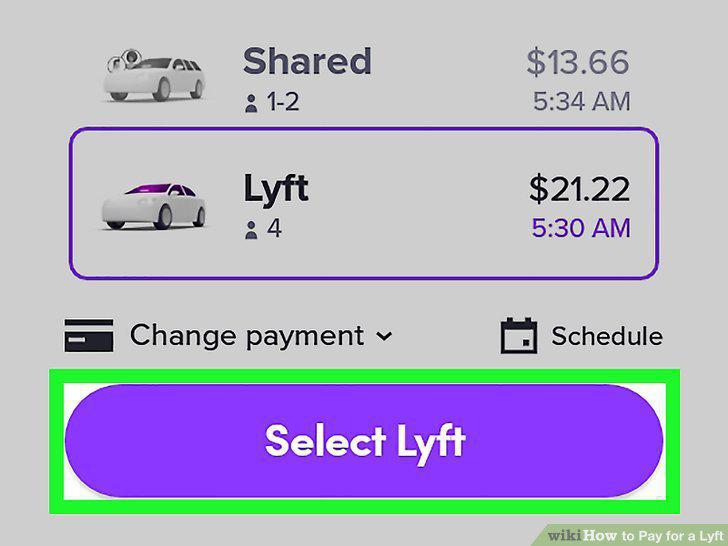
Tap Select Lyft.
5
Take your ride.

Take your ride.
6
Choose the tip amount.
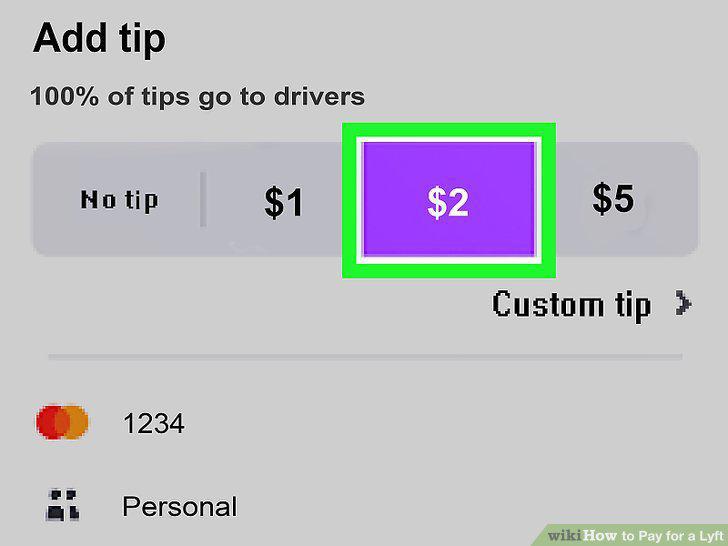
Choose the tip amount.
Comments (0)
No comments yet. Be the first to share your thoughts!