How to Ban Someone from a Page on Facebook
Go to https://www.facebook.com in a web browser.. Go to the Page.. Click Settings.
Steps
1
Go to https://www.facebook.com in a web browser.
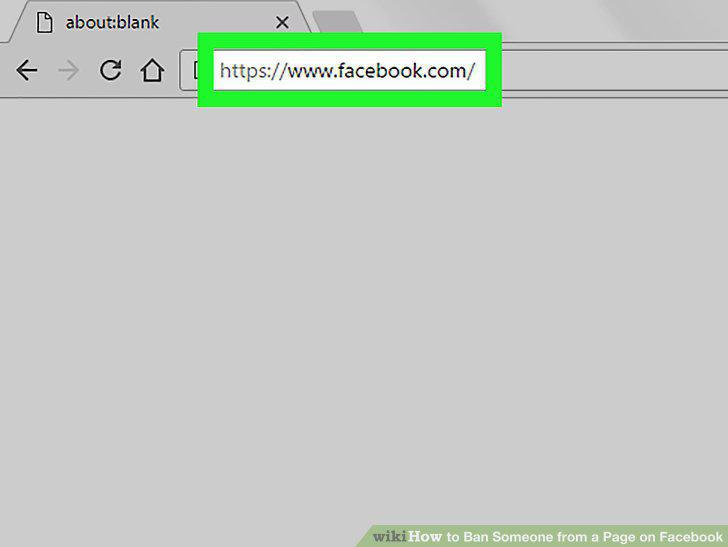
Go to https://www.facebook.com in a web browser.
2
Go to the Page.
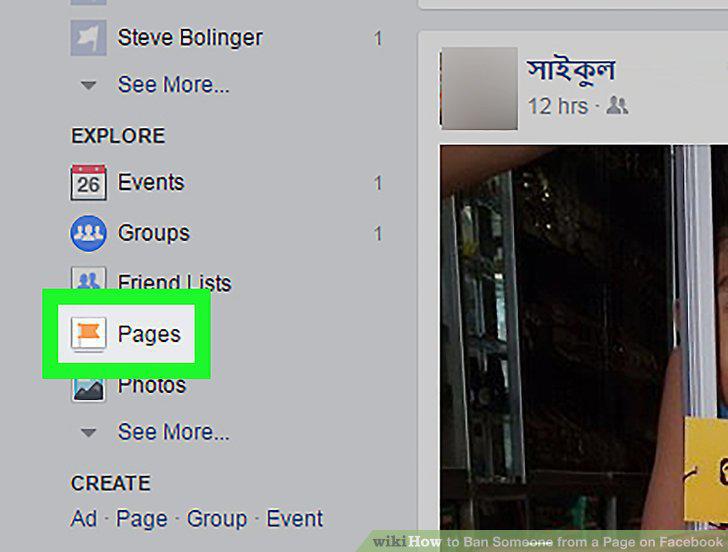
Go to the Page.
3
Click Settings.
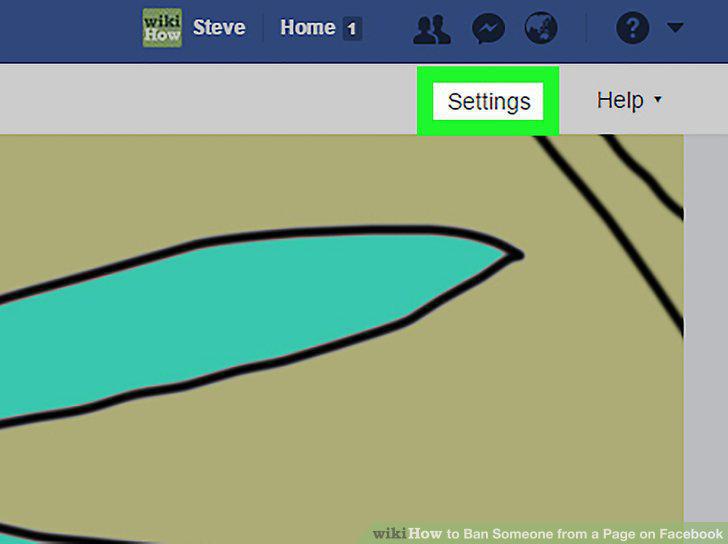
Click Settings.
4
Click People and Other Pages.
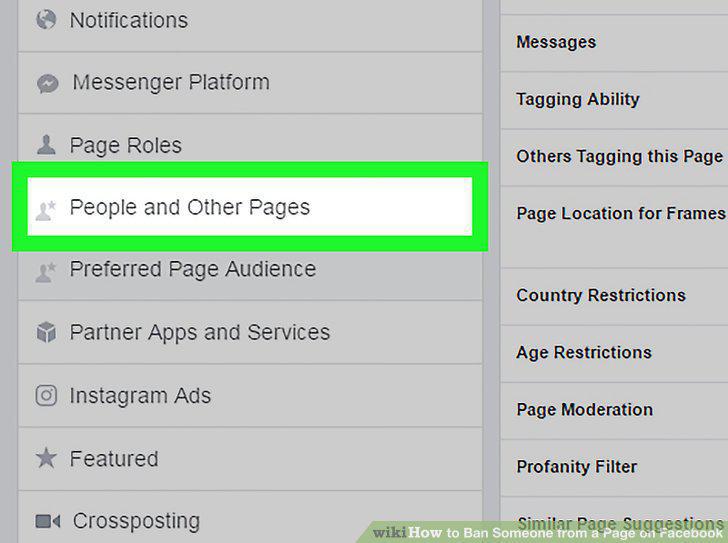
Click People and Other Pages.
5
Find the person you want to ban.
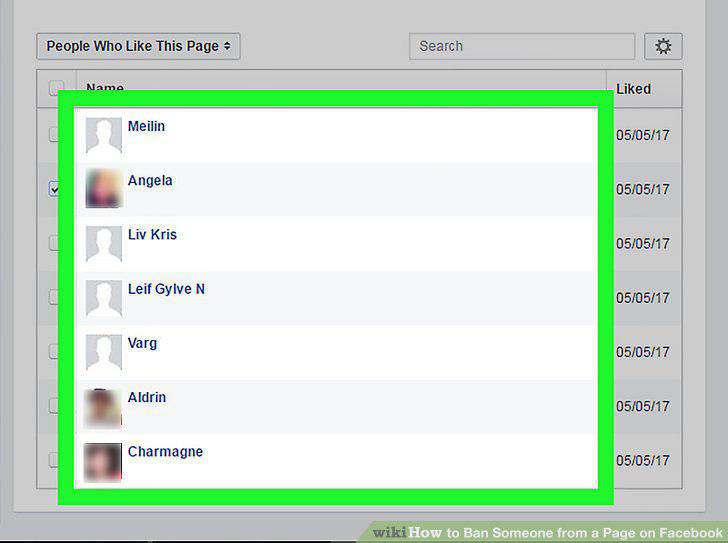
Find the person you want to ban.
6
Check the box next to the person's name.
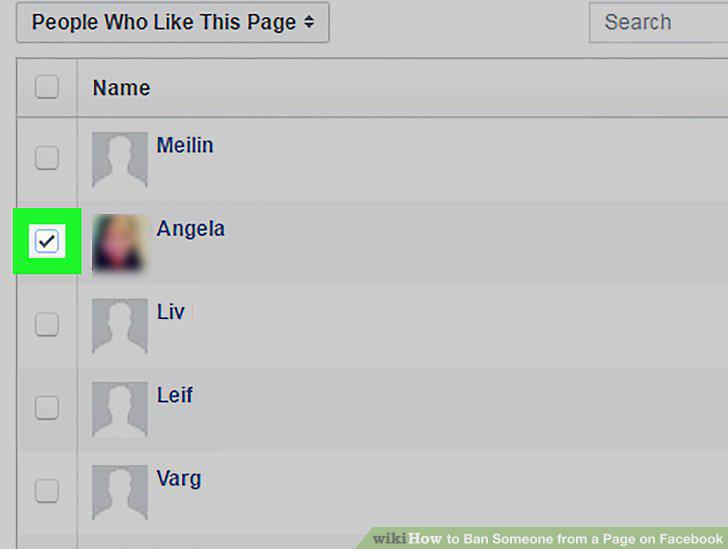
Check the box next to the person's name.
7
Click the gear.
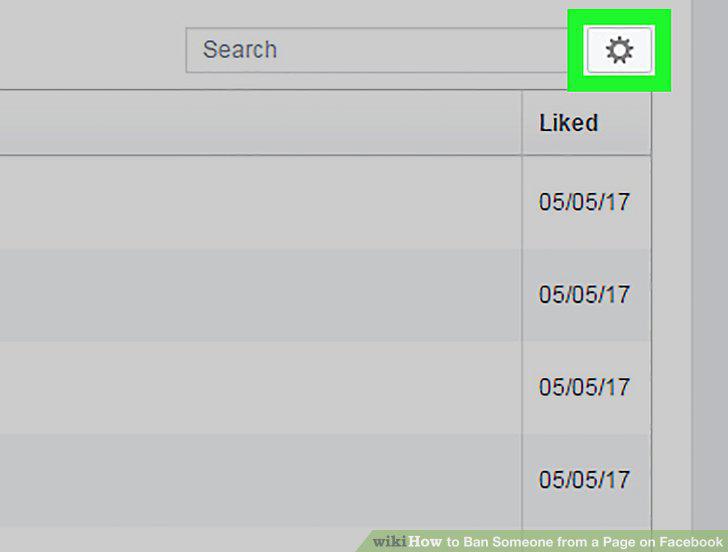
Click the gear.
8
Select Ban From Page.
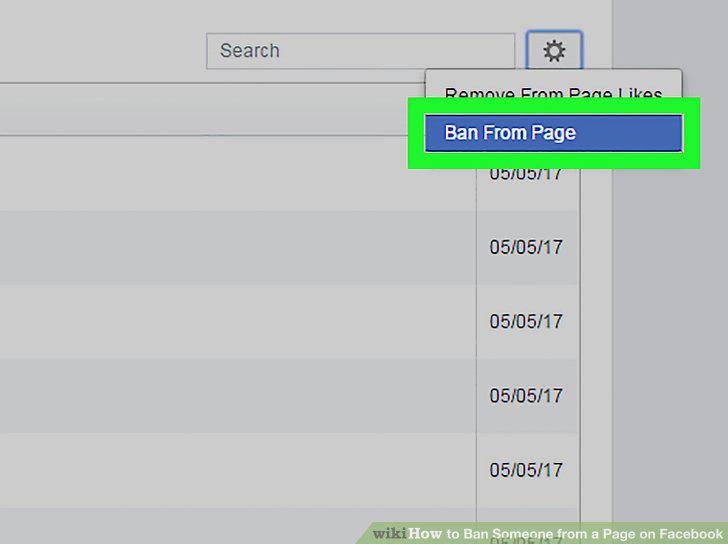
Select Ban From Page.
9
Click Confirm.
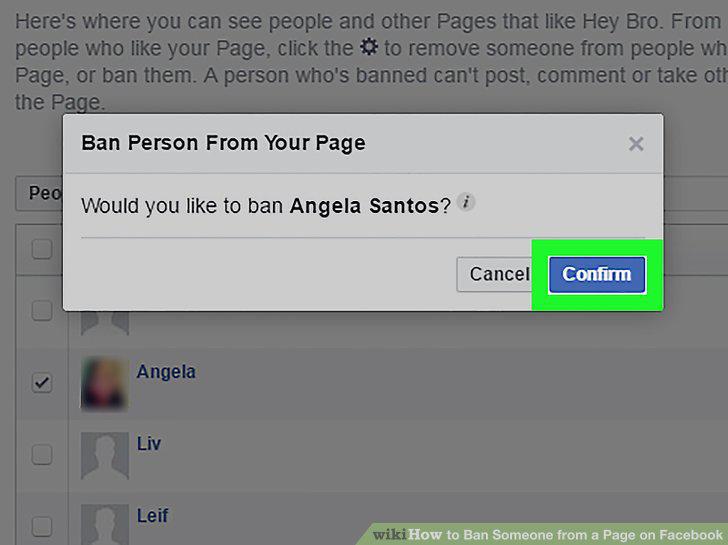
Click Confirm.
Comments (0)
No comments yet. Be the first to share your thoughts!