How to Buy Photoshop on PC or Mac
Navigate to https://www.adobe.com/products/photoshop.html in a web browser.. Click Buy now.. Browse for the right plan.
Steps
1
Navigate to https://www.adobe.com/products/photoshop.html in a web browser.
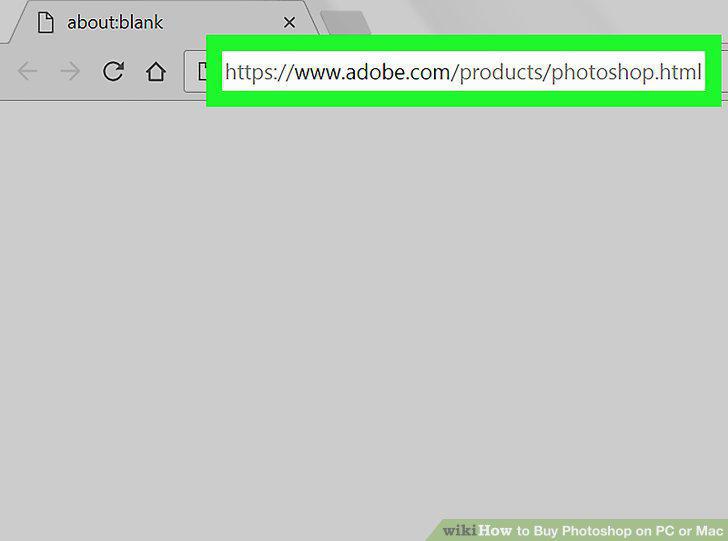
Navigate to https://www.adobe.com/products/photoshop.html in a web browser.
2
Click Buy now.
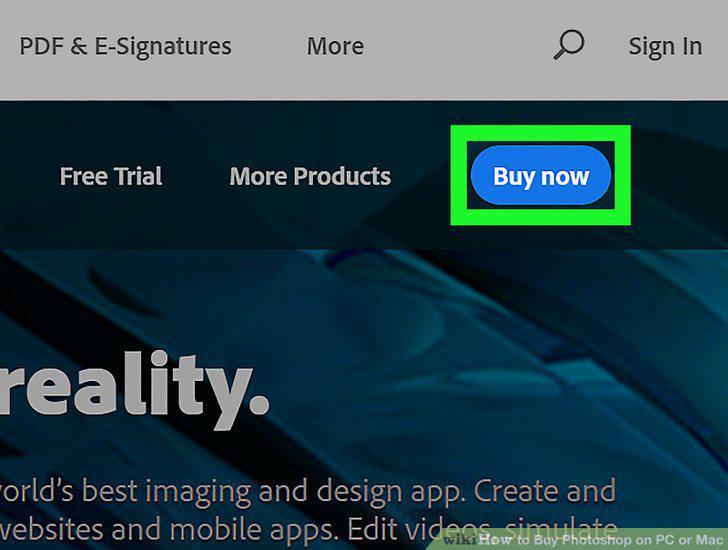
Click Buy now.
3
Browse for the right plan.
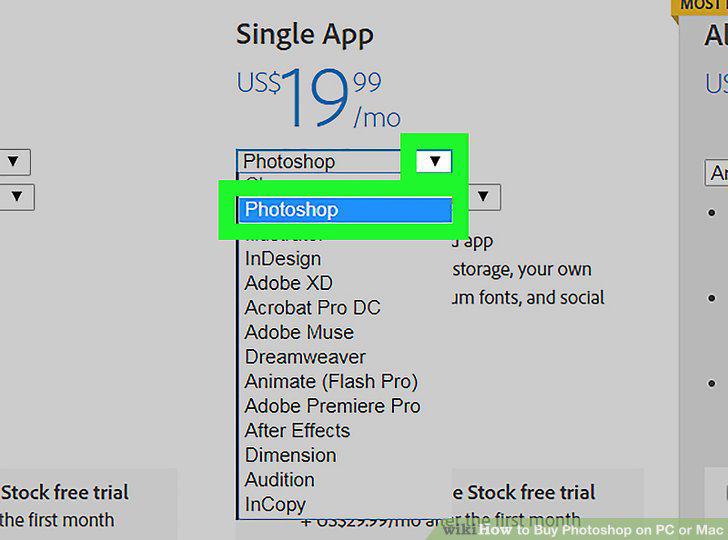
Browse for the right plan.
4
Click BUY NOW under your desired plan.
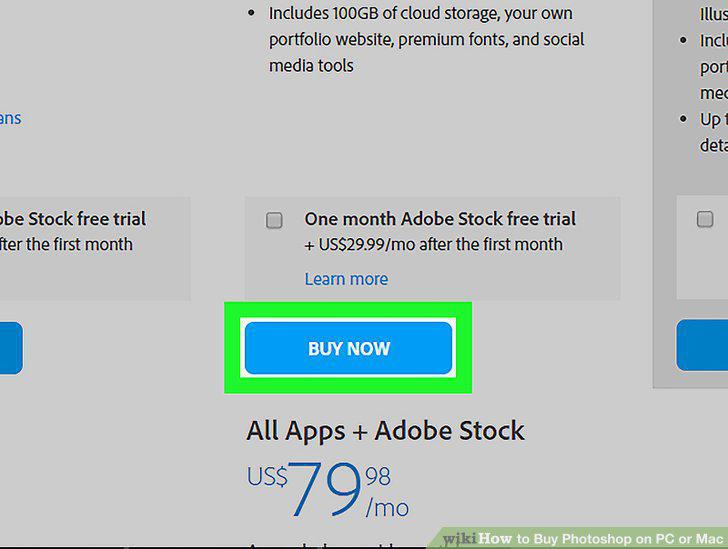
Click BUY NOW under your desired plan.
5
Type your email address and click Continue.
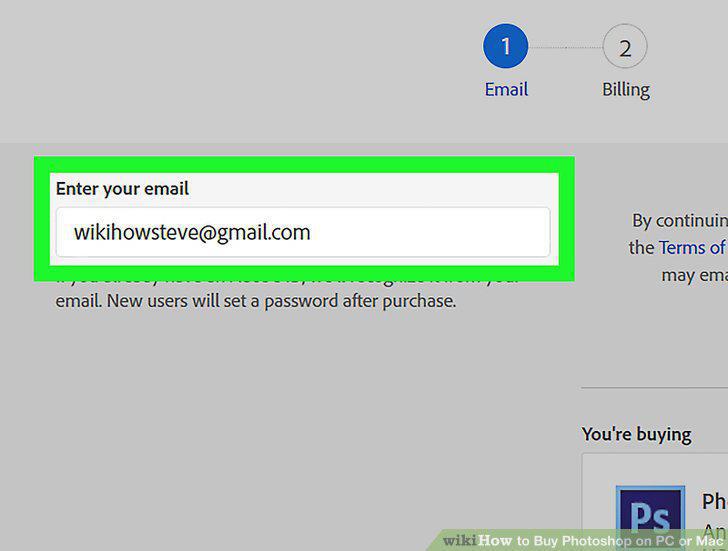
Type your email address and click Continue.
6
Sign in to your Adobe account.
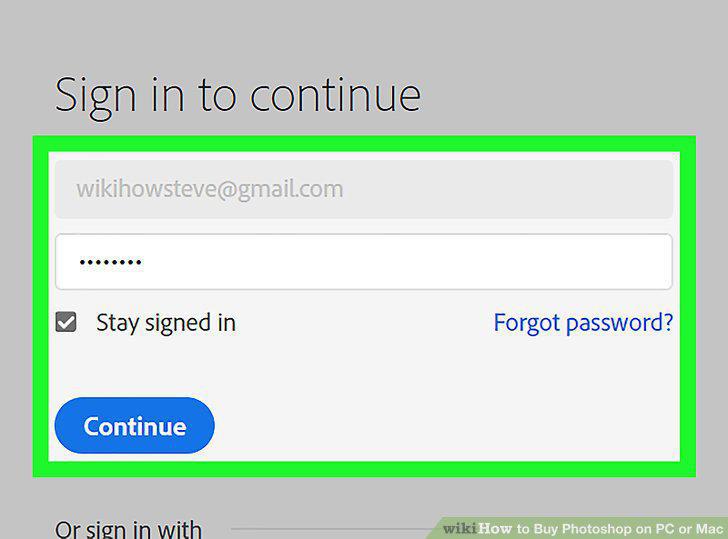
Sign in to your Adobe account.
7
Enter your payment details.
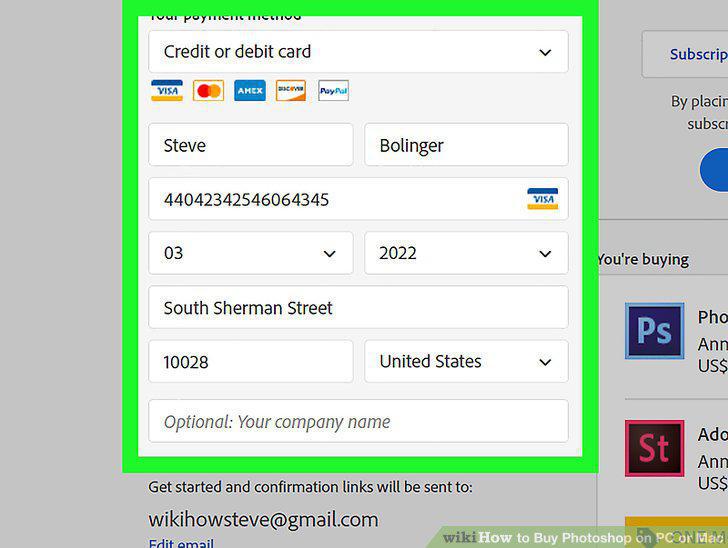
Enter your payment details.
8
Click Place secure order.
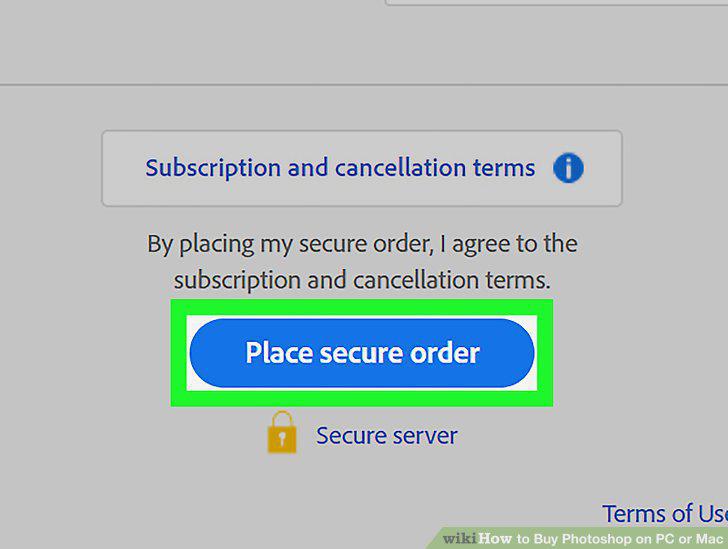
Click Place secure order.
Comments (0)
No comments yet. Be the first to share your thoughts!