How to Uninstall Discord on PC or Mac
Make sure Discord is not running in the background.. Open your Mac's Applications folder.. Find the Discord app in your Applications folder.
Steps
1
Make sure Discord is not running in the background.
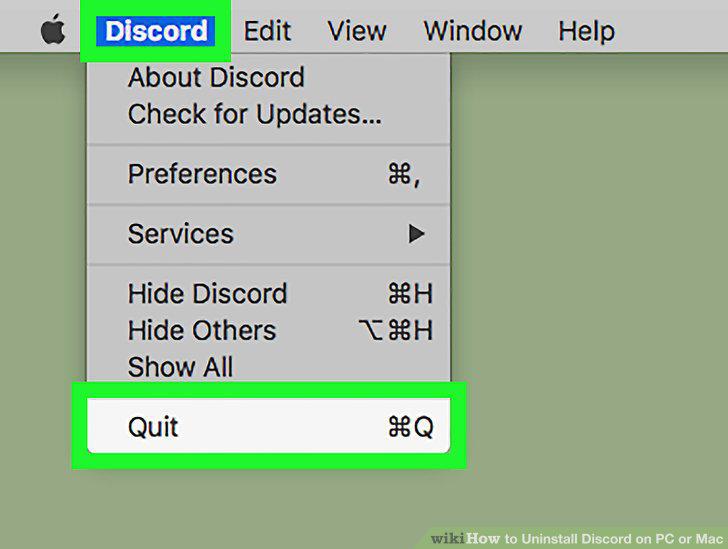
Make sure Discord is not running in the background.
2
Open your Mac's Applications folder.
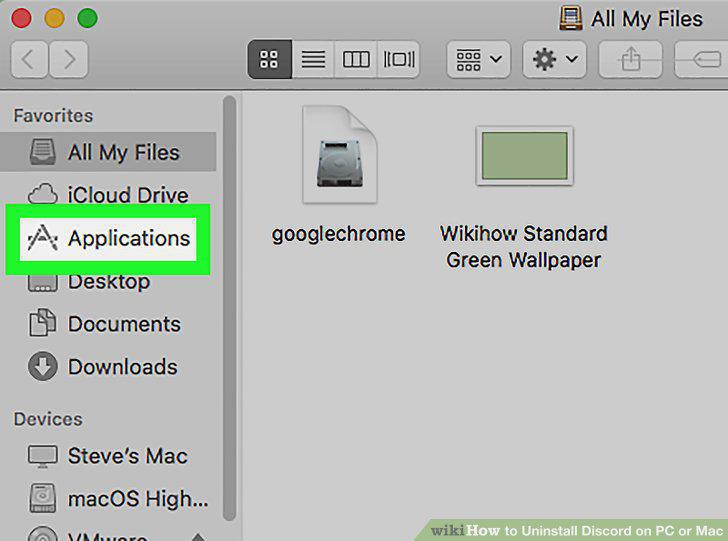
Open your Mac's Applications folder.
3
Find the Discord app in your Applications folder.
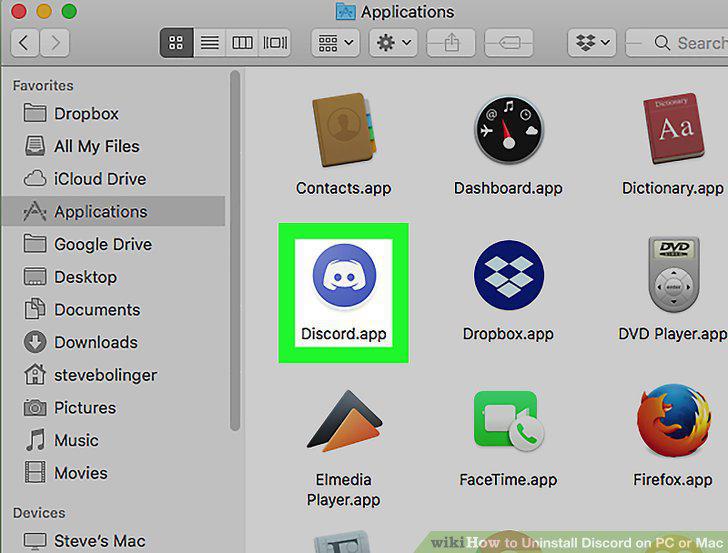
Find the Discord app in your Applications folder.
4
Click and drag the Discord app to Trash.
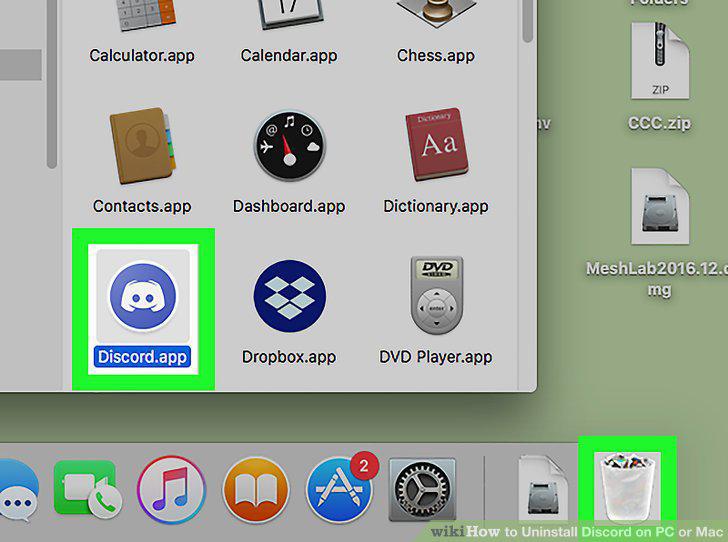
Click and drag the Discord app to Trash.
5
Right-click your Trash bin.
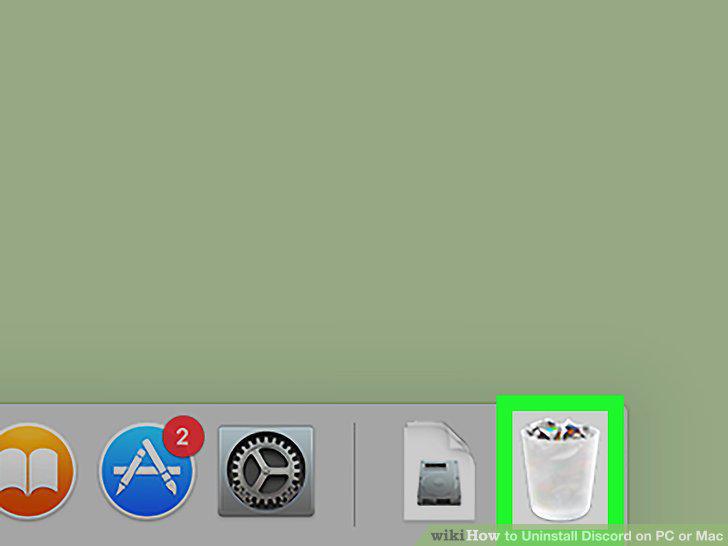
Right-click your Trash bin.
6
Click Empty Trash on the pop-up menu.
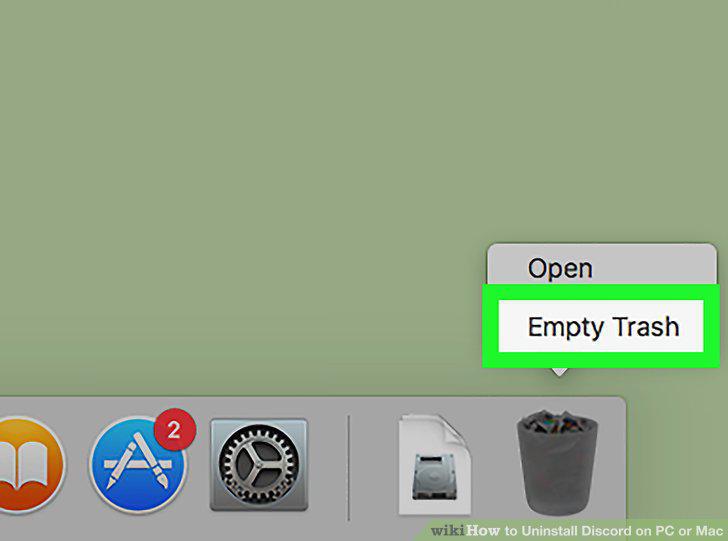
Click Empty Trash on the pop-up menu.
7
Make sure Discord is not running in the background.
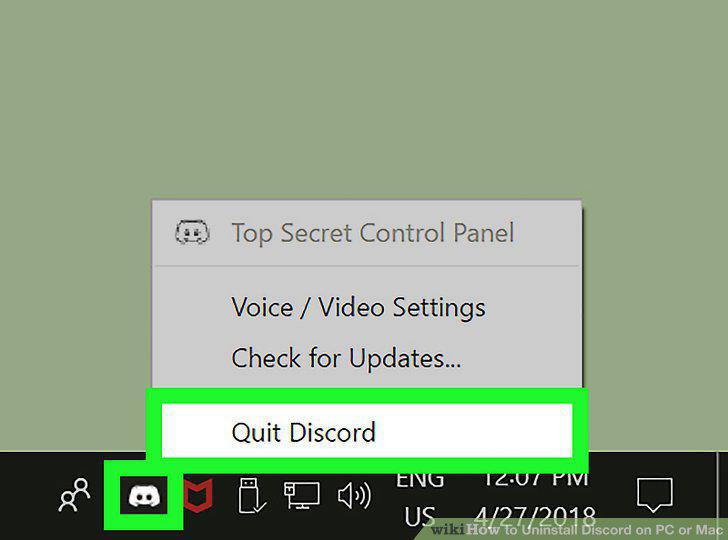
Make sure Discord is not running in the background.
8
Open your computer's Start menu.
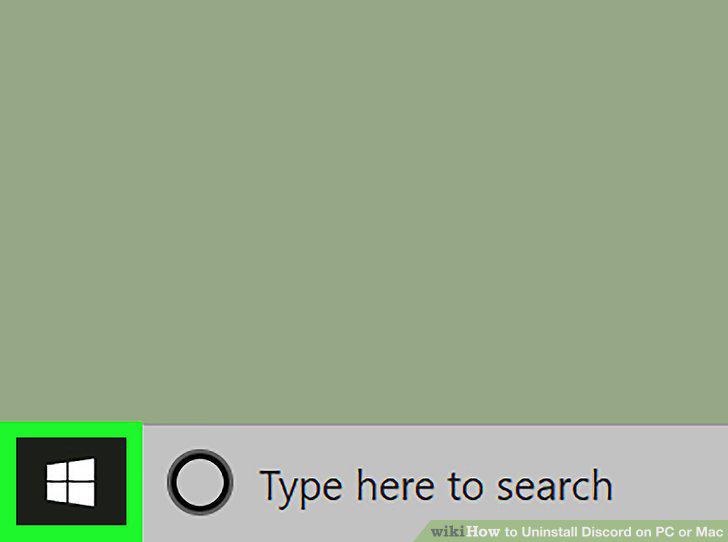
Open your computer's Start menu.
9
Type and search Apps & features on the Start menu.
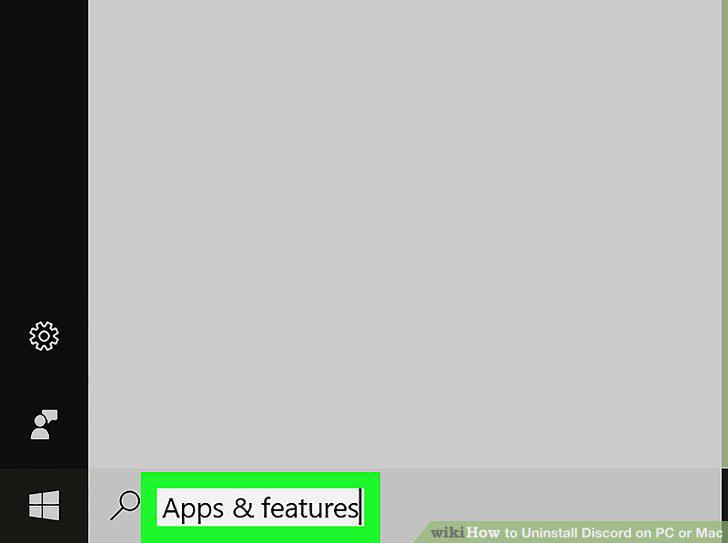
Type and search Apps & features on the Start menu.
10
Click Apps & features on the Start menu.
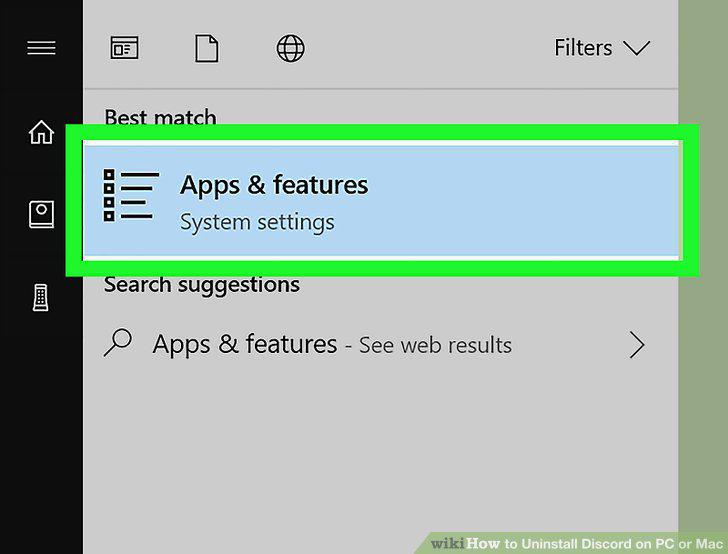
Click Apps & features on the Start menu.
11
Click the Search this list field.
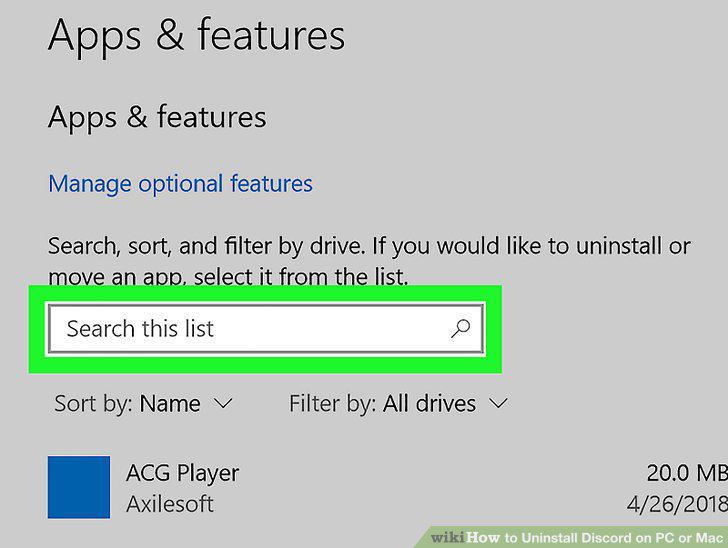
Click the Search this list field.
12
Type Discord into the search field.
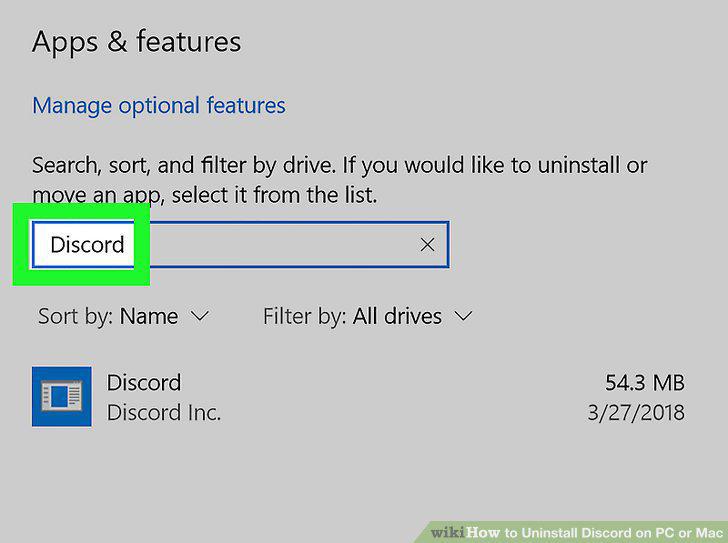
Type Discord into the search field.
13
Click the Discord app in the search results.
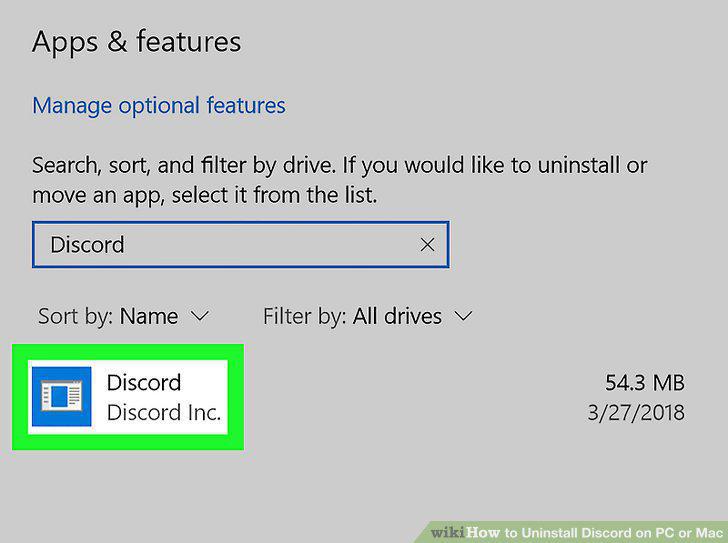
Click the Discord app in the search results.
14
Click the Uninstall button.
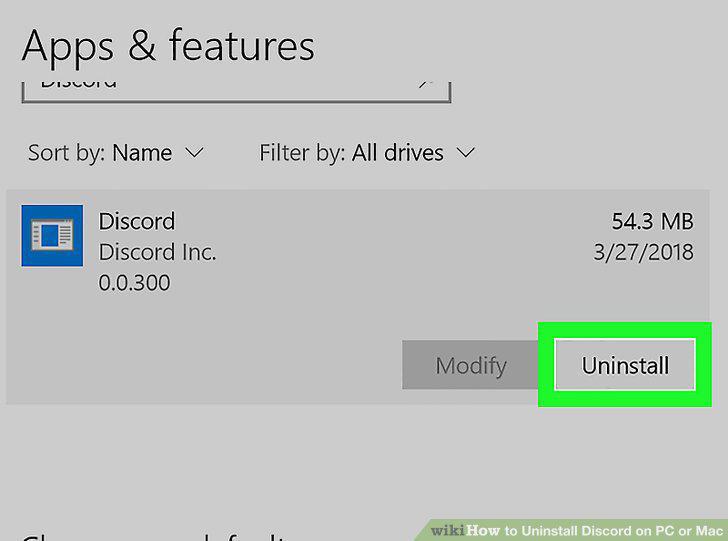
Click the Uninstall button.
15
Click Uninstall in the confirmation pop-up.
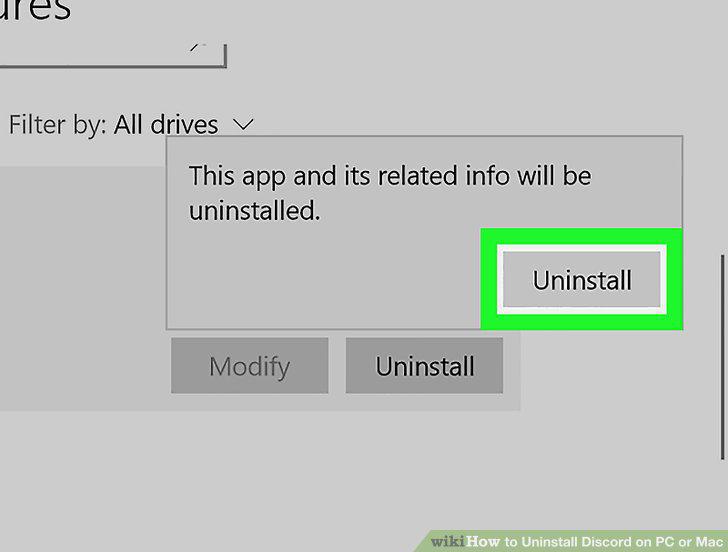
Click Uninstall in the confirmation pop-up.
Comments (0)
No comments yet. Be the first to share your thoughts!