How to Send a YouTube Video
Go to www.youtube.com.. Search for the video you wish to send.. Click on Share.
Steps
1
Go to www.youtube.com.
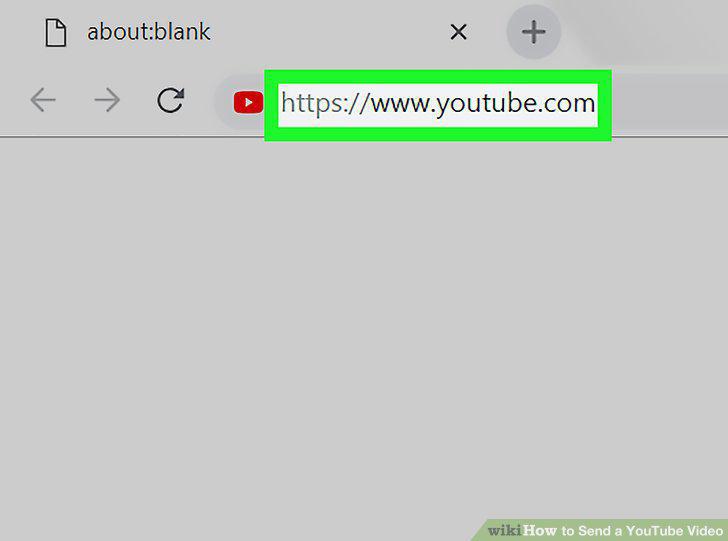
Go to www.youtube.com.
2
Search for the video you wish to send.
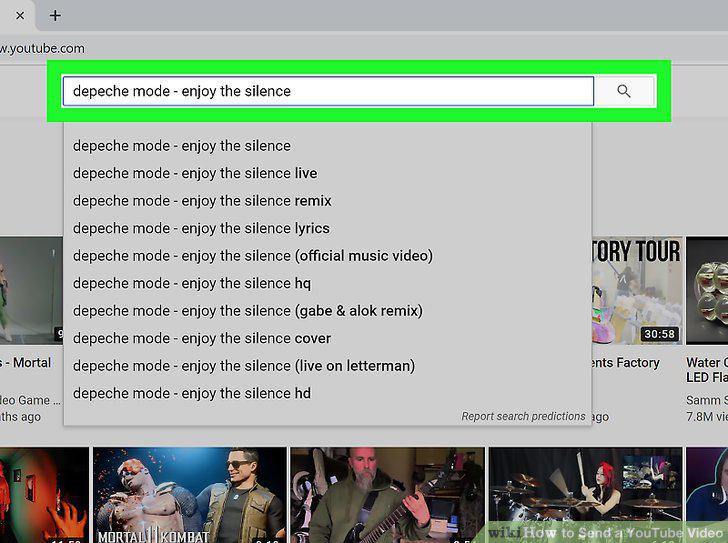
Search for the video you wish to send.
3
Click on Share.
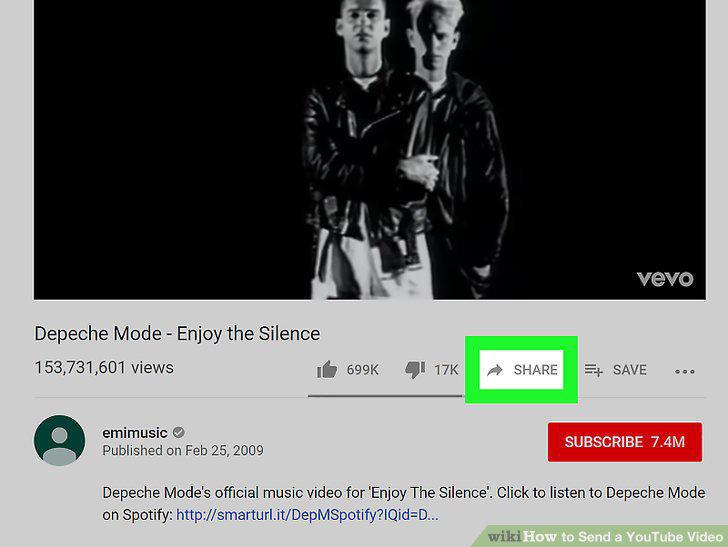
Click on Share.
4
Click on Copy.
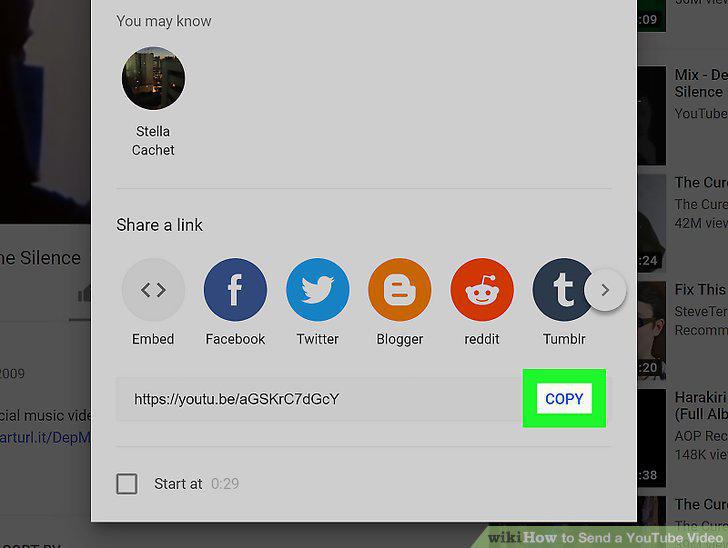
Click on Copy.
5
Paste the link in any text field.
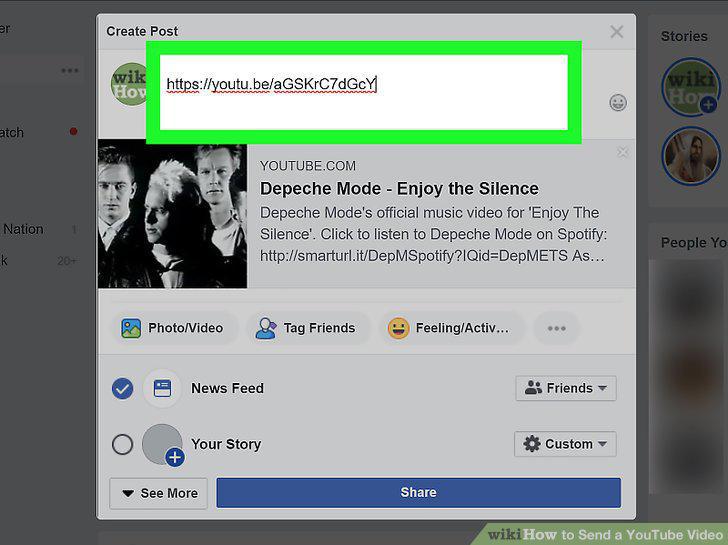
Paste the link in any text field.
6
Tap the YouTube app to open it.
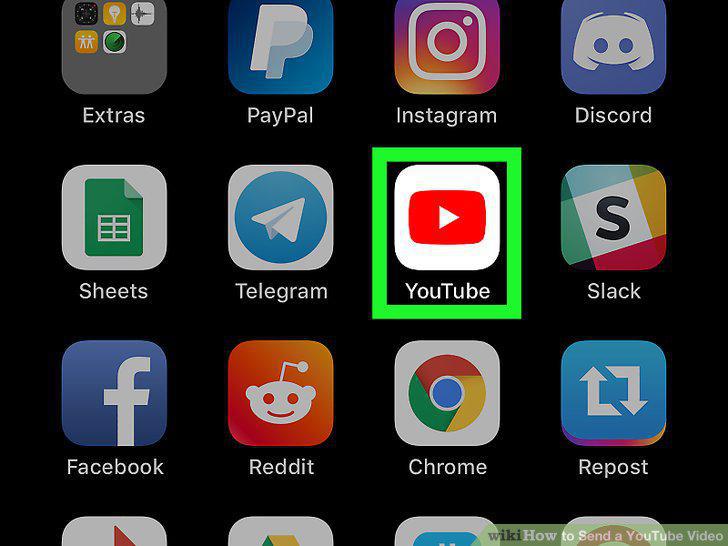
Tap the YouTube app to open it.
7
Tap the icon.
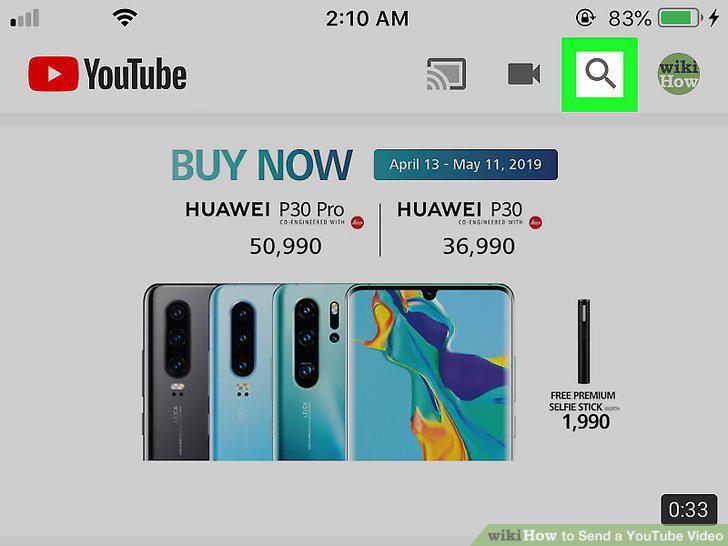
Tap the icon.
8
Search for the name of the video you wish to share.
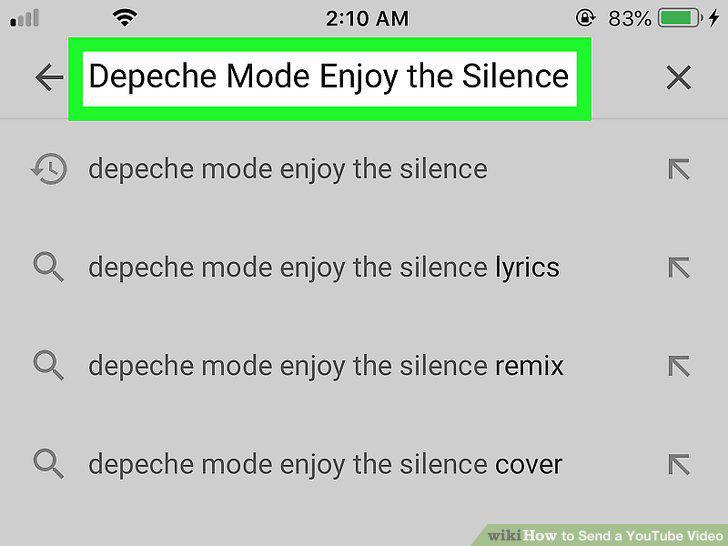
Search for the name of the video you wish to share.
9
Tap Search.
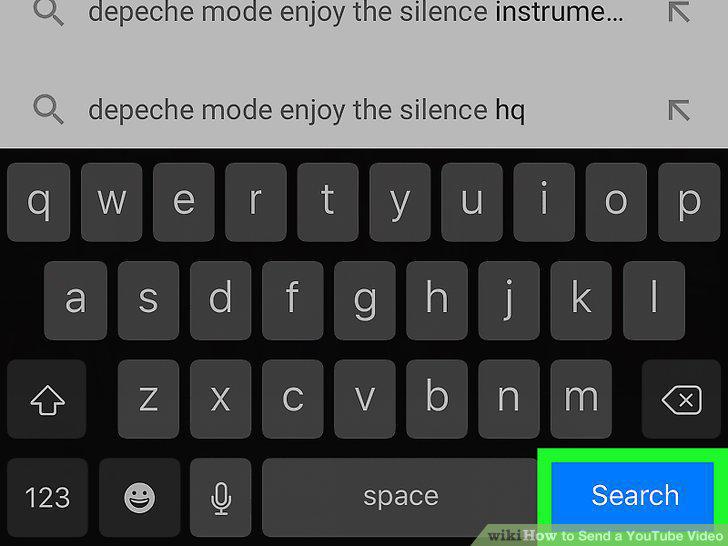
Tap Search.
10
Tap the name of the video you wish to share.
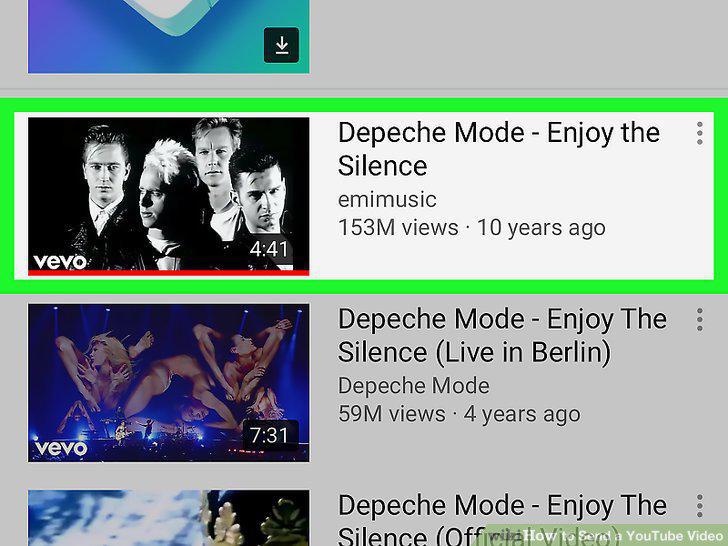
Tap the name of the video you wish to share.
11
Tap Share.
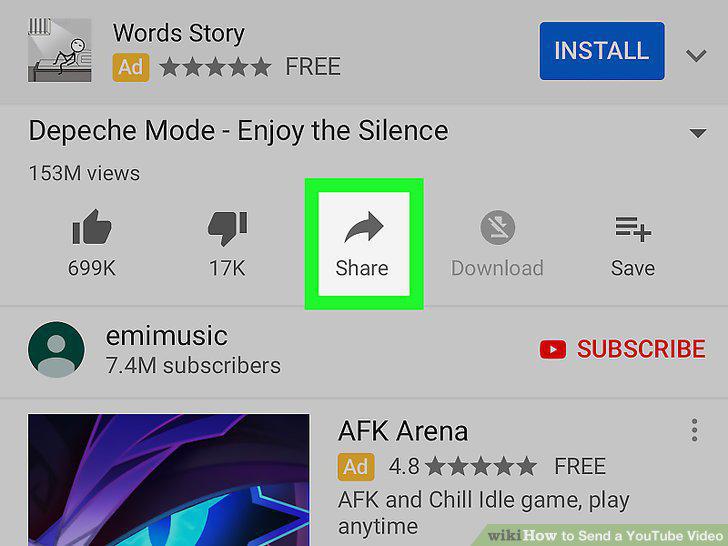
Tap Share.
12
Tap Copy link.
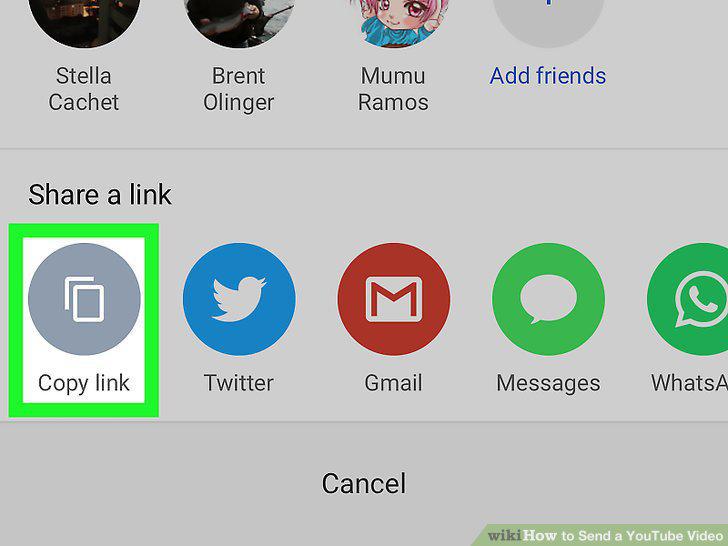
Tap Copy link.
13
Paste the link in any text field.
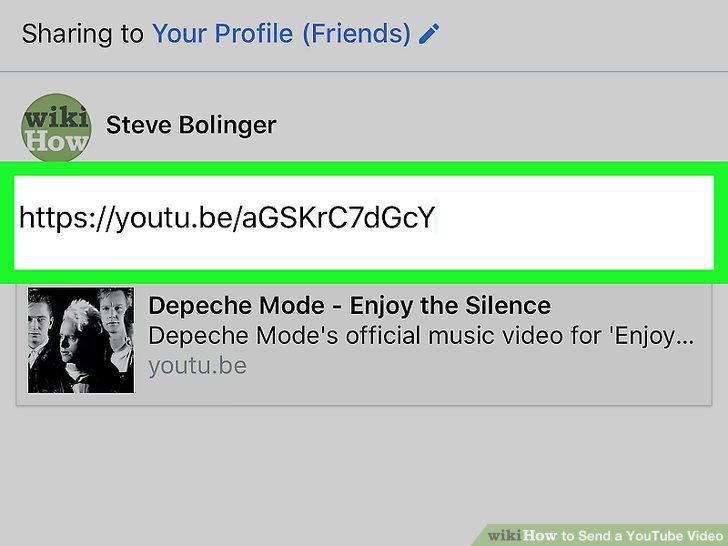
Paste the link in any text field.
Comments (0)
No comments yet. Be the first to share your thoughts!