How to Copy Multiple Links at Once
Install Copy Selected Links on your browser.. Highlight any text with links using your mouse.. Right-click the highlighted text.
Steps
1
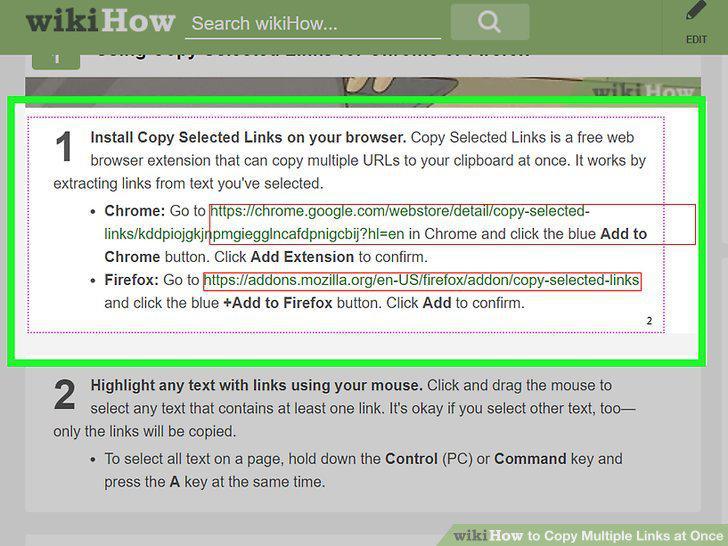
Install Copy Selected Links on your browser.
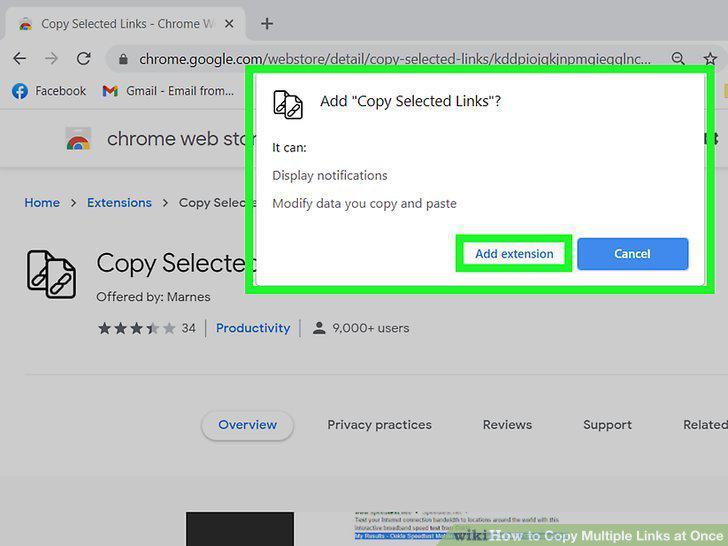
Install Copy Selected Links on your browser.
2
Highlight any text with links using your mouse.
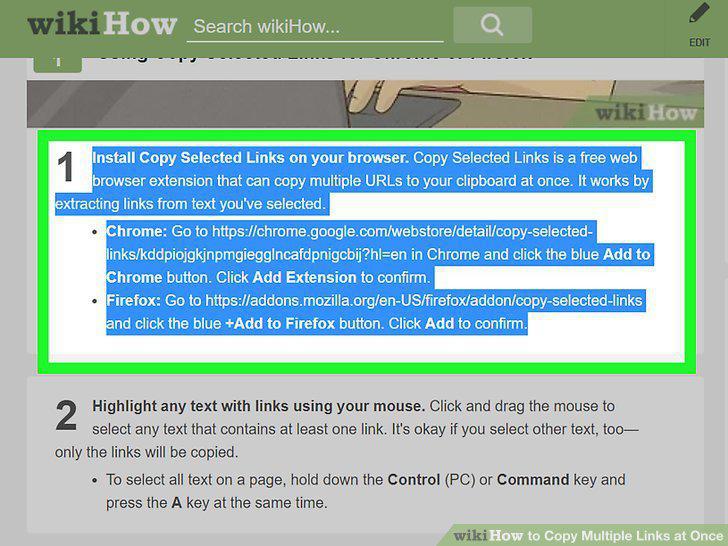
Highlight any text with links using your mouse.
3
Right-click the highlighted text.
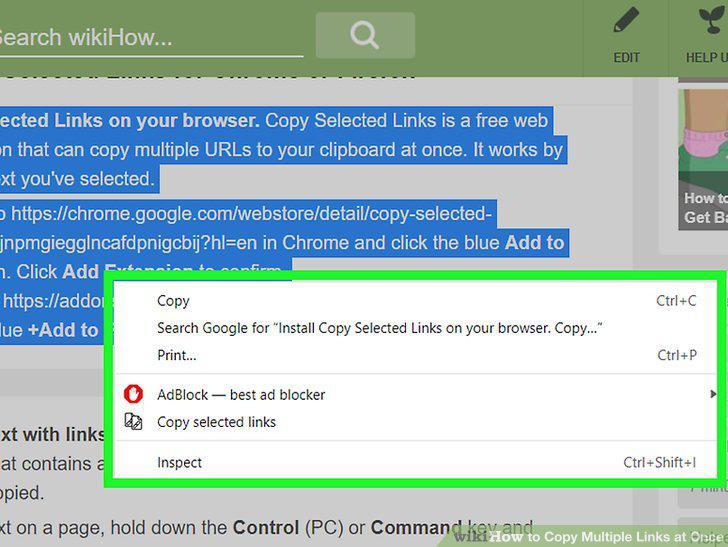
Right-click the highlighted text.
4
Click Copy Selected Links on the menu.
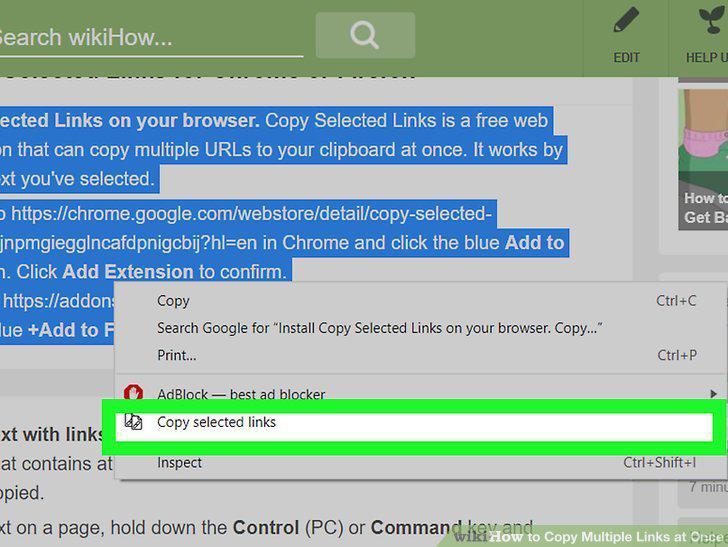
Click Copy Selected Links on the menu.
5
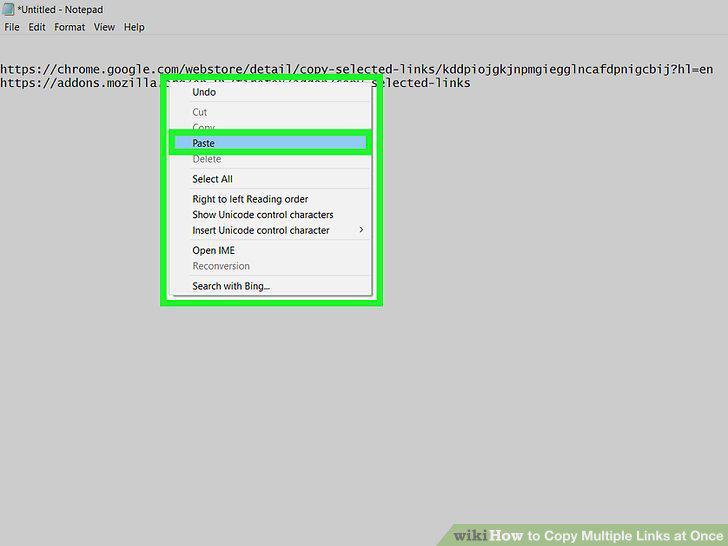
Paste the copied URLs into the desired location.
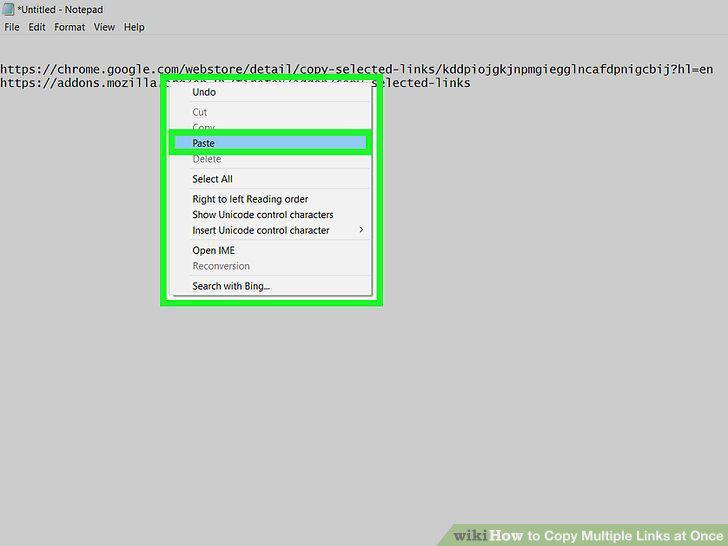
Paste the copied URLs into the desired location.
6
Install the LinkClump extension for Chrome.
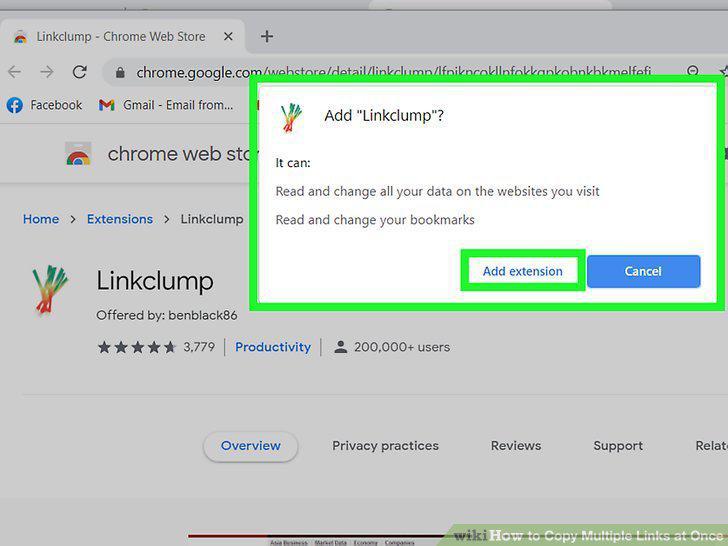
Install the LinkClump extension for Chrome.
7
Click the LinkClump icon in Chrome.
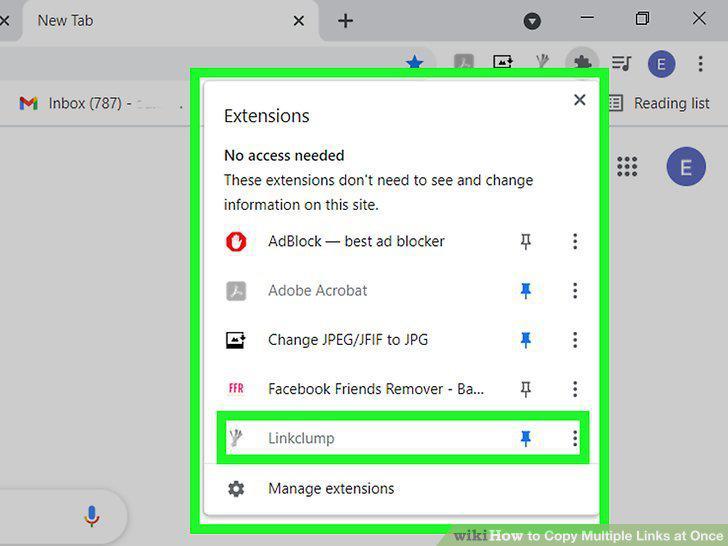
Click the LinkClump icon in Chrome.
8
Click Options on the menu.
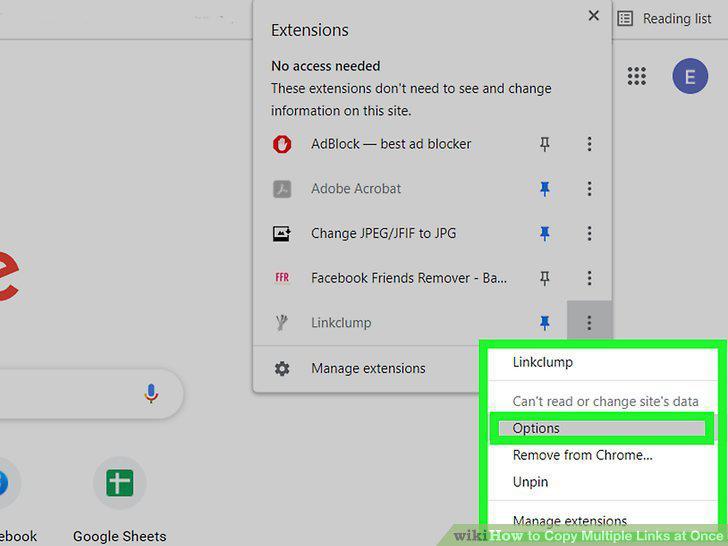
Click Options on the menu.
9
Click the Add Action button.
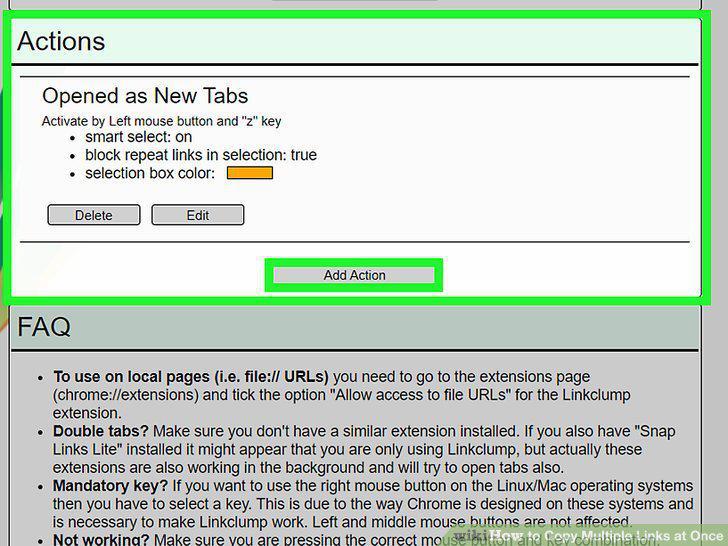
Click the Add Action button.
10
Choose a key and mouse combination.
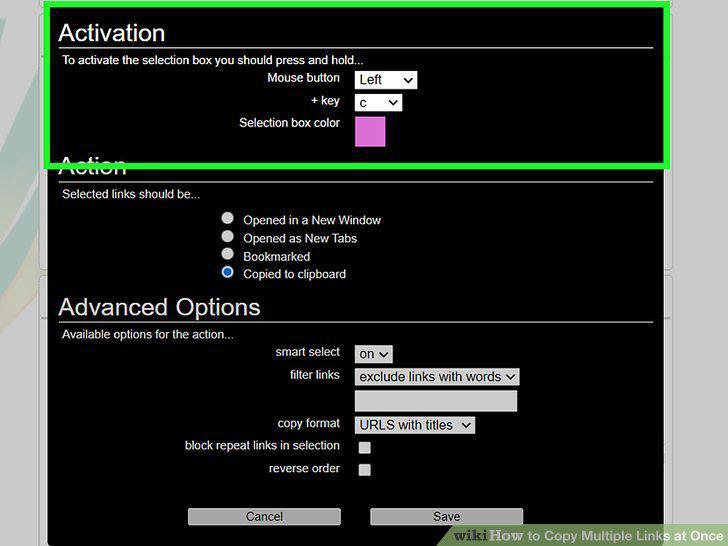
Choose a key and mouse combination.
11
Select Copied to clipboard under "Action.
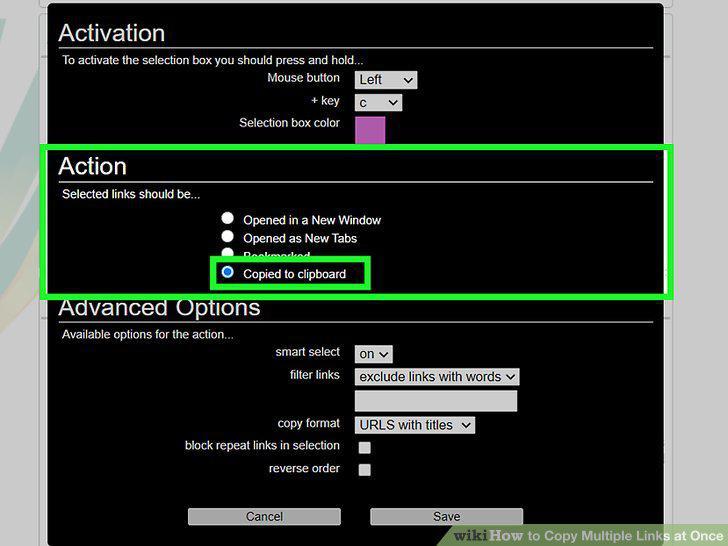
Select Copied to clipboard under "Action.
12
Click Save.
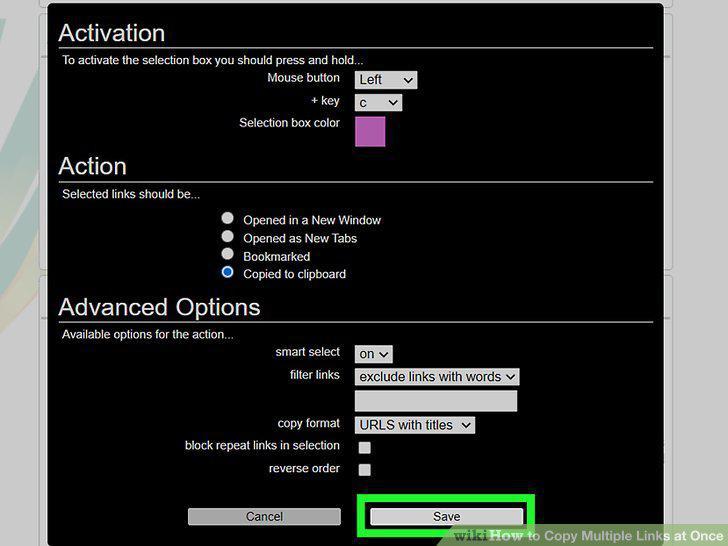
Click Save.
13
Draw a box around the links you want to copy.
Draw a box around the links you want to copy.
14
Paste the links into the desired location.
Paste the links into the desired location.
Comments (0)
No comments yet. Be the first to share your thoughts!