How to Find Elevation on Google Maps on Android
Open Google Maps on your Android.. Tap the Map type menu.. Scroll down and tap Terrain.
Steps
1
Open Google Maps on your Android.
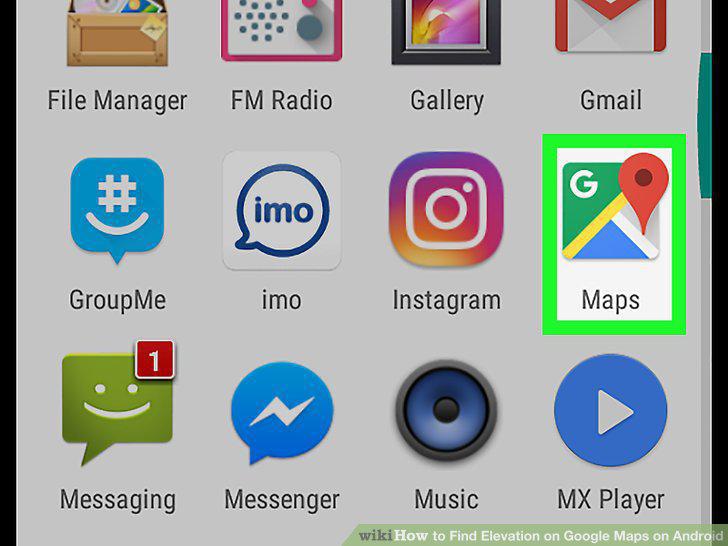
Open Google Maps on your Android.
2
Tap the Map type menu.
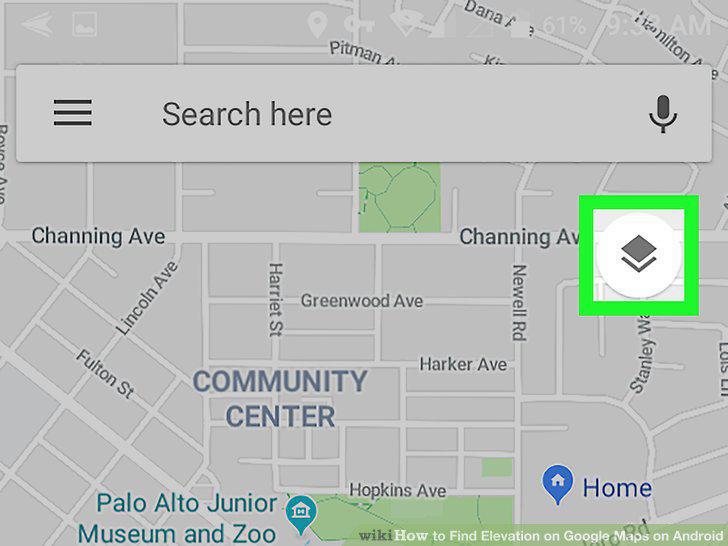
Tap the Map type menu.
3
Scroll down and tap Terrain.
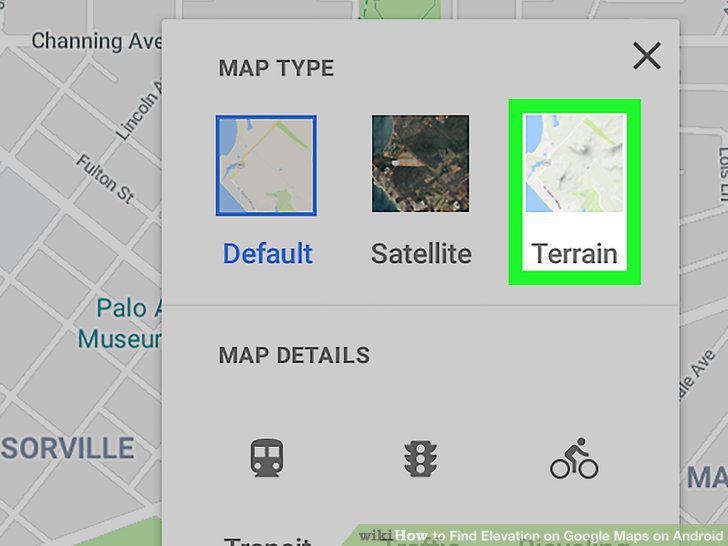
Scroll down and tap Terrain.
4
Zoom in on the map so you can see the contour lines.
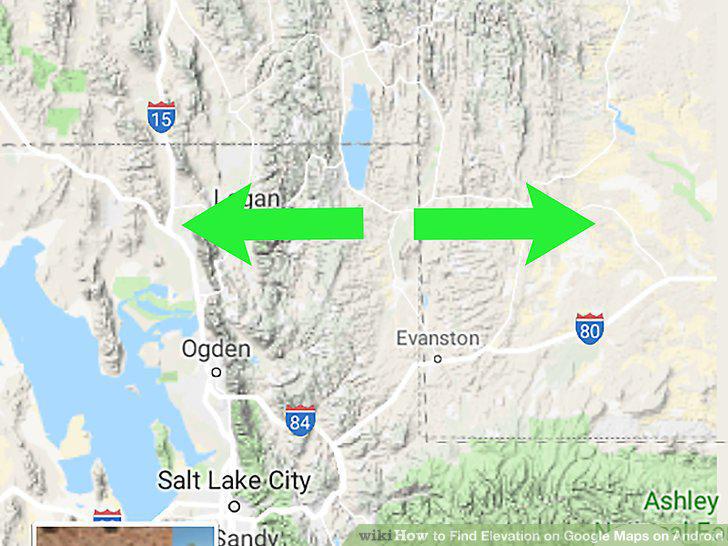
Zoom in on the map so you can see the contour lines.
Comments (0)
No comments yet. Be the first to share your thoughts!