How to Request a Ride Price Review on Lyft
Open the Lyft app.. Tap your profile icon.. Tap Ride History.
Steps
1
Open the Lyft app.
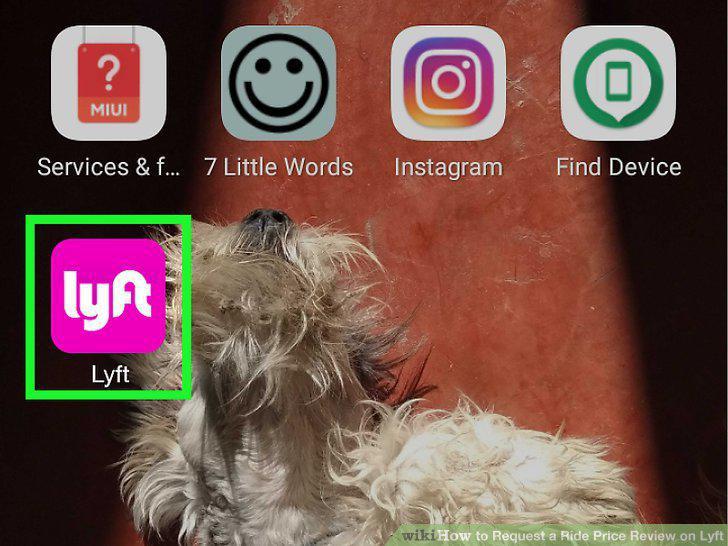
Open the Lyft app.
2
Tap your profile icon.
Tap your profile icon.
3
Tap Ride History.
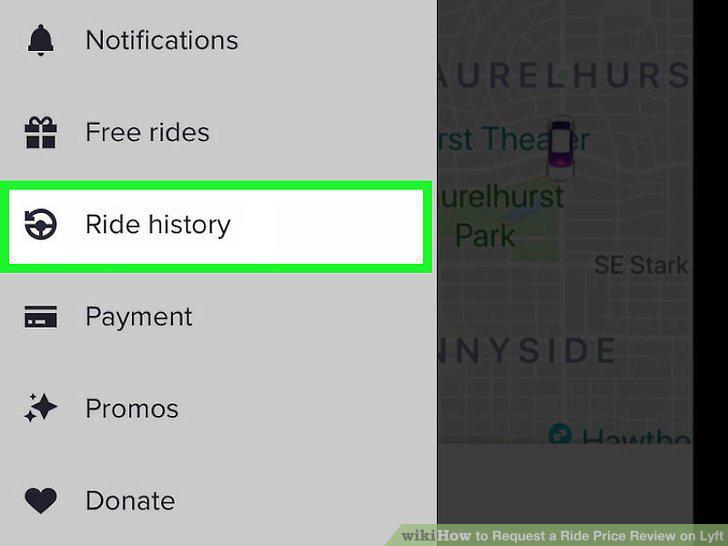
Tap Ride History.
4
Tap the ride for which you want a price review.
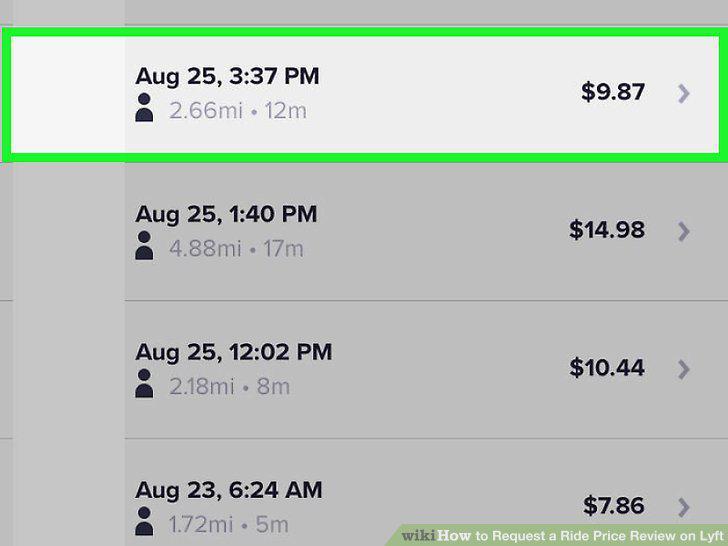
Tap the ride for which you want a price review.
5
Scroll down and tap Get Help (iPhone) or Request Review (Android).
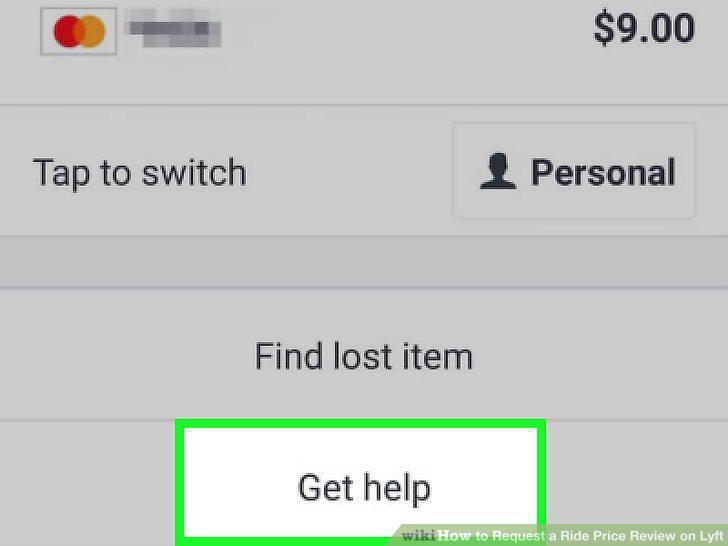
Scroll down and tap Get Help (iPhone) or Request Review (Android).
6
Follow the on-screen prompts to describe your issue.
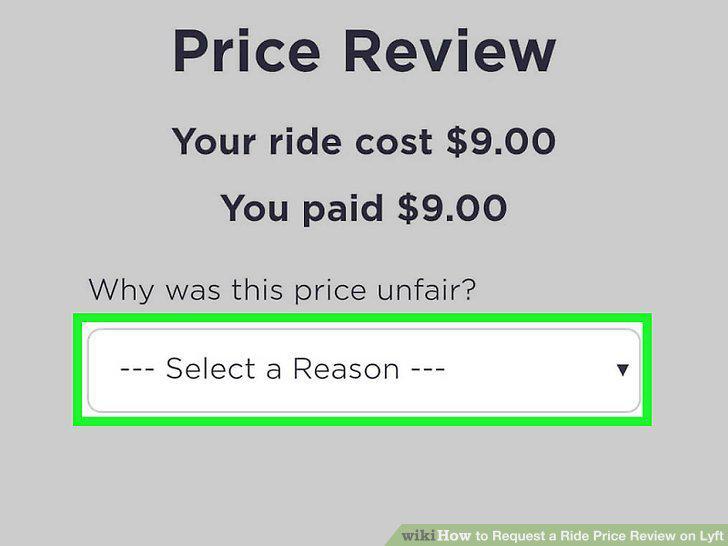
Follow the on-screen prompts to describe your issue.
7
Tap Submit.
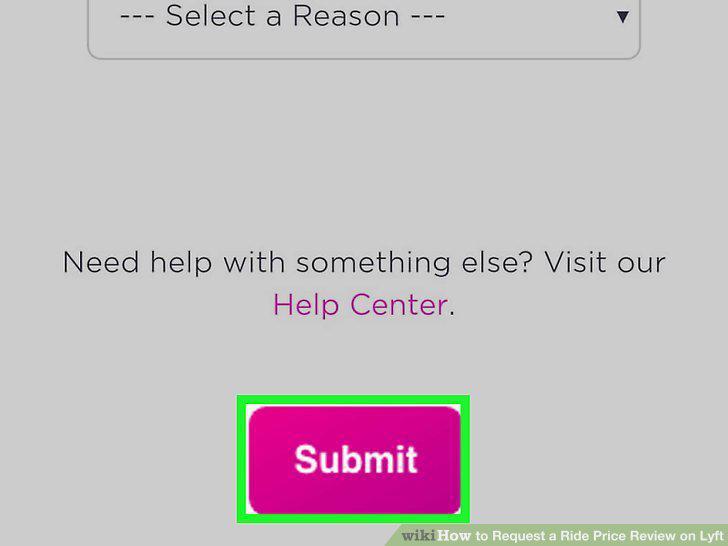
Tap Submit.
8
Check your email.
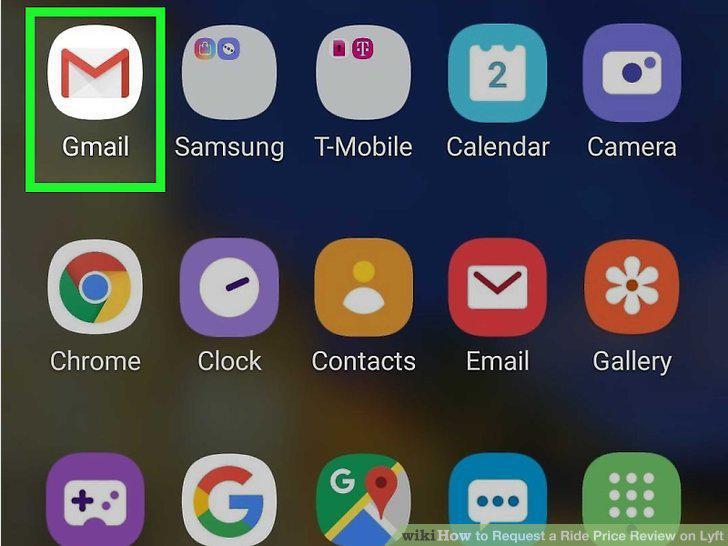
Check your email.
9
Open the receipt for the ride you want reviewed.
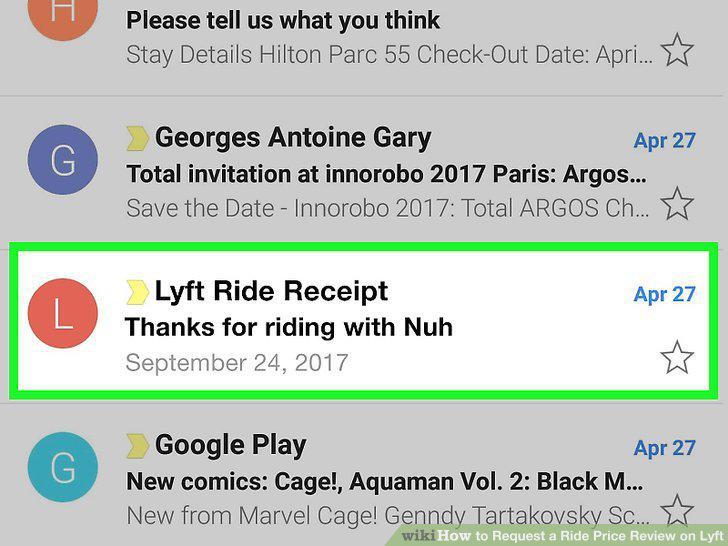
Open the receipt for the ride you want reviewed.
10
Scroll to the bottom of the email.
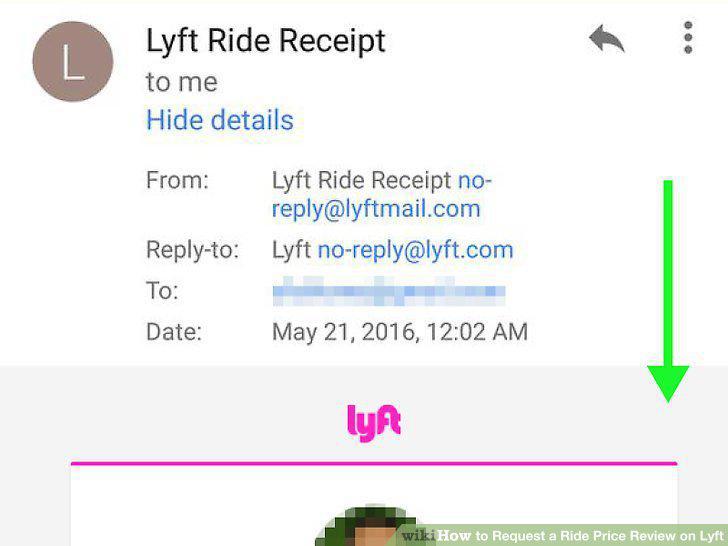
Scroll to the bottom of the email.
11
Click on Request Review.
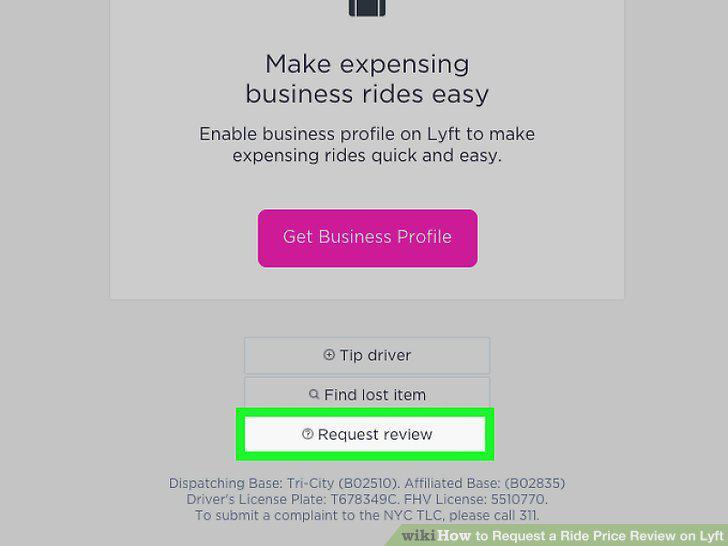
Click on Request Review.
12
Follow the on-screen prompts to describe your issue.
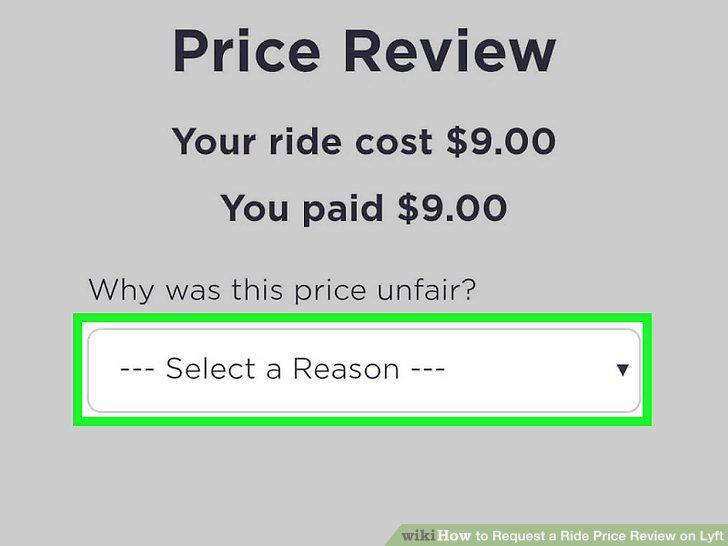
Follow the on-screen prompts to describe your issue.
13
Click on Submit.
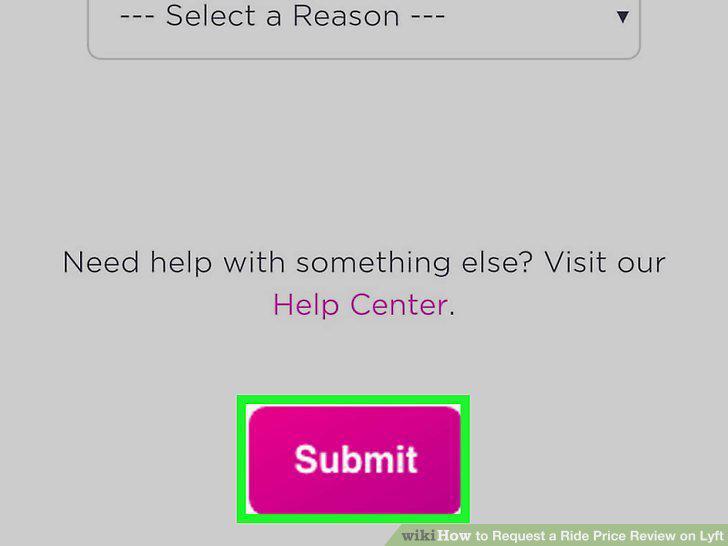
Click on Submit.
Comments (0)
No comments yet. Be the first to share your thoughts!