How to Transfer Text Messages from iPhone to iPhone
Open your iPhone's Settings .. Tap your Apple ID.. Tap iCloud.
Steps
1
Open your iPhone's Settings .
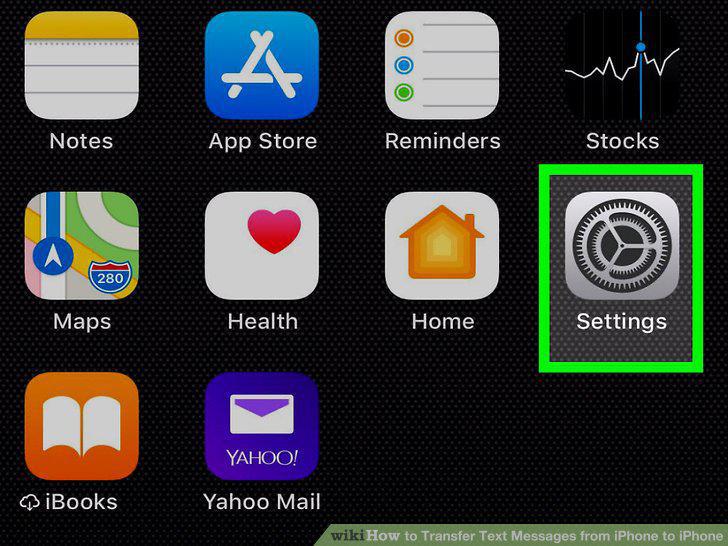
Open your iPhone's Settings .
2
Tap your Apple ID.
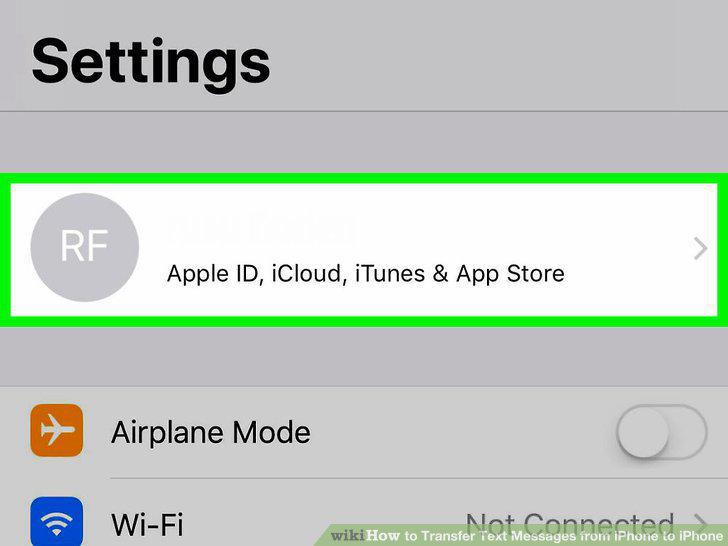
Tap your Apple ID.
3
Tap iCloud.
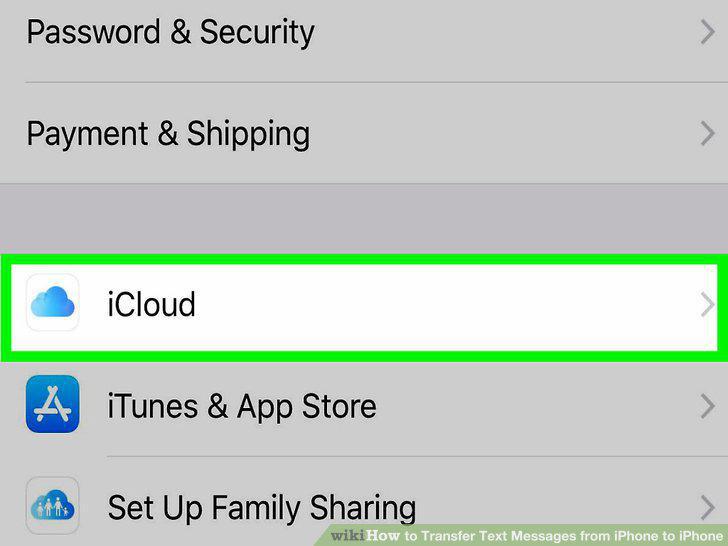
Tap iCloud.
4
Tap iCloud Backup.
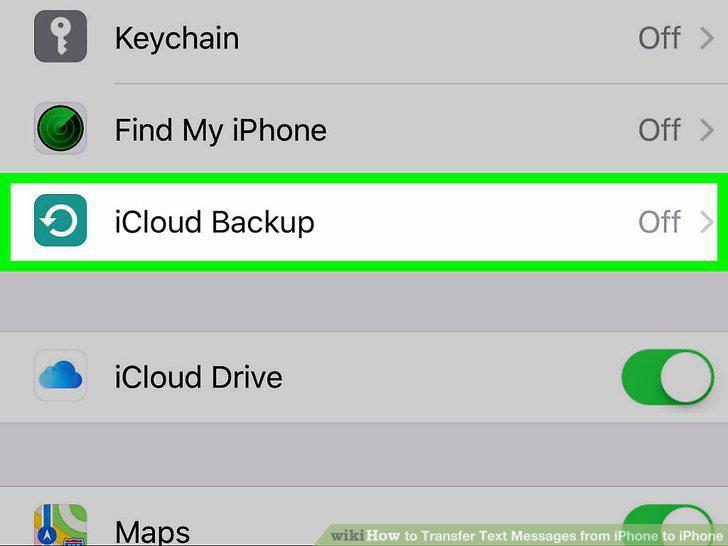
Tap iCloud Backup.
5
Tap OK.
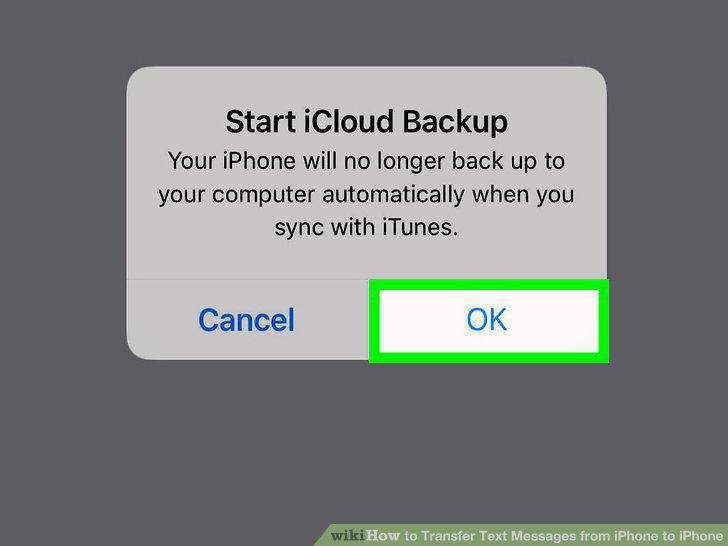
Tap OK.
6
Tap Backup now.
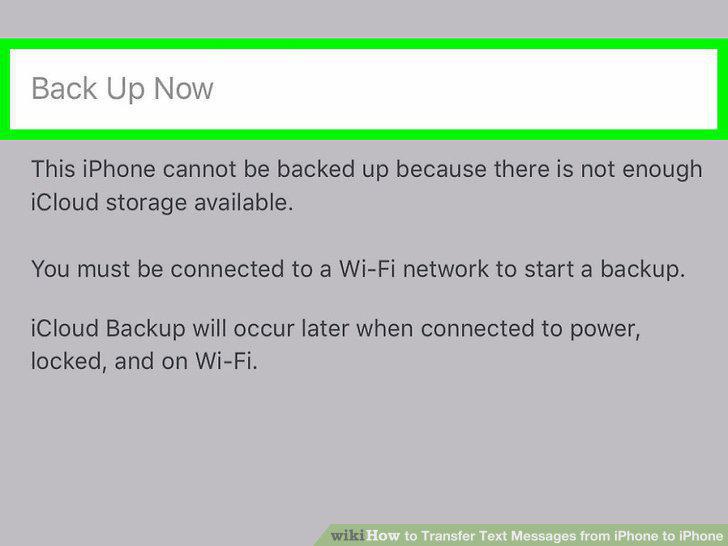
Tap Backup now.
7
Turn on the new iPhone.
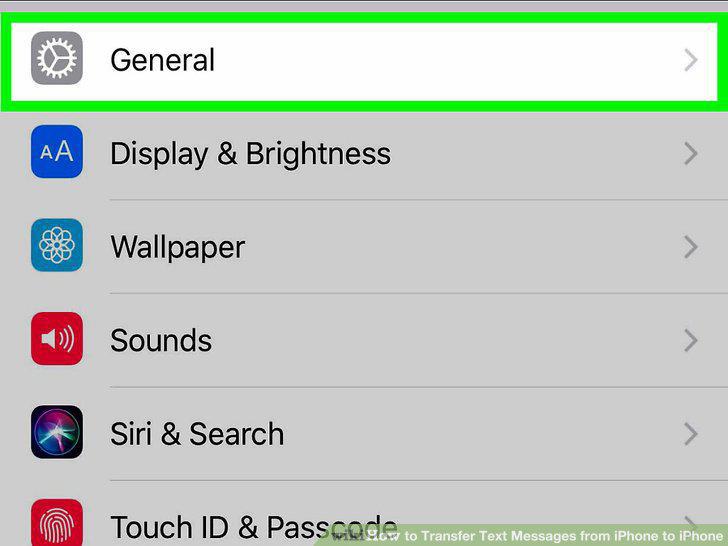
Turn on the new iPhone.
8
Follow the on-screen instructions until you reach the Wi-Fi screen.
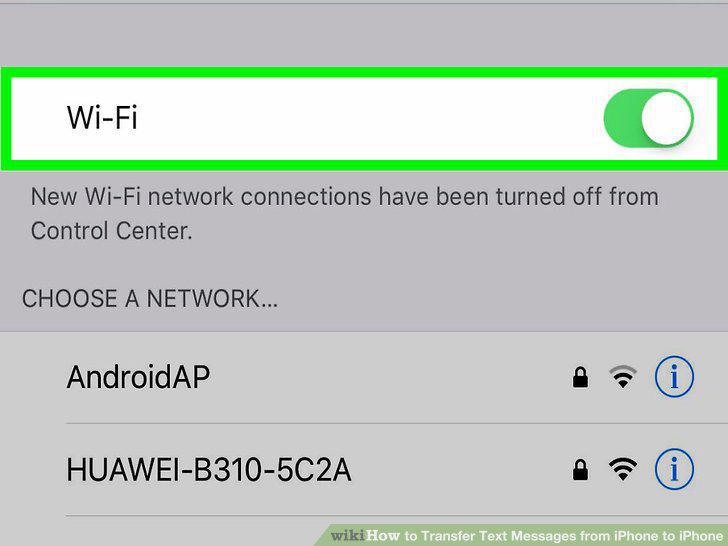
Follow the on-screen instructions until you reach the Wi-Fi screen.
9
Join a Wi-Fi network.
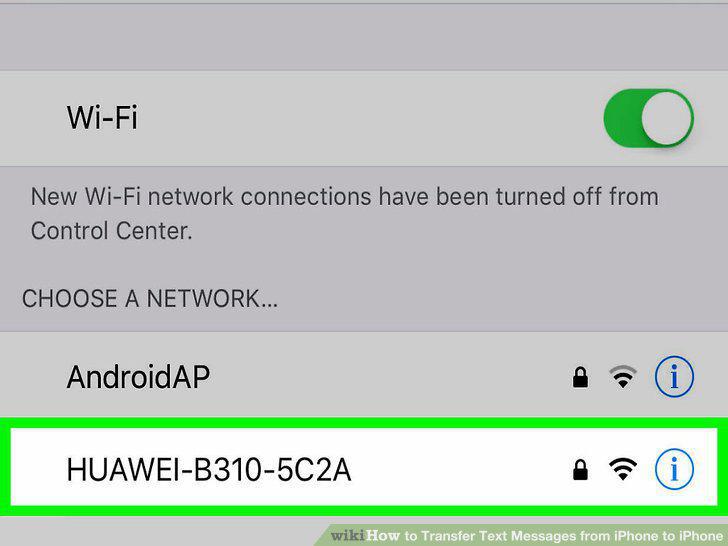
Join a Wi-Fi network.
10
Tap Restore from iCloud backup.
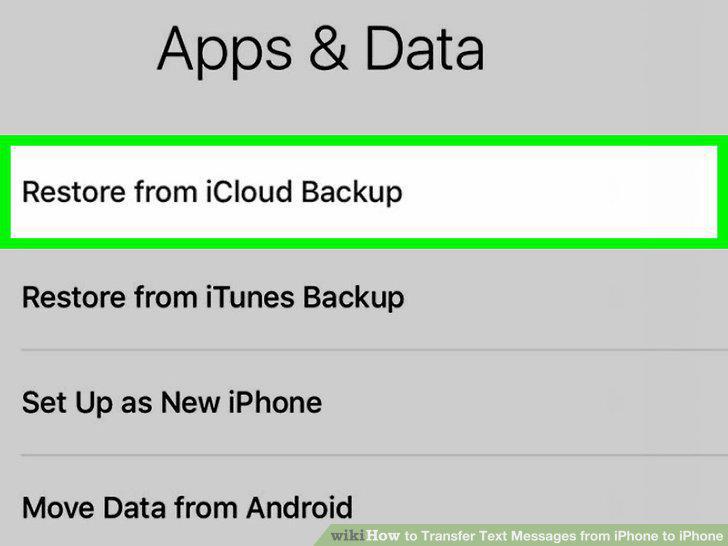
Tap Restore from iCloud backup.
11
Sign in to iCloud.
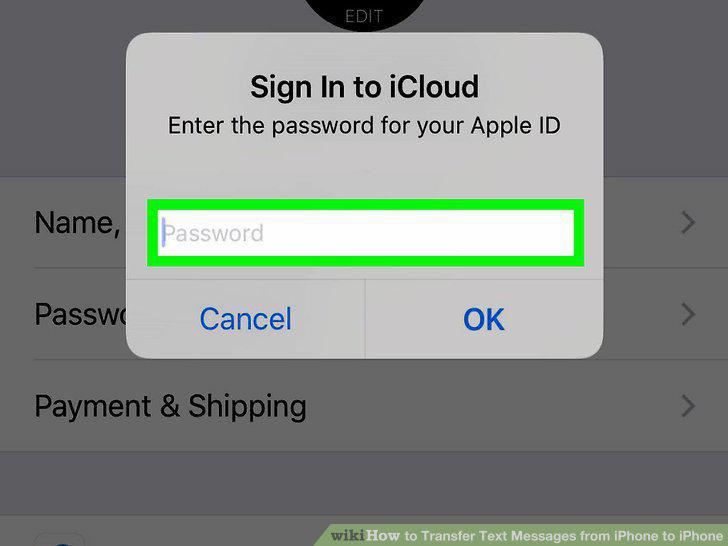
Sign in to iCloud.
12
Select the latest backup.
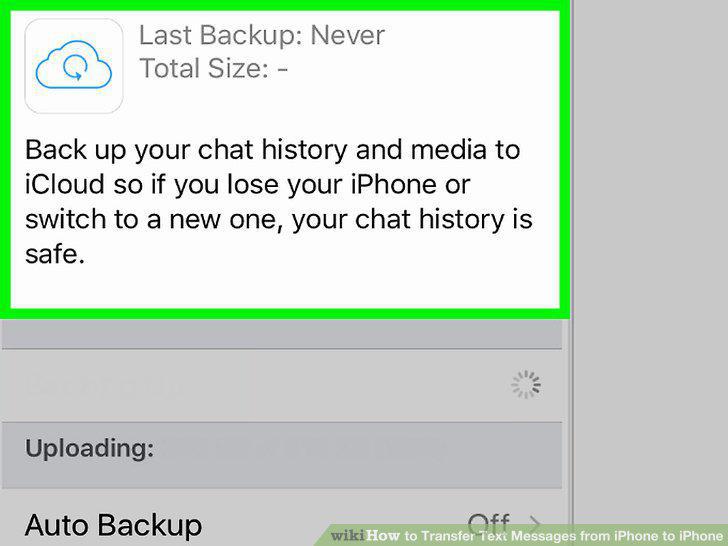
Select the latest backup.
Comments (0)
No comments yet. Be the first to share your thoughts!