How to Forget a Network on Android
Open your Android's Settings app.. Find the Wireless & Networks heading.. Tap Wi-Fi under Wireless & Networks.
Steps
1
Open your Android's Settings app.
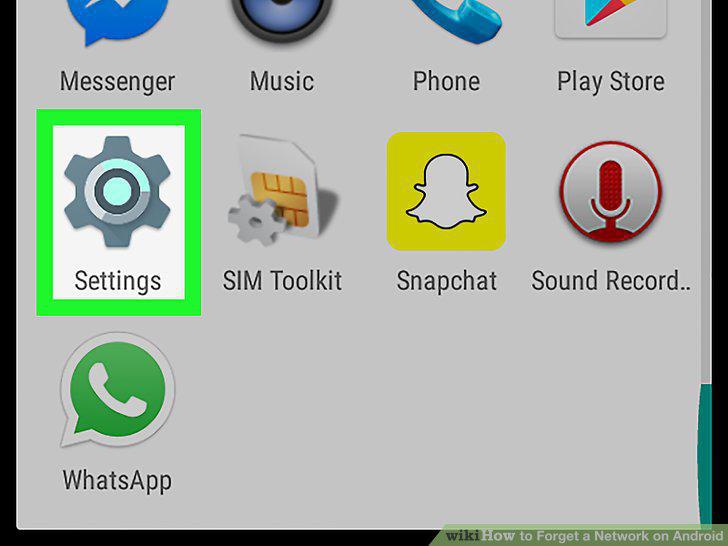
Open your Android's Settings app.
2
Find the Wireless & Networks heading.
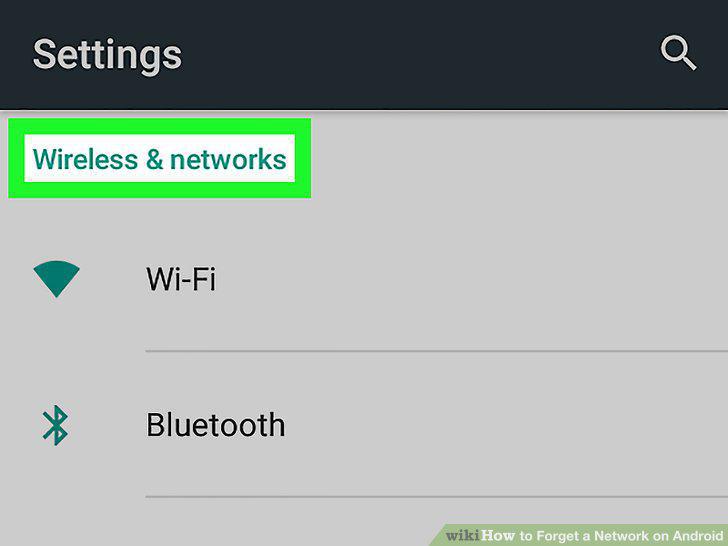
Find the Wireless & Networks heading.
3
Tap Wi-Fi under Wireless & Networks.
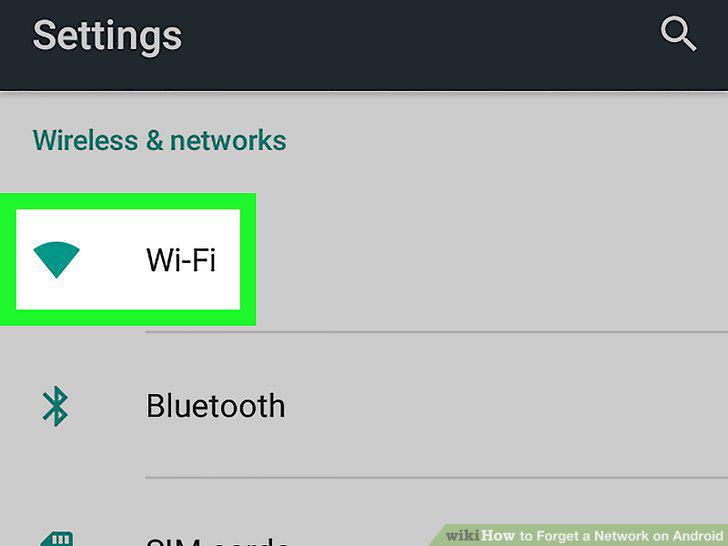
Tap Wi-Fi under Wireless & Networks.
4
Slide the Wi-Fi switch to On position.
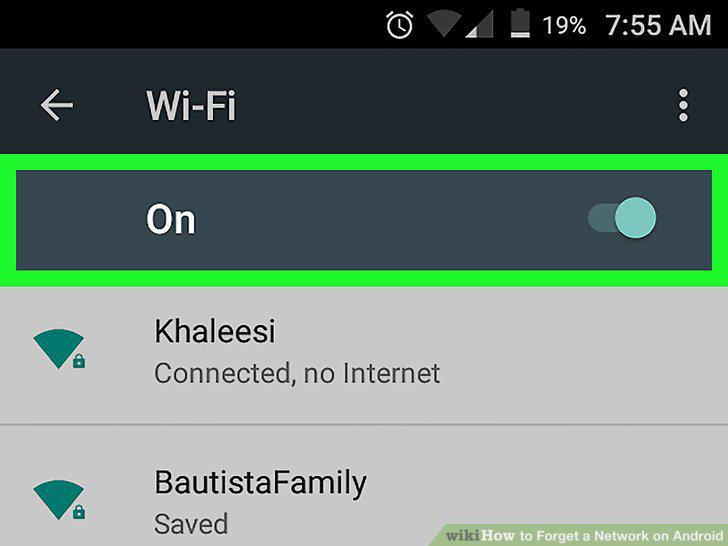
Slide the Wi-Fi switch to On position.
5
Tap and hold on the network you want to forget.
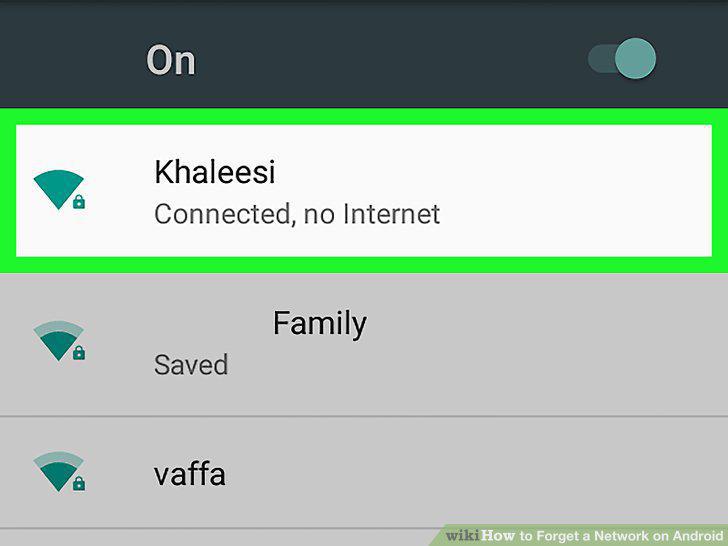
Tap and hold on the network you want to forget.
6
Tap Forget network or Forget in the pop-up.
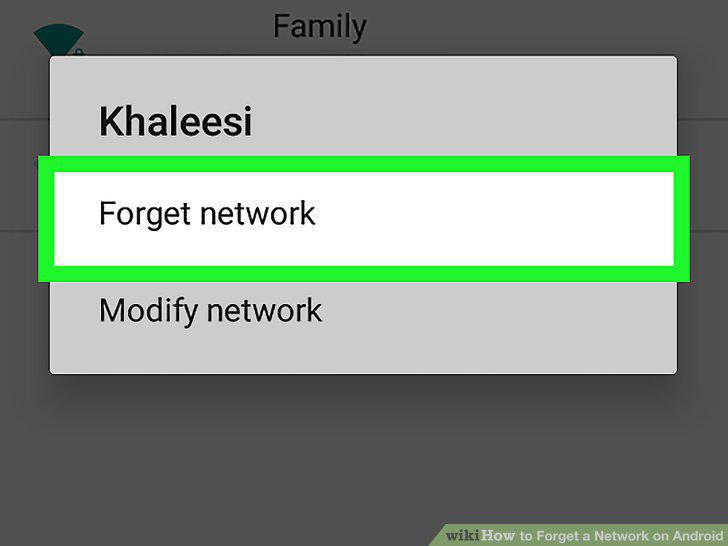
Tap Forget network or Forget in the pop-up.
Comments (0)
No comments yet. Be the first to share your thoughts!