How to Send Software Through Gmail
Sign in to https://drive.google.com.. Drag the program file you want to share into your browser window.. Wait for the file to upload.
Steps
1
Sign in to https://drive.google.com.
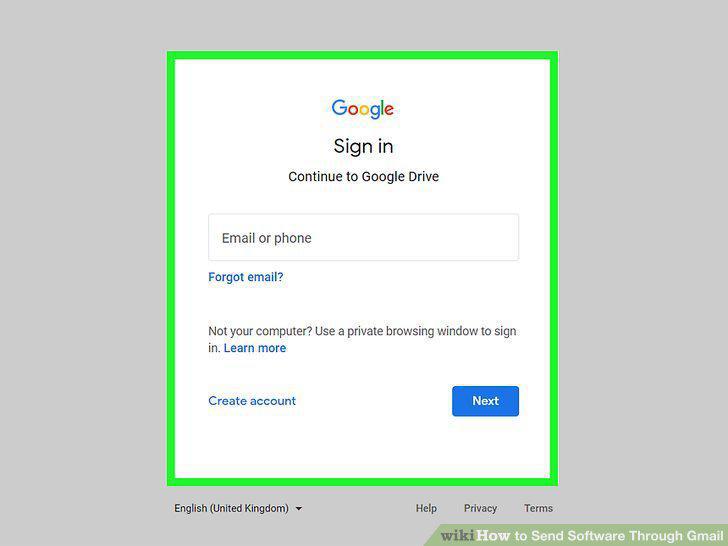
Sign in to https://drive.google.com.
2
Drag the program file you want to share into your browser window.
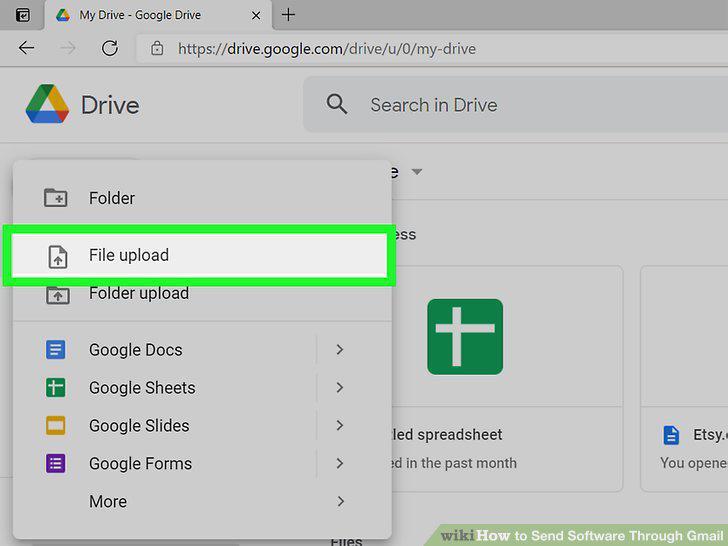
Drag the program file you want to share into your browser window.
3
Wait for the file to upload.
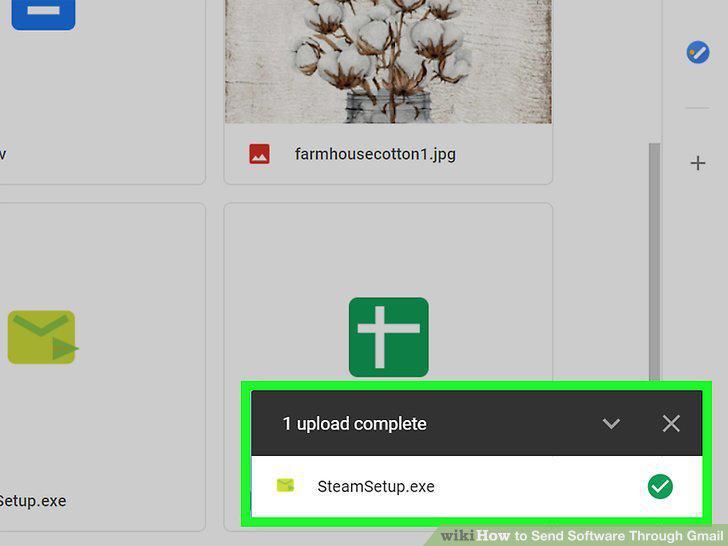
Wait for the file to upload.
4
Right-click the uploaded file and select Share.
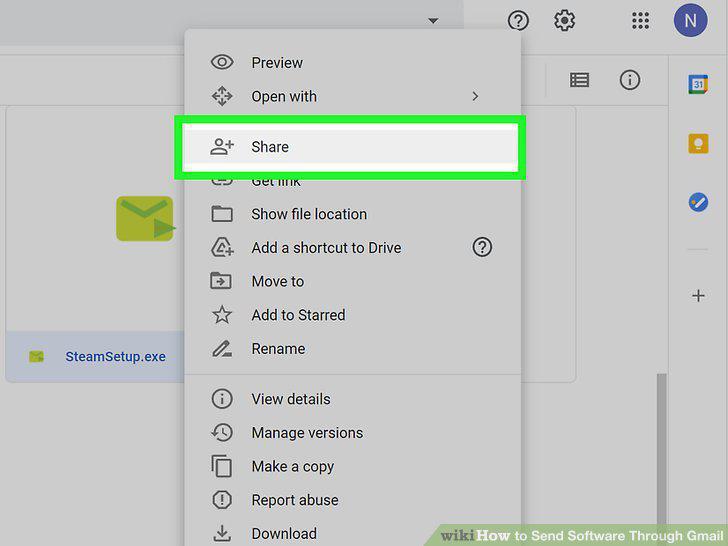
Right-click the uploaded file and select Share.
5
Enter the email address of the person you want to share with.
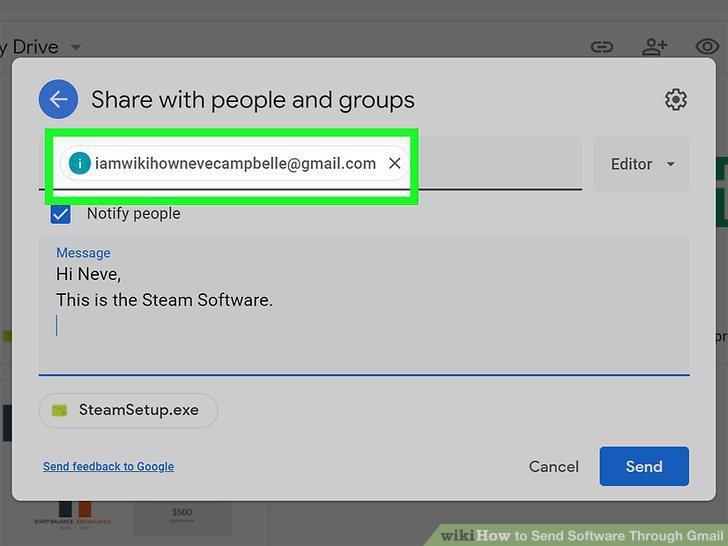
Enter the email address of the person you want to share with.
6
Type your message into the box.
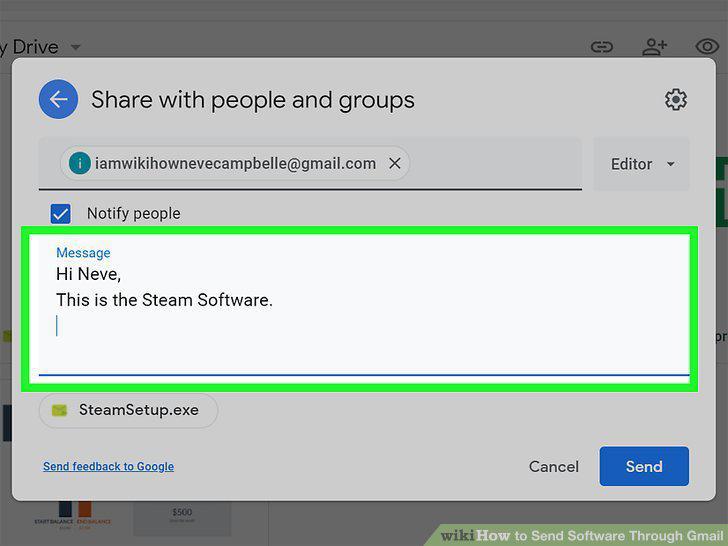
Type your message into the box.
7
Click Send to send the message.
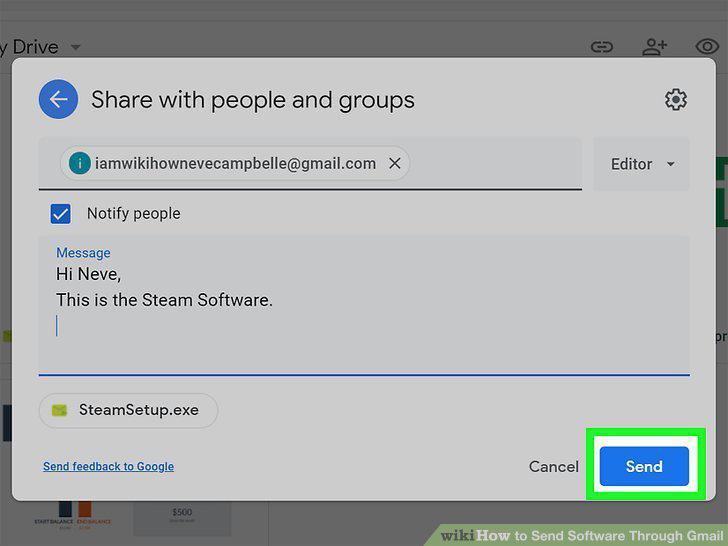
Click Send to send the message.
Comments (0)
No comments yet. Be the first to share your thoughts!