How to Stop Twitter Emails on iPhone or iPad
Open your iPhone or iPad's web browser.. Navigate to https://www.twitter.com.. Tap Log in.
Steps
1
Open your iPhone or iPad's web browser.
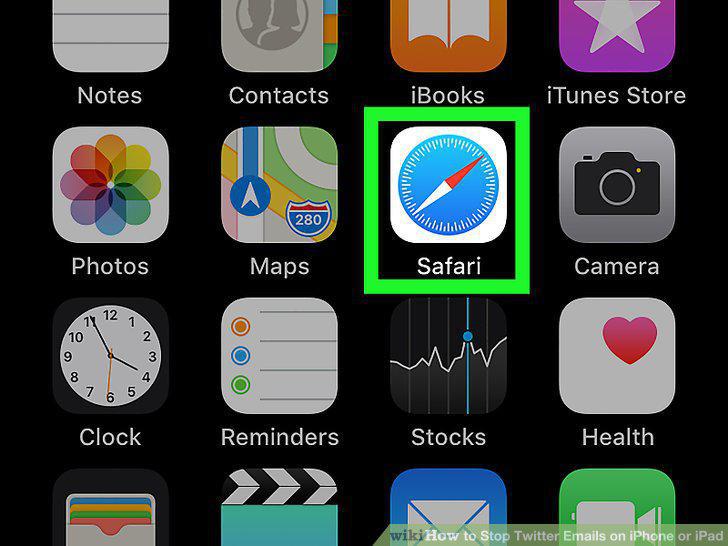
Open your iPhone or iPad's web browser.
2
Navigate to https://www.twitter.com.
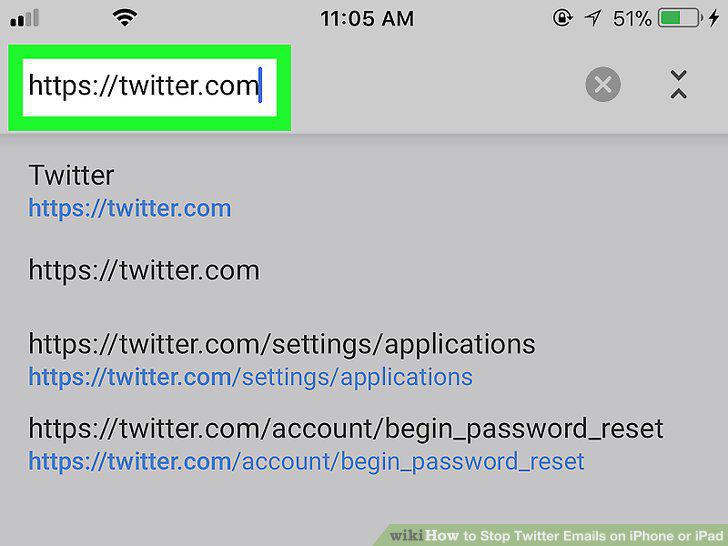
Navigate to https://www.twitter.com.
3
Tap Log in.
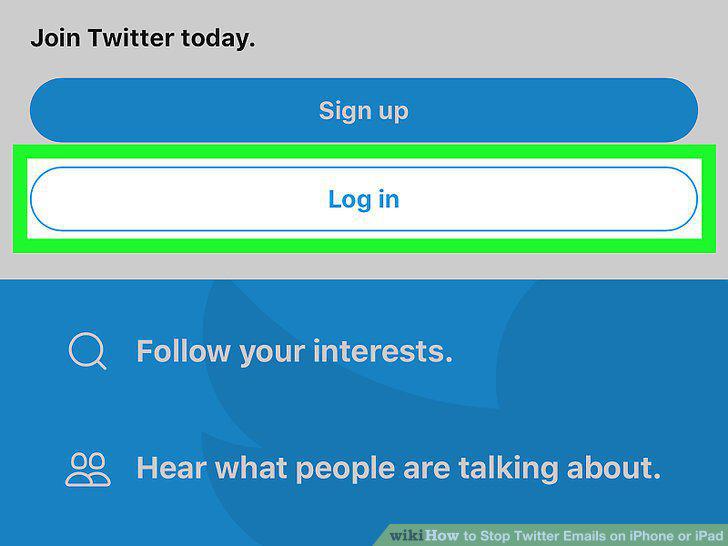
Tap Log in.
4
Sign in to Twitter.
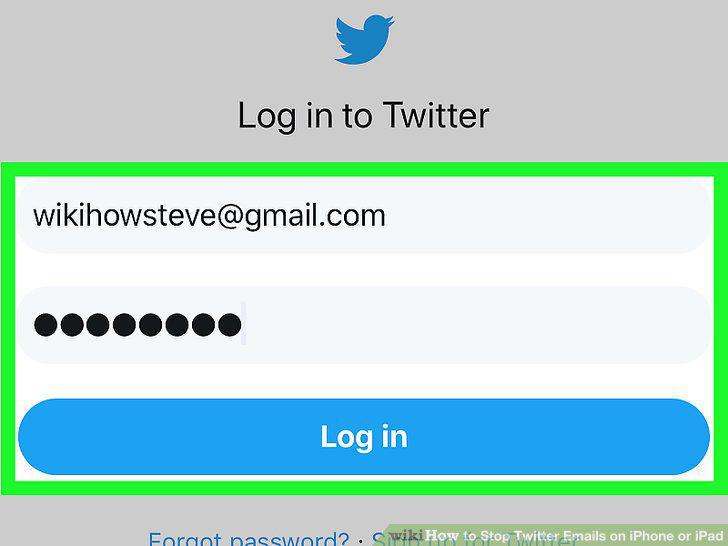
Sign in to Twitter.
5
Open the desktop version of the website.
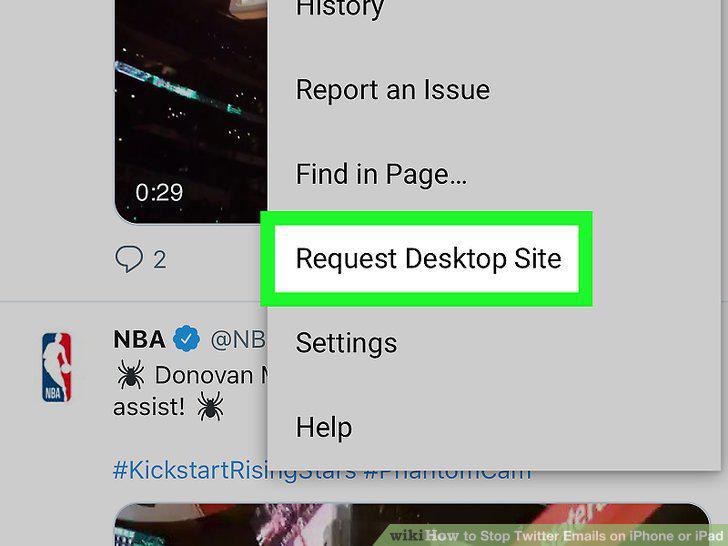
Open the desktop version of the website.
6
Tap your profile photo.
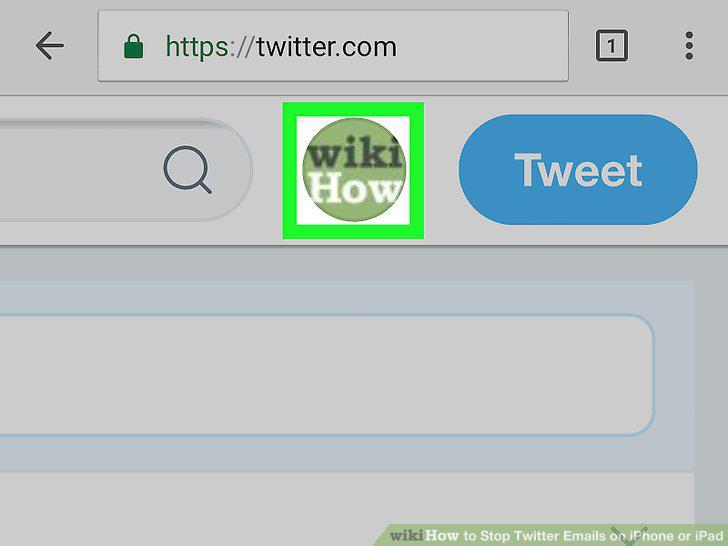
Tap your profile photo.
7
Tap Settings and privacy.
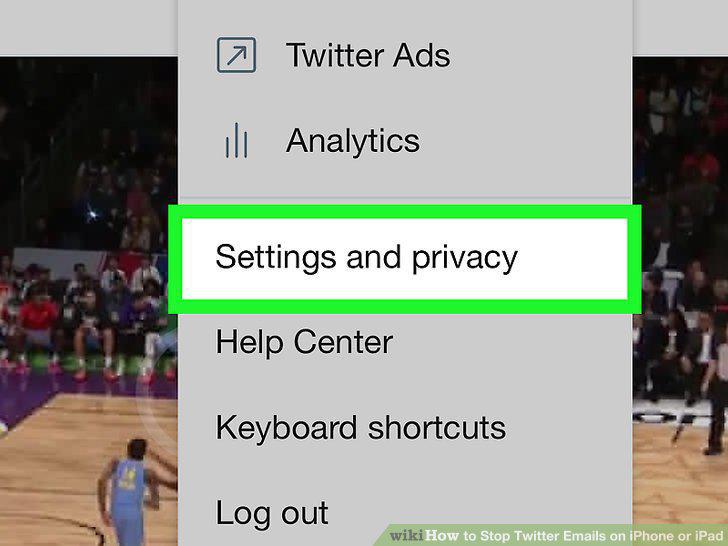
Tap Settings and privacy.
8
Tap Email notifications.
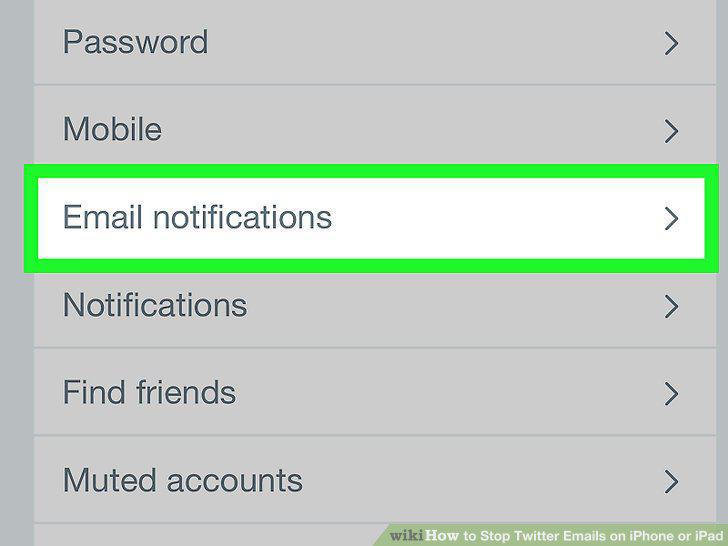
Tap Email notifications.
9
Tap Turn off next to "Email is enabled.
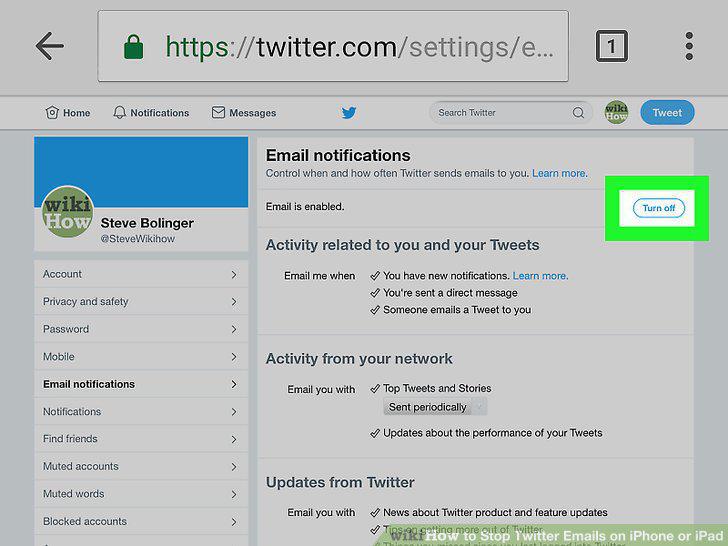
Tap Turn off next to "Email is enabled.
Comments (0)
No comments yet. Be the first to share your thoughts!