How to Create a Viber Account on PC or Mac
Go to https://account.viber.com/en/create-account in a web browser.. Enter your phone number.. Check the "I'm not a robot" box and click Continue.
Steps
1
Go to https://account.viber.com/en/create-account in a web browser.
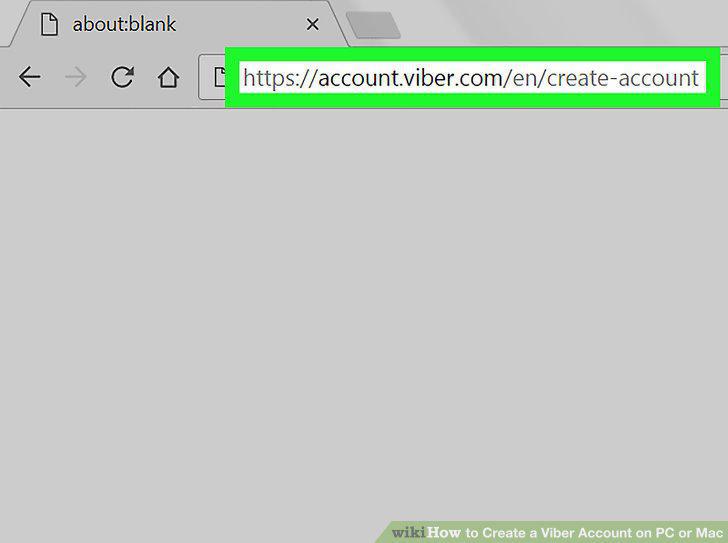
Go to https://account.viber.com/en/create-account in a web browser.
2
Enter your phone number.
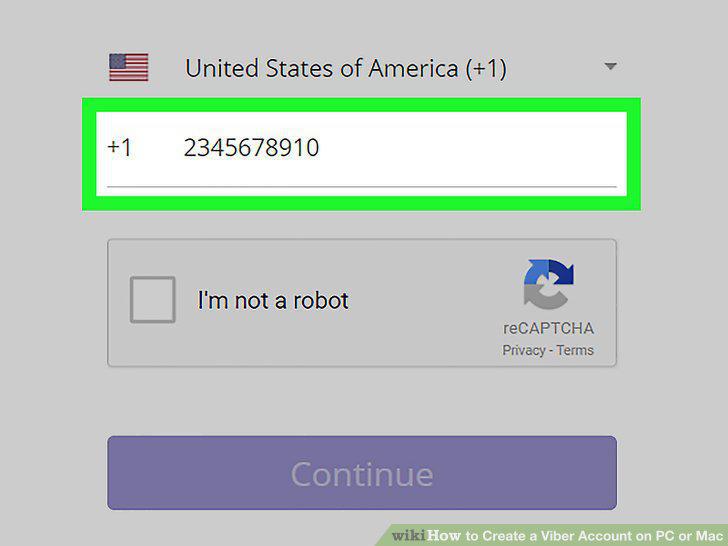
Enter your phone number.
3
Check the "I'm not a robot" box and click Continue.
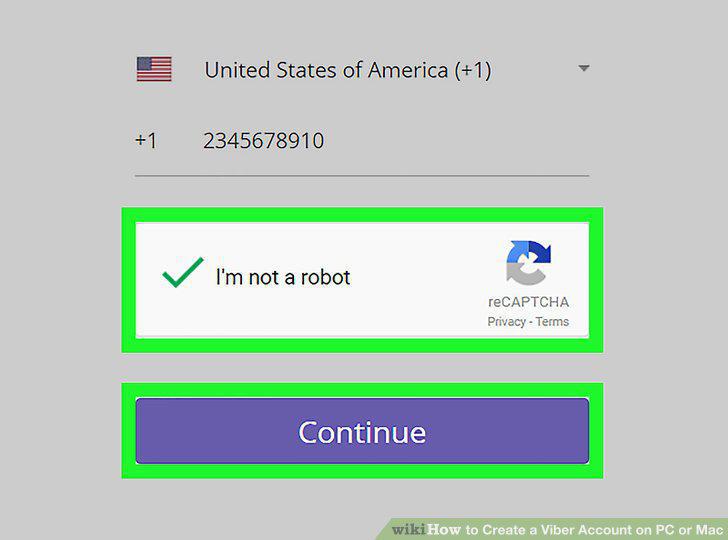
Check the "I'm not a robot" box and click Continue.
4
Enter the verification code.
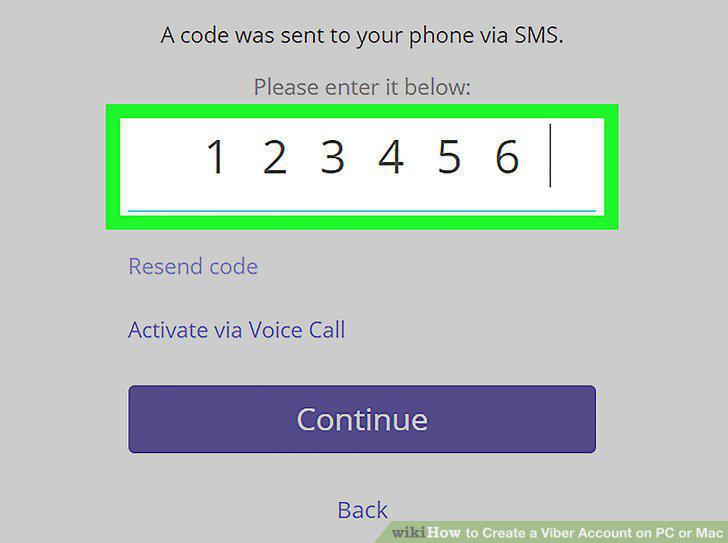
Enter the verification code.
5
Click Continue.
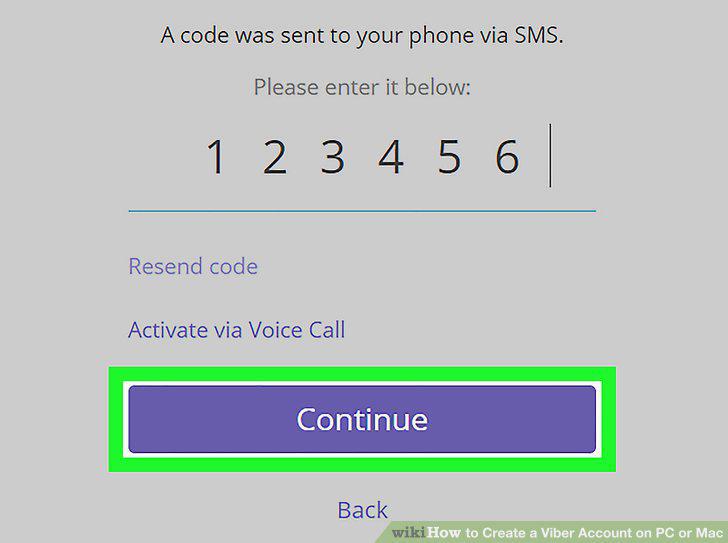
Click Continue.
6
Enter your email address.
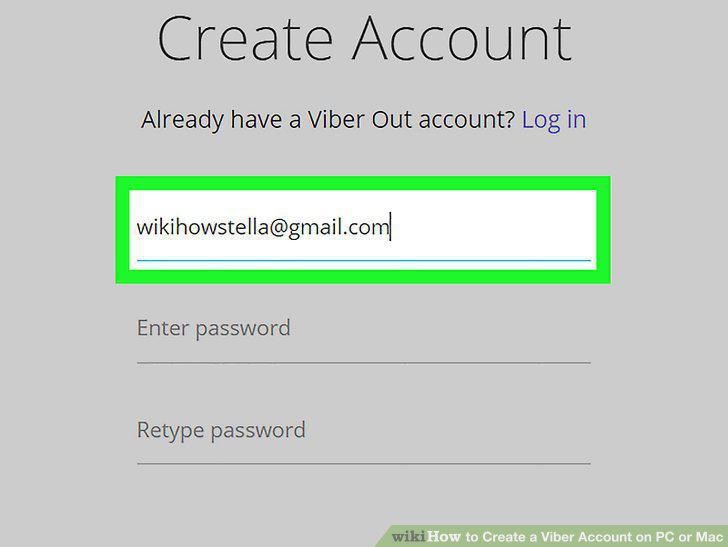
Enter your email address.
7
Enter and confirm your password.
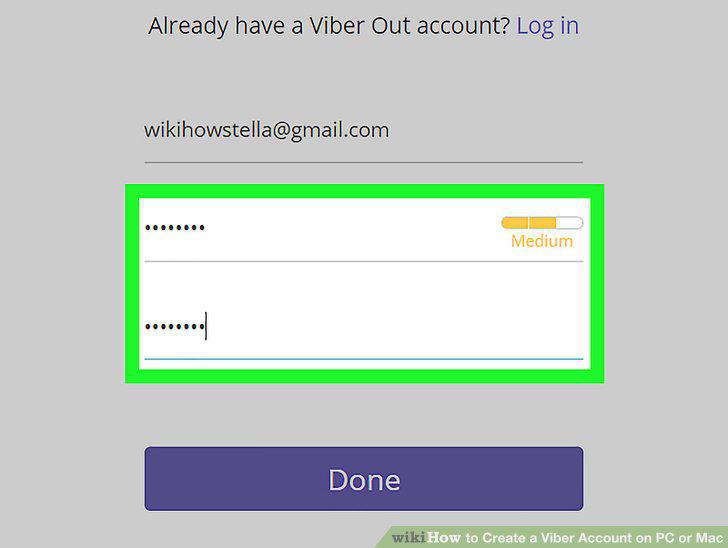
Enter and confirm your password.
8
Click Done.
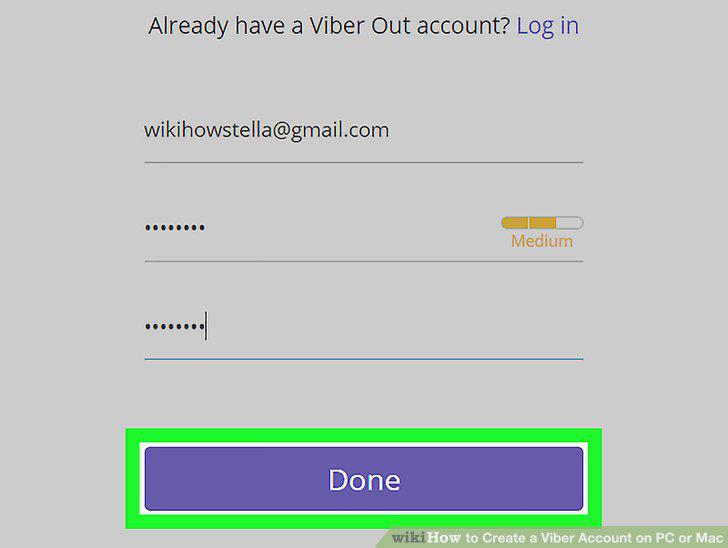
Click Done.
Comments (0)
No comments yet. Be the first to share your thoughts!