How to Record a Zoom Meeting on Android
Install a screen recorder from the Play Store.. Open your screen recorder.. Open Zoom.
Steps
1
Install a screen recorder from the Play Store.
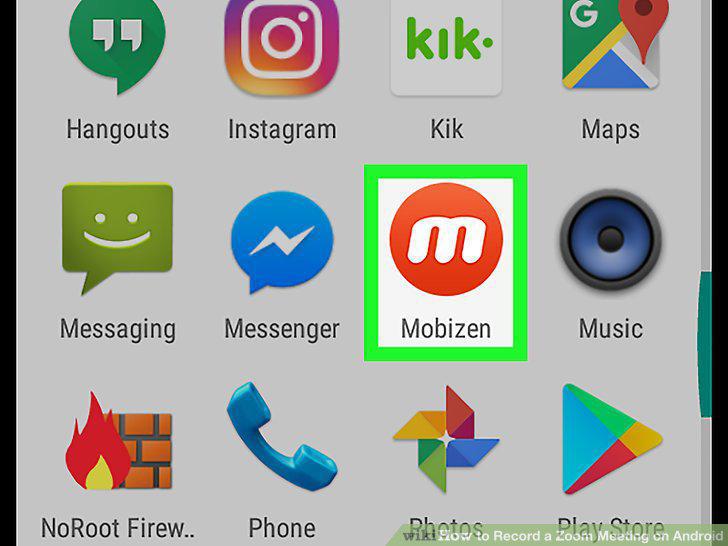
Install a screen recorder from the Play Store.
2
Open your screen recorder.
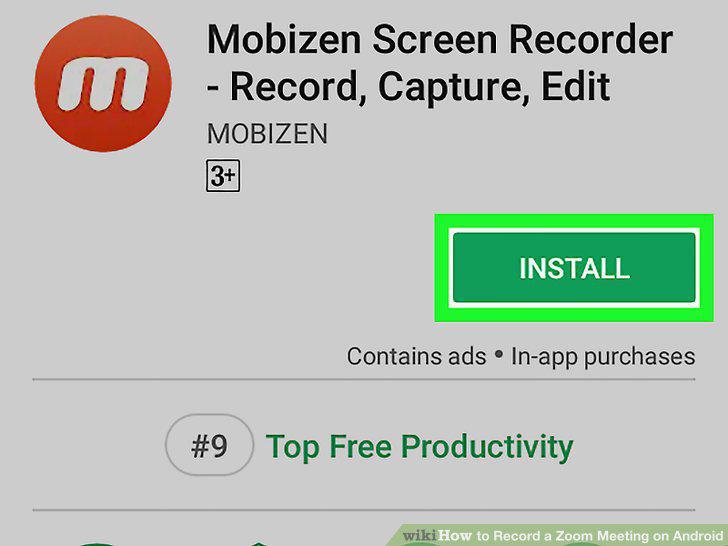
Open your screen recorder.
3
Open Zoom.
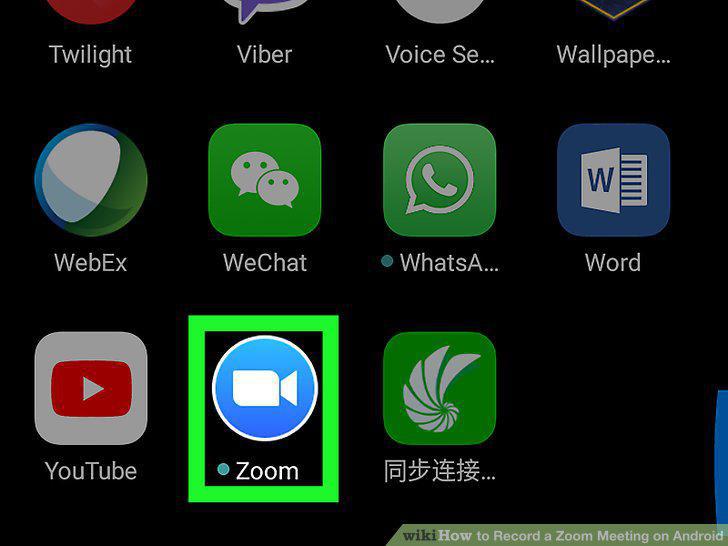
Open Zoom.
4
Start a meeting.
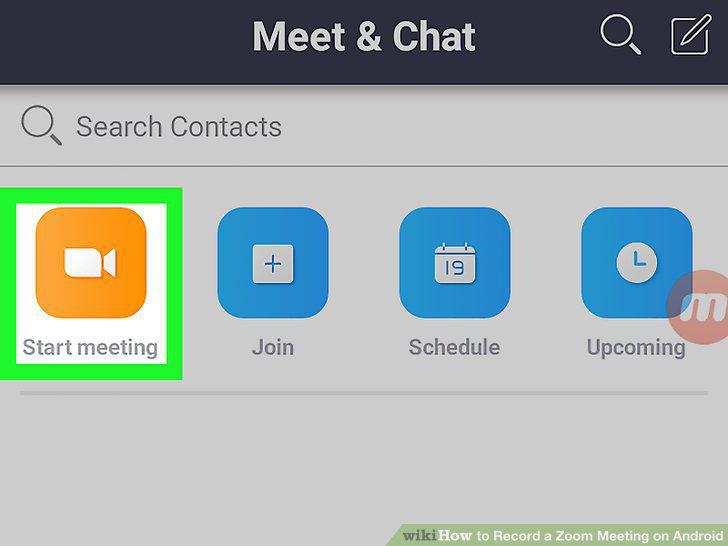
Start a meeting.
5
Join a meeting.
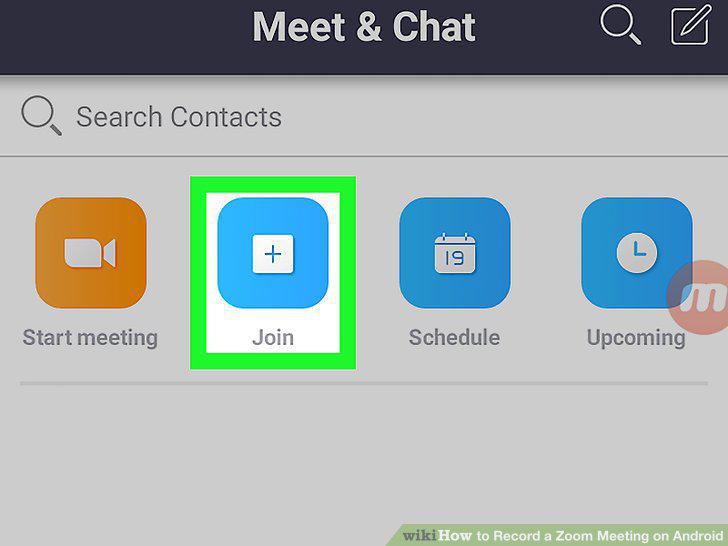
Join a meeting.
6
Tap the screen recorder's floating icon.
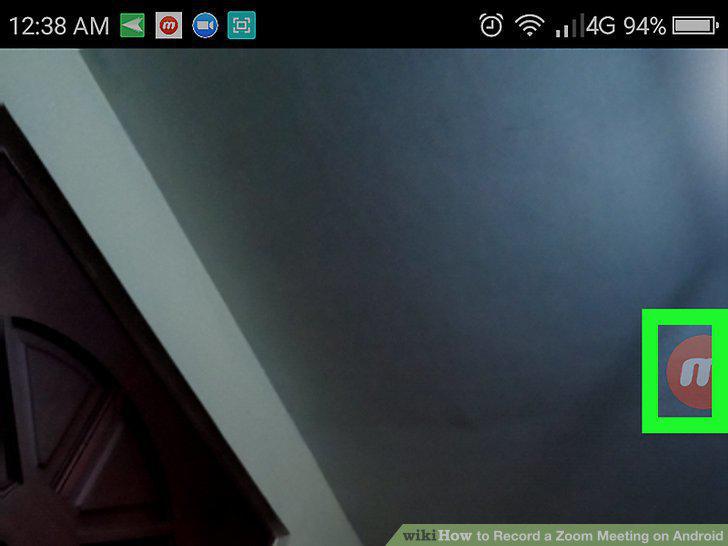
Tap the screen recorder's floating icon.
7
Tap the record button.
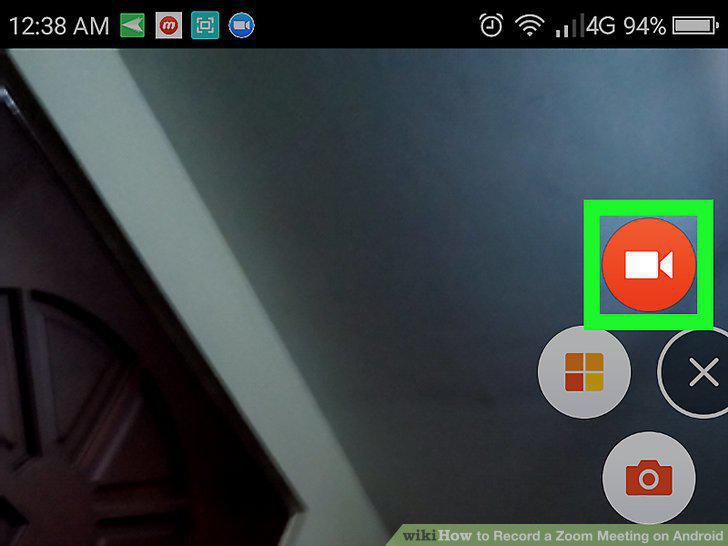
Tap the record button.
8
Tap the stop button to stop recording when you're finished.
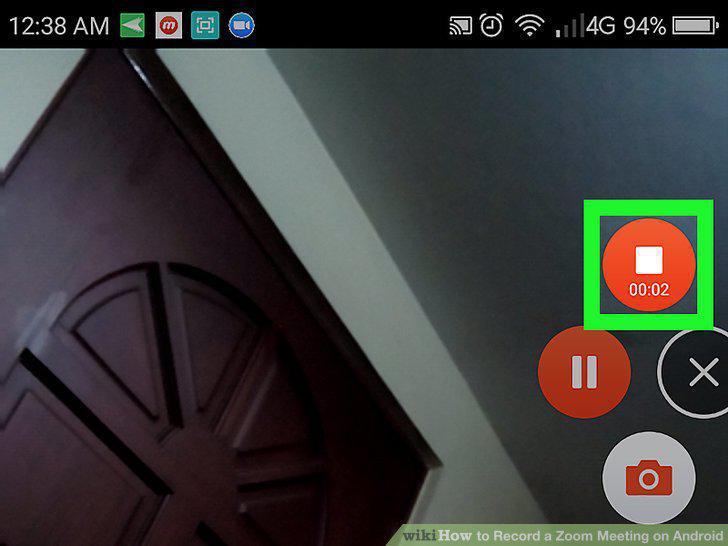
Tap the stop button to stop recording when you're finished.
Comments (0)
No comments yet. Be the first to share your thoughts!