How to Install Bluetooth
Open the Start menu on your PC.. Click Settings on the Start menu.. Click Devices in the Settings window.
Steps
Open the Start menu on your PC.
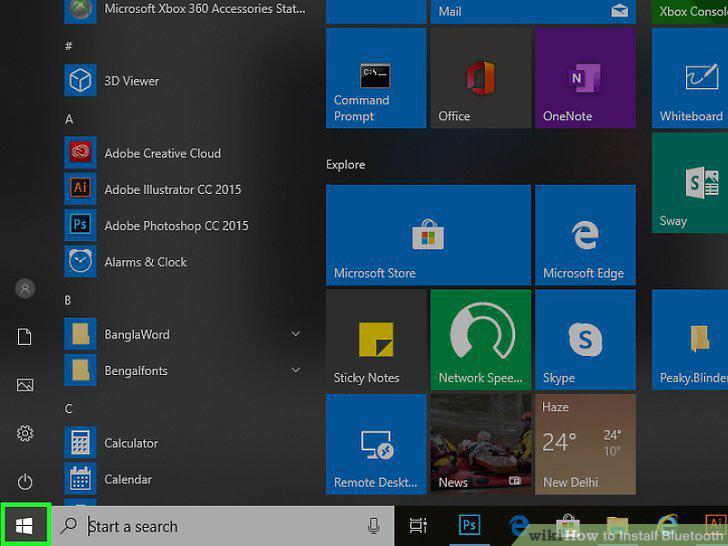
Open the Start menu on your PC.
Click Settings on the Start menu.
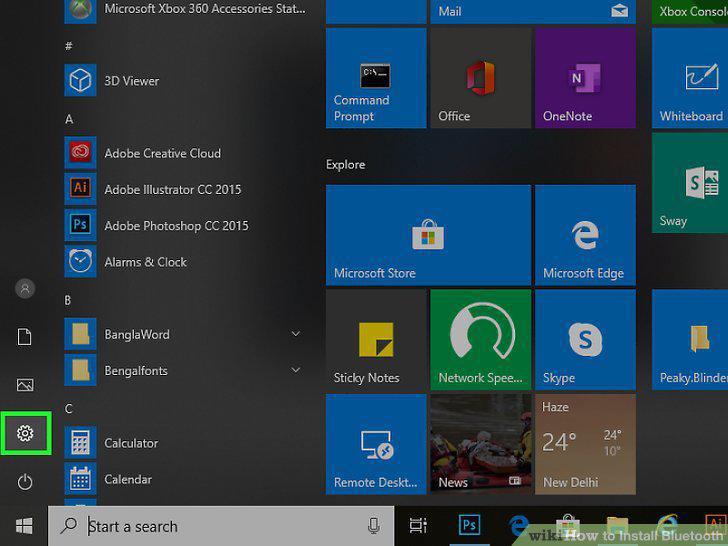
Click Settings on the Start menu.
Click Devices in the Settings window.
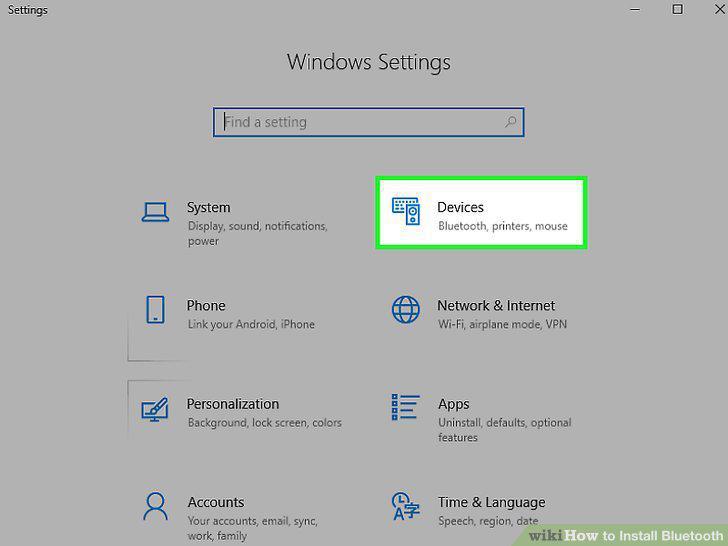
Click Devices in the Settings window.
Click Bluetooth on the left column.
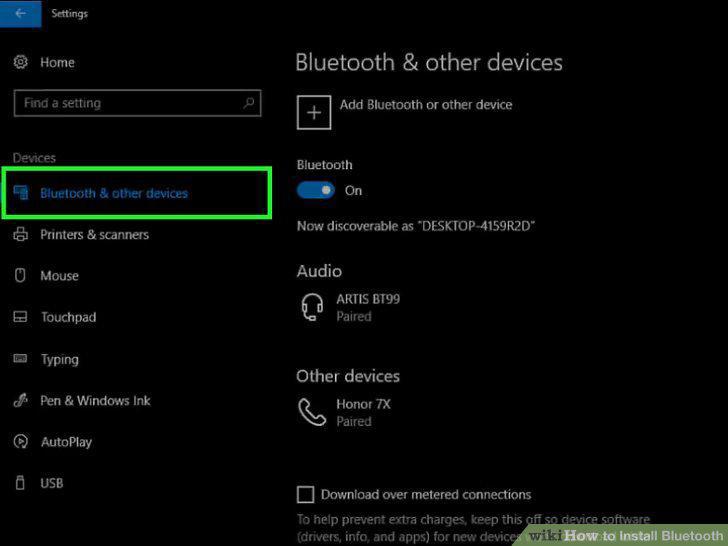
Click Bluetooth on the left column.
Click and slide the "Bluetooth" switch to .
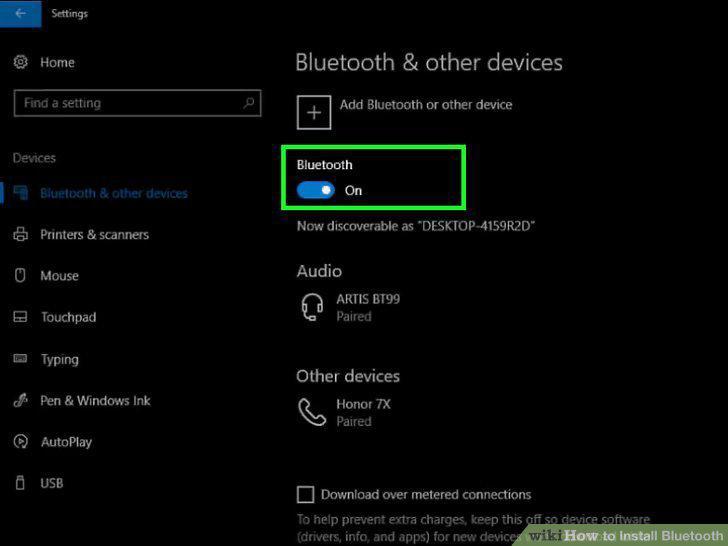
Click and slide the "Bluetooth" switch to .
Find and click the Bluetooth device you want to pair (optional).
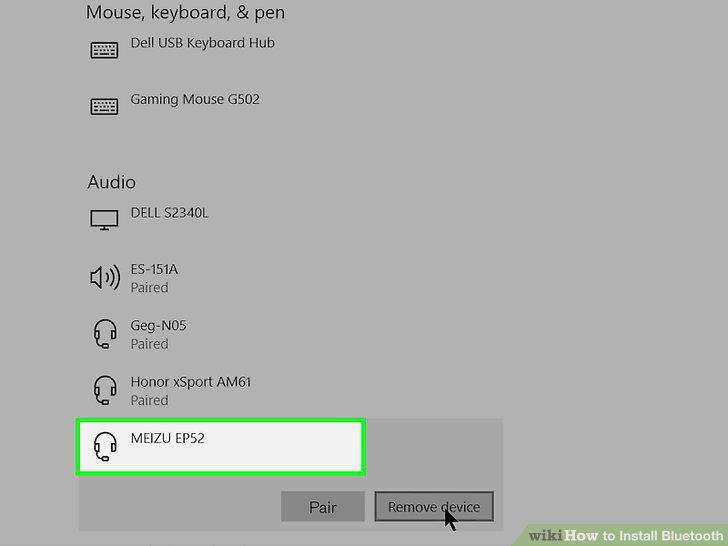
Find and click the Bluetooth device you want to pair (optional).
Click Pair below the selected Bluetooth device (optional).
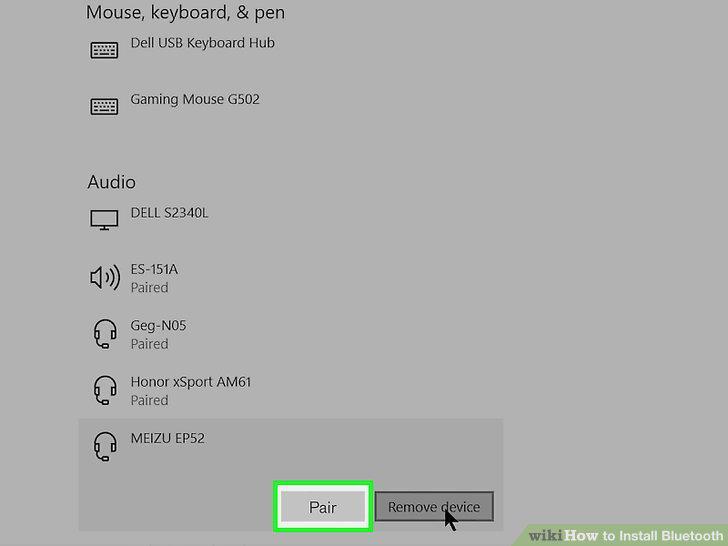
Click Pair below the selected Bluetooth device (optional).
Open the Apple menu on the top-left of your Mac.
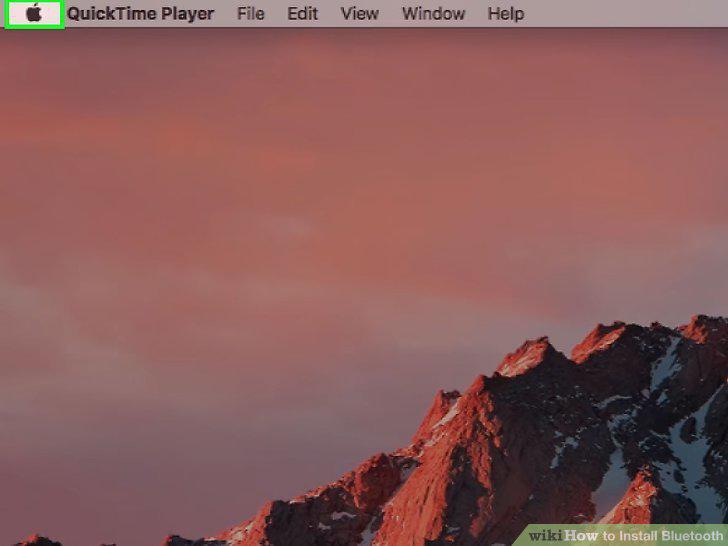
Open the Apple menu on the top-left of your Mac.
Click System Preferences on the Apple menu.
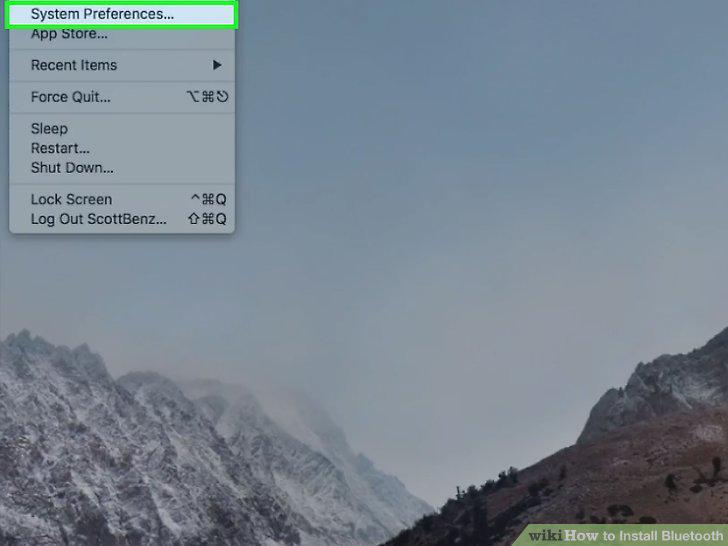
Click System Preferences on the Apple menu.
Click Bluetooth in the System Preferences window.
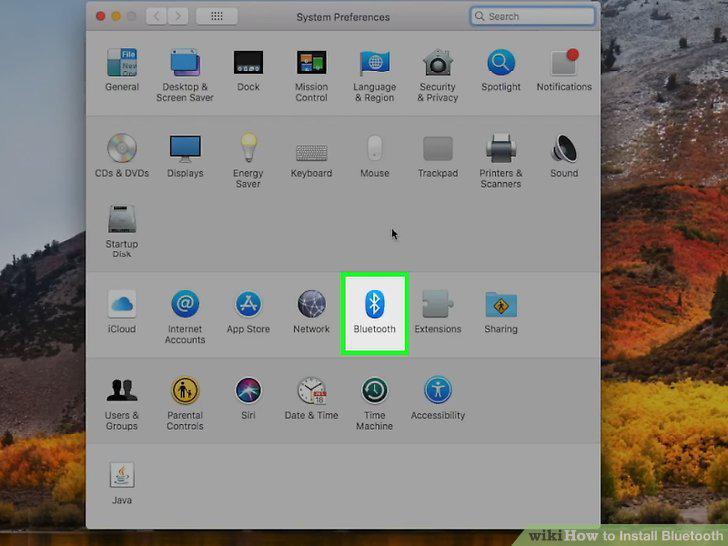
Click Bluetooth in the System Preferences window.
Click the Turn Bluetooth On button.
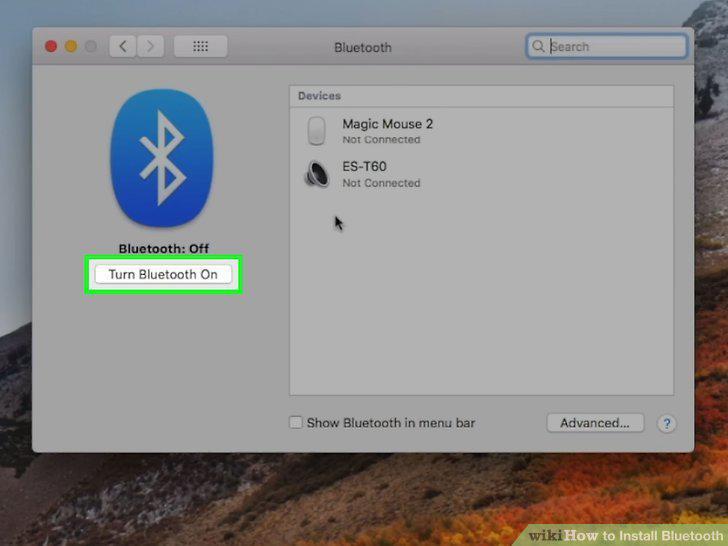
Click the Turn Bluetooth On button.
Click Pair or Connect next a Bluetooth device (optional).
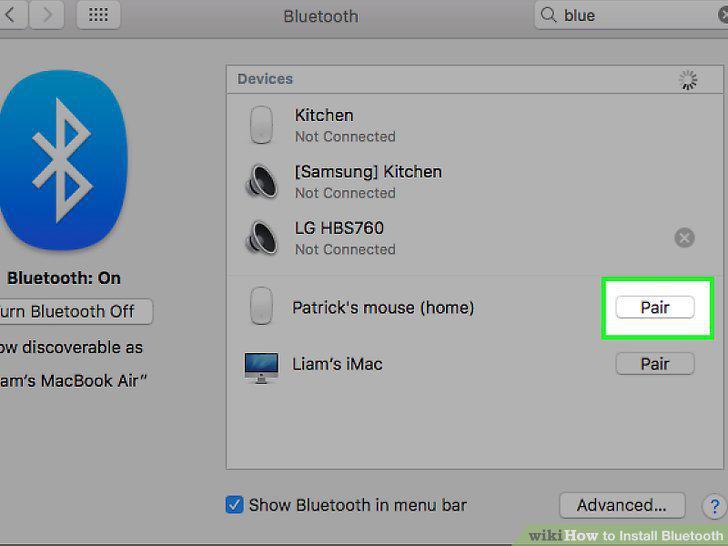
Click Pair or Connect next a Bluetooth device (optional).
Check the Show Bluetooth in menu bar option (optional).
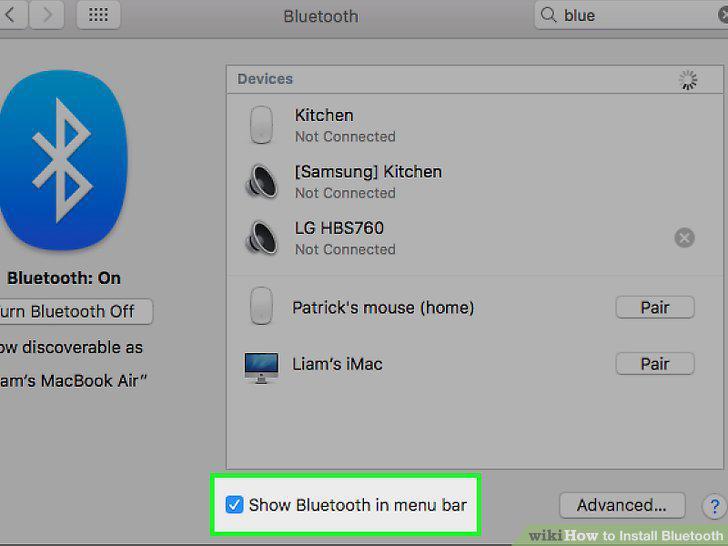
Check the Show Bluetooth in menu bar option (optional).
Open the Settings menu on your iPhone or iPad.
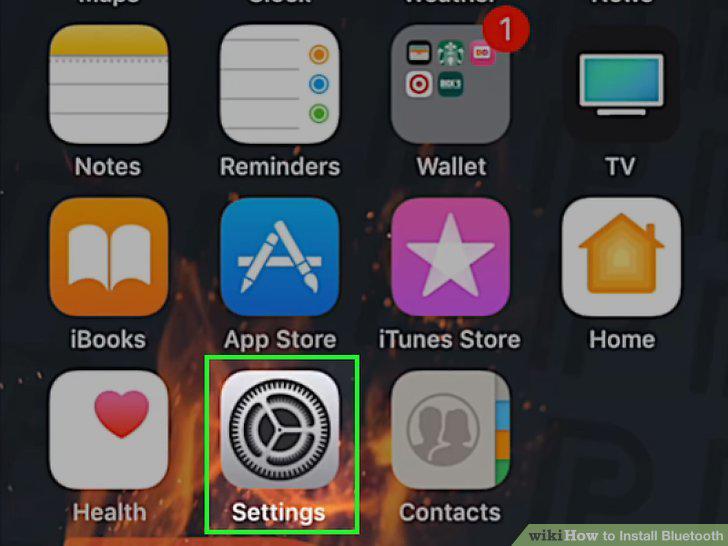
Open the Settings menu on your iPhone or iPad.
Tap the Bluetooth option in Settings.
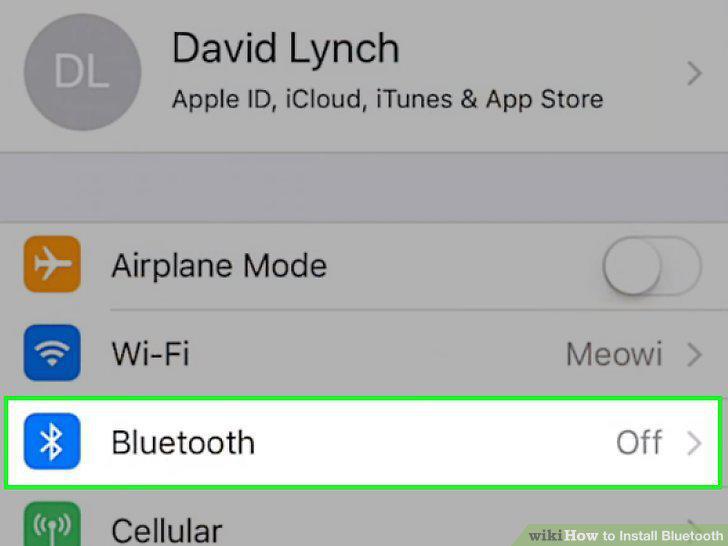
Tap the Bluetooth option in Settings.
Slide the Bluetooth switch to the On position.
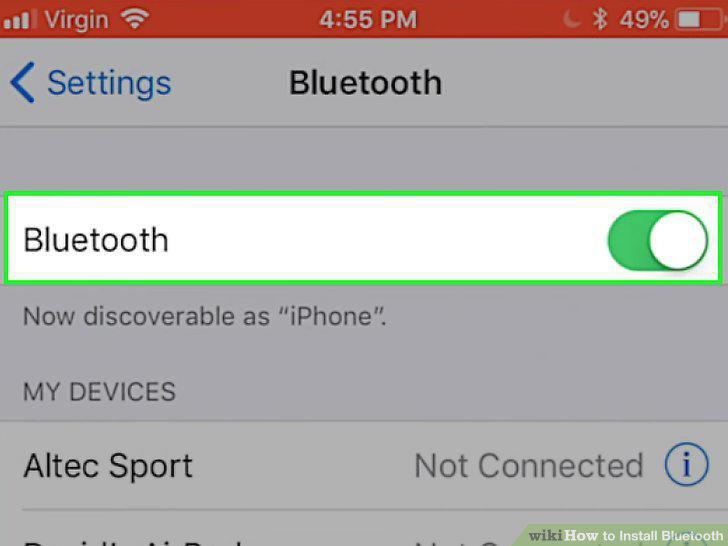
Slide the Bluetooth switch to the On position.
Scroll down and tap the Bluetooth device you want to connect (optional).
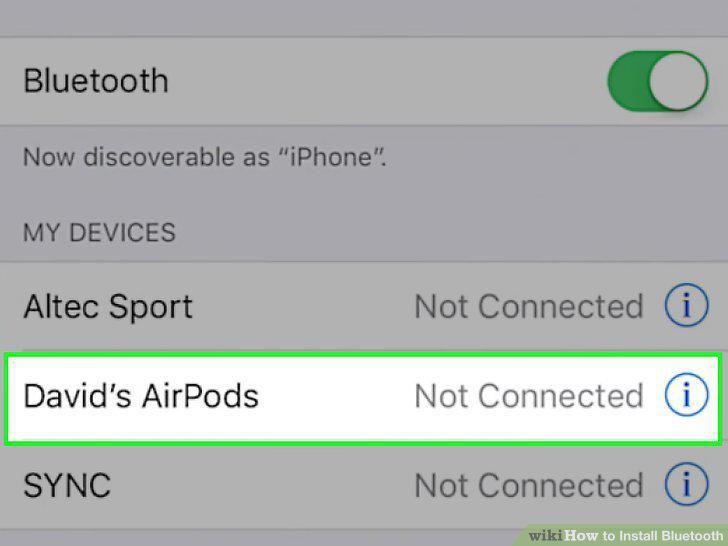
Scroll down and tap the Bluetooth device you want to connect (optional).
Open the Settings menu on your Android.
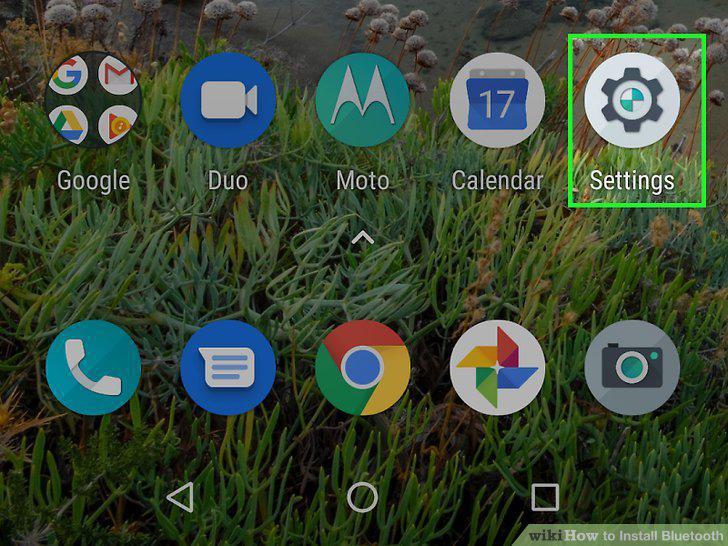
Open the Settings menu on your Android.
Tap Connections on the Settings menu.
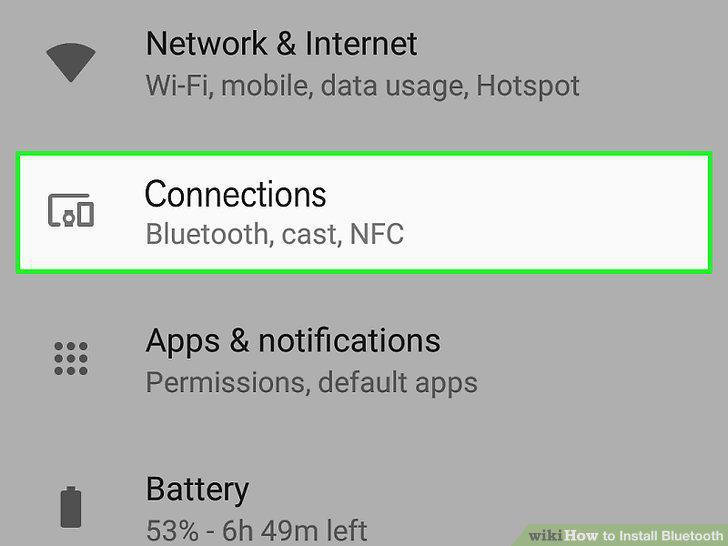
Tap Connections on the Settings menu.
Tap the Bluetooth option in Connections.
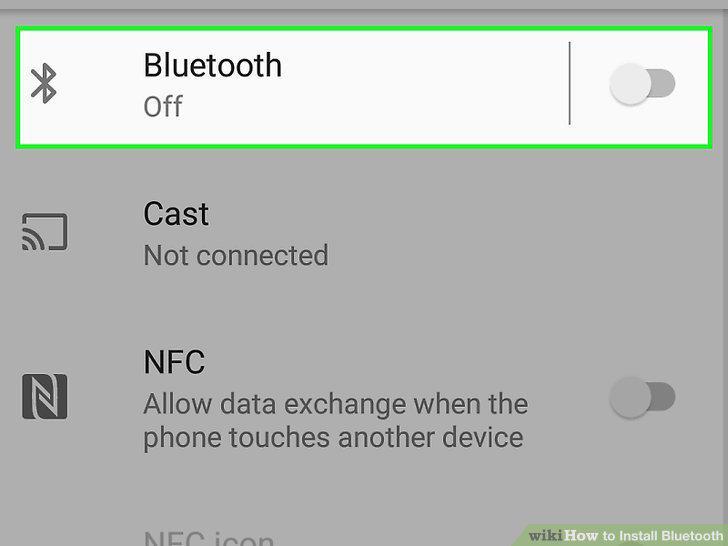
Tap the Bluetooth option in Connections.
Slide the Bluetooth switch to the On position.
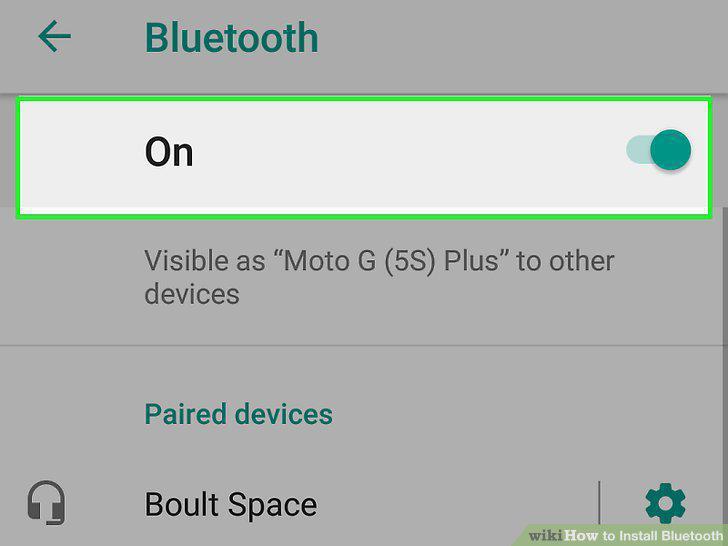
Slide the Bluetooth switch to the On position.
Find and tap the Bluetooth device you want to pair (optional).
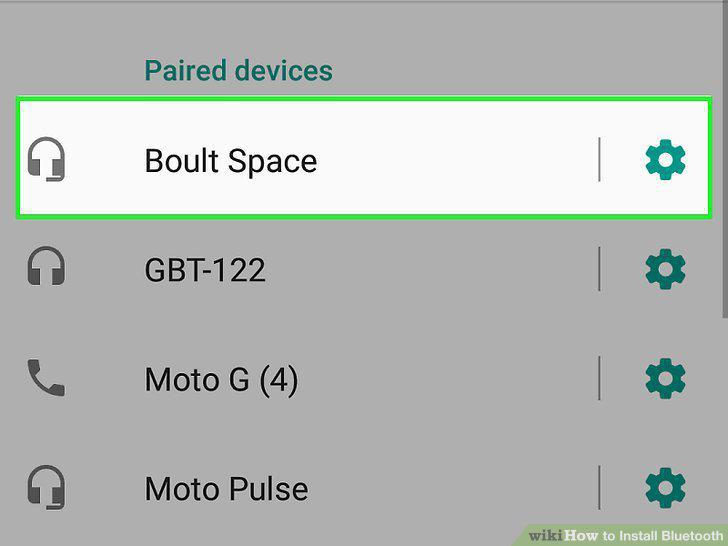
Find and tap the Bluetooth device you want to pair (optional).
Find a USB port on your computer.
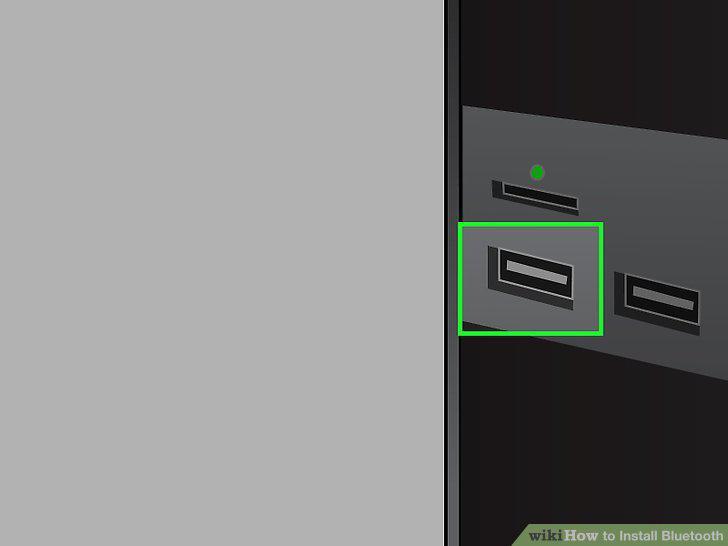
Find a USB port on your computer.
Turn off all other Bluetooth devices around you.
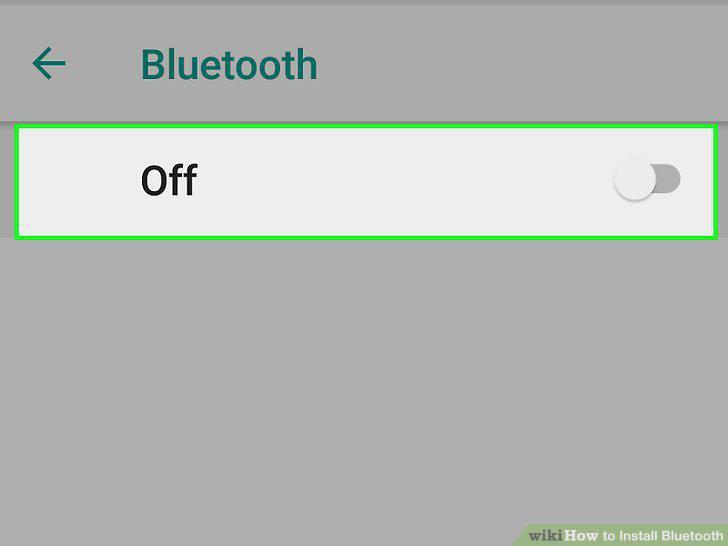
Turn off all other Bluetooth devices around you.
Plug your Bluetooth dongle into a USB port on your computer.
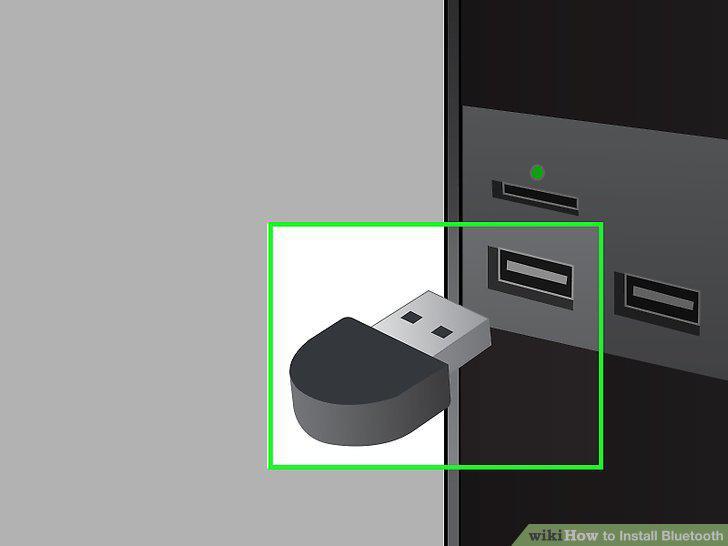
Plug your Bluetooth dongle into a USB port on your computer.
Install your dongle adapter's required software to your computer.
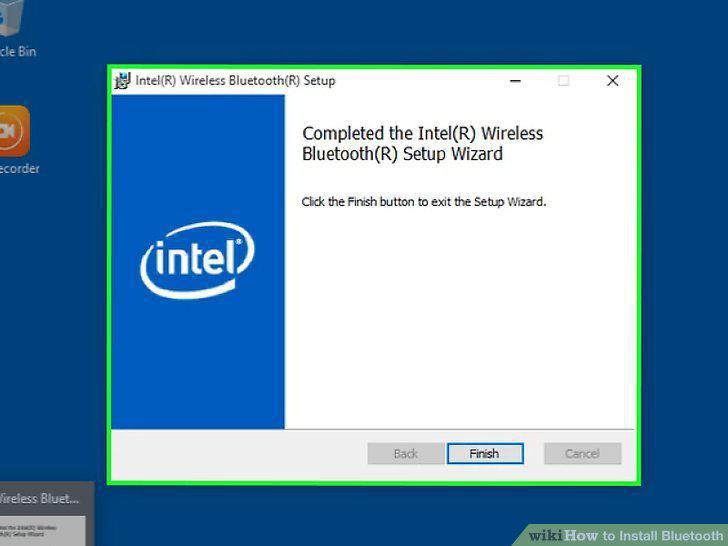
Install your dongle adapter's required software to your computer.
Enable Bluetooth on the device you want to connect to your dongle.
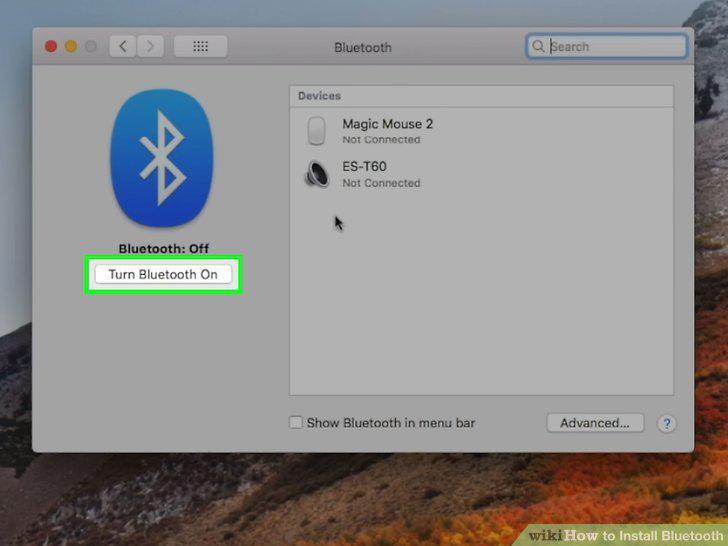
Enable Bluetooth on the device you want to connect to your dongle.
Connect to your Bluetooth device via your dongle adapter.
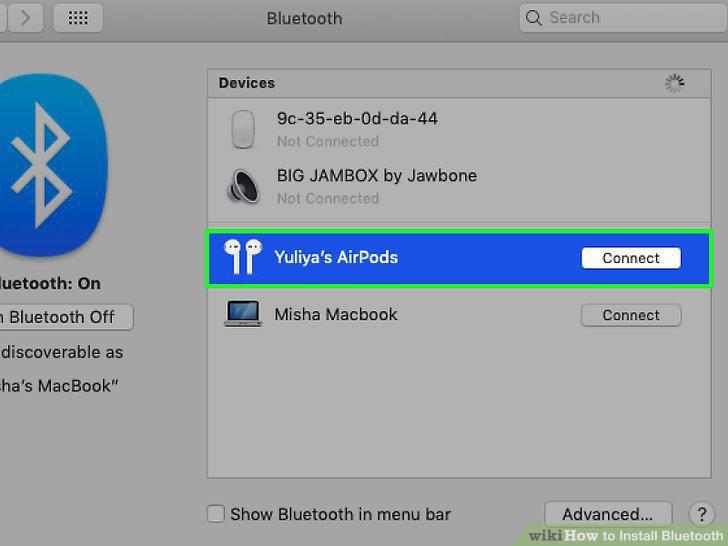
Connect to your Bluetooth device via your dongle adapter.
Right-click on the Start menu icon.
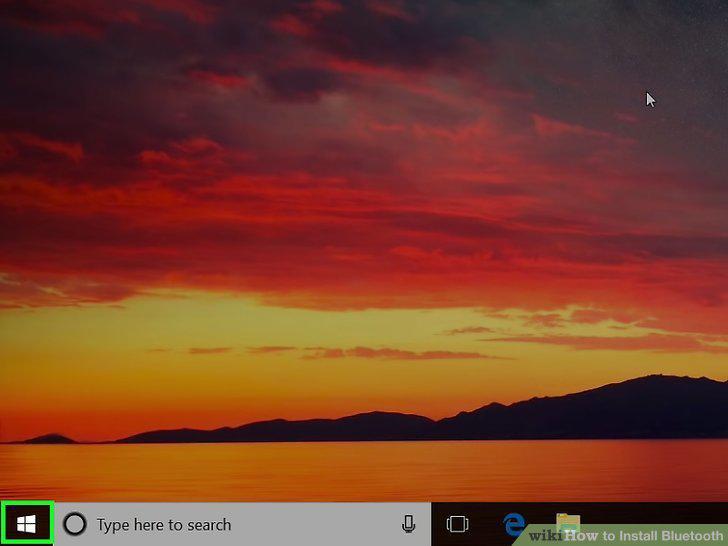
Right-click on the Start menu icon.
Click Device Manager on the menu.
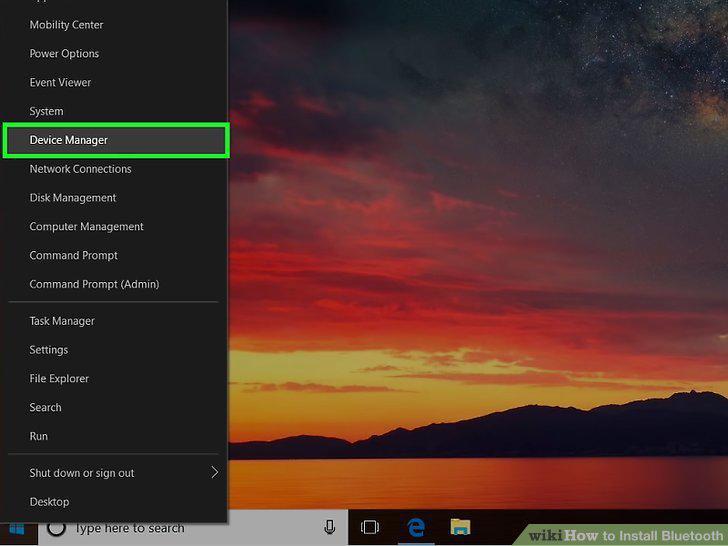
Click Device Manager on the menu.
Click and expand Bluetooth on the list.
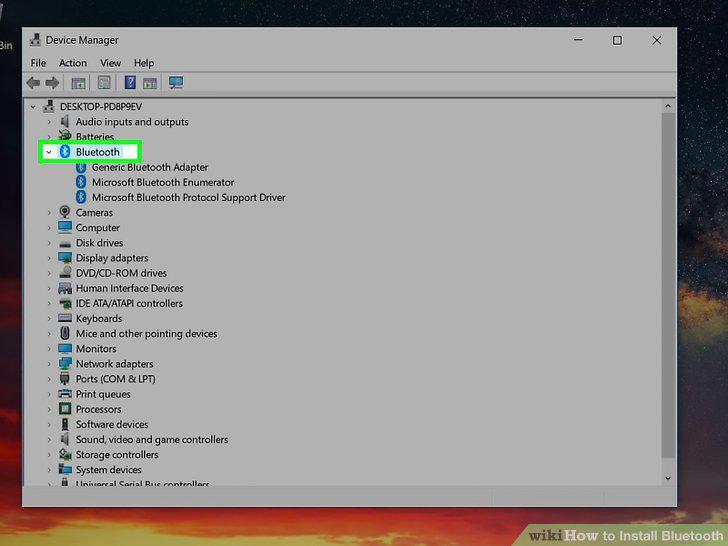
Click and expand Bluetooth on the list.
Right-click your current Bluetooth adapter.
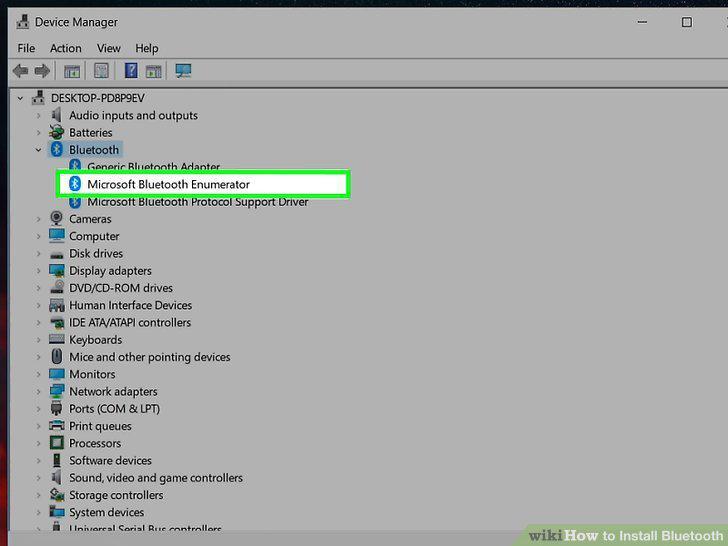
Right-click your current Bluetooth adapter.
Click Update driver software on the right-click menu.
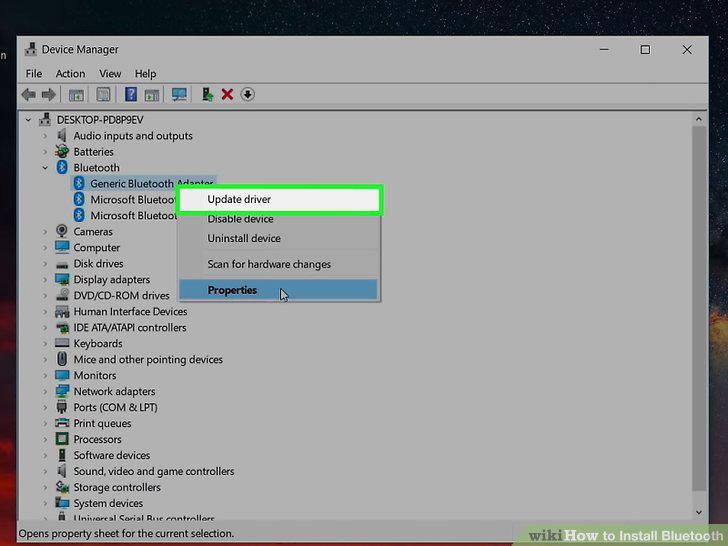
Click Update driver software on the right-click menu.
Select Search automatically for updated driver software in the pop-up.
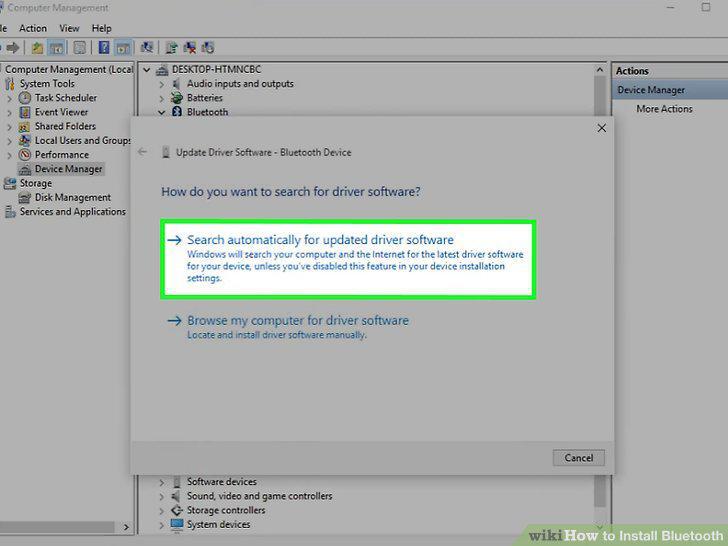
Select Search automatically for updated driver software in the pop-up.
Click Close in the installation window.
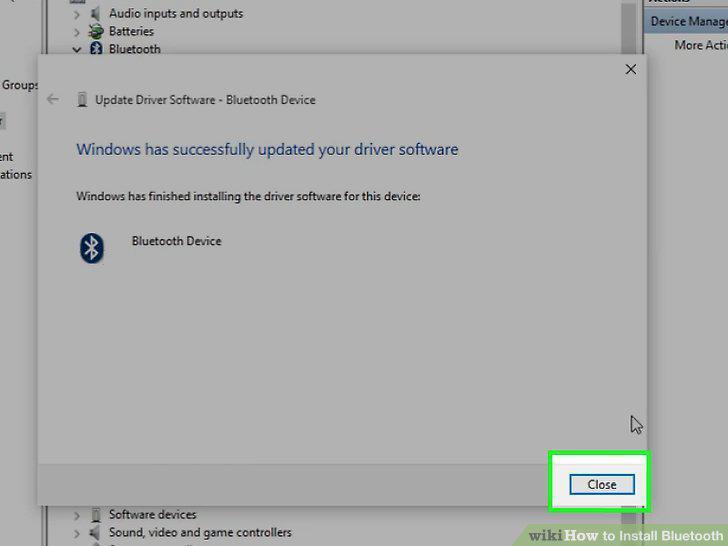
Click Close in the installation window.
Open https://support.apple.com/kb/dl1209 in your internet browser.
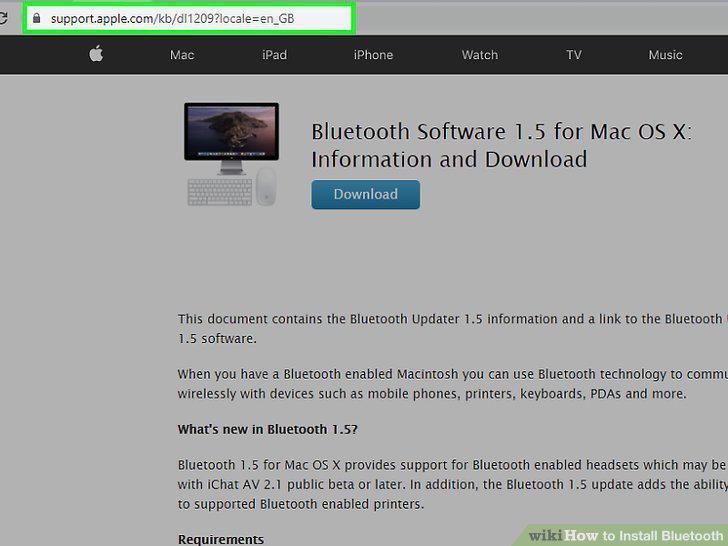
Open https://support.apple.com/kb/dl1209 in your internet browser.
Click the Download button.
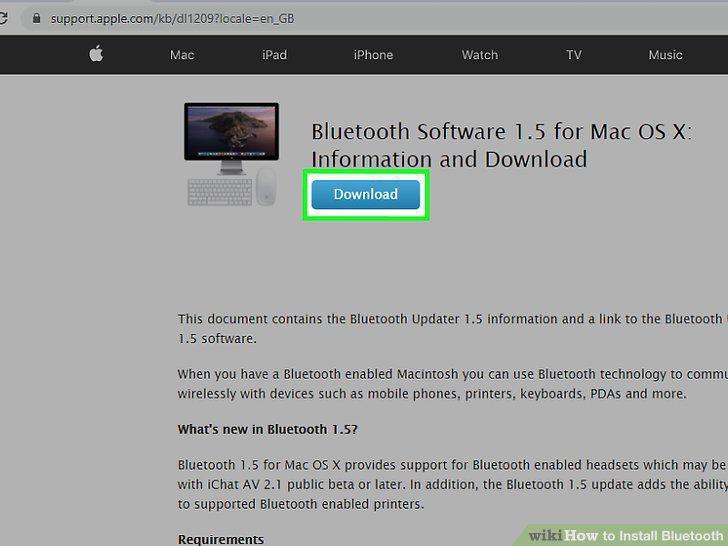
Click the Download button.
Launch the "BluetoothUpdate1.5.dmg" file on your computer.
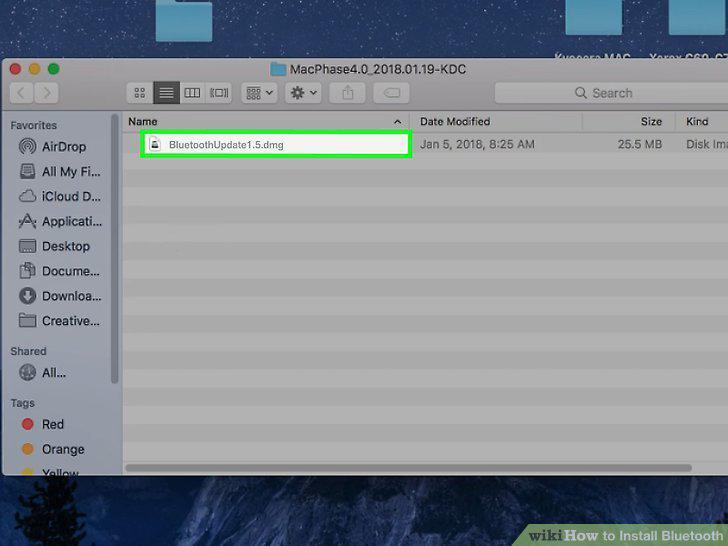
Launch the "BluetoothUpdate1.5.dmg" file on your computer.
Double-click the "BluetoothUpdate1.5.pkg" file in the DMG window.
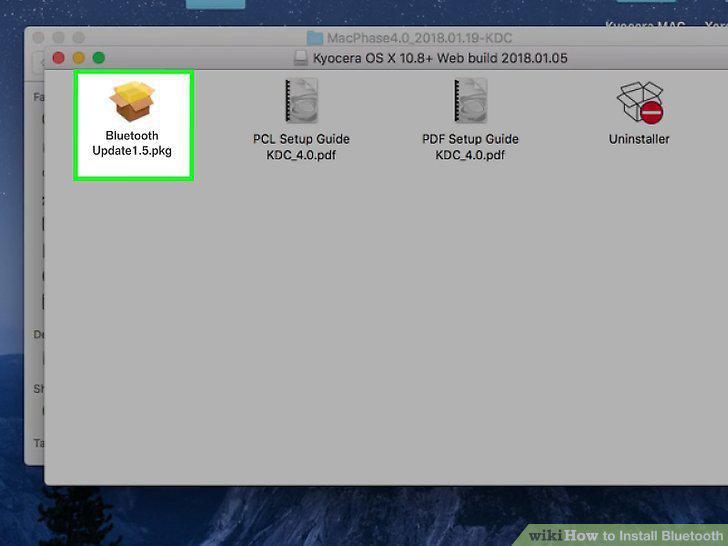
Double-click the "BluetoothUpdate1.5.pkg" file in the DMG window.
Click Continue until the installation starts.
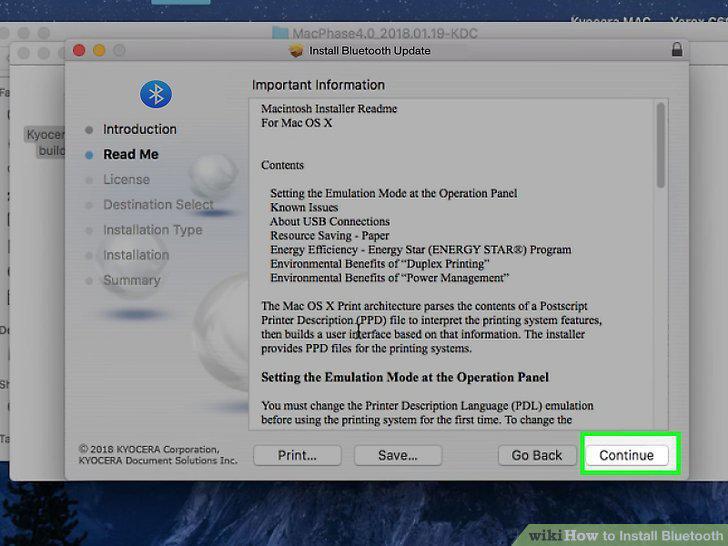
Click Continue until the installation starts.
Click Close when the installation is finished.
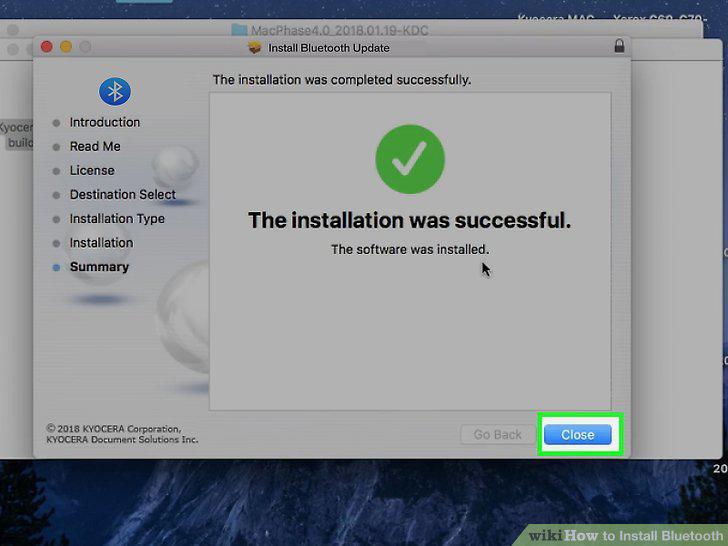
Click Close when the installation is finished.
Comments (0)
No comments yet. Be the first to share your thoughts!