How to Save Pictures from Safari on an iPhone
Touch and hold the picture for 2 seconds until a menu appears at the bottom of your screen.. Tap Save Image.. View your picture.
Steps
1
Touch and hold the picture for 2 seconds until a menu appears at the bottom of y

Touch and hold the picture for 2 seconds until a menu appears at the bottom of your screen.
2
Tap Save Image.
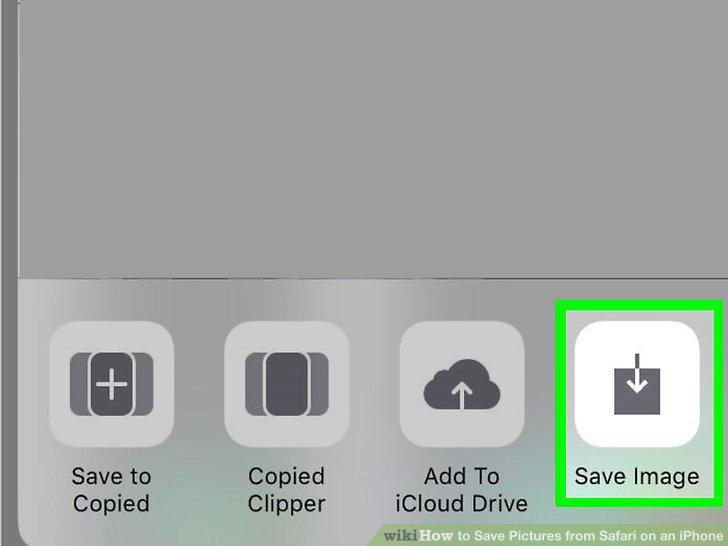
Tap Save Image.
3
View your picture.
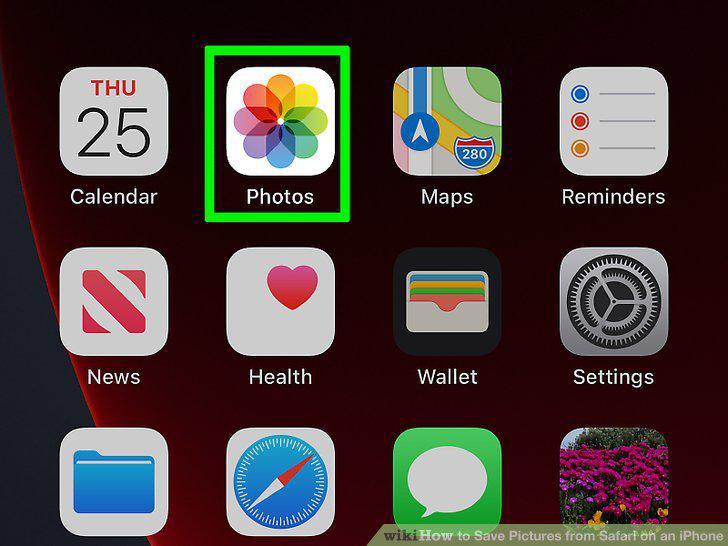
View your picture.
Comments (0)
No comments yet. Be the first to share your thoughts!